Lesson Library
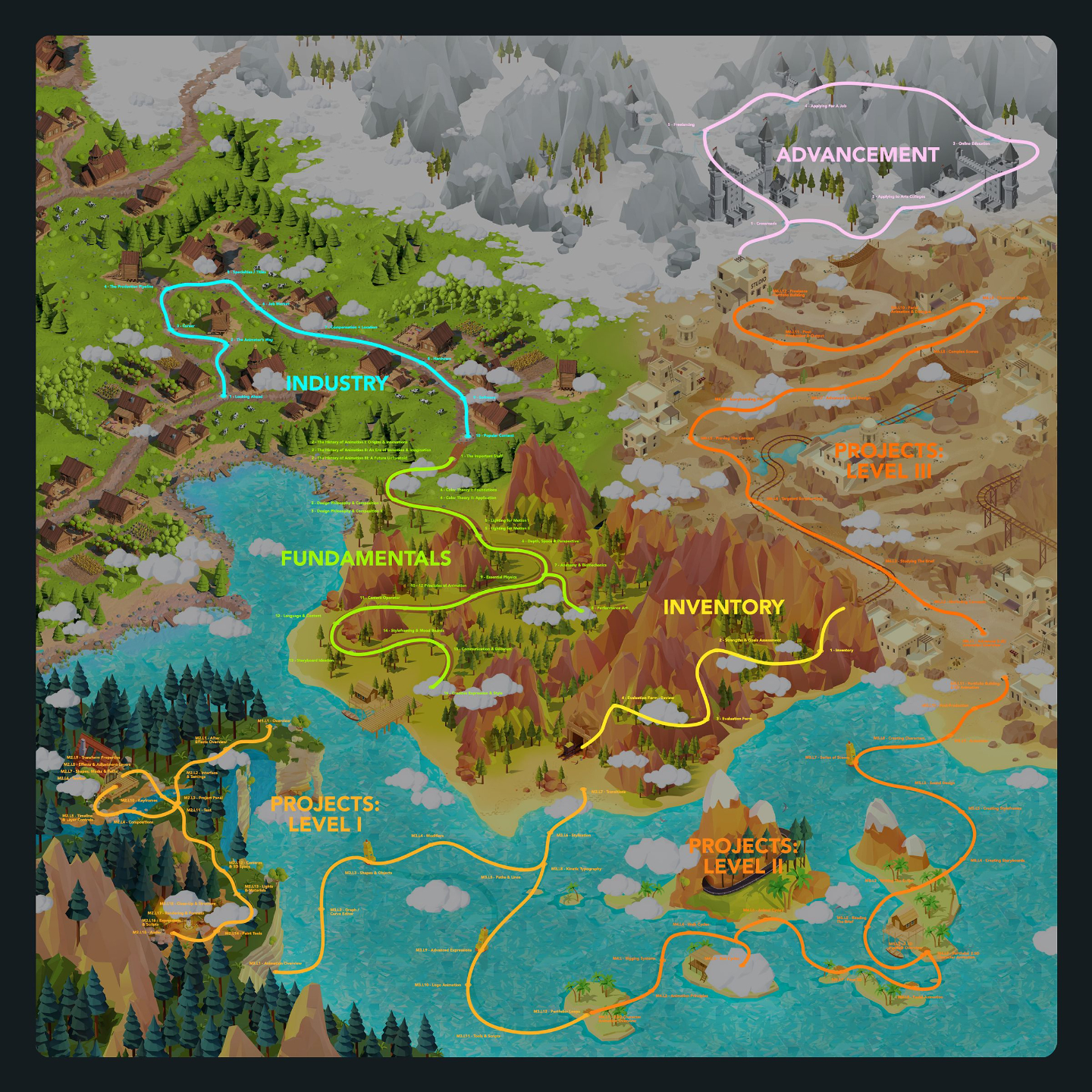
Below lists out all modules and lessons included within this curriculum.
Lessons are in video format with downloadable project files.
Lesson Block 1:
Industry
This series of lessons covers all topics relating to the state of the industry, what roles are available, what tools are used, and thinking critically about what your options are for your future with these newly acquired skills.
This is a great way to learn about what's involved in becoming an Animator or Motion Graphics Artist before learning the actual skills and software.
Lessons available for:

Lesson Block 2:
Fundamentals
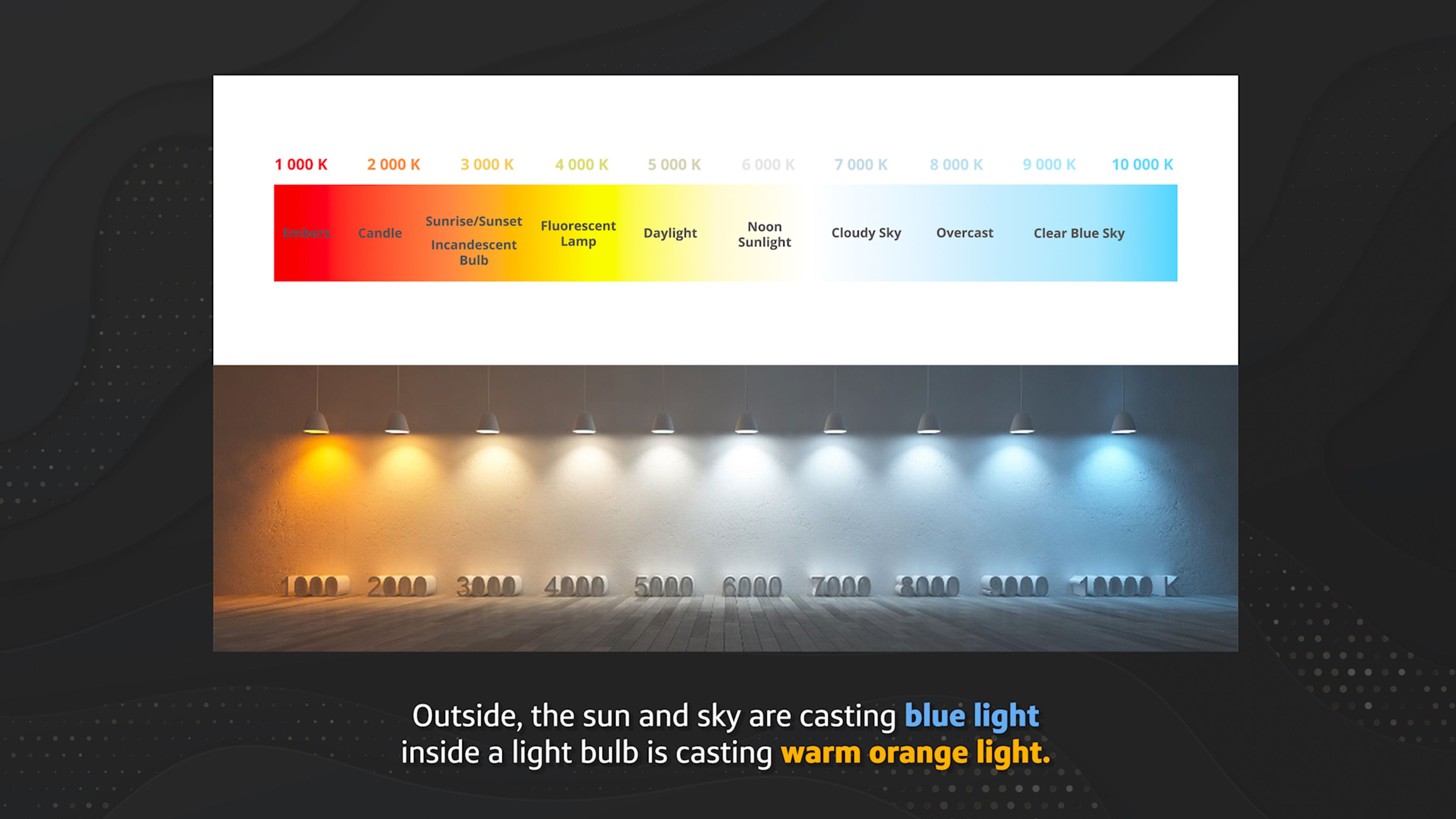
This series of lessons covers foundational principles that bolster your skills when it comes time to actually create something.
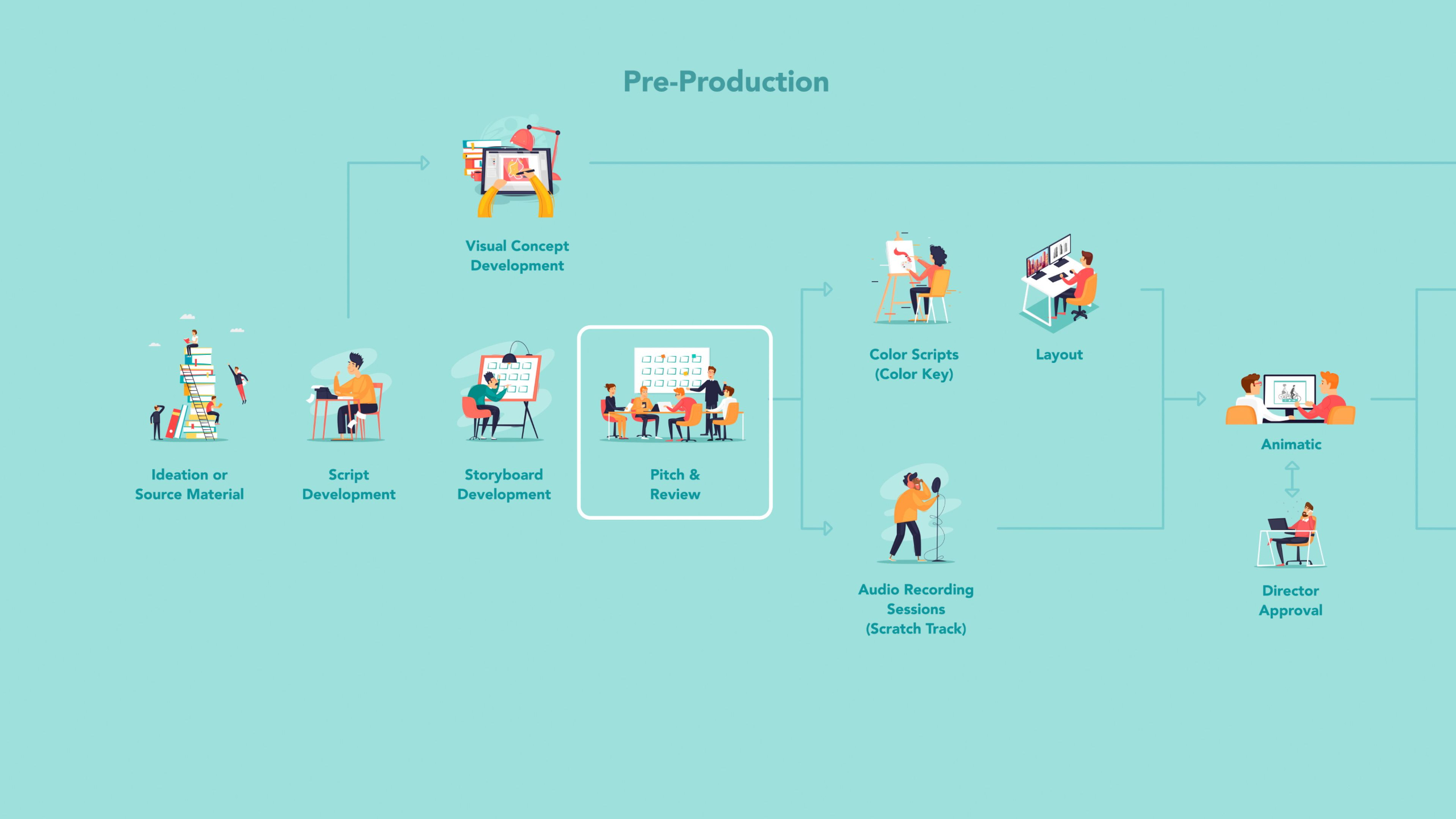
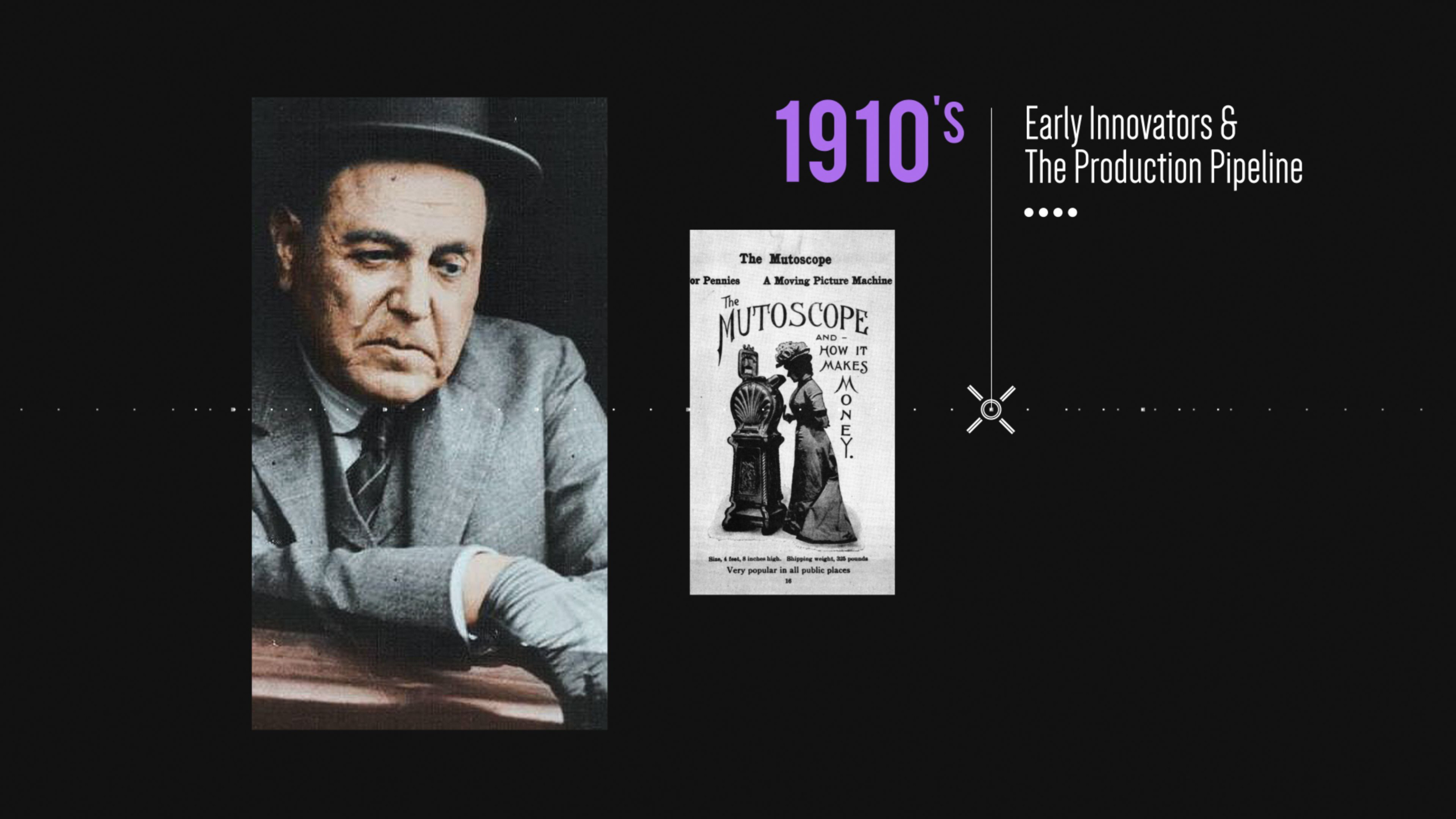
We cover animation history over the last 100 years, design & composition, anatomy, cinematography, storyboarding and more!
These skills are what separates the novices from the artists who thrive in the industry.
Lessons available for:
Lesson Block 3:
Inventory
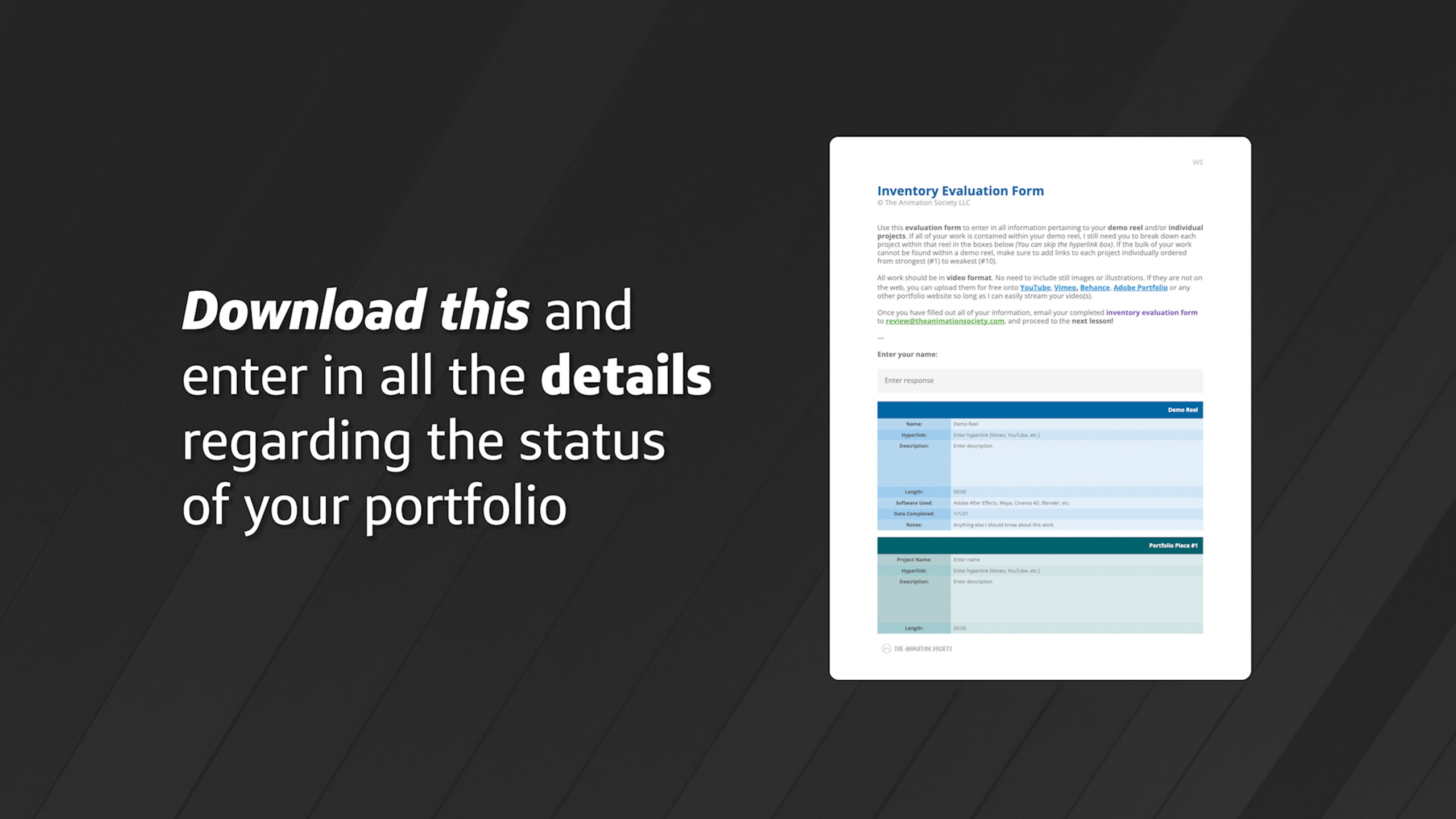
This series of lessons is geared towards intermediate to advanced artists that want to reconfigure their portfolio by going through what’s there currently, what is working, and what needs to be worked on.
*This includes a personal evaluation of your work, with feedback and recommendations. Requires an existing 2D or 3D portfolio.
Lessons available for:
Lesson Block 4:
Skillset: 2D Animation
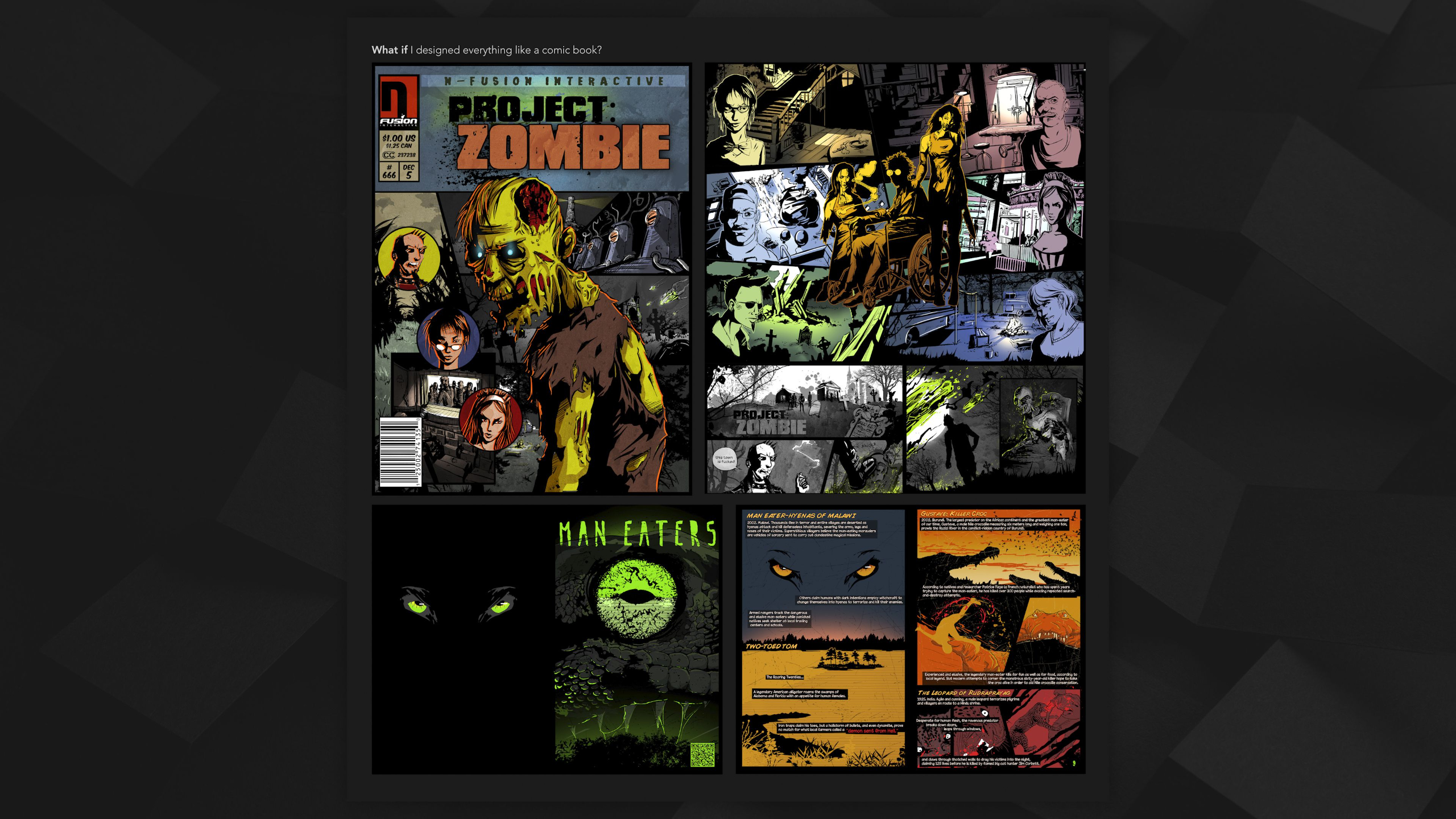
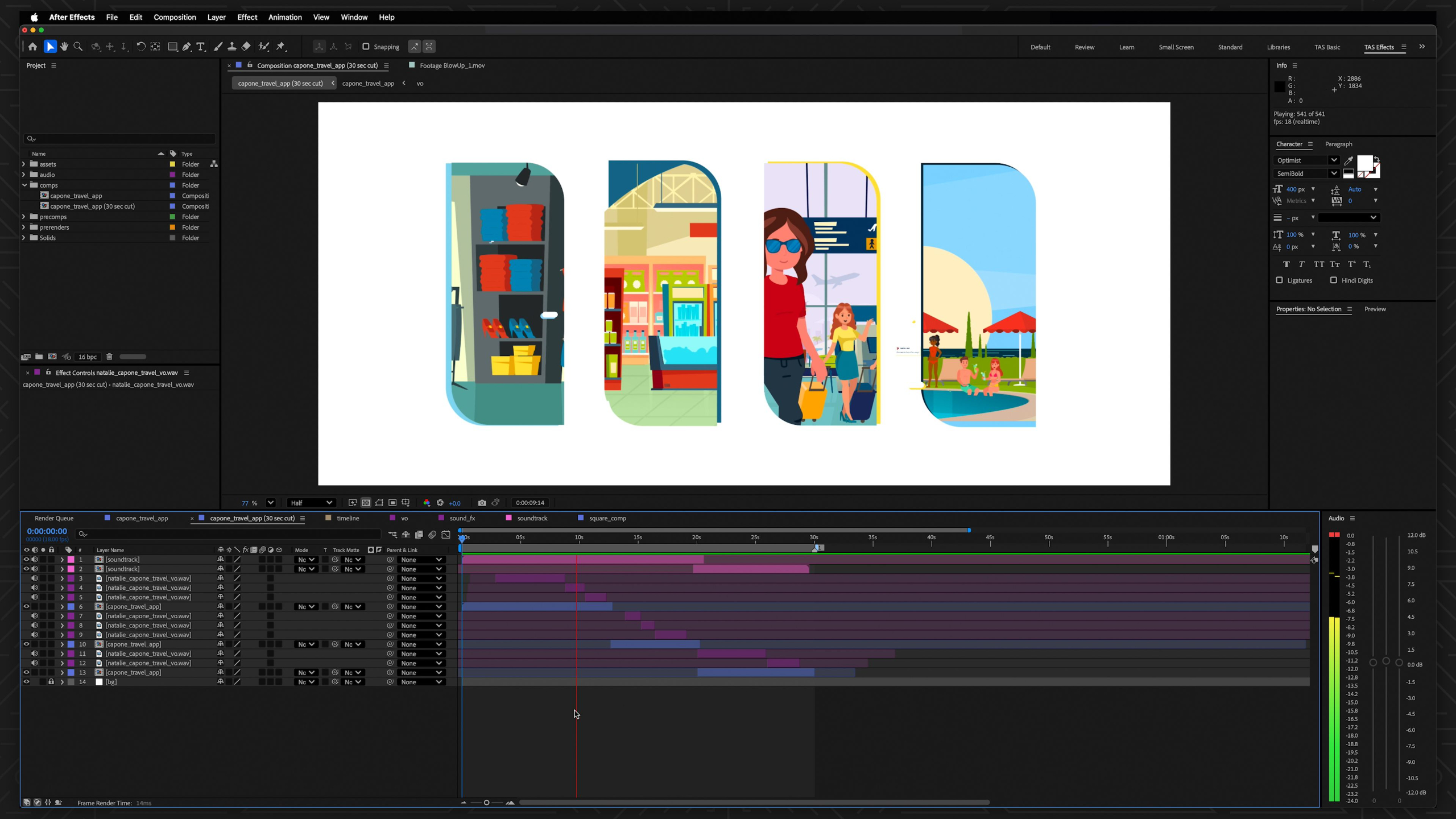
Our 2D Animation Curriculum introduces beginners to digital animation by blending foundational 2D animation principles with modern 3D-inspired techniques to create dynamic, believable motion without requiring advanced drawing skills.
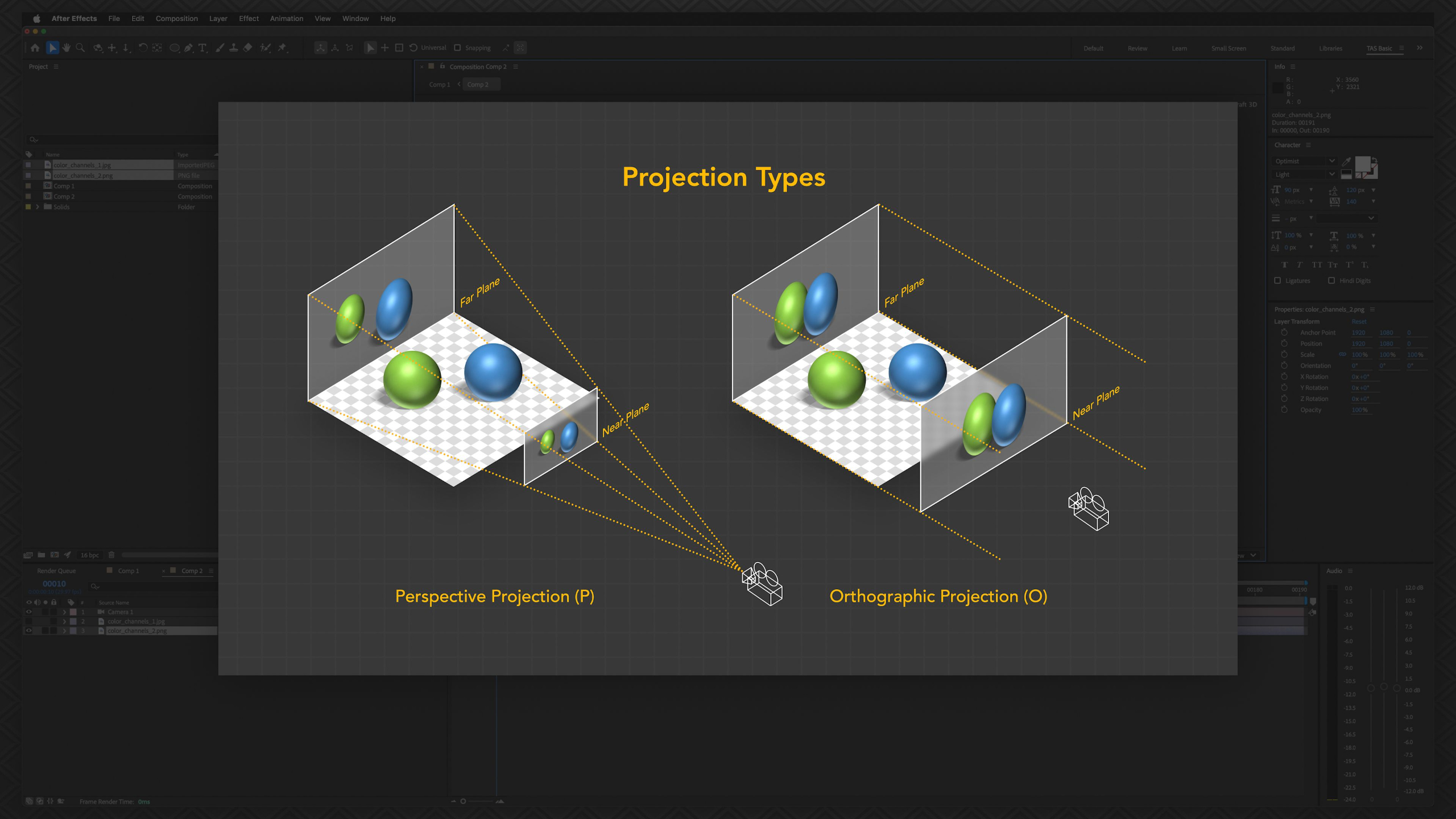
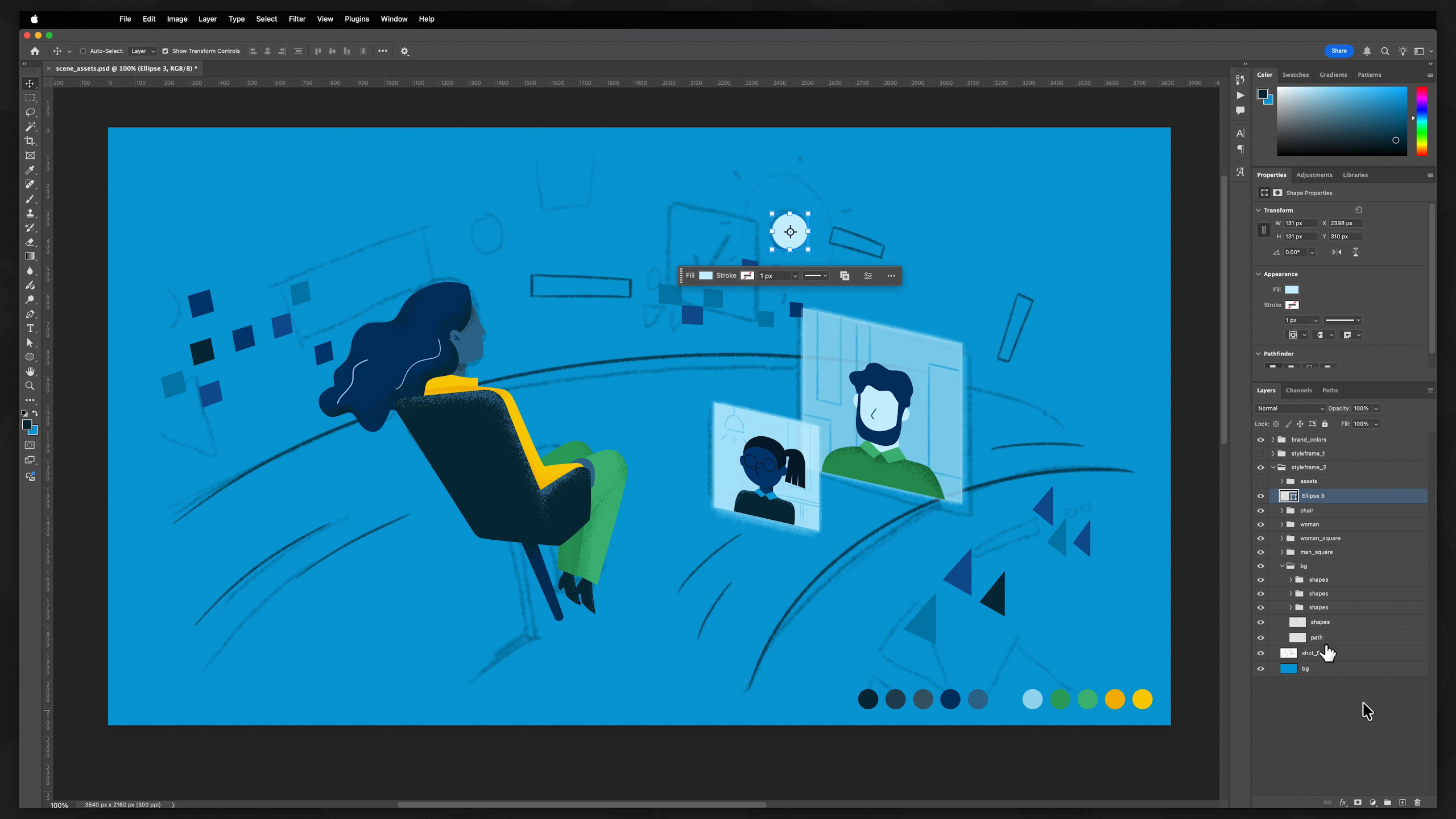
The course emphasizes a '2.5D' workflow that combines the visual style of 2D with the depth and flexibility of 3D production methods, using industry-standard tools like Adobe After Effects to teach animation fundamentals, character rigging, walk cycles, storytelling, compositing, and portfolio development.
Structured across 3 progressively advanced levels, this program is designed to build adaptable creative skills for careers in animation, freelance work, or studio production while exploring multiple artistic paths and developing a professional-quality portfolio through hands-on assignments.
*Requires Adobe Creative Cloud Pro account (sold separately)
Lessons available for:

*Includes lifetime access to lessons, future releases + community features
Buy Curriculum - $795Module 1: Overview
This first module summarizes up everything you will be learning within the 2D Animation Curriculum.
Covering what is and is not included if you are enrolled in one of our tailored Journeys, as well as details around what you will be learning at each skill level, the assignments ahead, and expected outcomes for your portfolio.
Module 2: Intro to After Effects (Level I)
Estimated completion time: 6-8 weeks
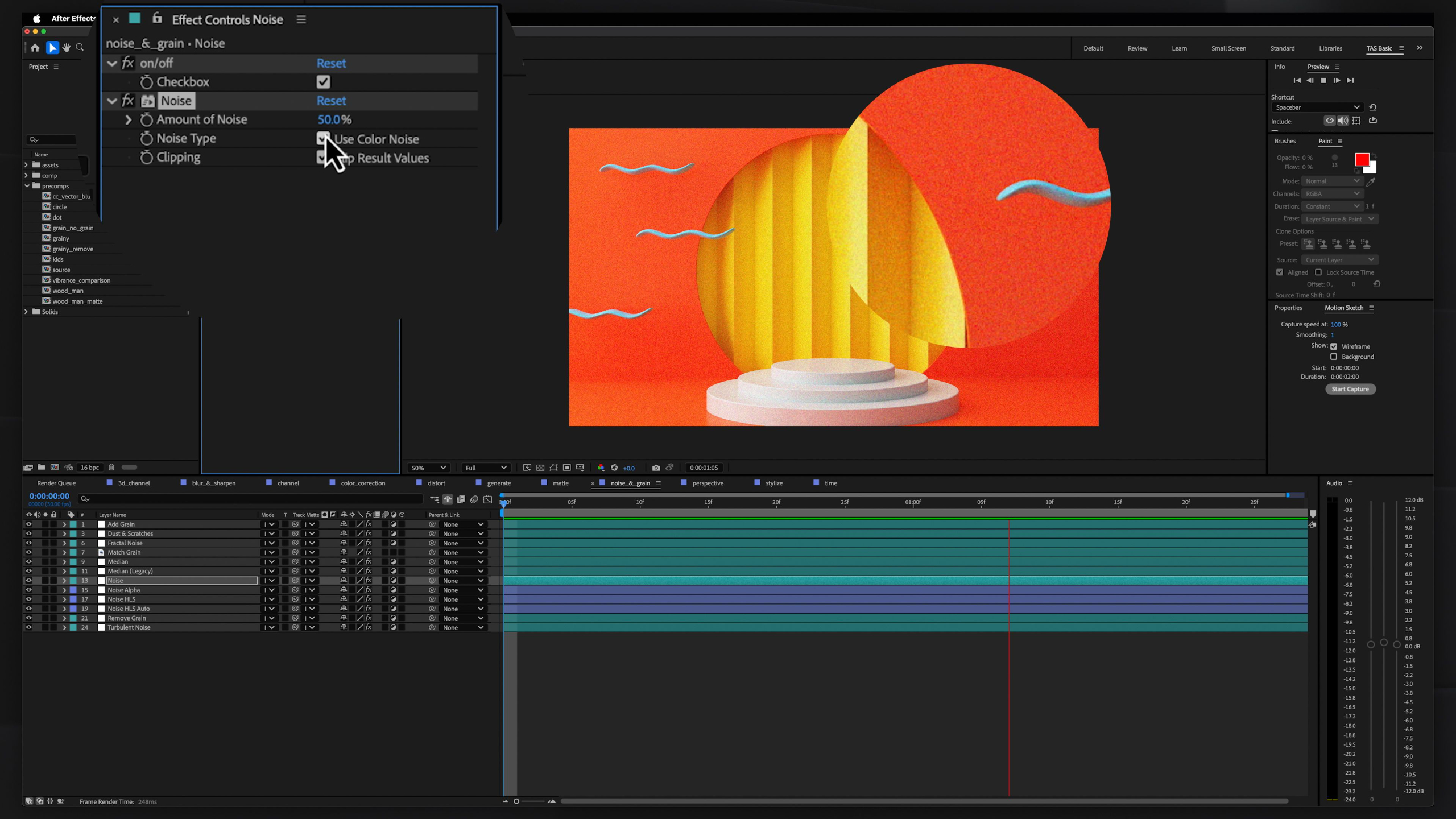
This module introduces Adobe After Effects as a powerful compositing and animation tool across film, television, gaming, marketing, and social media.
We explore how to combine visual elements, effects, and animation into cohesive scenes while emphasizing accessibility and seamless integration with other Adobe software.
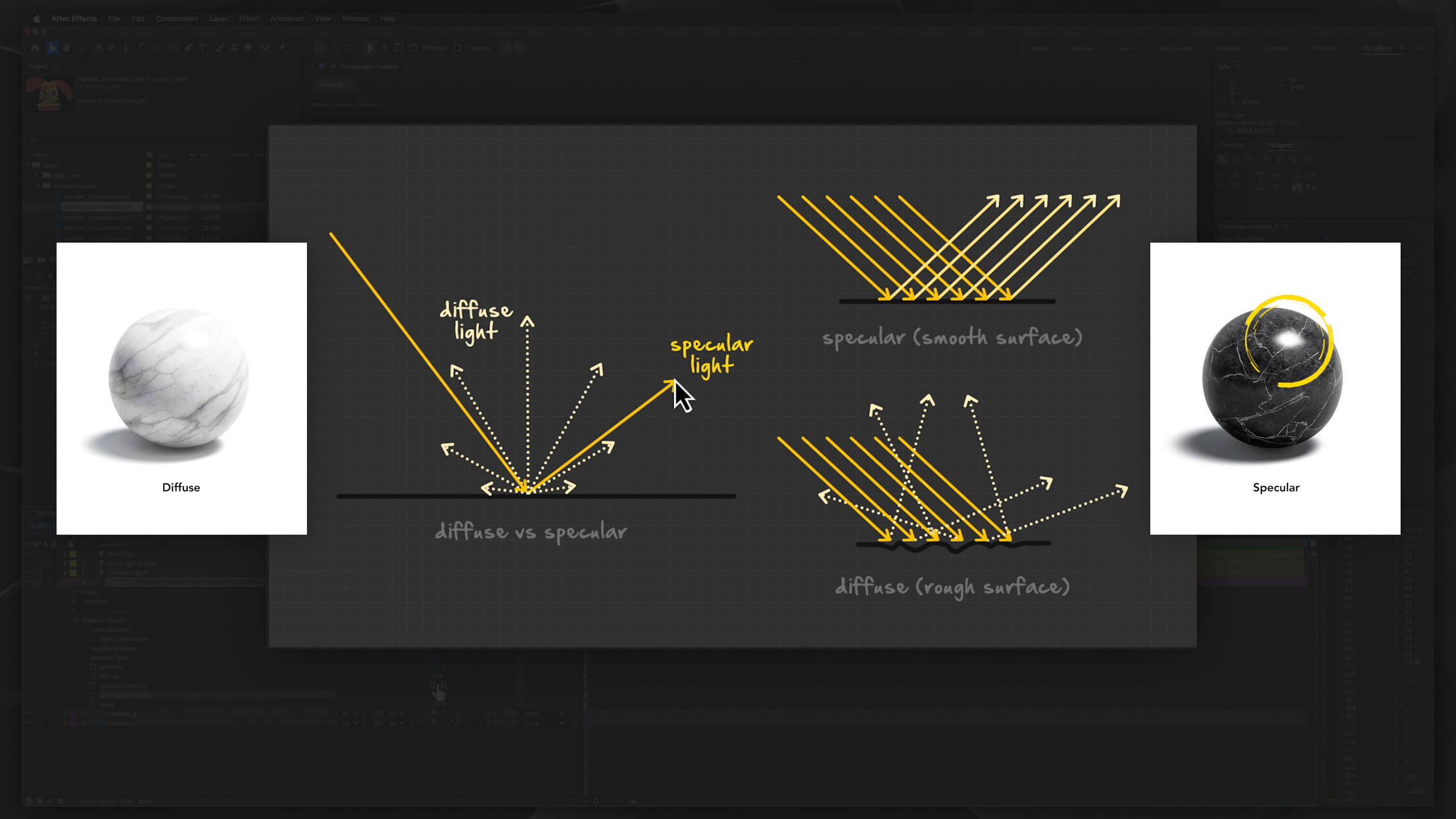
We focuses on teaching students a practical 2.5D Animation Pipeline that blends storytelling, character animation, and motion graphics. Students are encouraged to develop both creative and technical skills while learning industry workflows, hardware considerations, and the importance of repetition and experimentation in mastering animation.
Module 3: 2D Animation Fundamentals (Level I)
Estimated completion time: 6-8 weeks
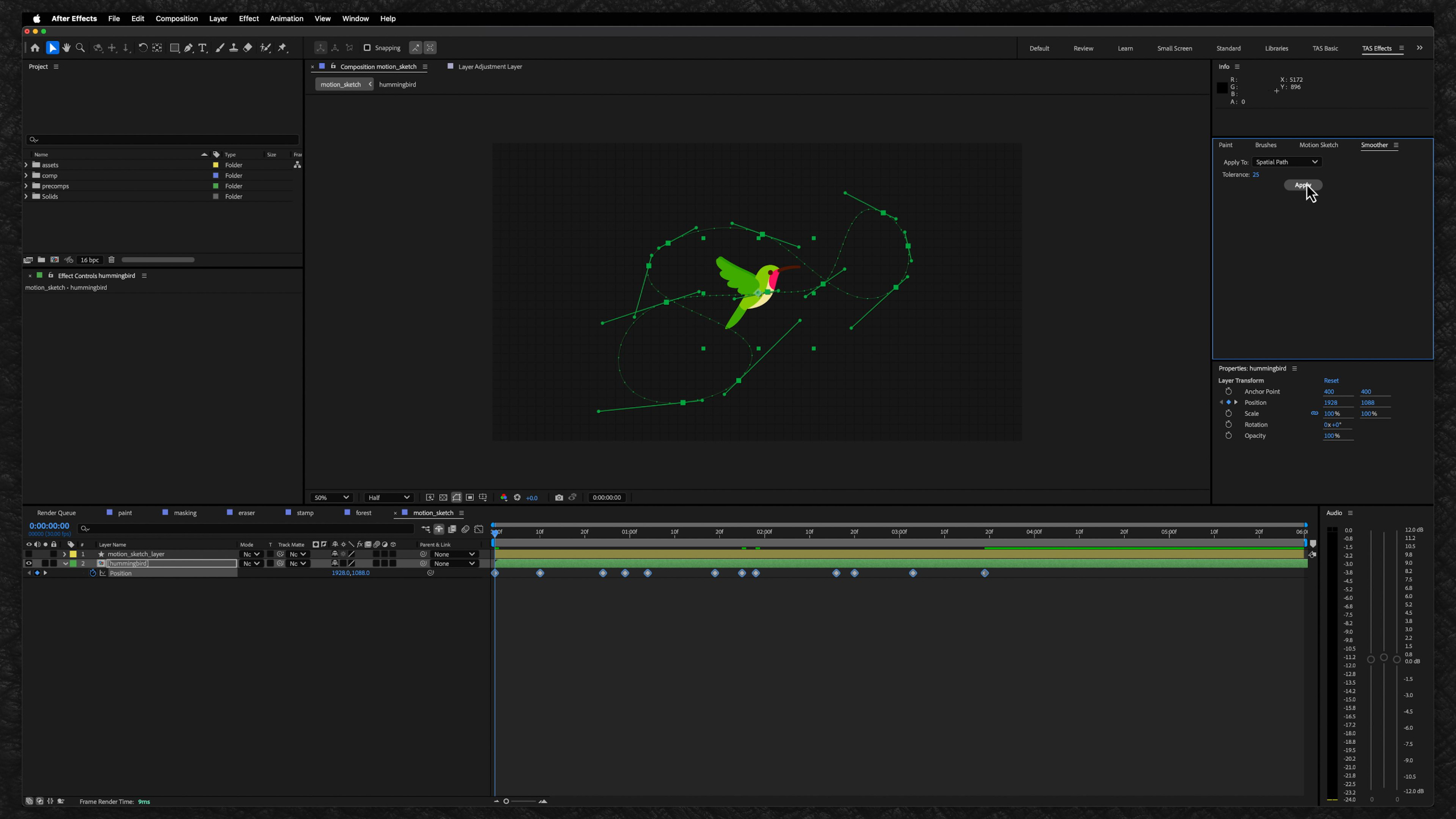
This module builds on your knowledge of the After Effects interface by teaching the core techniques used to create animated sequences and stories.
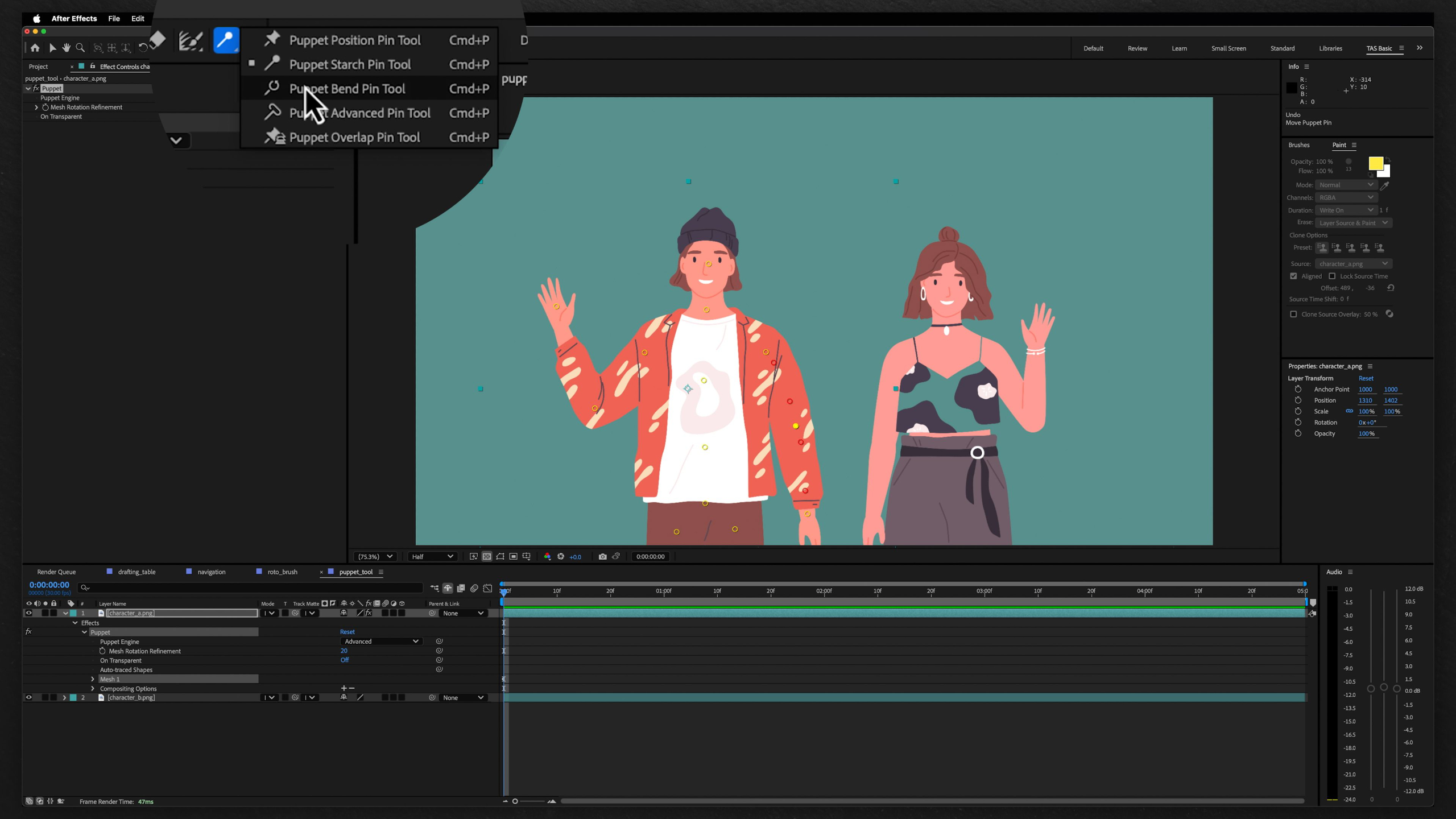
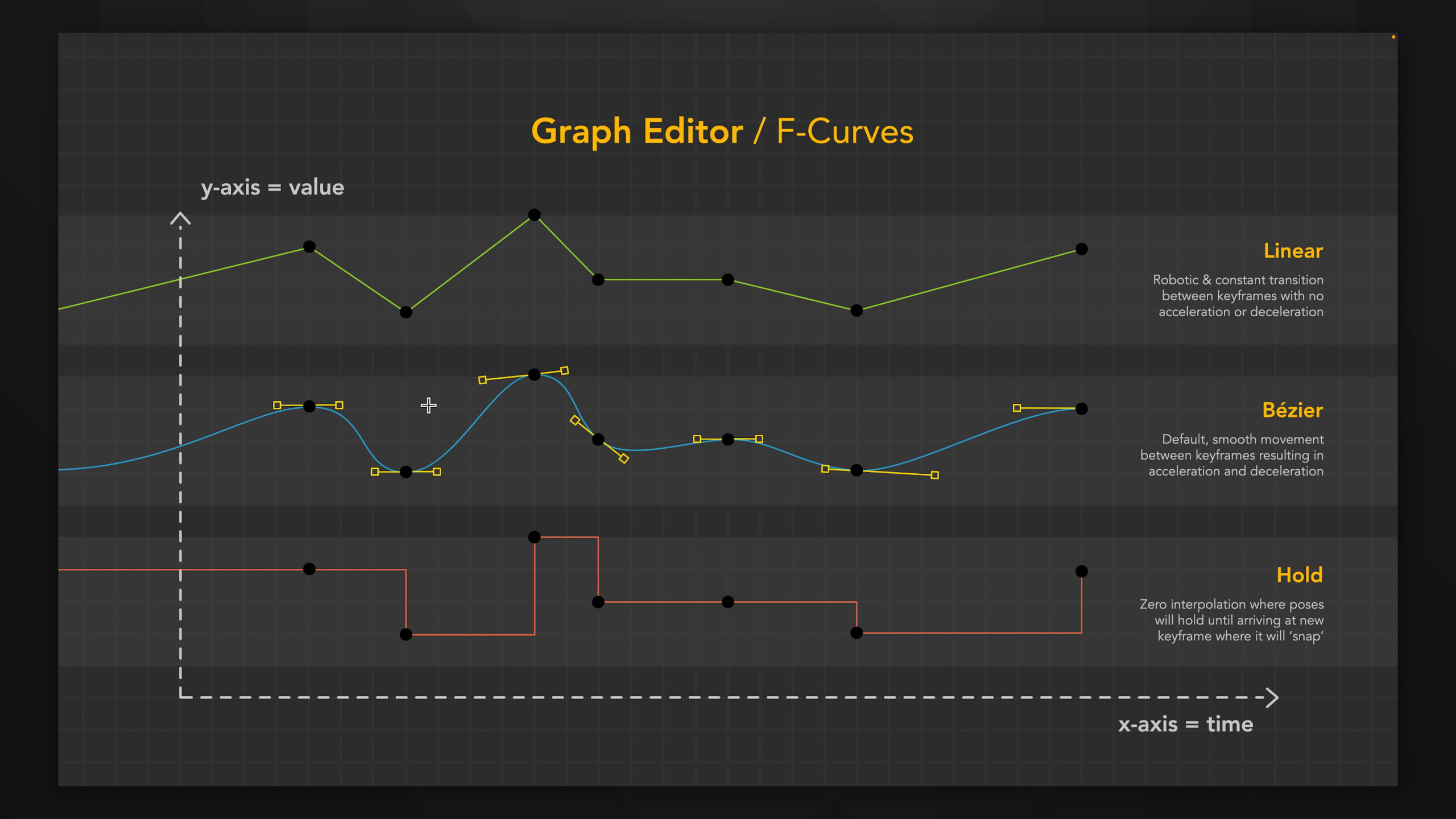
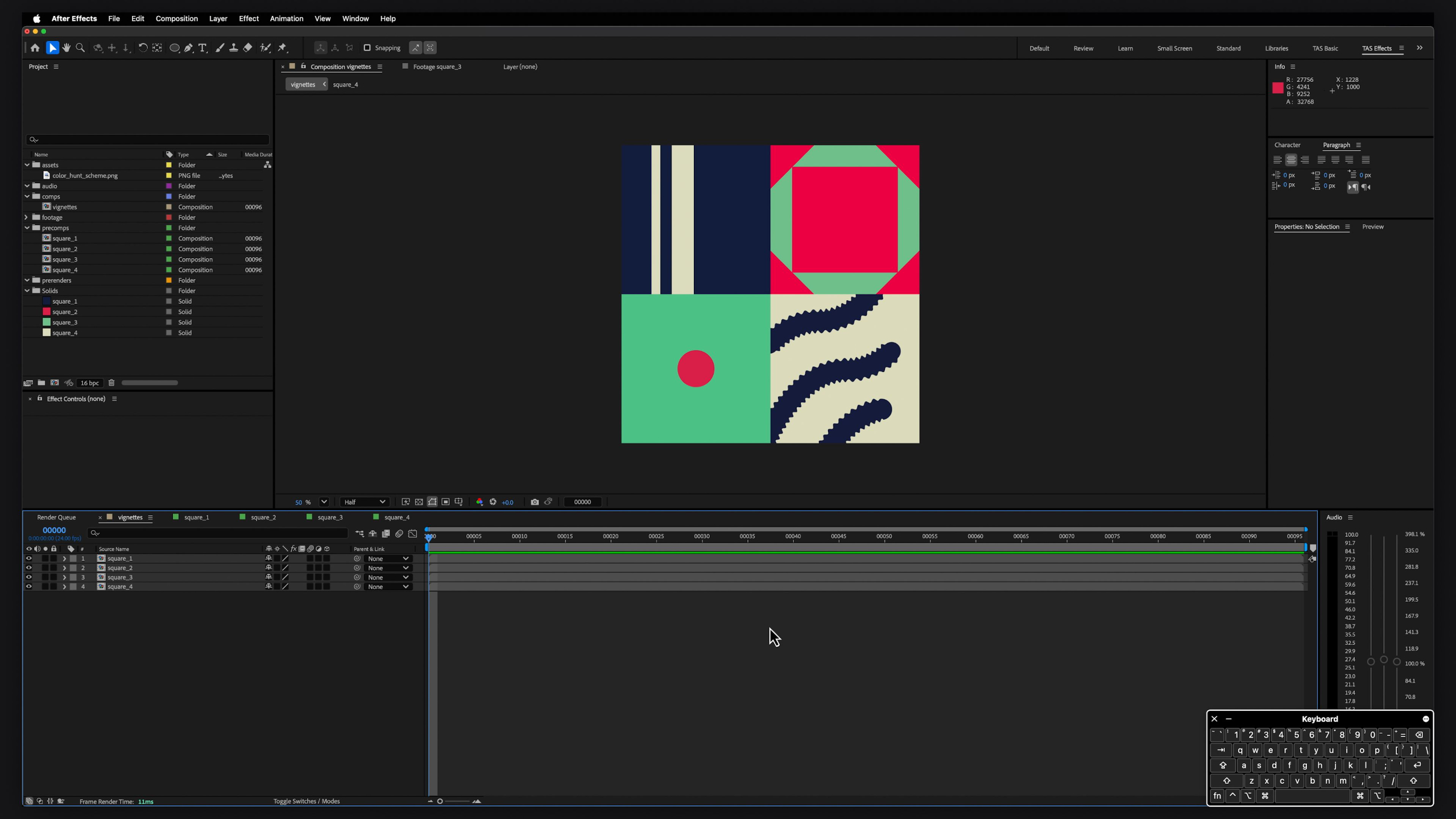
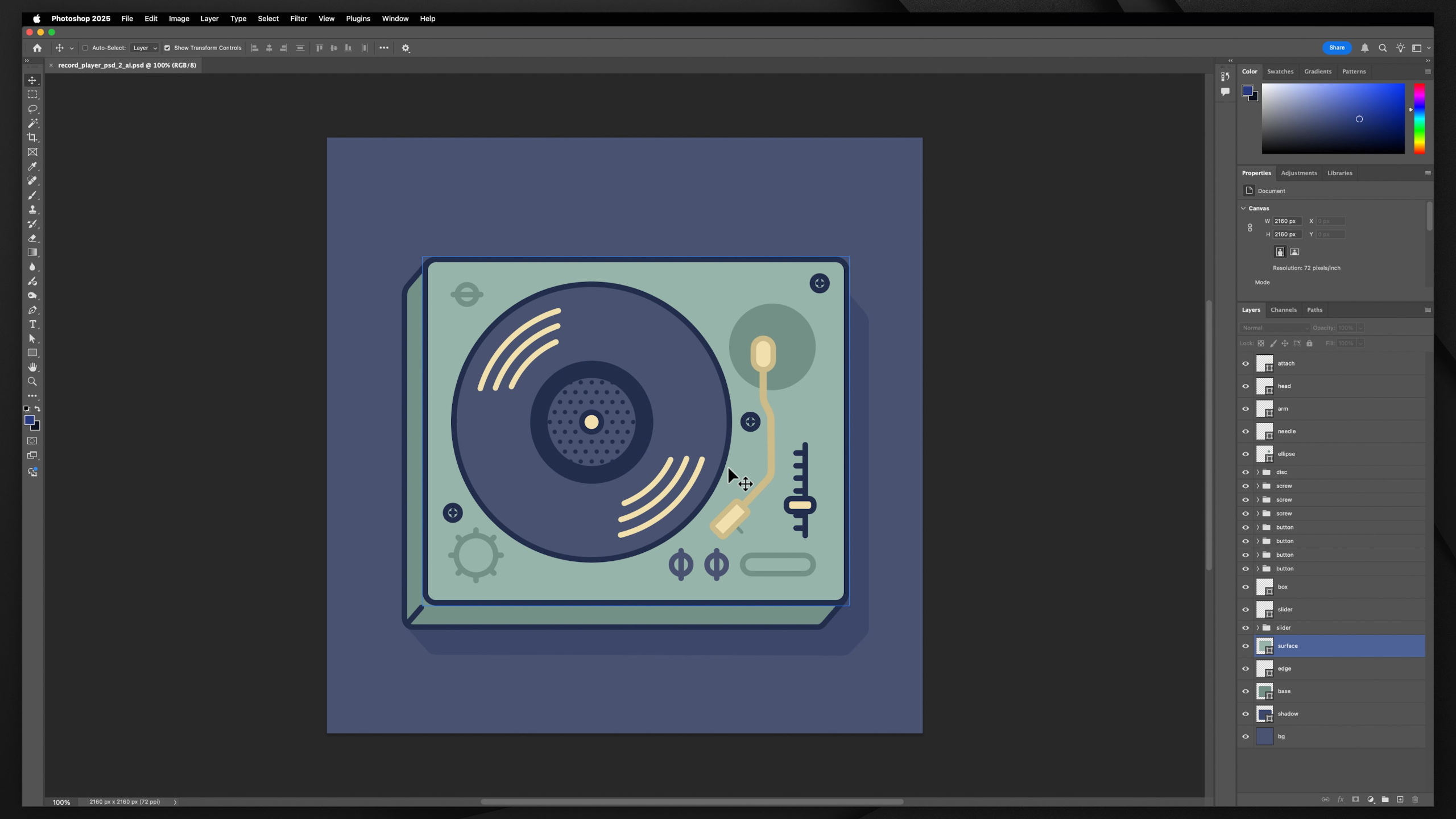
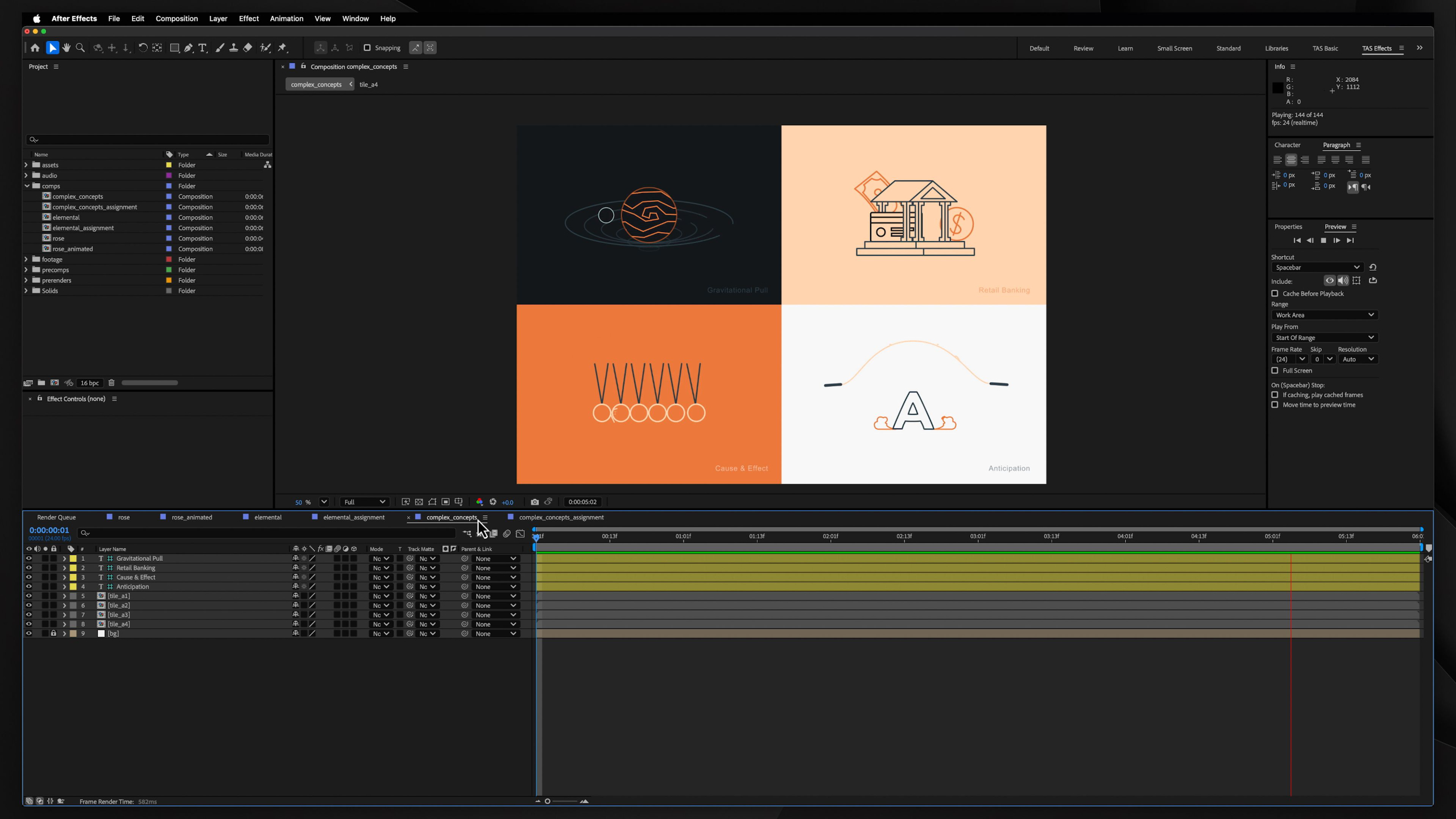
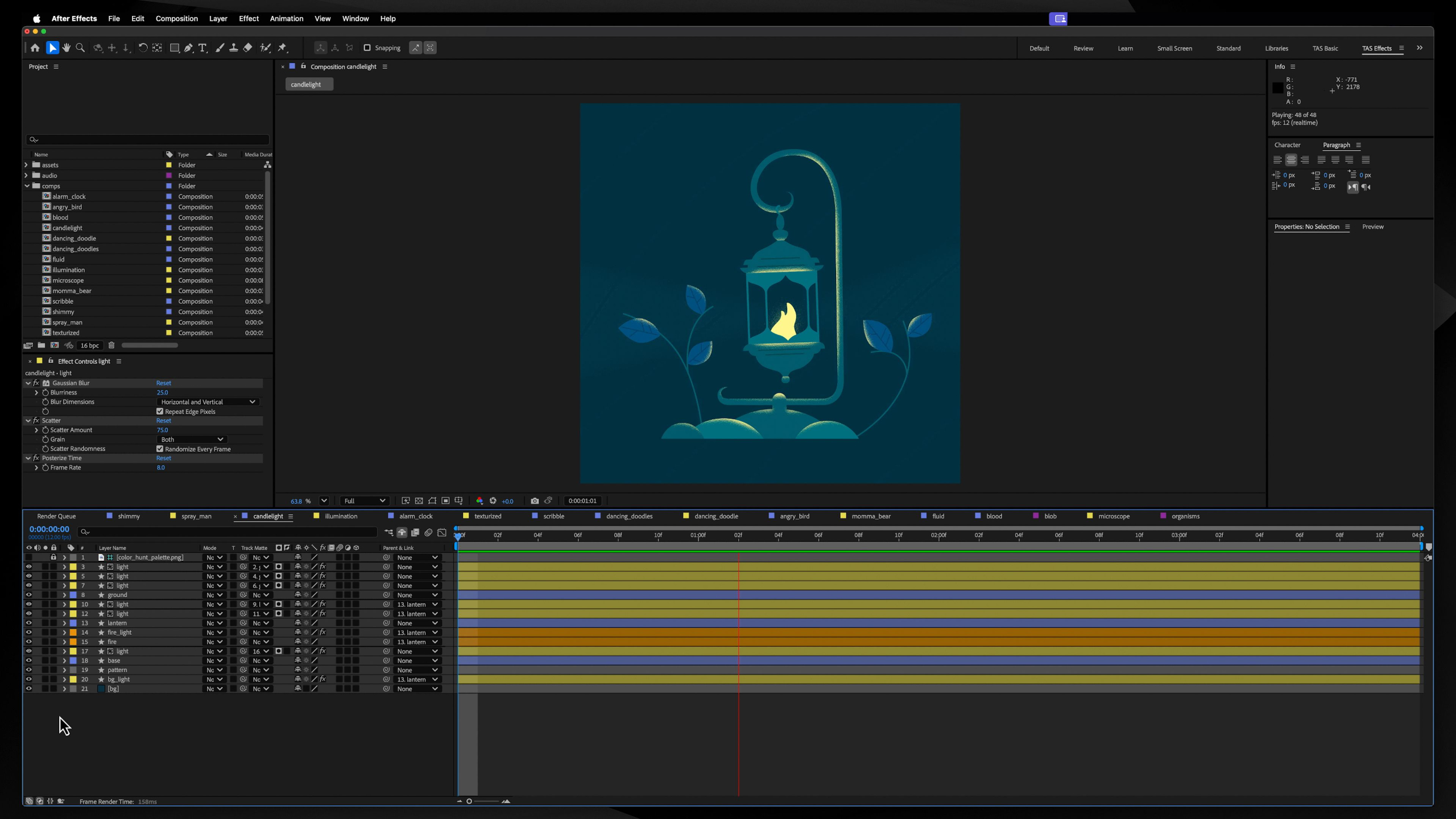
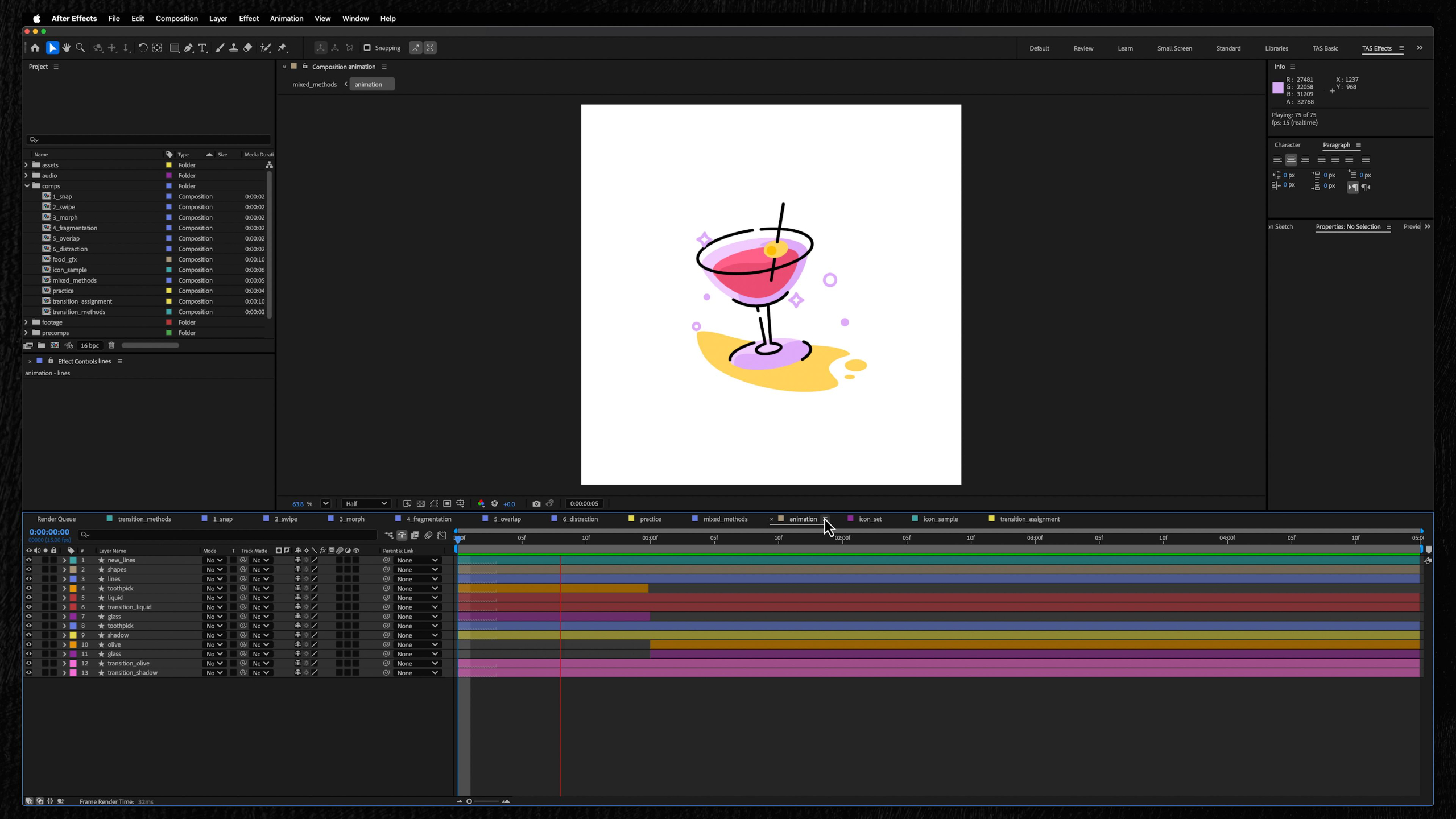
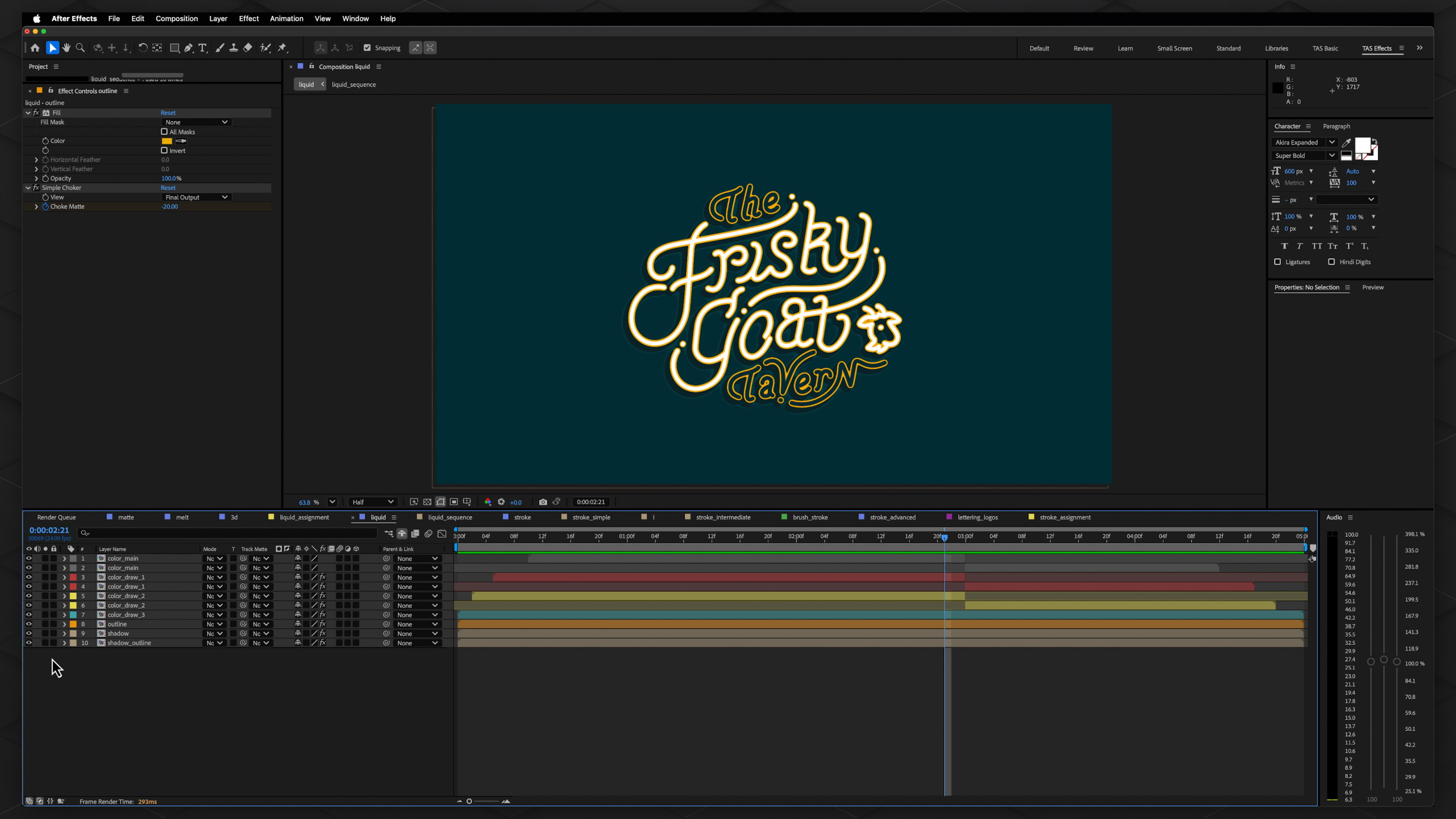
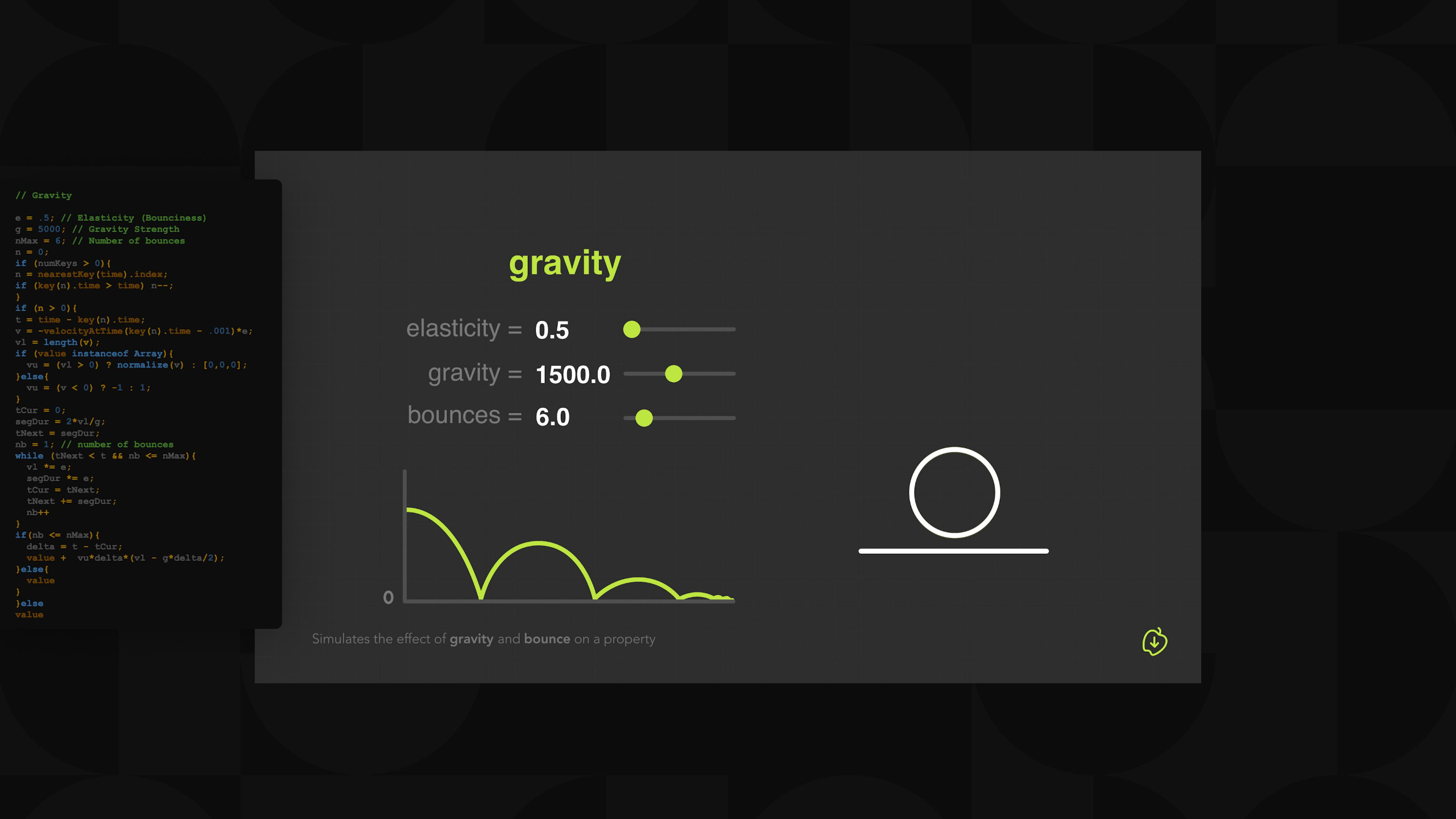
Students will learn skills such as using the graph editor for smooth motion, animating text and logos, working with shapes, masks, and paths, preparing graphics for movement with tools like parenting and the puppet tool, using expressions and scripts to streamline workflows, and creating dynamic 2.5D camera movements.
The module also includes hands-on assignments for every lesson, culminating with a portfolio project utilizing all the skills learned during each lesson.
Module 4: 2.5D Character Animation (Level II)
Estimated completion time: 6-8 weeks
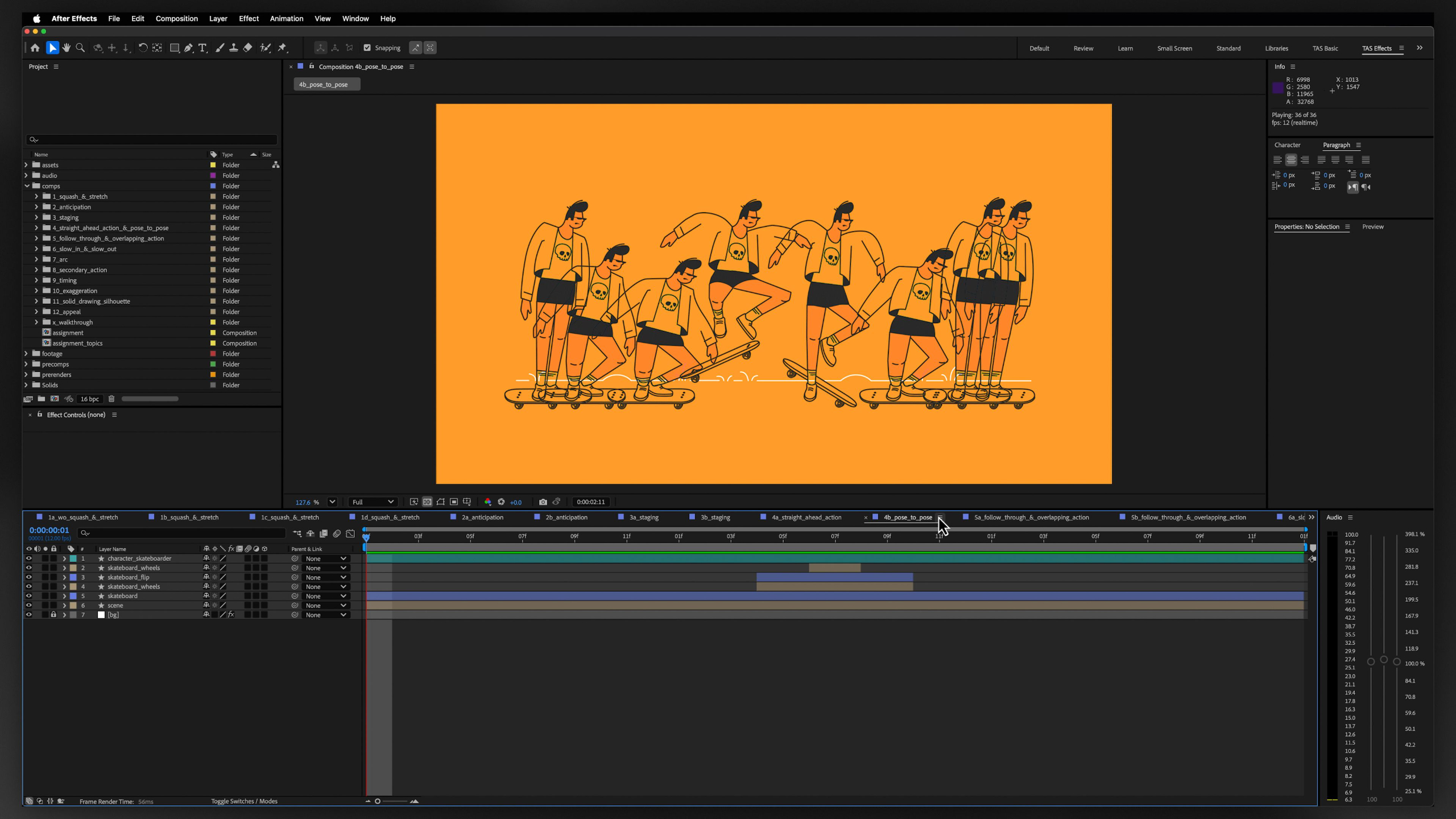
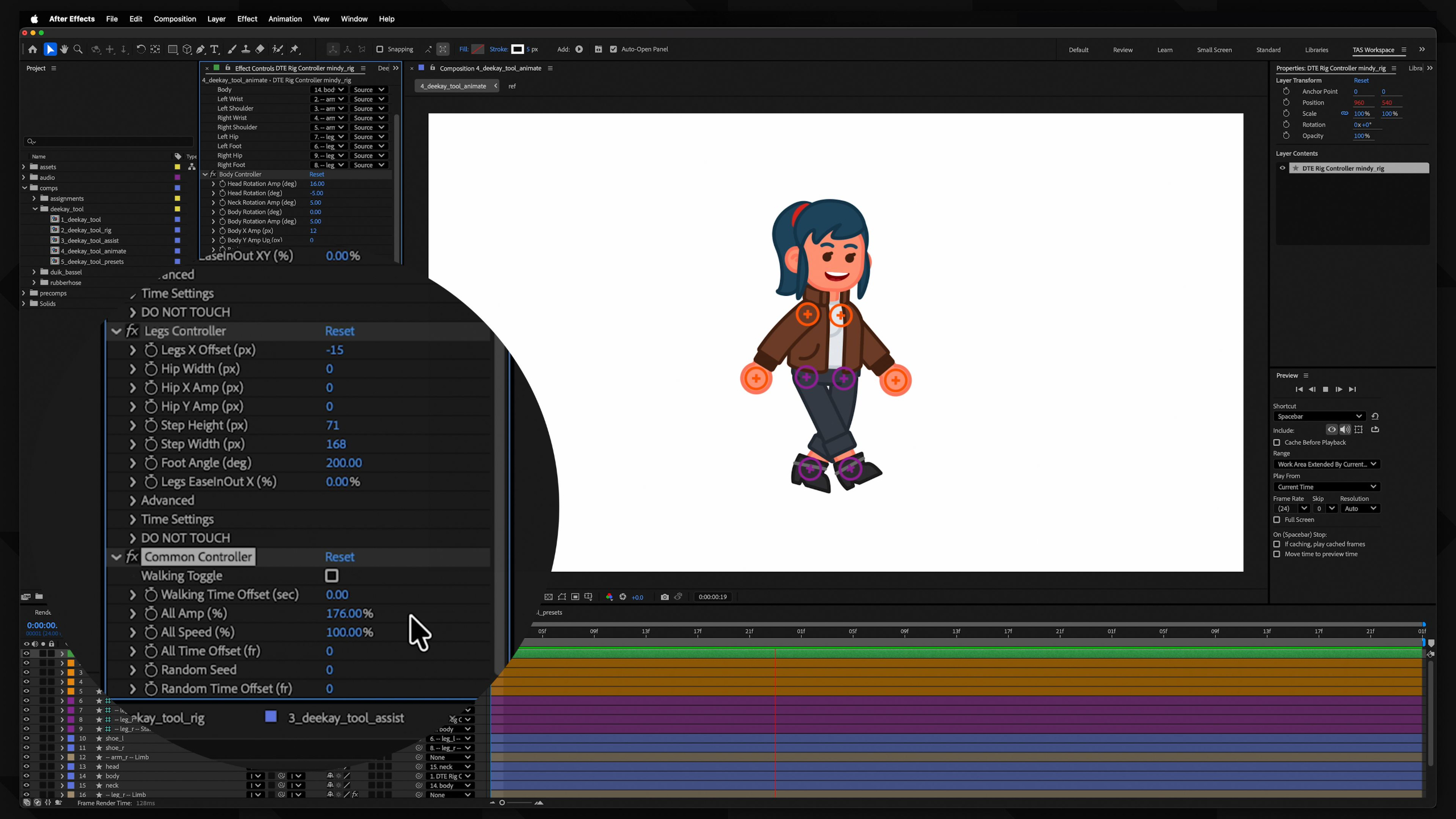
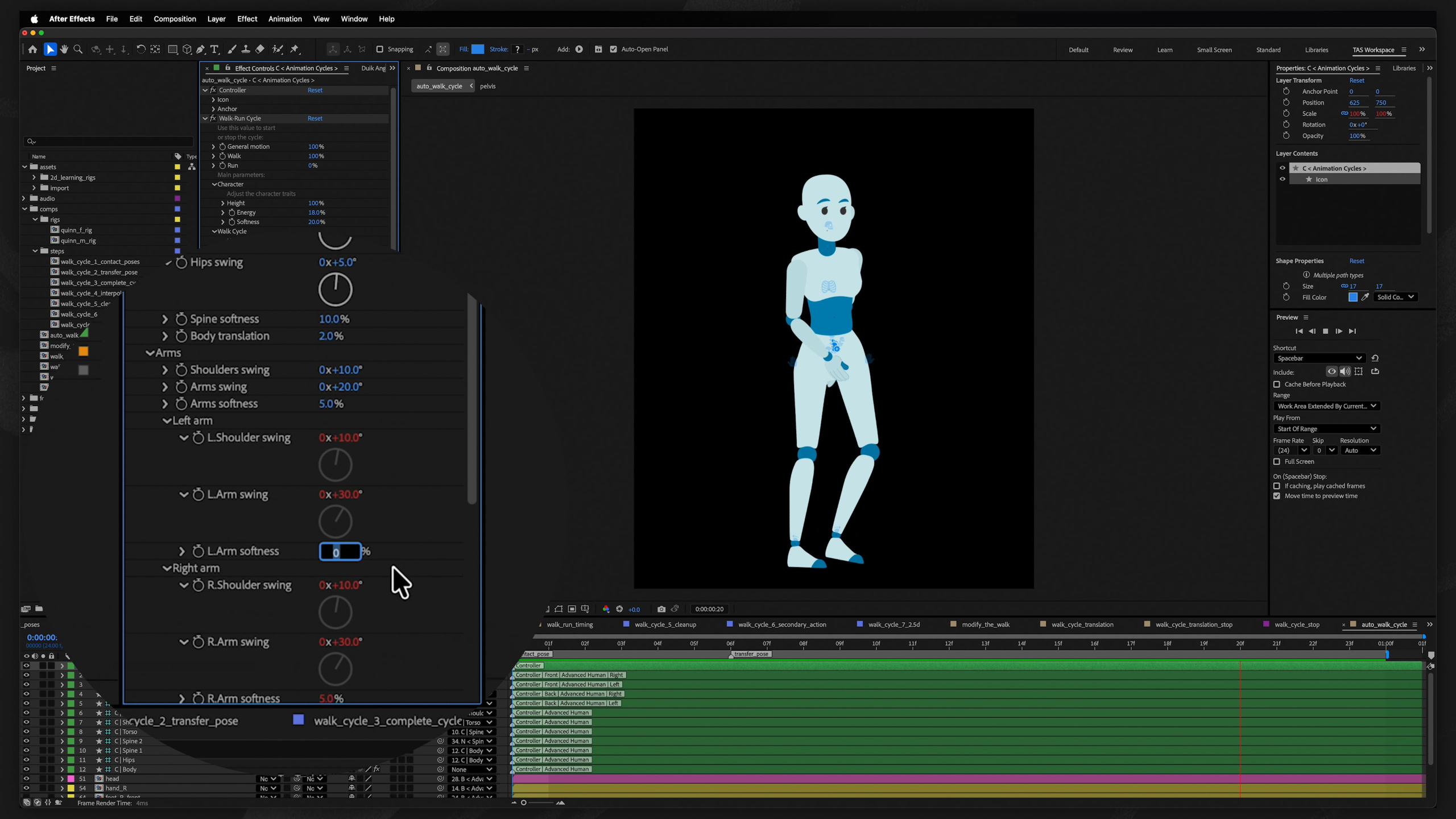
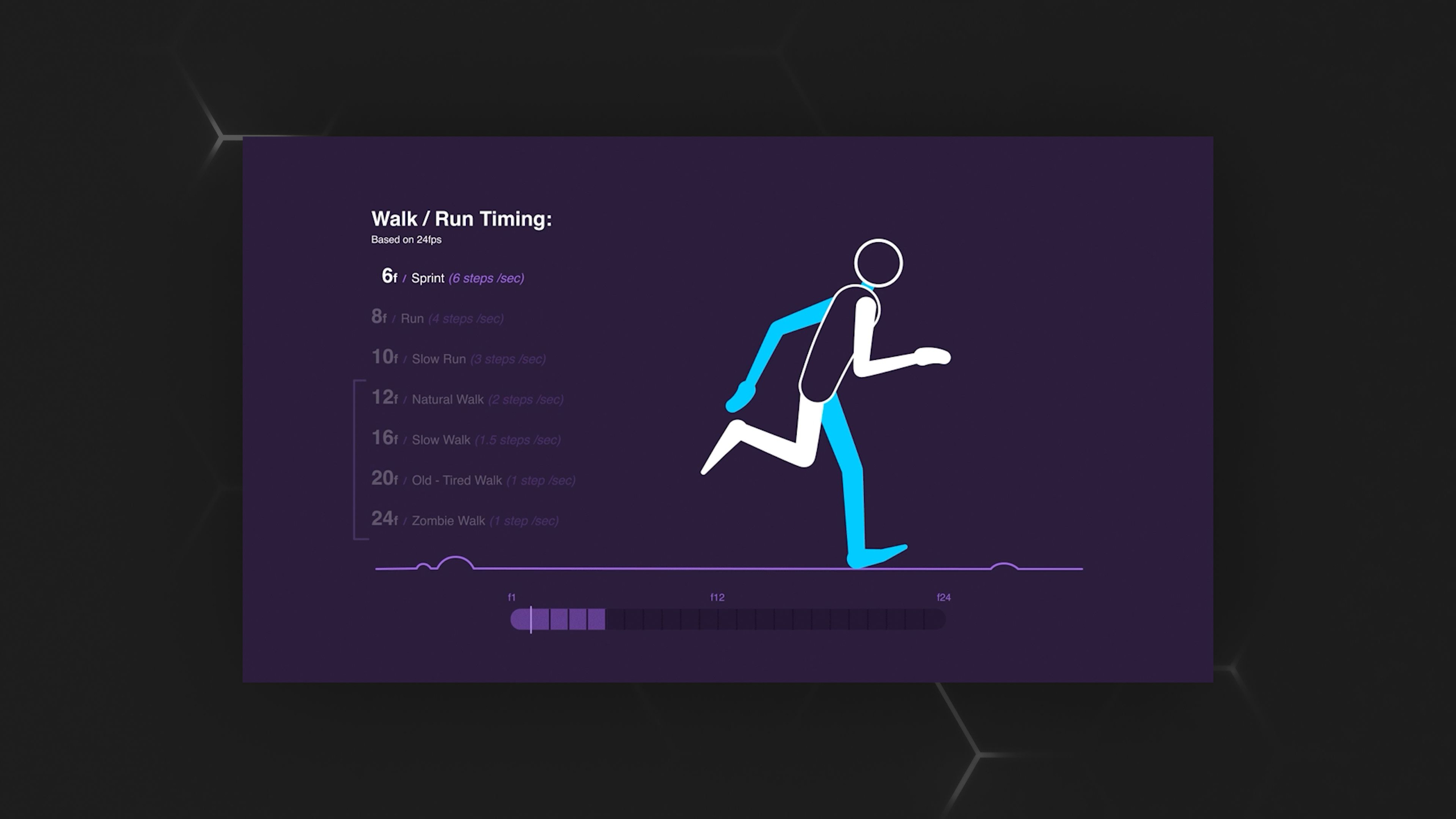
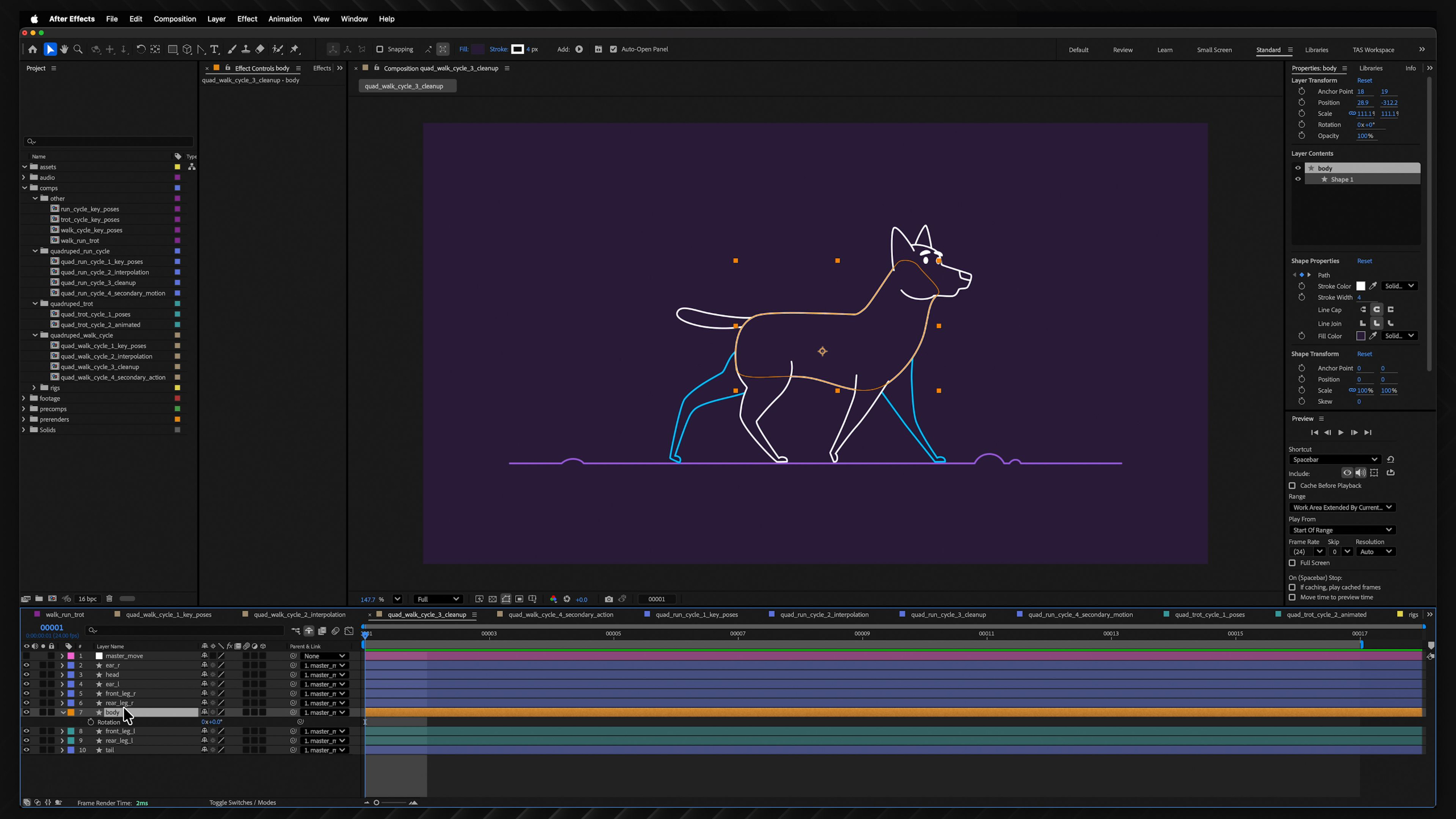
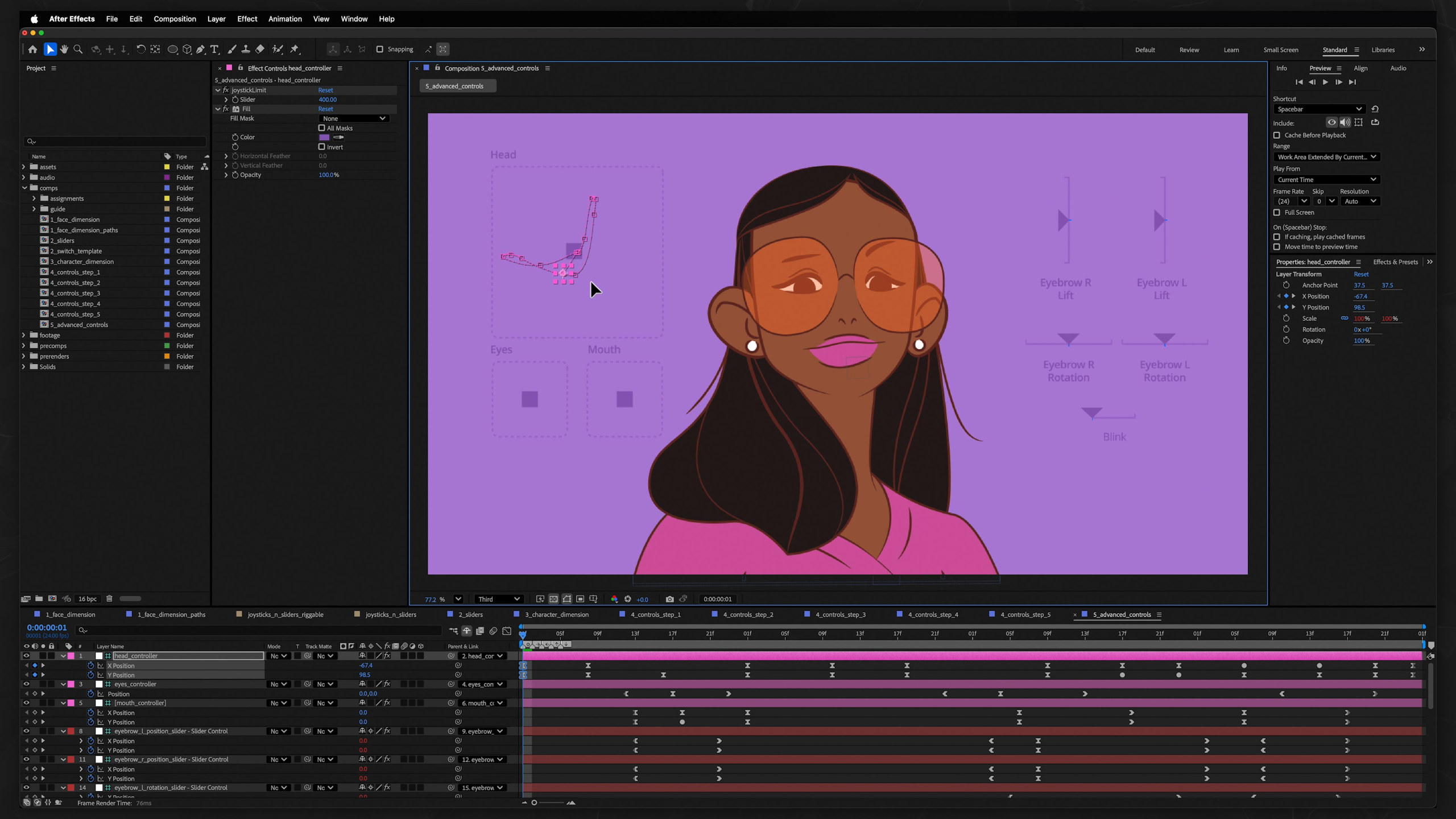
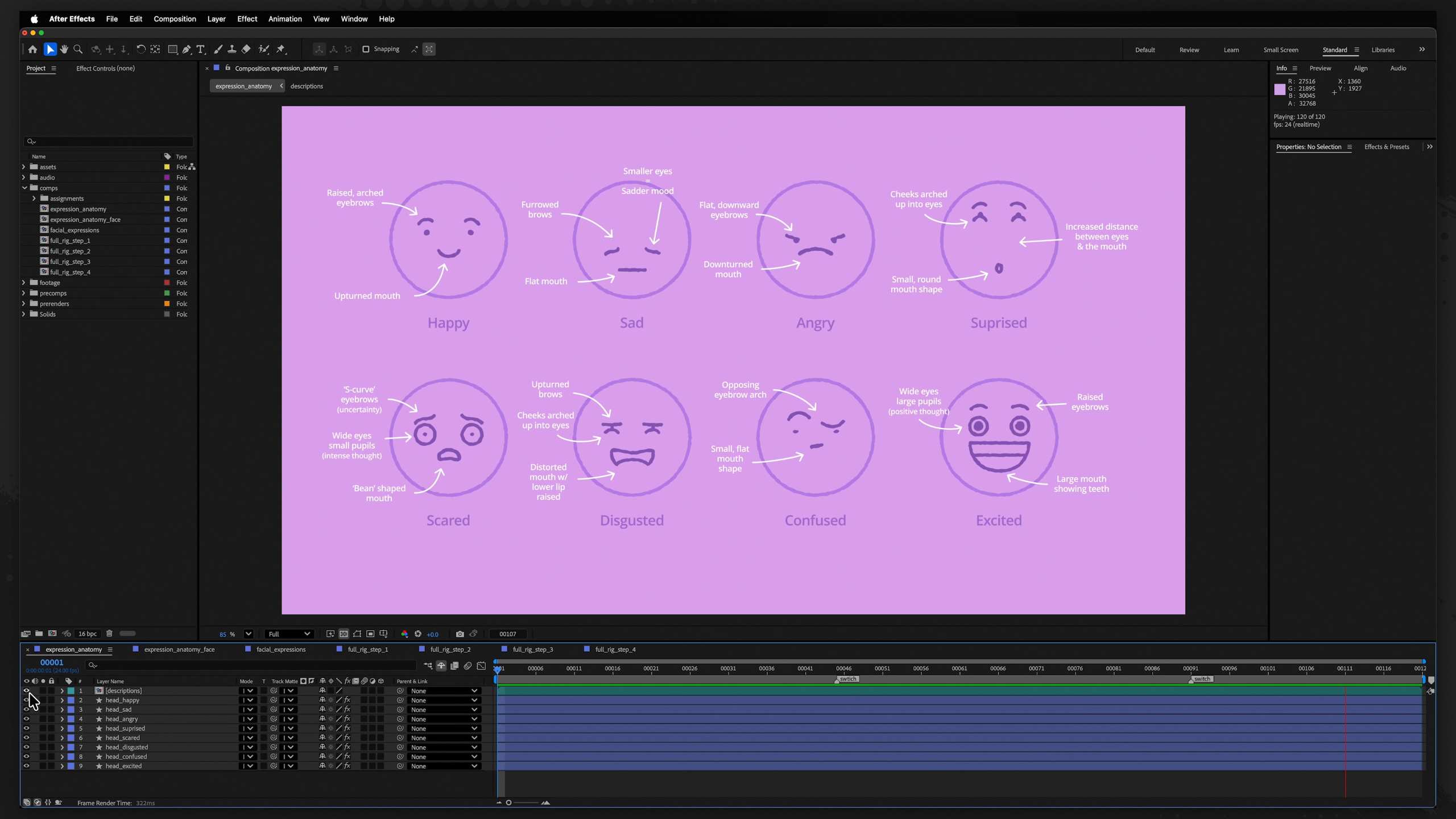
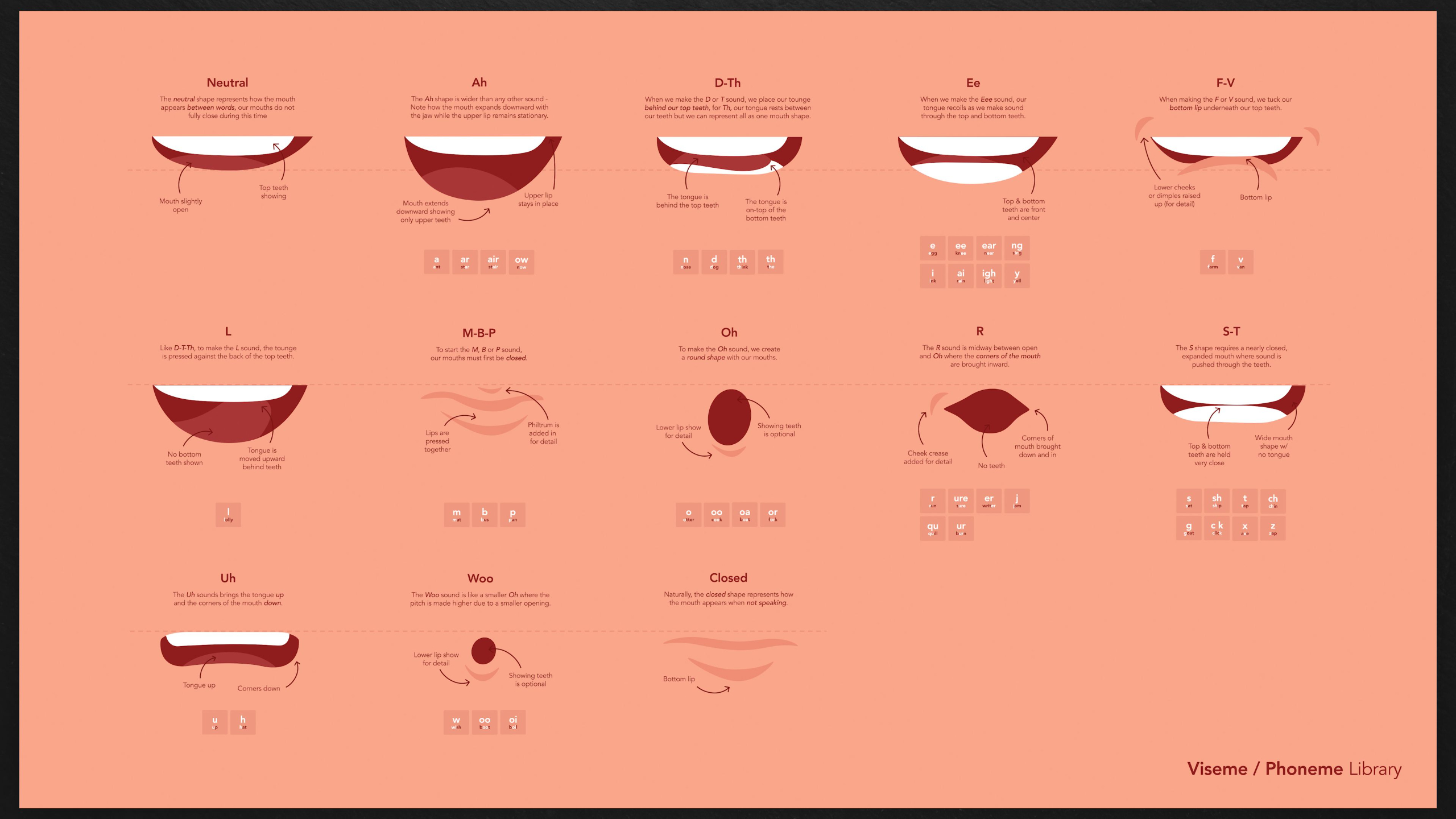
This module explores professional animation workflows, character rigging tools and scripts, animation controls, walk and run cycles, facial animation, and 'faux 3D' techniques that bring 2D characters to life in a '2.5D' style.
By the end, you’ll combine everything you’ve learned into a polished portfolio project while gaining skills that can be applied to characters and creatures of all kinds.
Module 5: 2.5D Pipeline (Level II)
Estimated completion time: 6-8 weeks
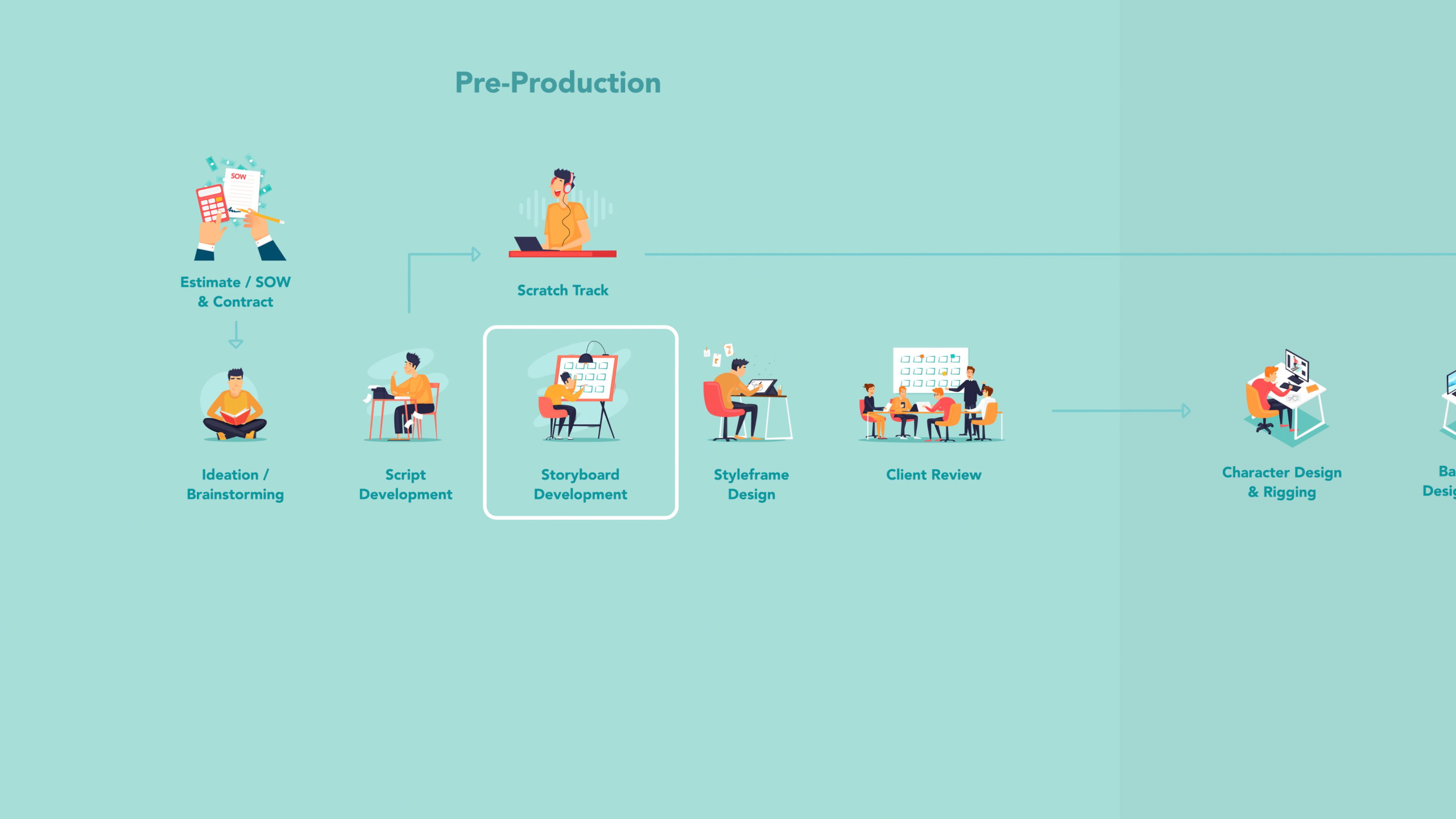
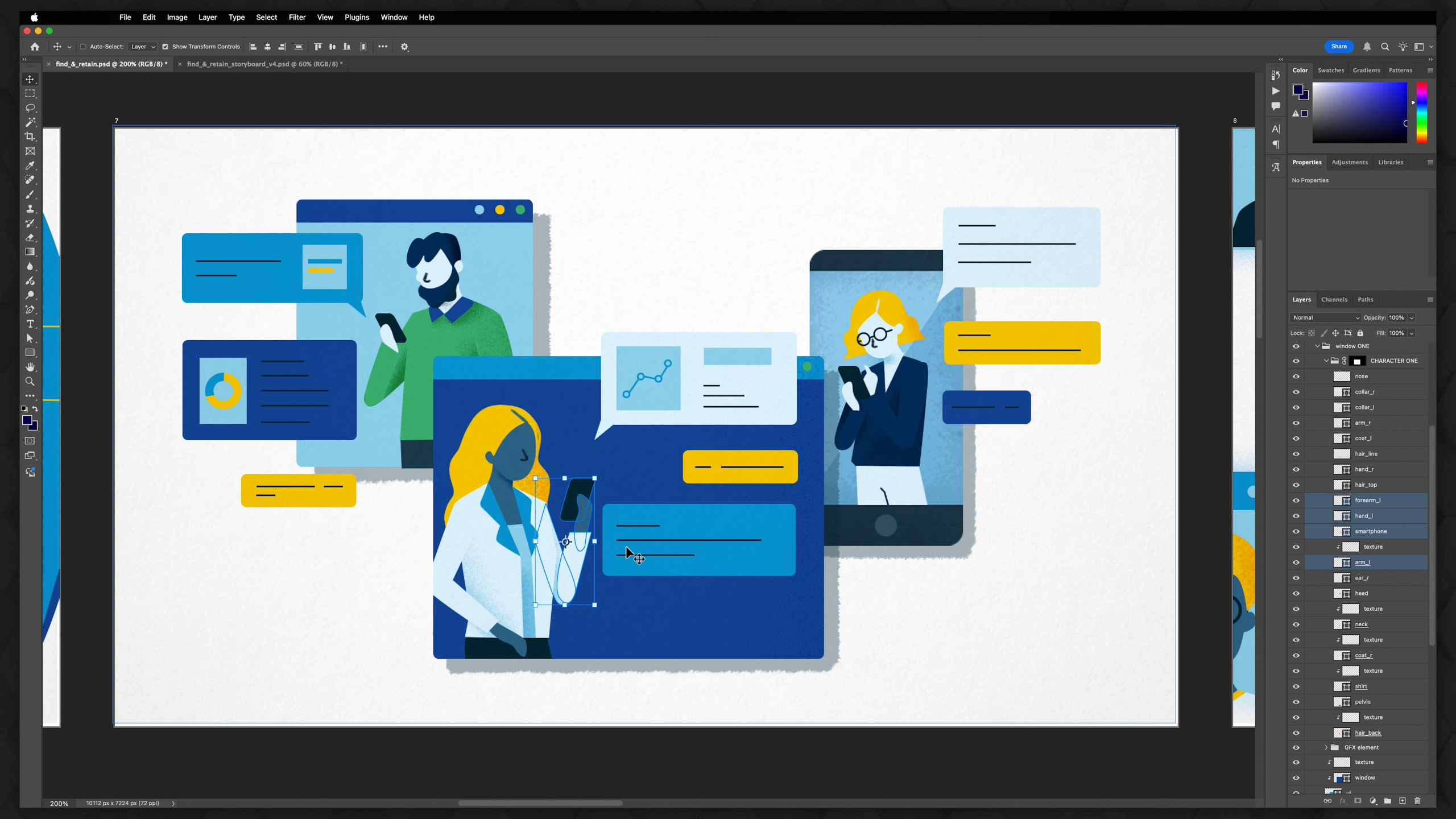
This module teaches the complete 2.5D Animation Production Pipeline, guiding students from the initial idea all the way to a finished animation.
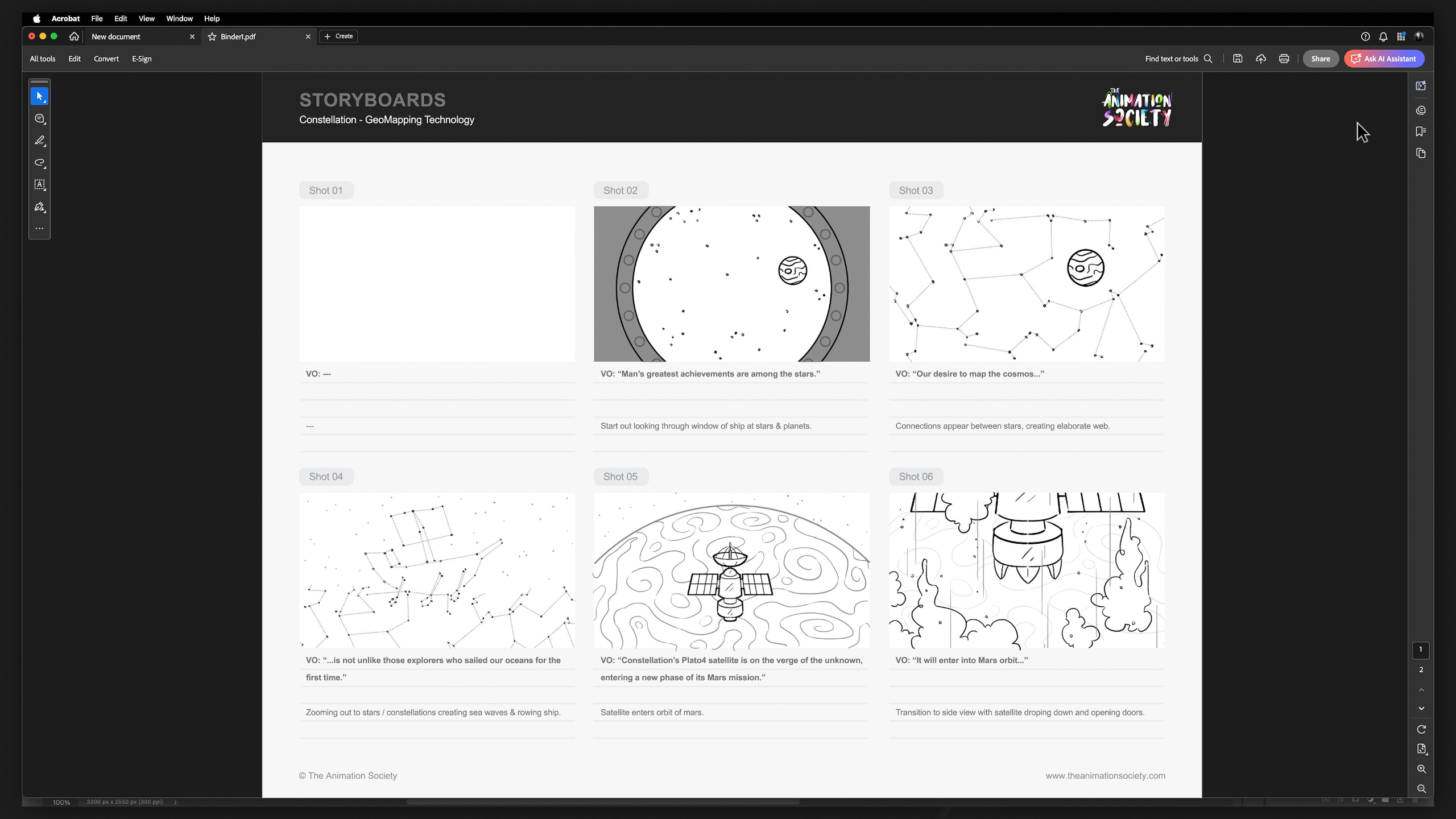
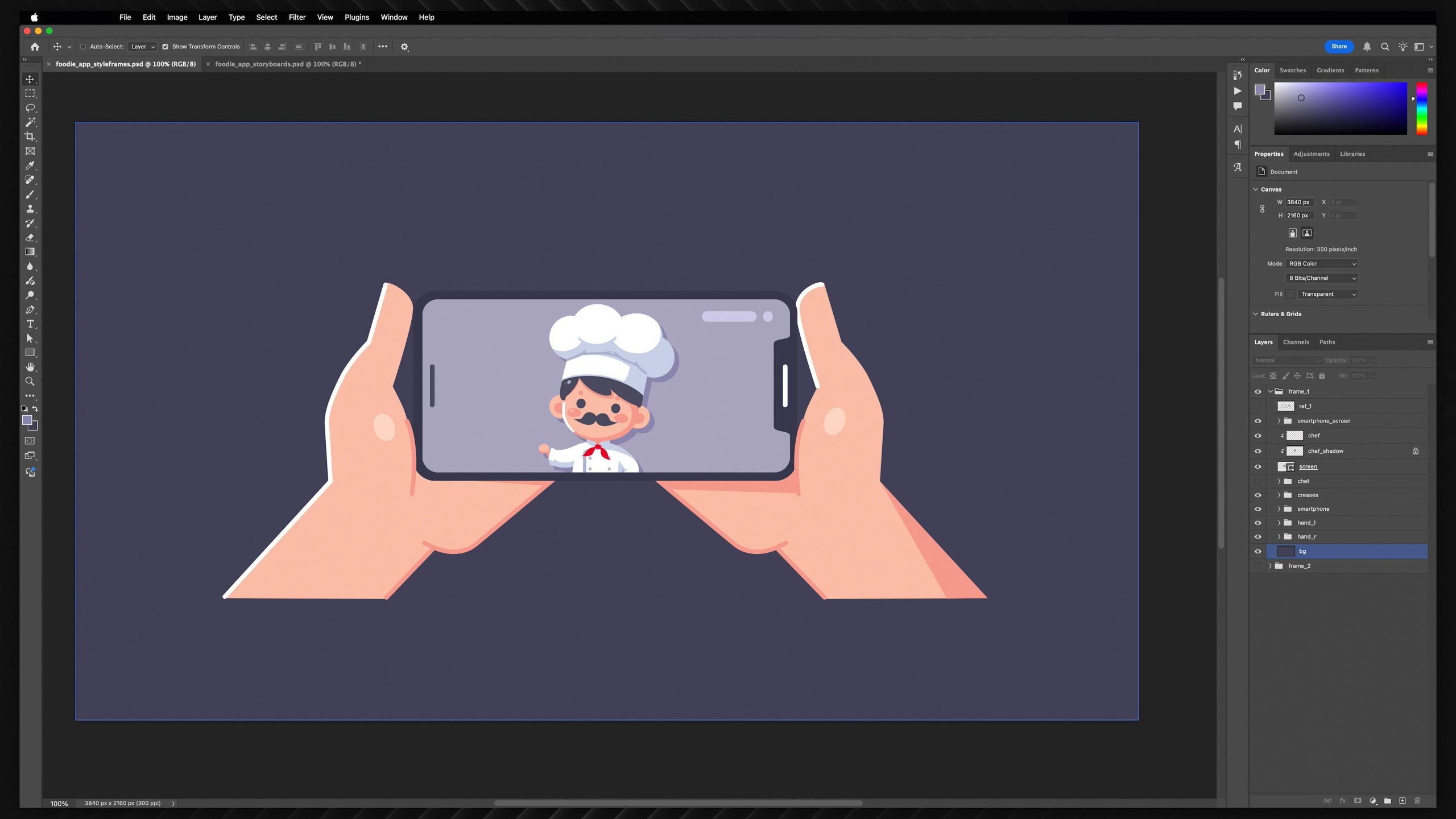
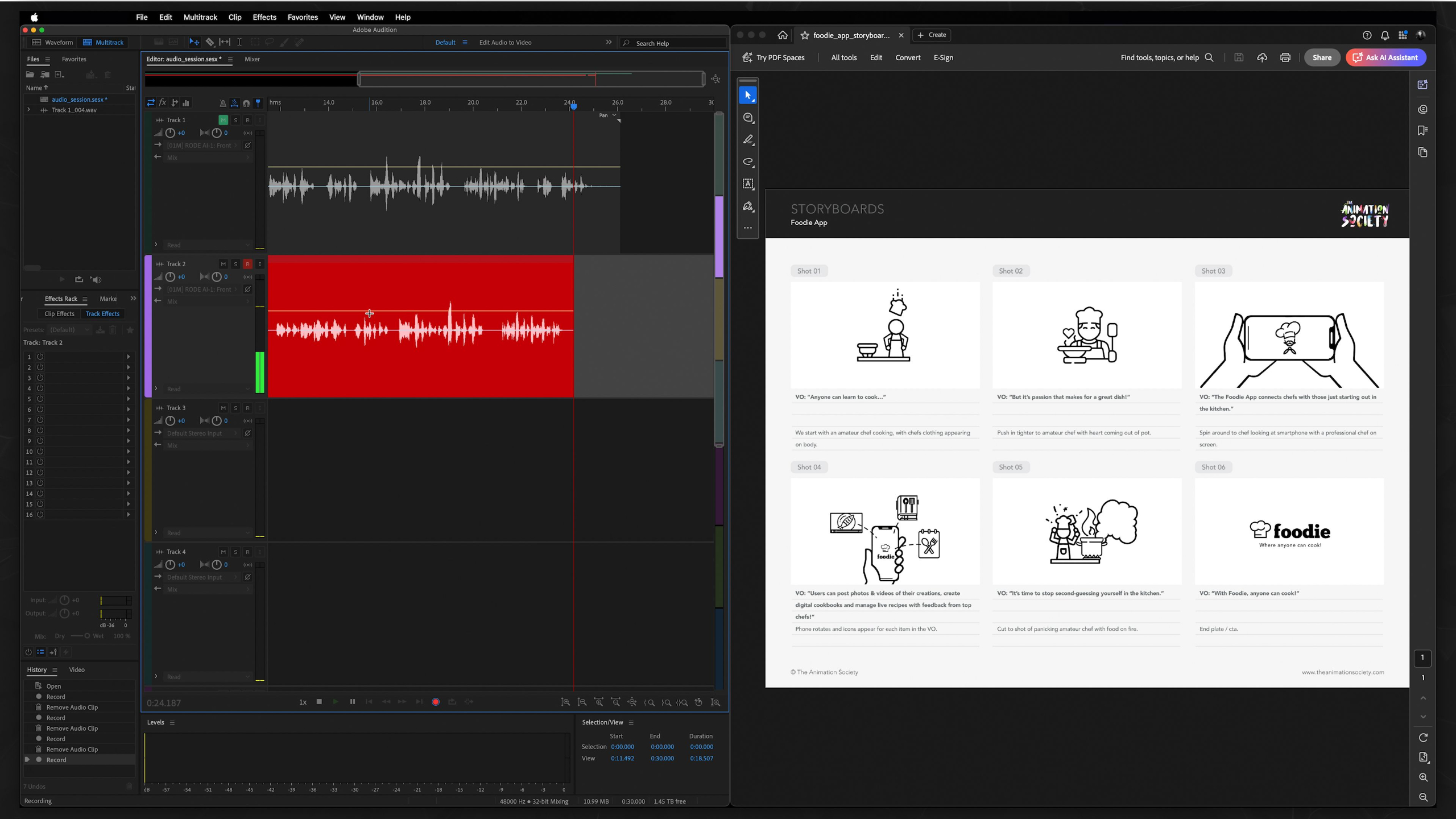
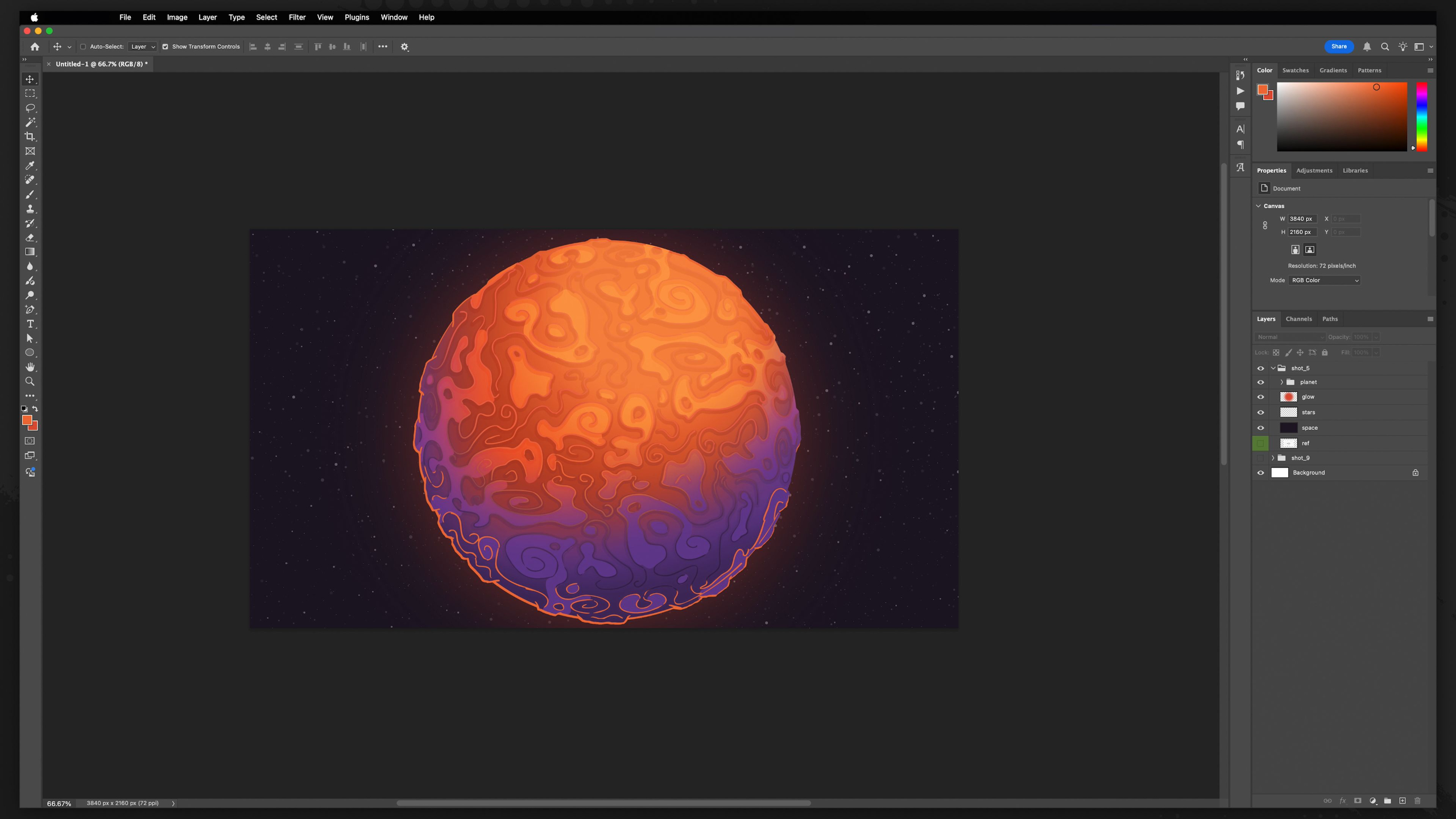
We cover every major stage of production — including brainstorming, scriptwriting, storyboarding, styleframes, character creation, animation, sound design, rendering, and post-production — while also explaining how these processes work in both studio and freelance environments.
By the end, students will be able to create full portfolio-quality animations from start to finish, and understand how to repeatedly apply the same professional workflow to future projects.
Module 6: Advanced 2.5D Animation (Level III)
Estimated completion time: 6-8 weeks
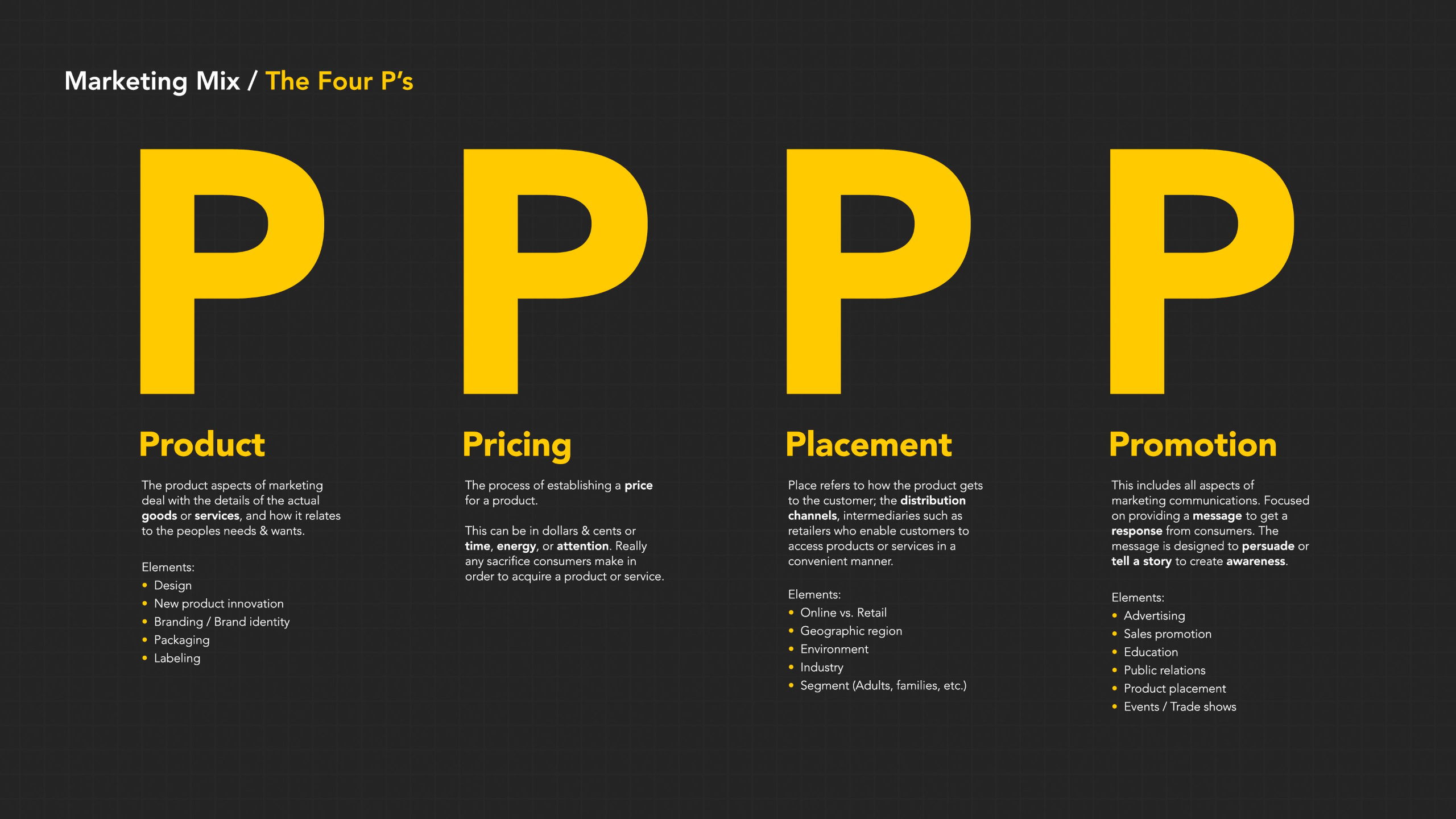
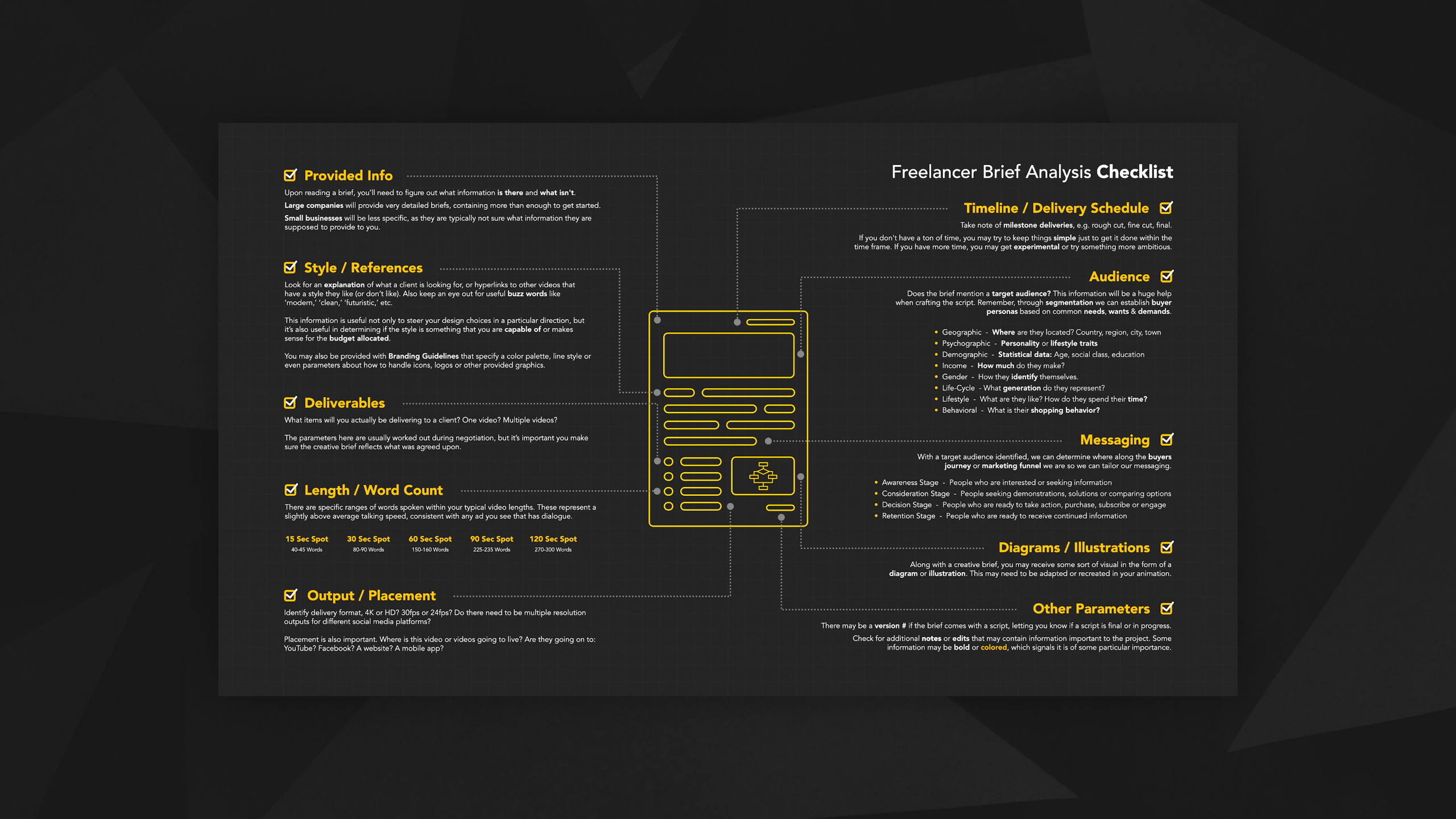
This module expands the 2.5D Animation Pipeline into a professional freelance workflow, covering every stage from client onboarding and pre-production to animation, sound design, post-production, and marketing strategy.
Students learn how to develop scripts, storyboards, styleframes, expressive characters, advanced scenery, facial animation, and polished final outputs while understanding how animation fits into broader marketing and business objectives.
Through a repeatable portfolio project, this module emphasizes industry-standard production pipelines, creative problem solving, and building the skills necessary to work as a professional freelance animator.
Lesson Block 5:
Skillset: 3D Animation
Our 3D Animation Curriculum is a progressive training program designed to guide students from foundational animation concepts to advanced 3D character and motion work using the Blender software.
The curriculum emphasizes mastering core animation fundamentals through manageable, skill-focused assignments and portfolio-building projects.
Students progress through 3 defined skill levels that cover everything from software basics, modeling, rigging, and body mechanics to character acting, lip syncing, cinematography, creature animation, and advanced simulations.
Different learning paths offer tailored access to these levels based on students’ goals. Throughout the program, students develop professional portfolio pieces and demo reels while learning at their own pace.
*Requires Blender installation (free)
Lessons available for:

*Includes lifetime access to lessons, future releases + community features
Buy Curriculum - $895Module 1: Overview
This first module summarizes up everything you will be learning within the 3D Animation Curriculum.
Covering what is and is not included if you are enrolled in one of our tailored Journeys, as well as details around what you will be learning at each skill level, the assignments ahead, and expected outcomes for your portfolio.
Module 2: Intro to Blender (Level I)
Estimated completion time: 6-8 weeks
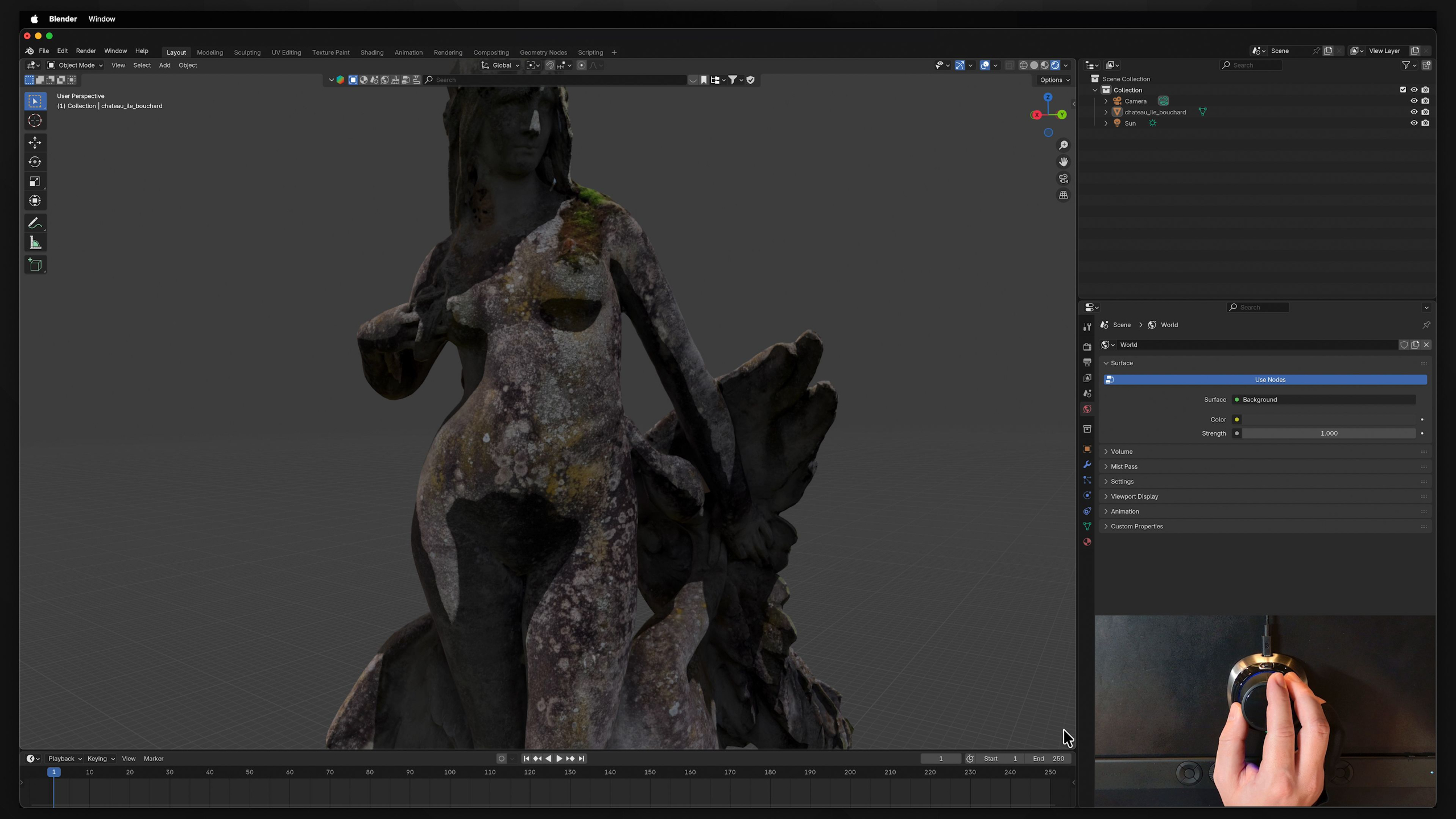
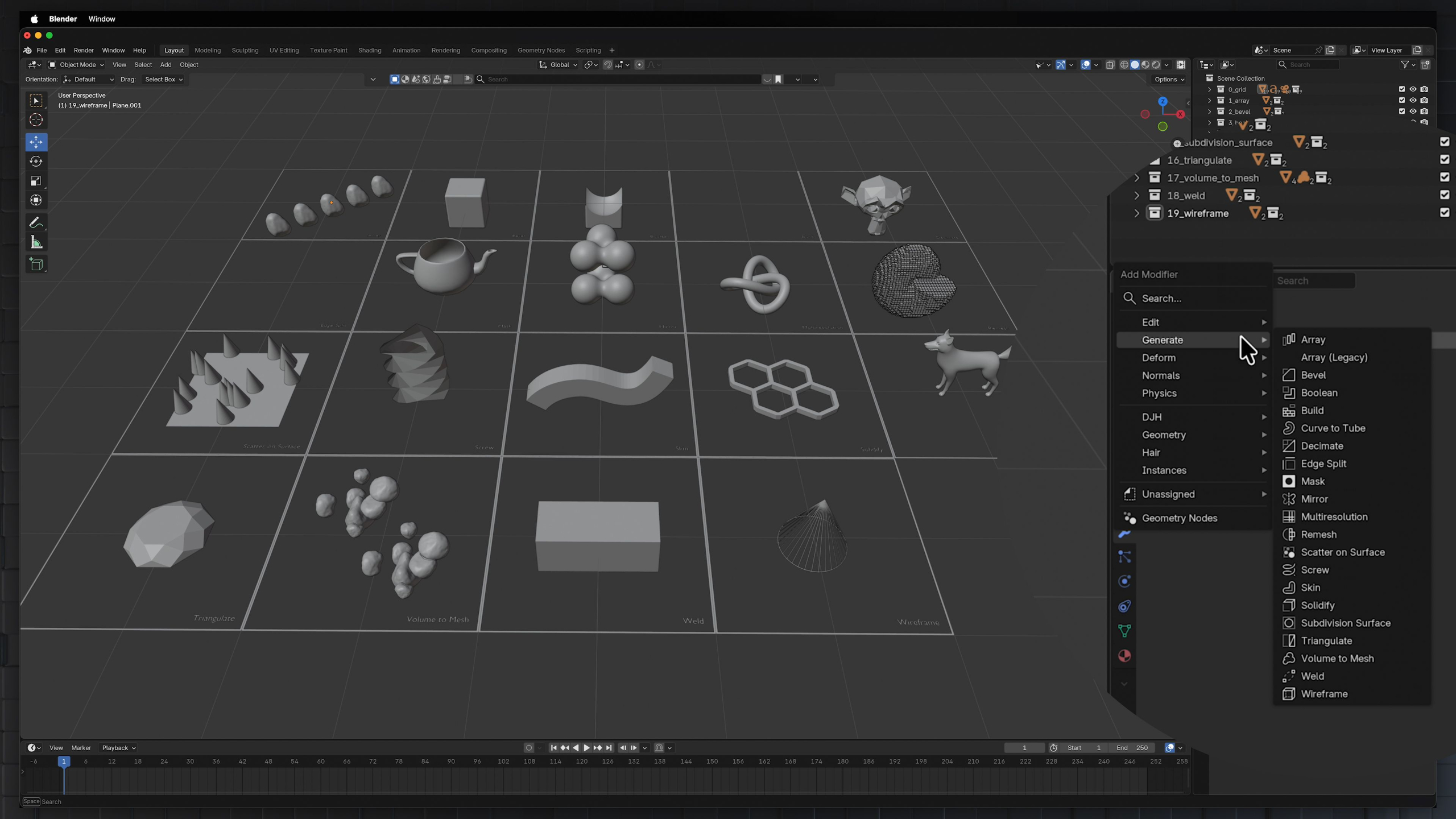
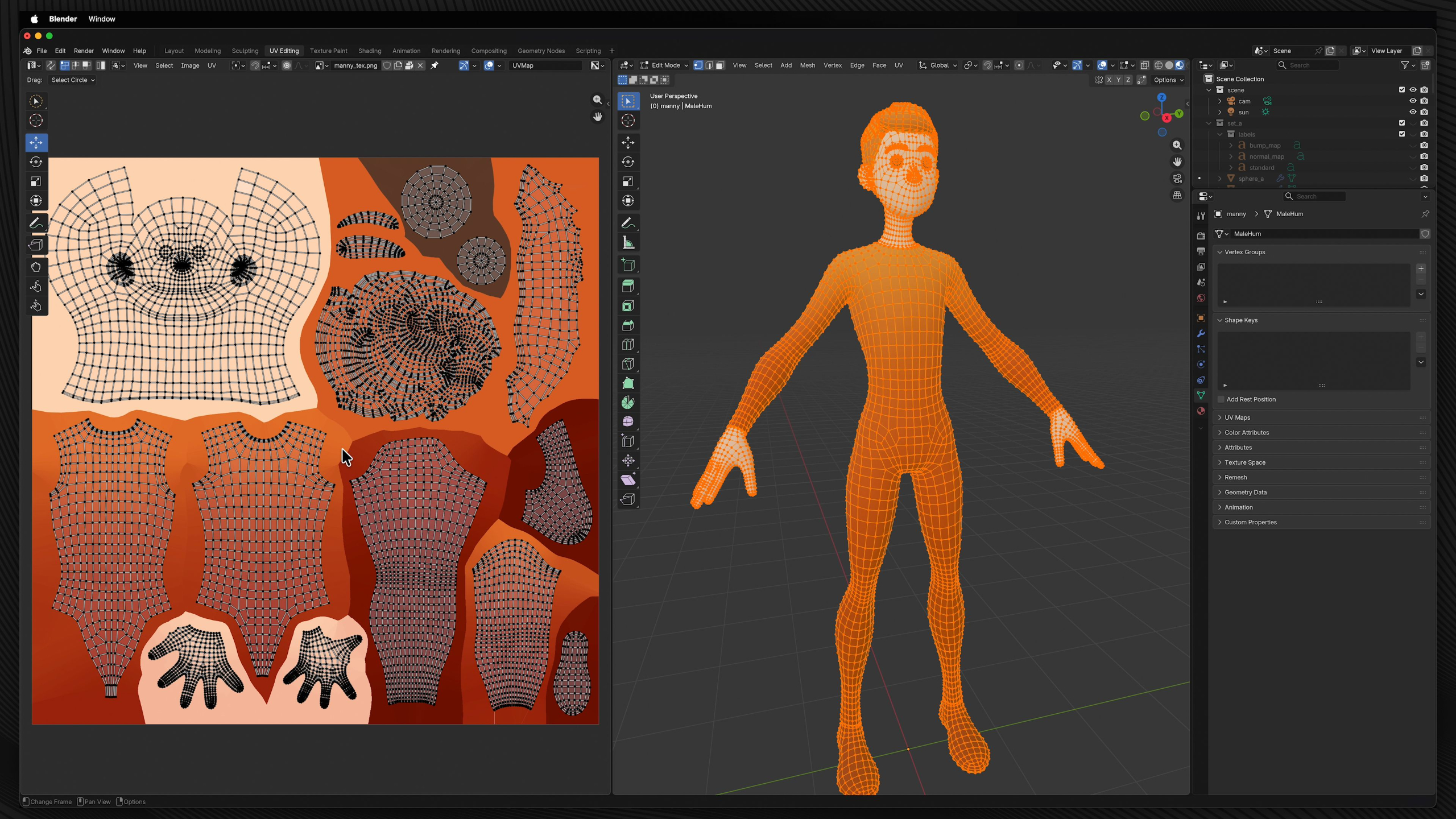
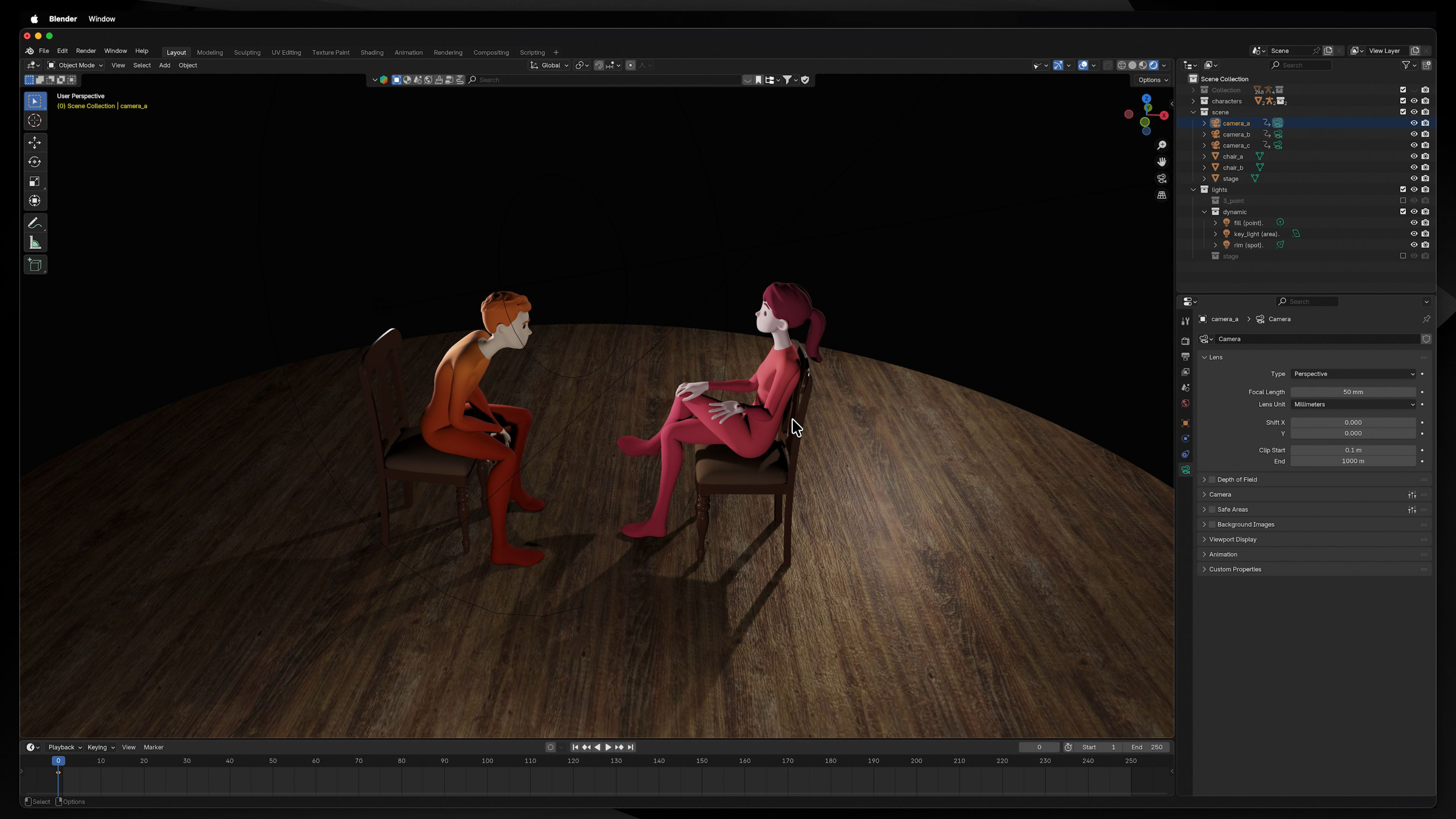
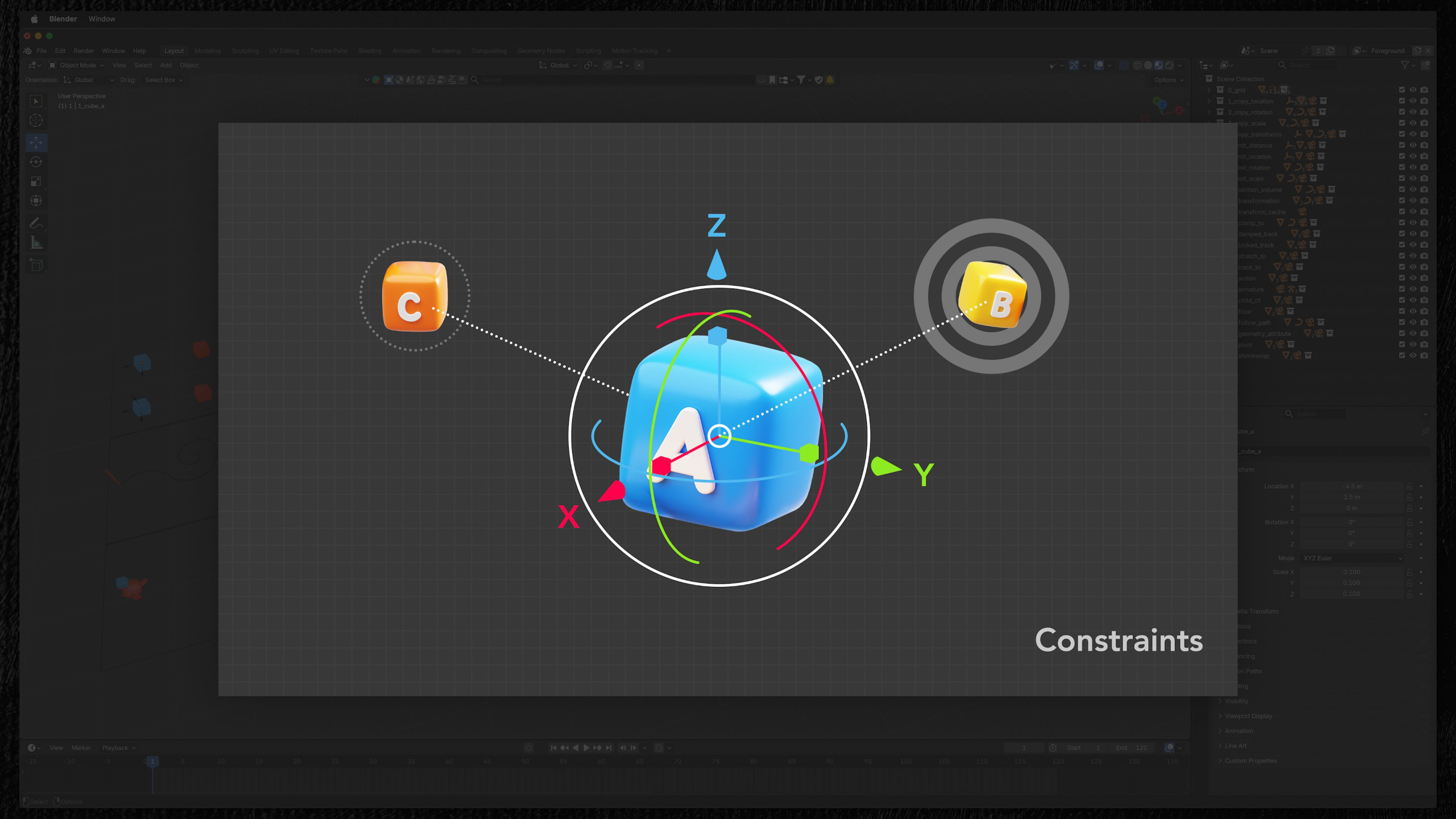
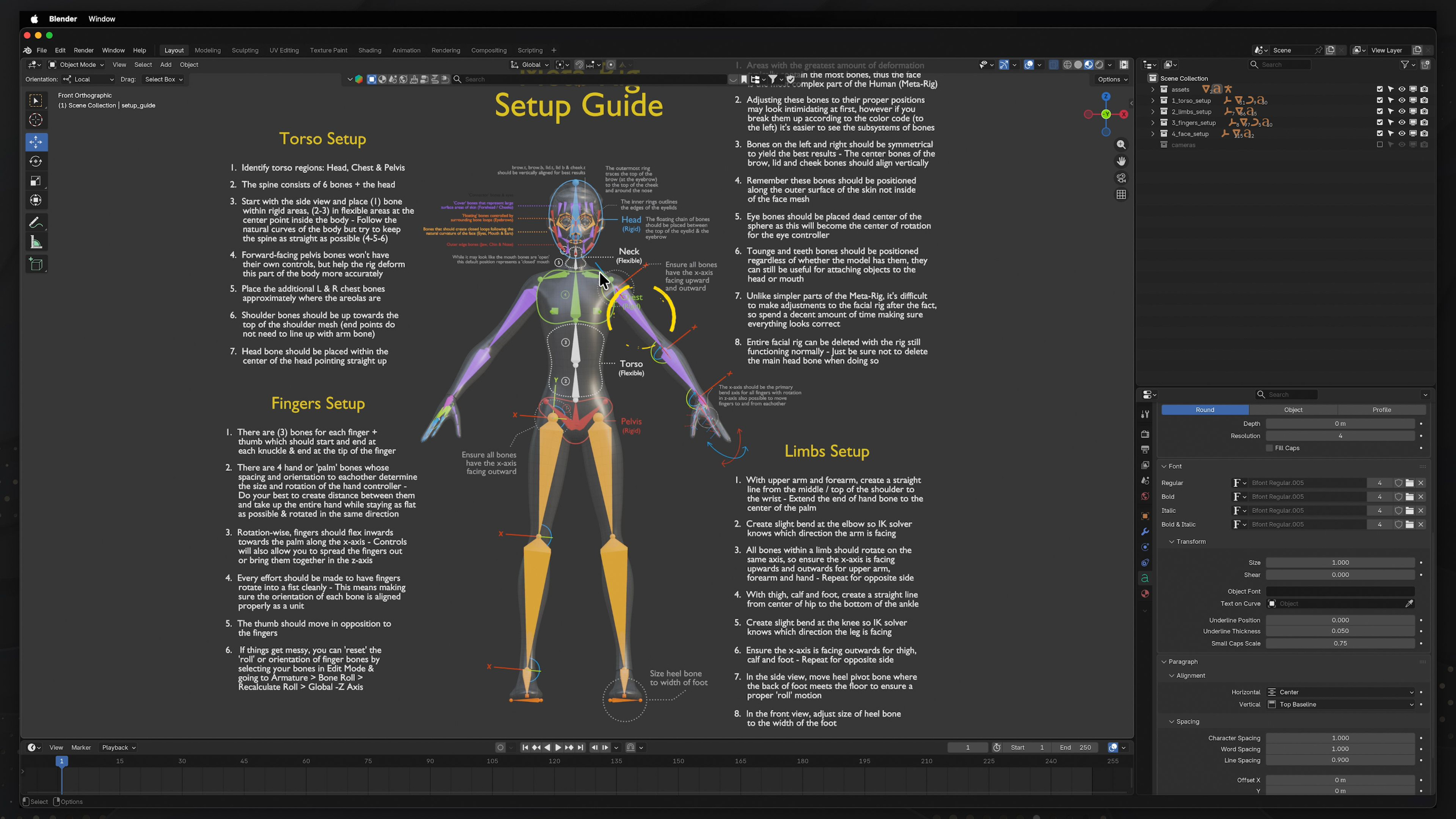
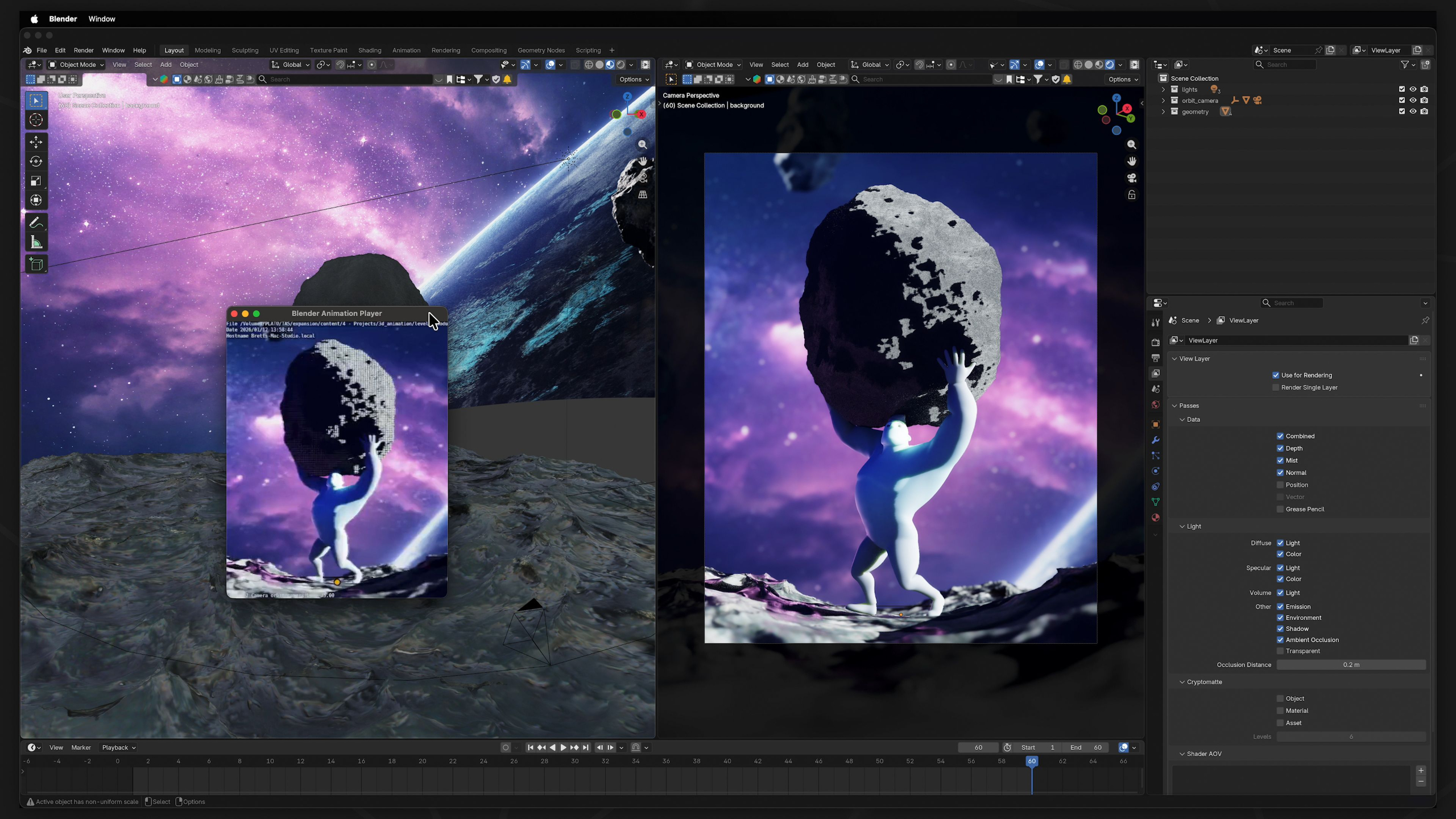
This module provides an A to Z walkthrough of the free open-source 3D software Blender. These lessons focus not only on animation, but introduces students to all other parts of the 3D production pipeline. Such as modeling, texturing, lighting, rigging, and rendering to understand how productions work as a whole.
By the end, students will not simply be able to use the software, but they'll have a deep understanding of all it's capabilities for use in a variety of different industries.
Module 3: Intro to 3D Animation (Level I)
Estimated completion time: 6-8 weeks
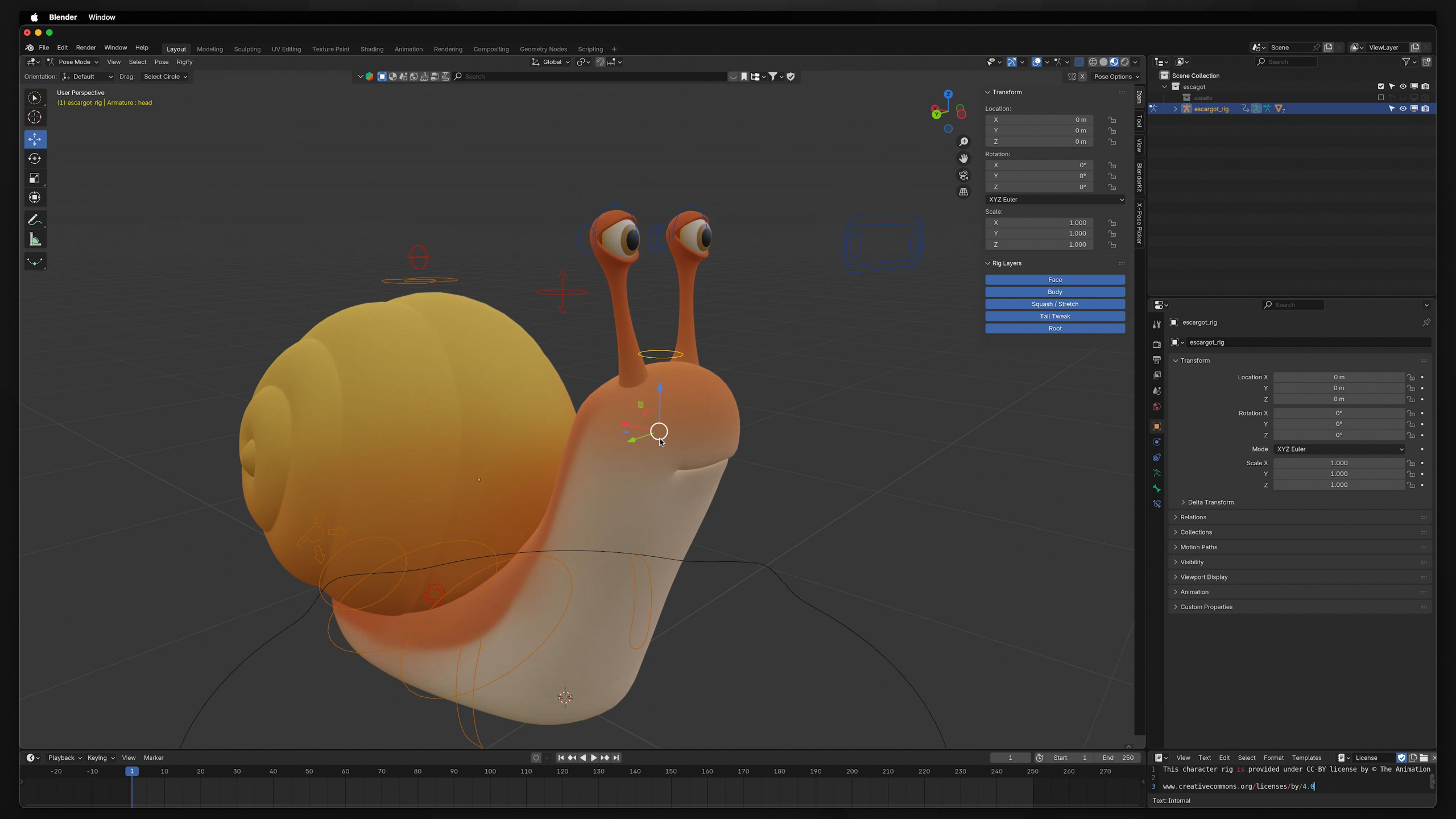
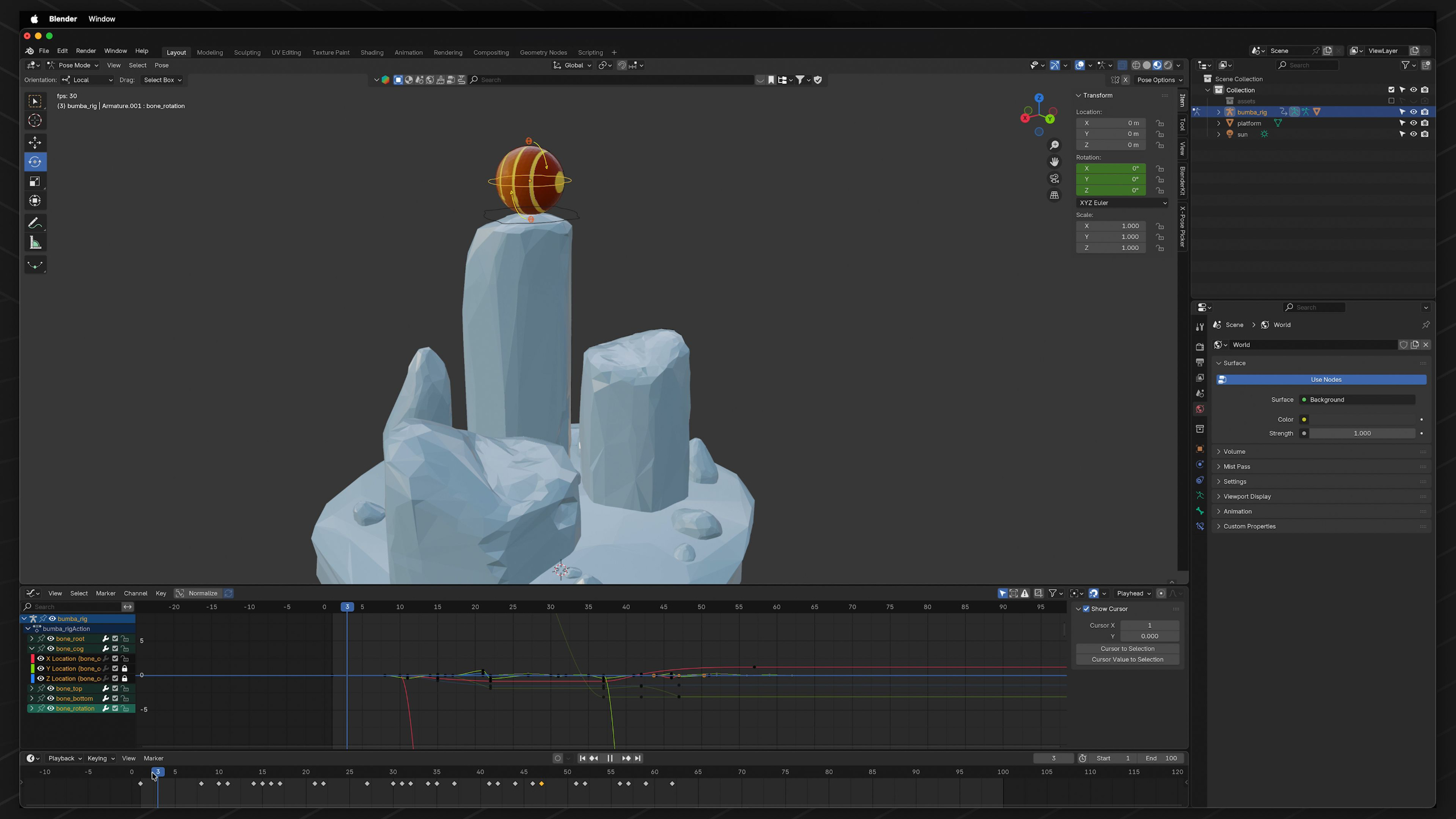
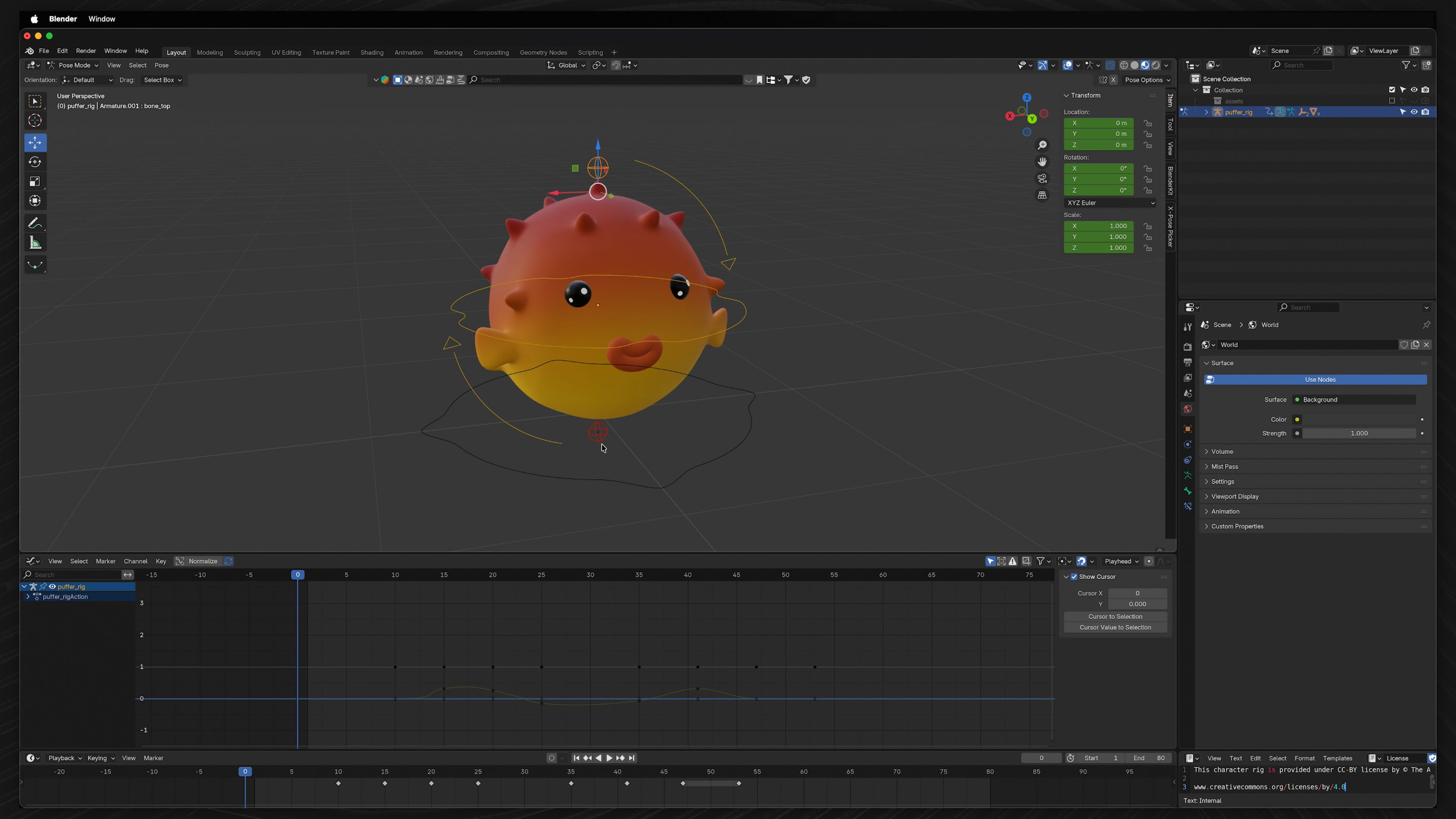
This module introduces the fundamentals of 3D animation in Blender, shifting the focus from general tools and workflows to the core principles of animation itself.
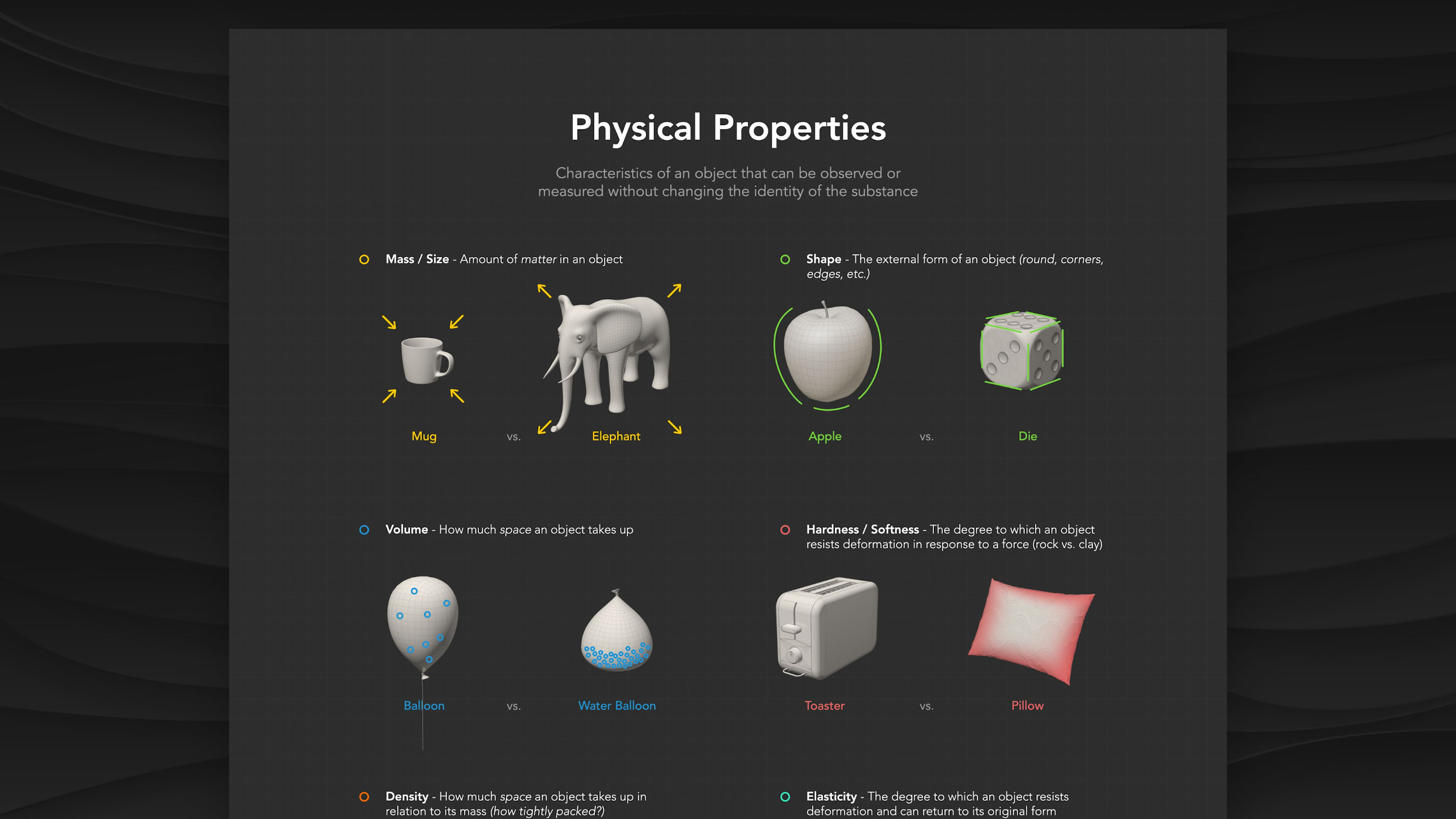
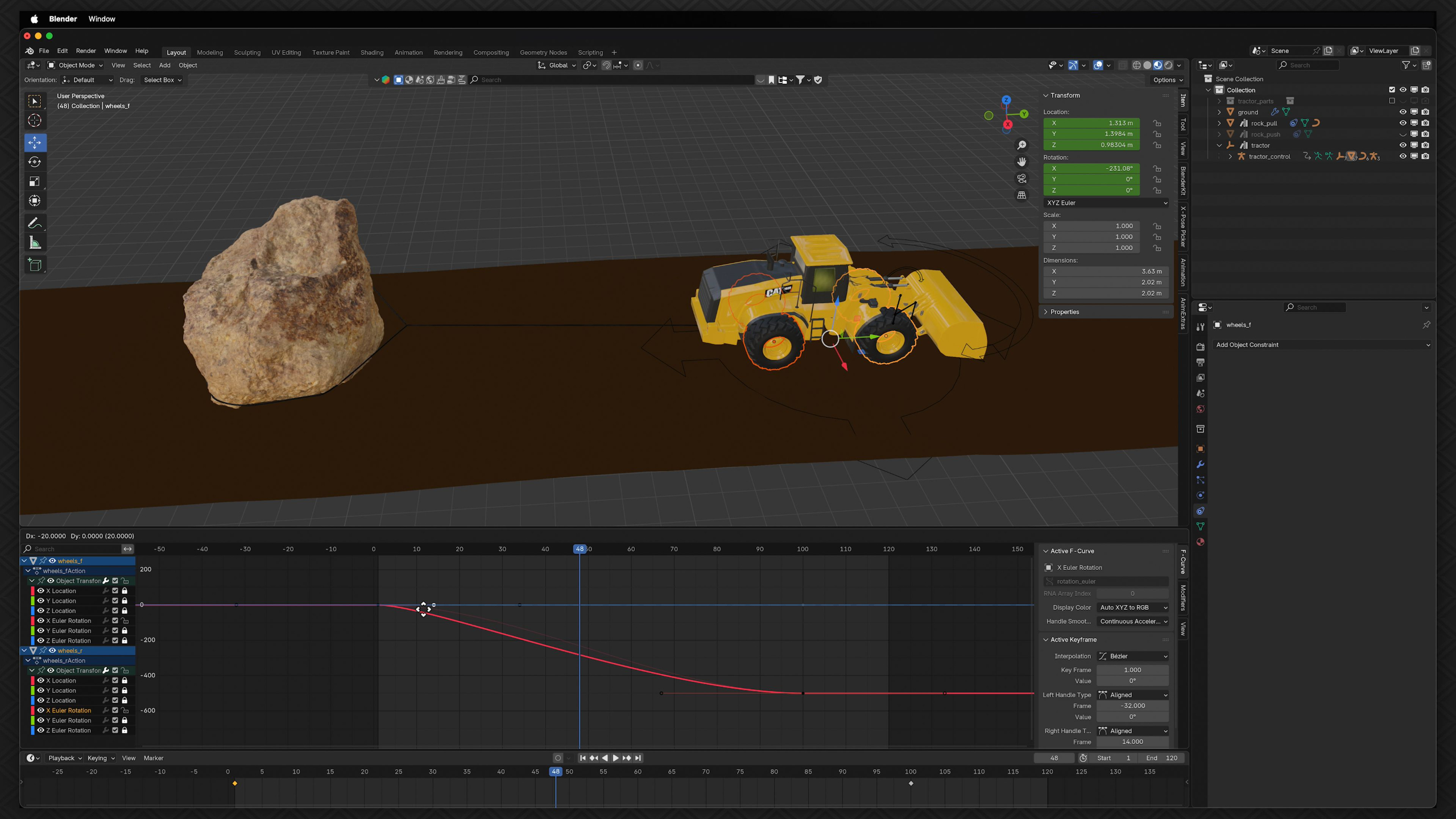
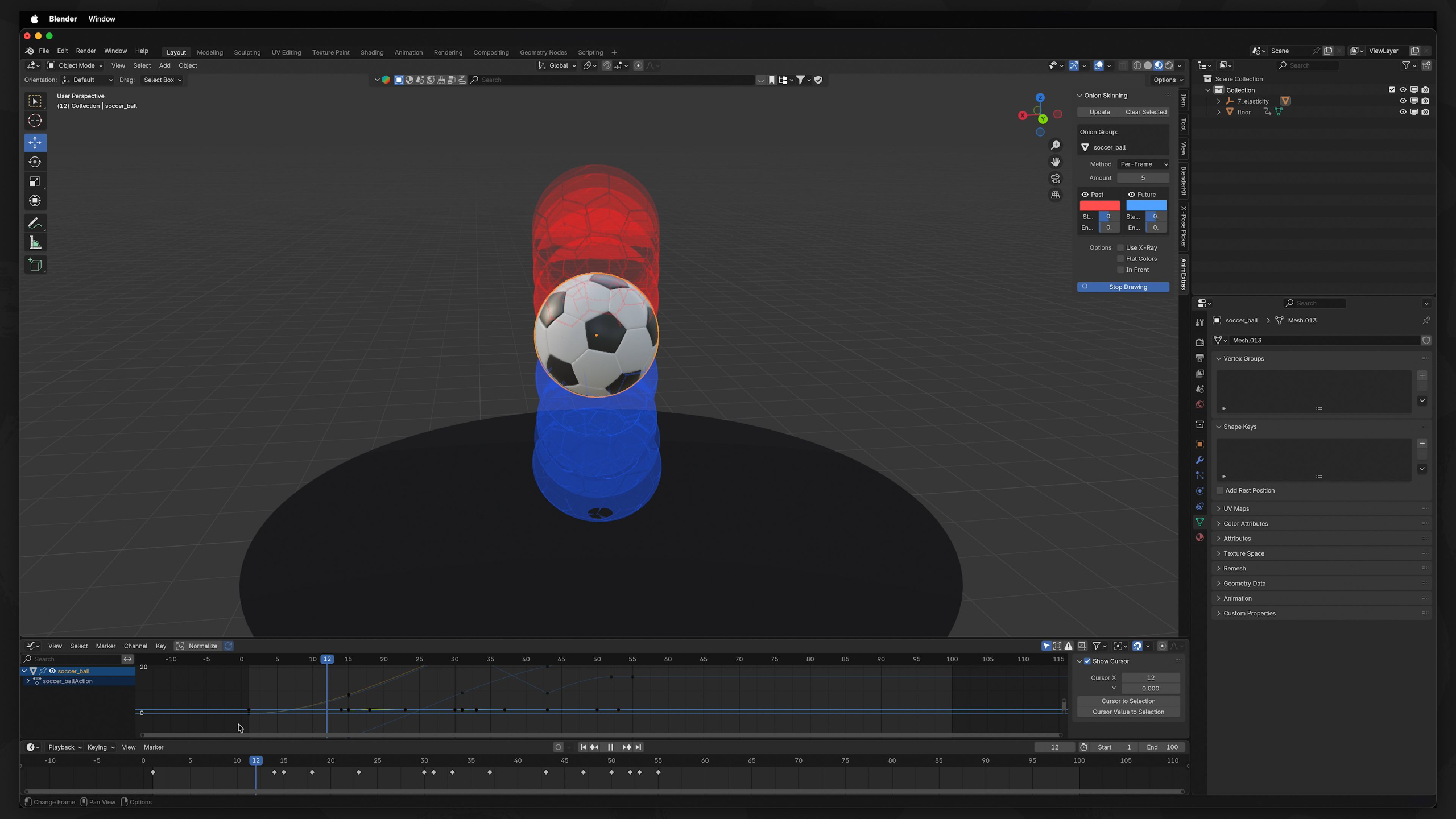
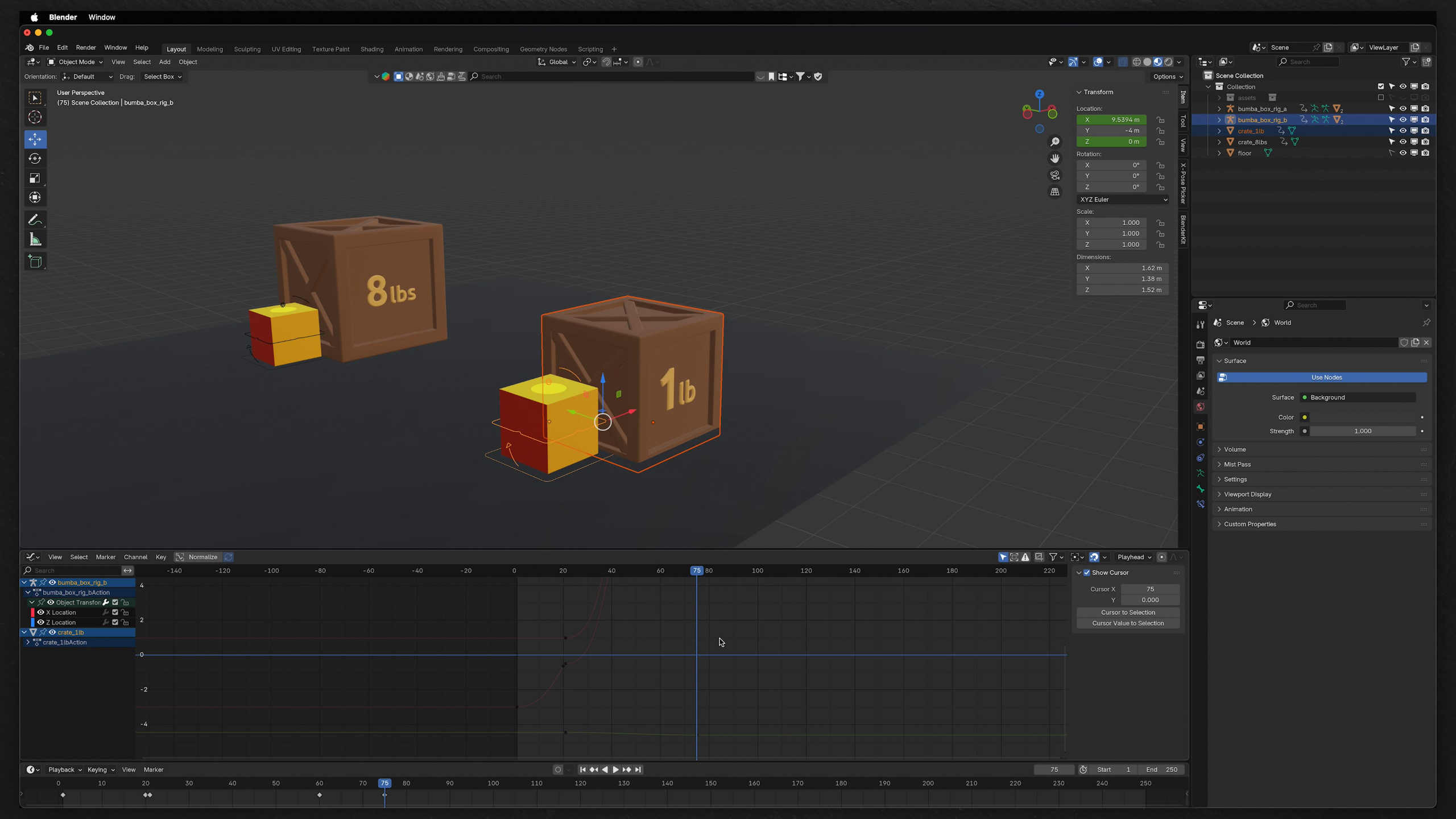
Students learn how objects behave, move, and react through concepts like physics, weight, timing, anticipation, arcs, follow-through, and exaggeration.
Through lessons covering classic animation principles such as Squash & Stretch, Pose-to-Pose, and Slow-In/Slow-Out, learners develop the skills needed to create believable and visually engaging motion. The techniques taught apply across both 2D and 3D animation, providing a strong foundation for becoming a skilled animator.
Module 4: Fundamental Character Animation (Level II)
Estimated completion time: 6-8 weeks
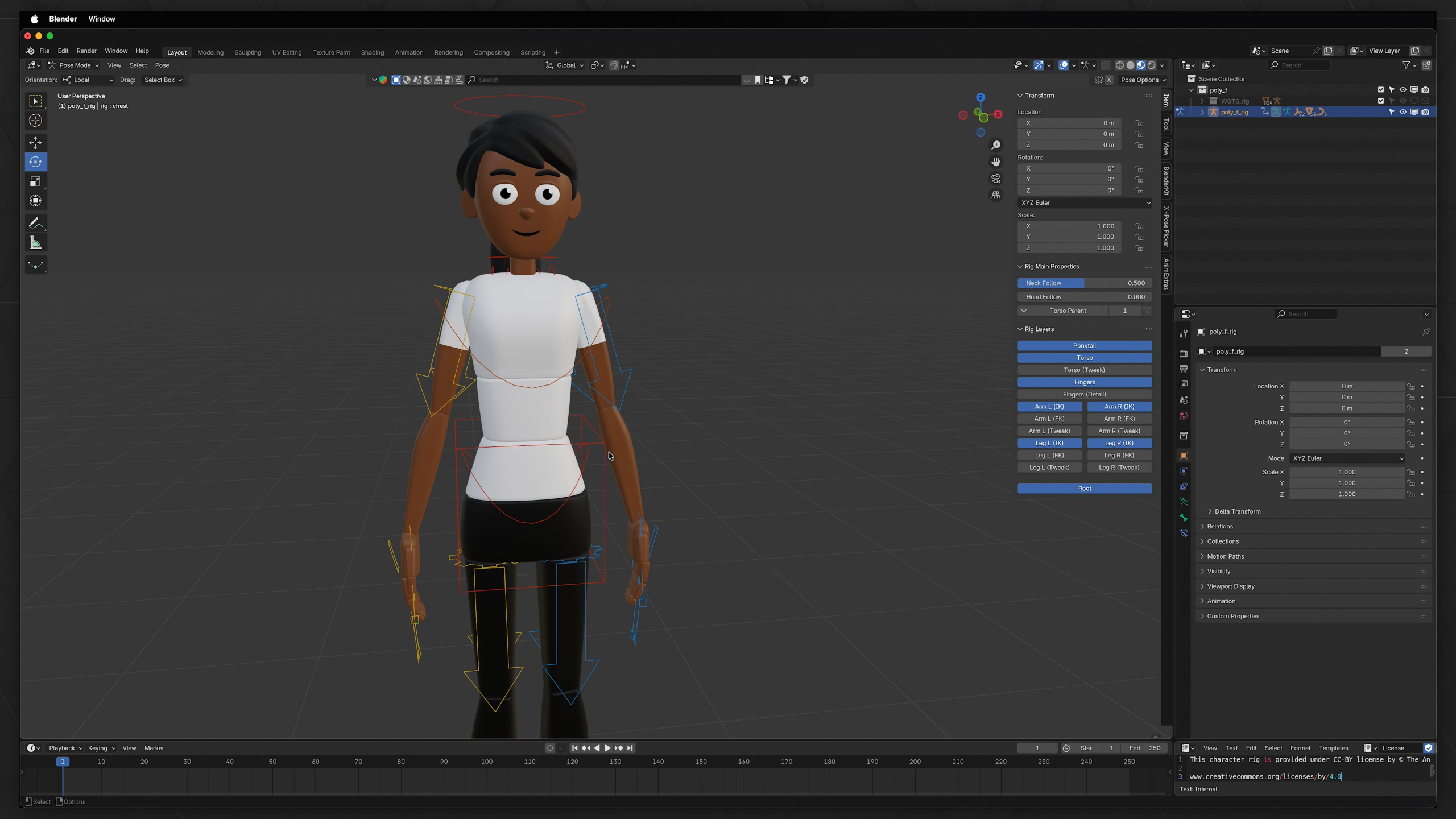
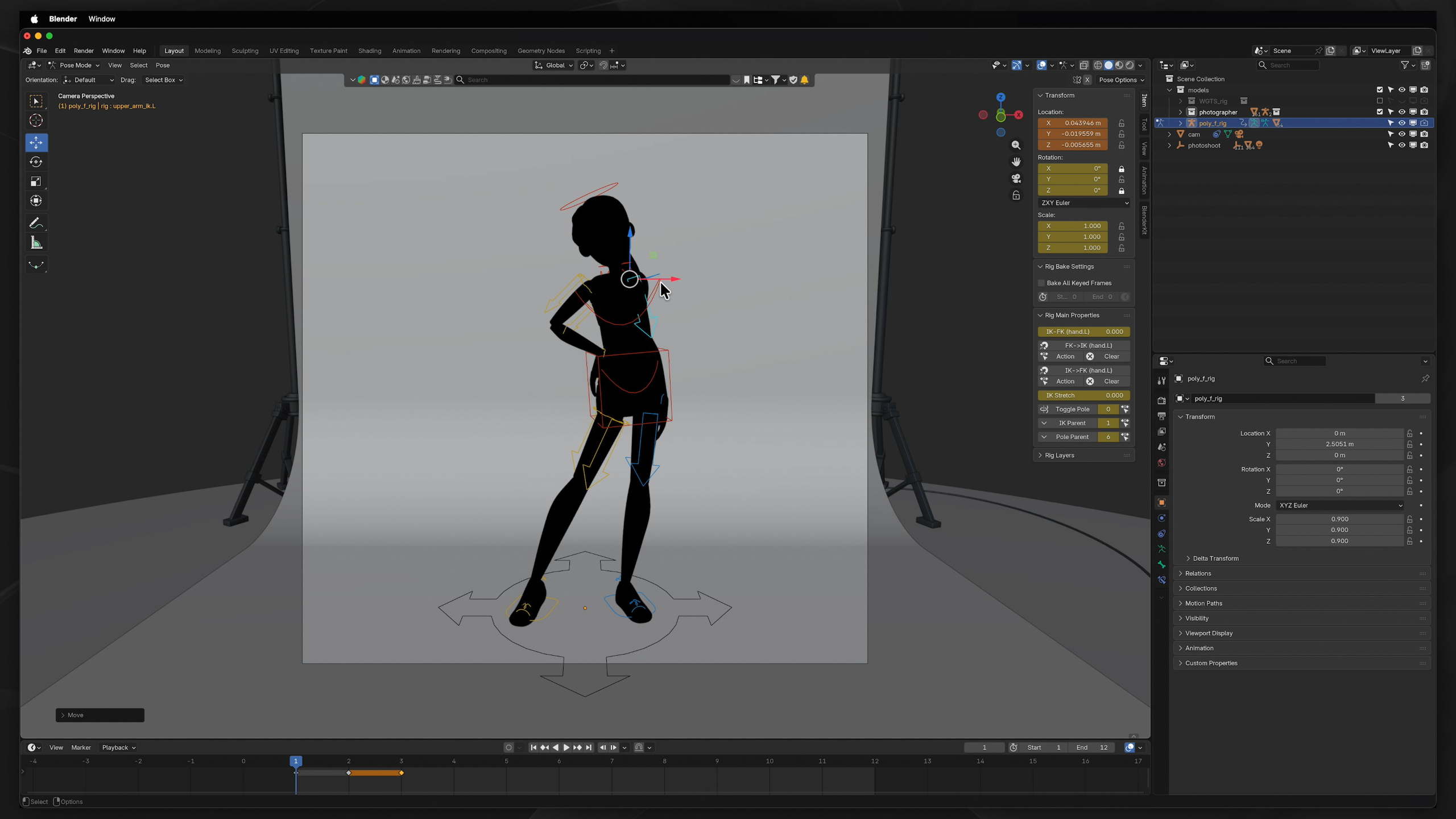
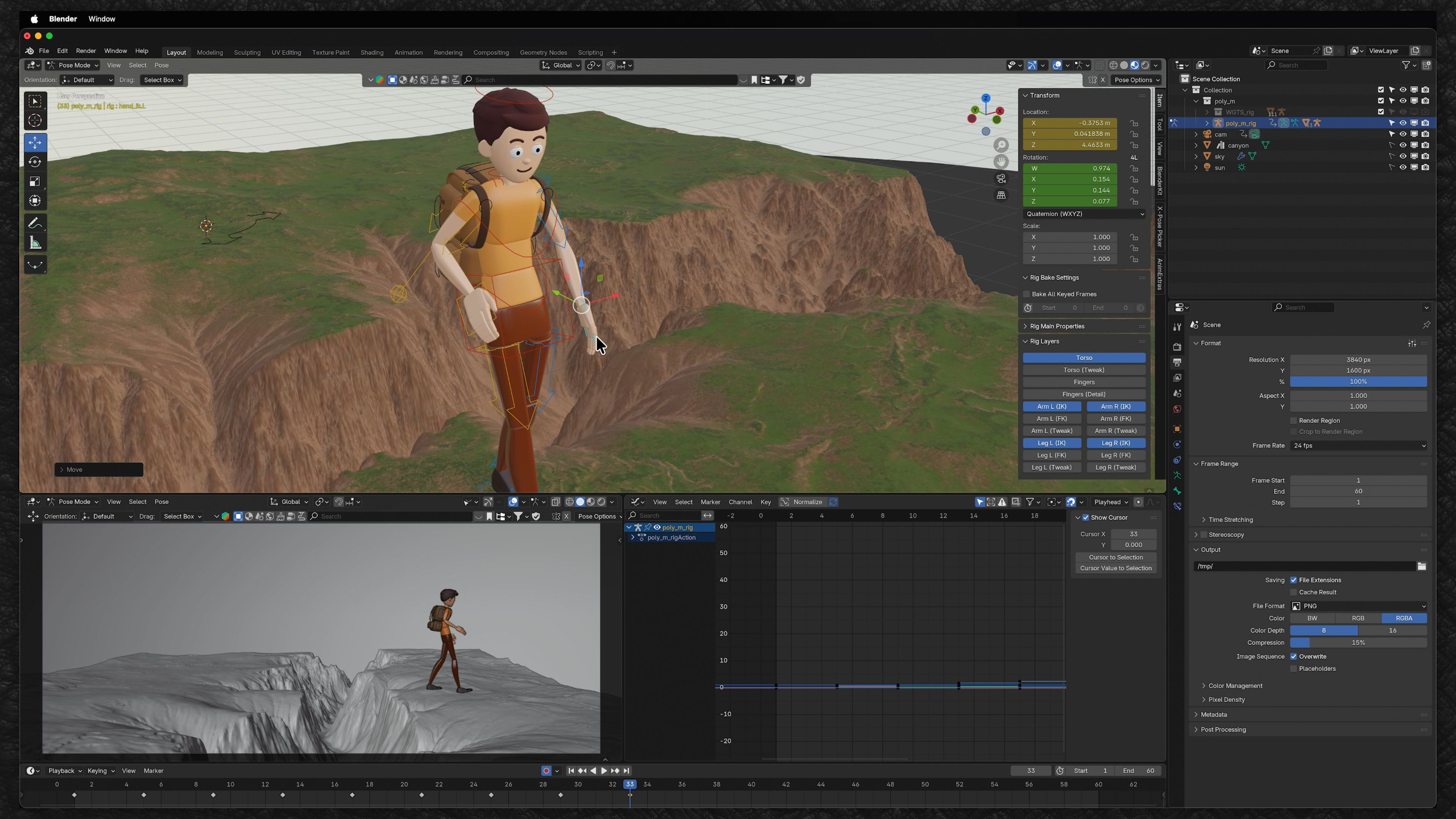
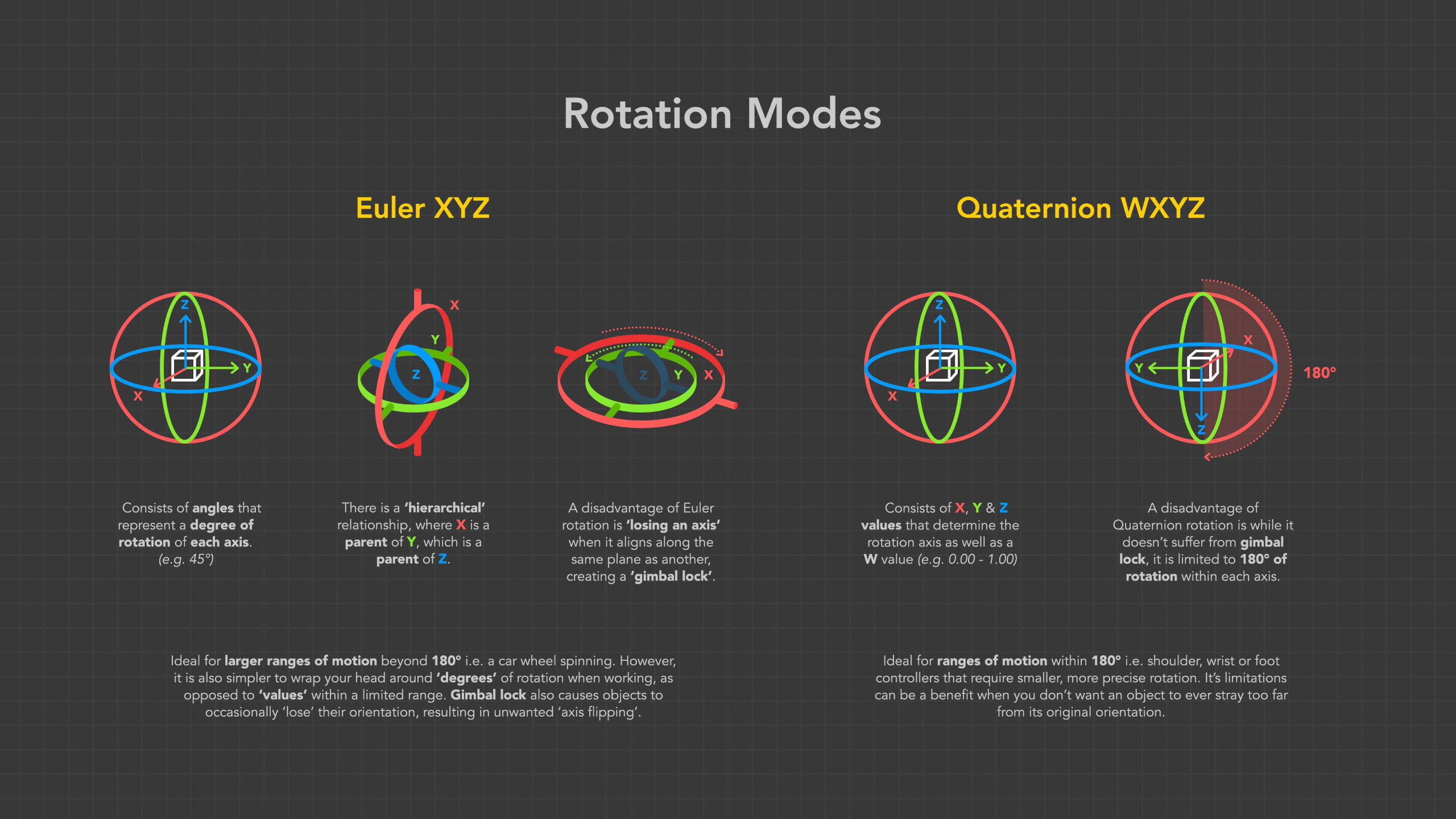
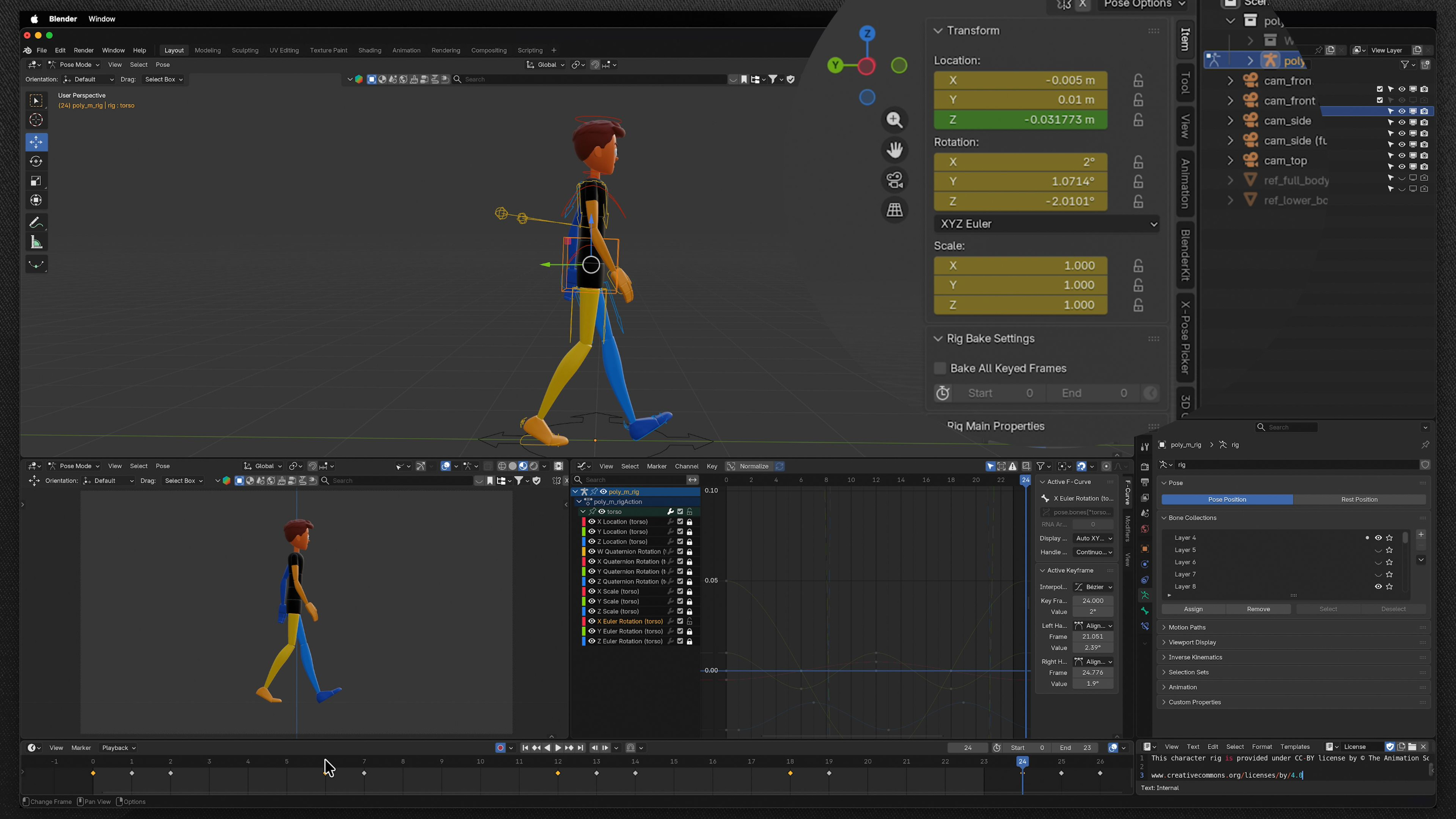
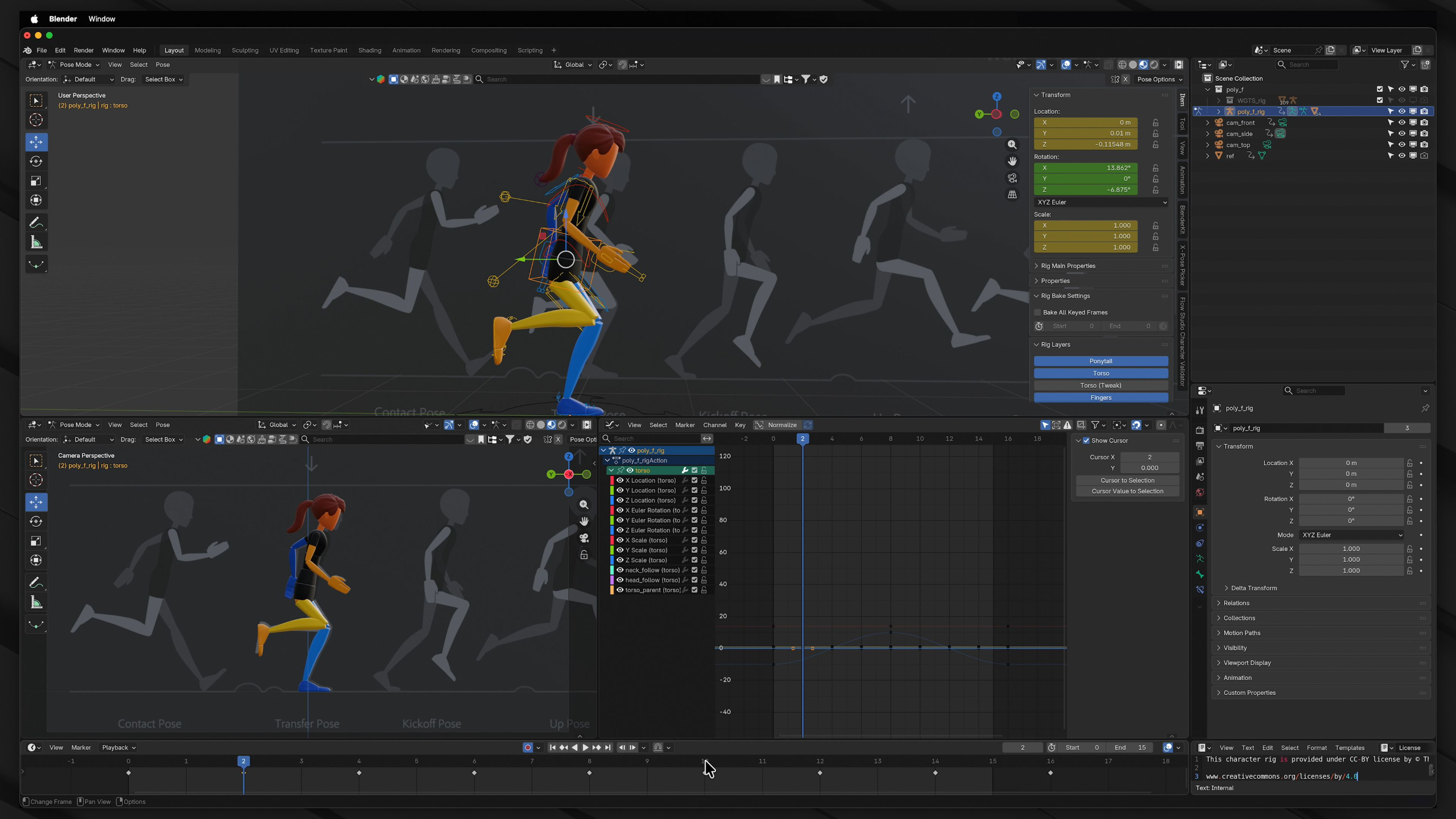
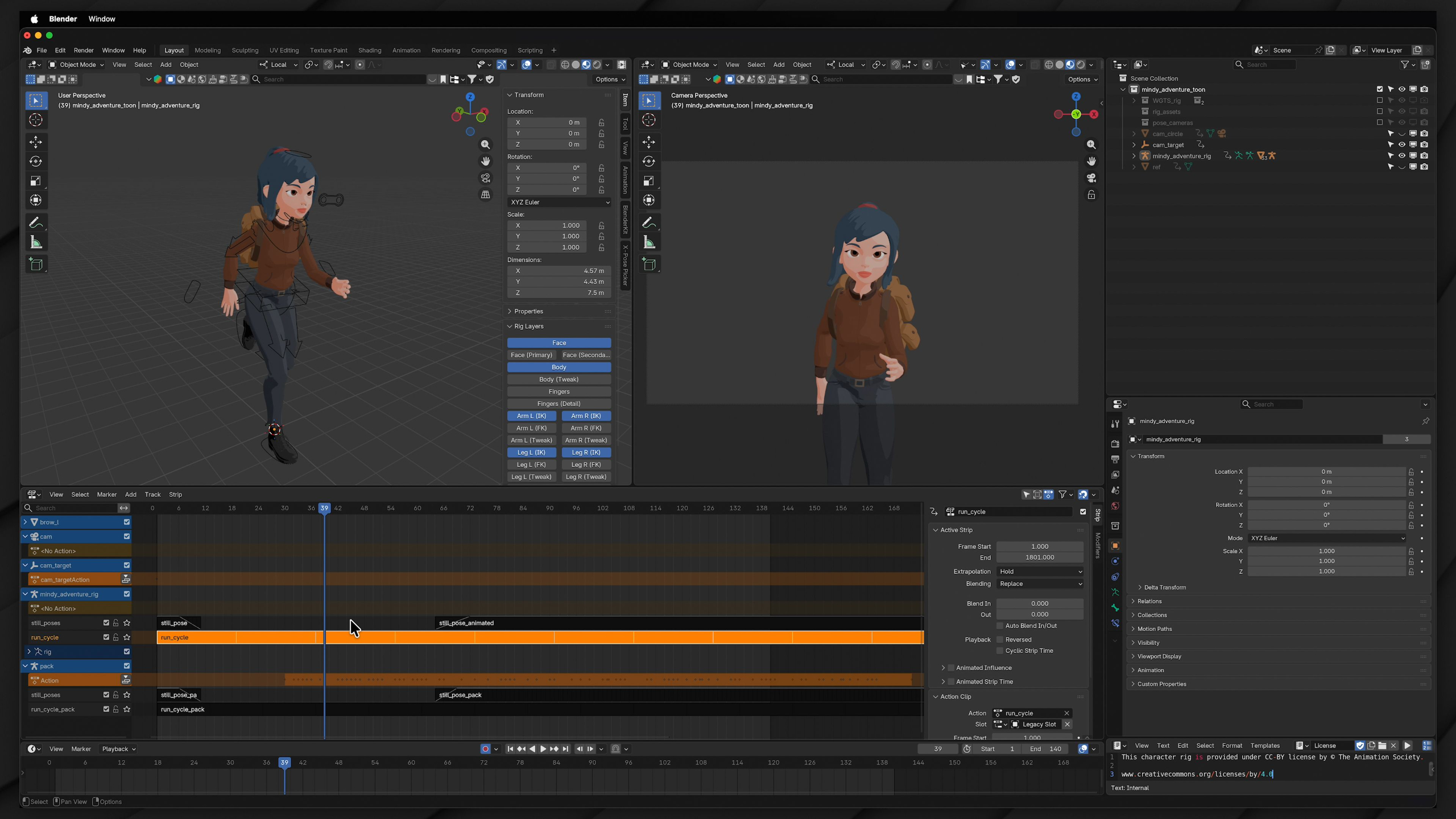
In this module, you’ll transition from animating objects to bringing fully rigged characters to life in Blender.
You’ll learn how character rigs and controls work, practice posing, explore blocking techniques, and create walk & run cycles that evolve from simple lower-body movement to full-body animation with personality and polish.
By the end, you’ll have a strong foundation in character animation and the confidence to apply these techniques to a variety of character rigs.
Module 5: Advanced Body Mechanics (Level II)
Estimated completion time: 6-8 weeks
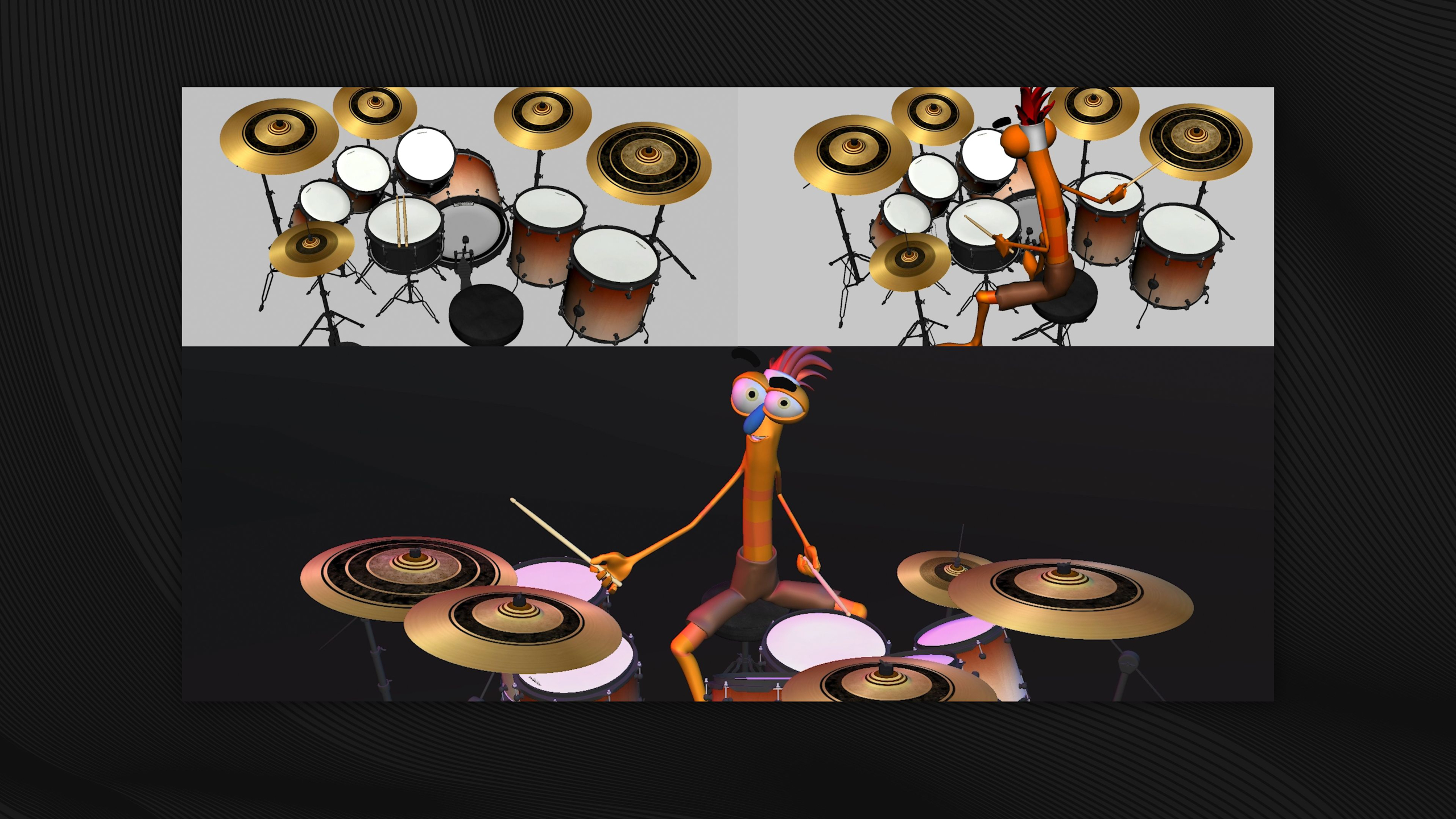
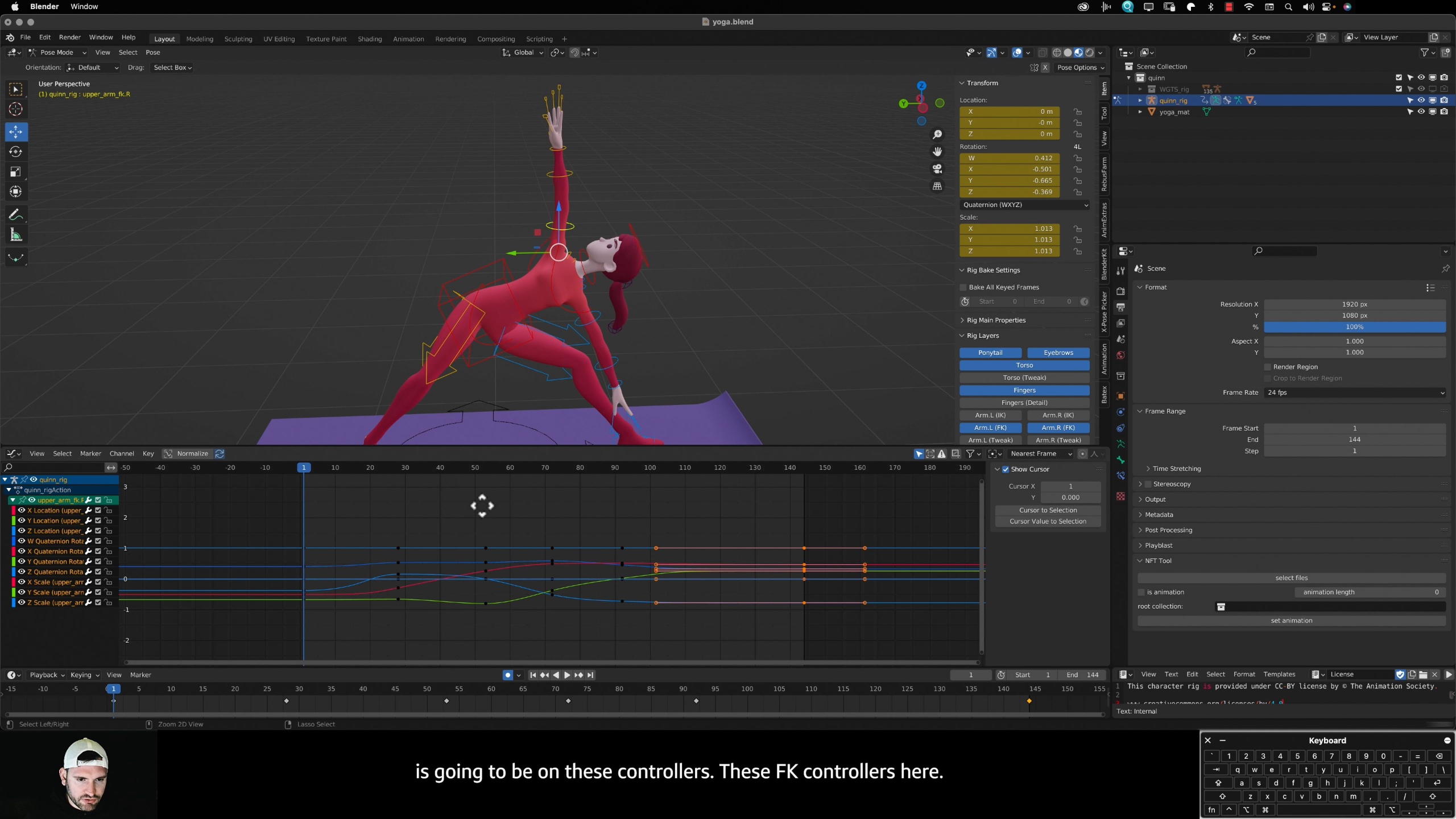
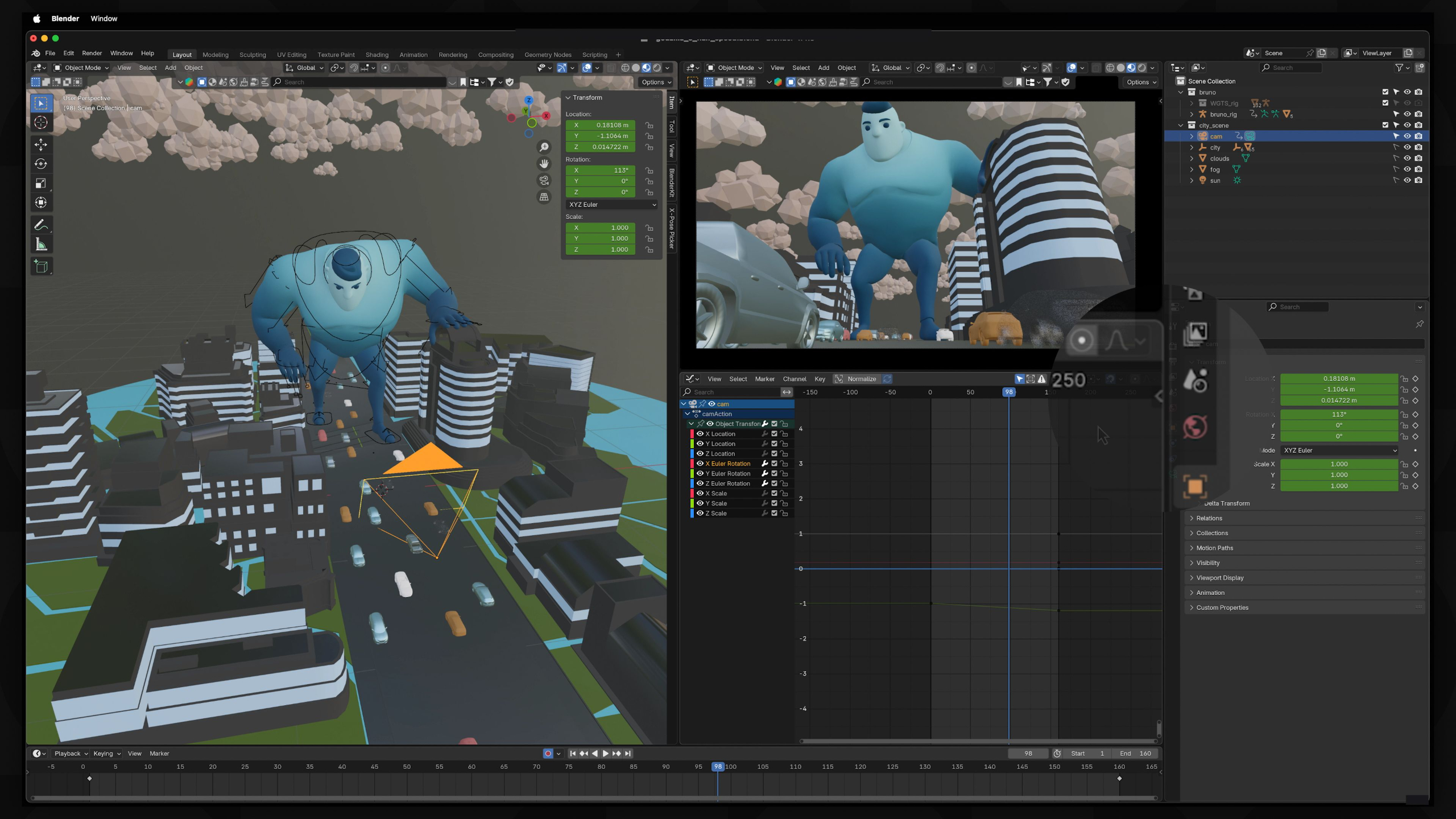
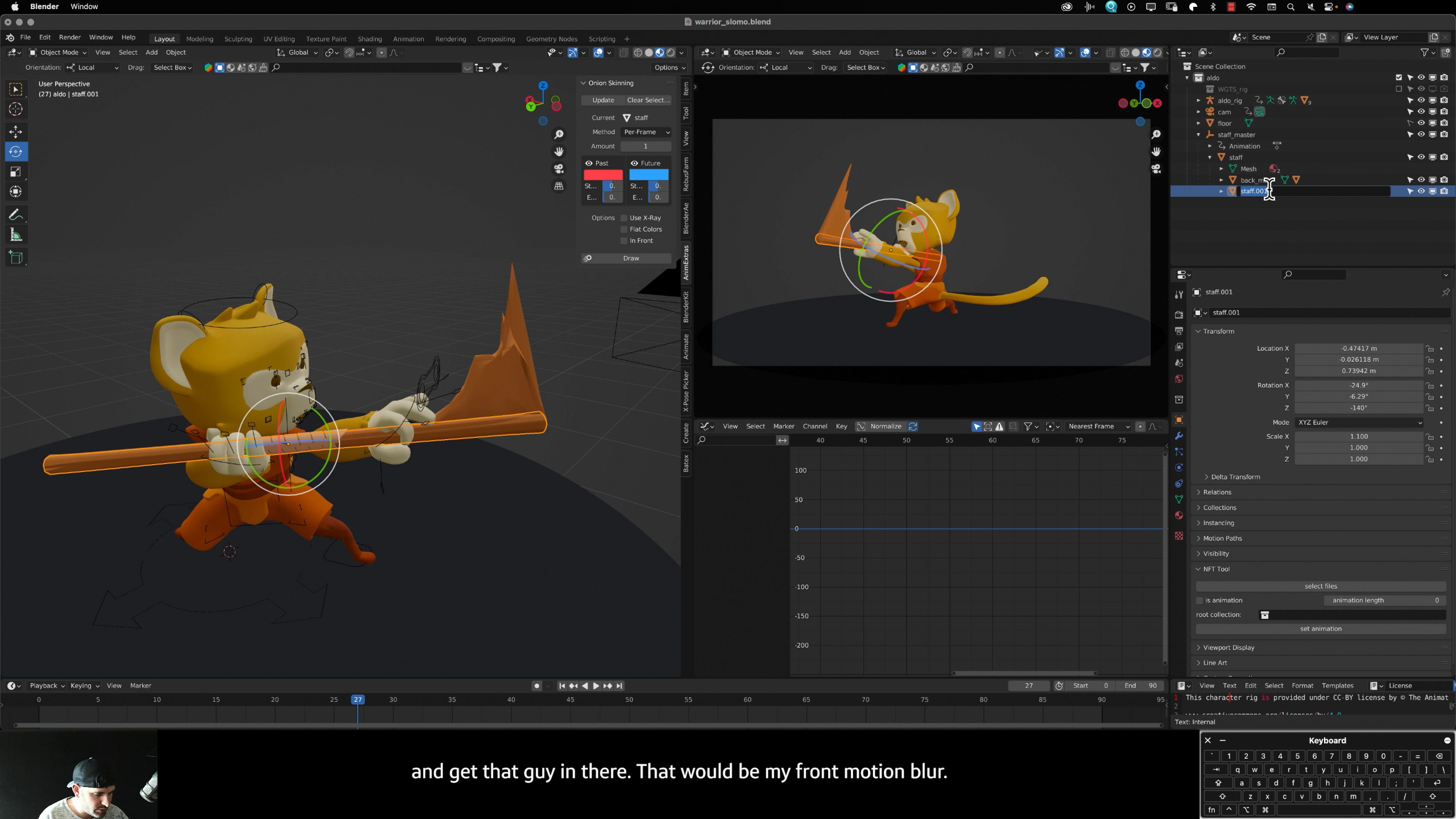
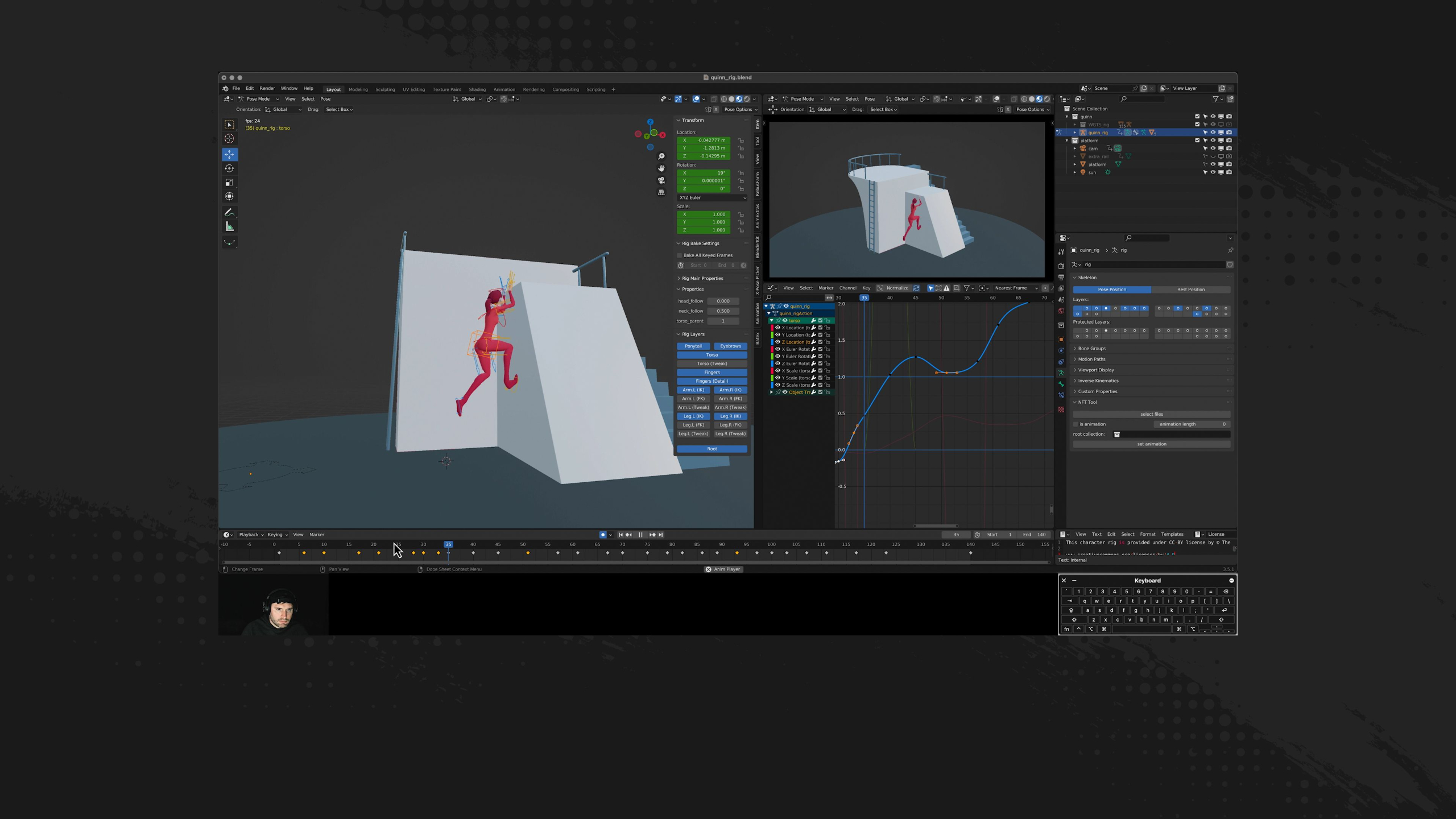
This module focuses on refining your character animation skills by applying core animation principles to more complex and dynamic movements.
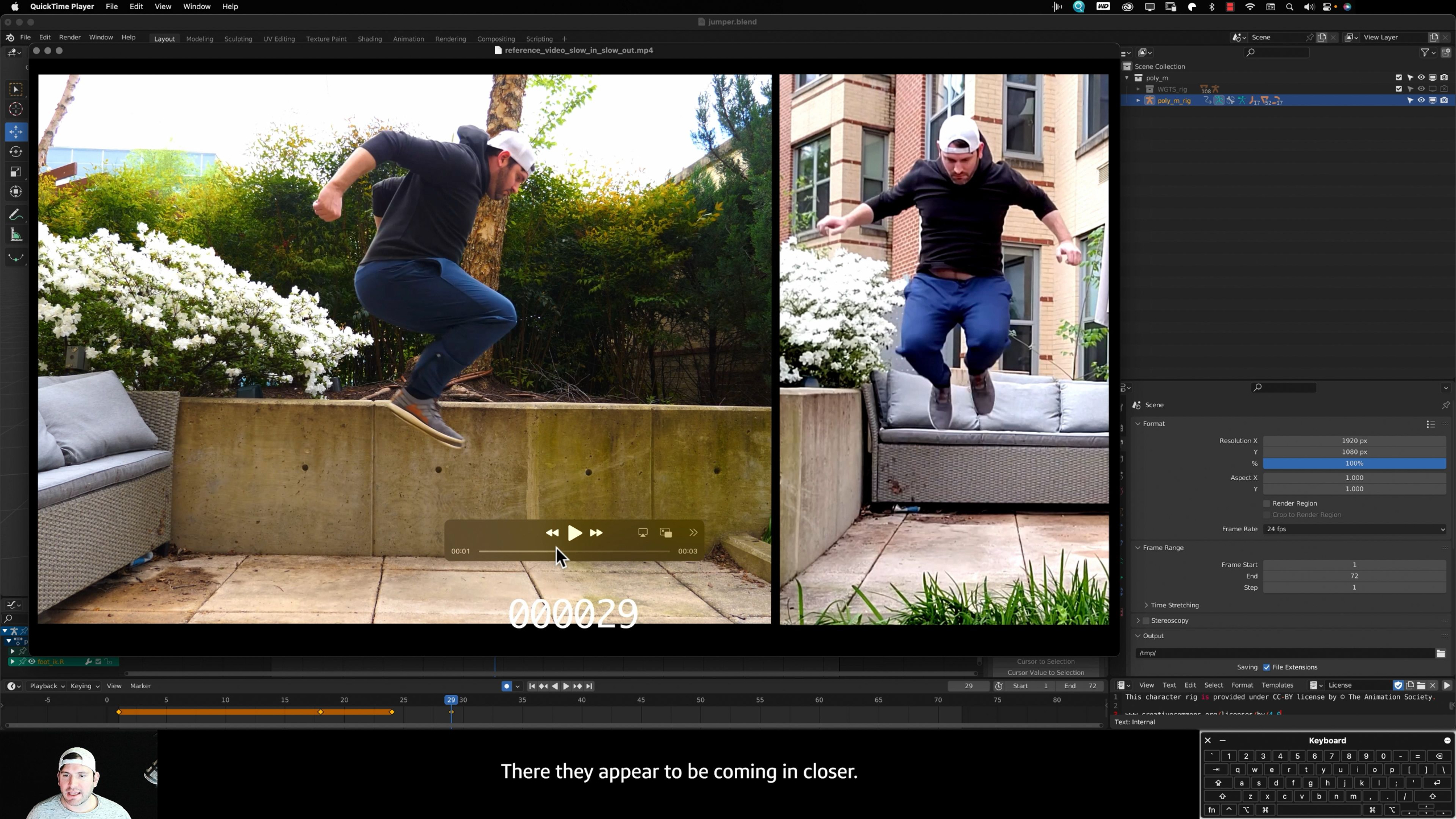
You’ll learn how to use references, improve poses with squash and stretch, create believable motion through anticipation, follow-through, arcs, timing, and secondary action, while also exploring staging, exaggeration, appeal, and dynamic camera work.
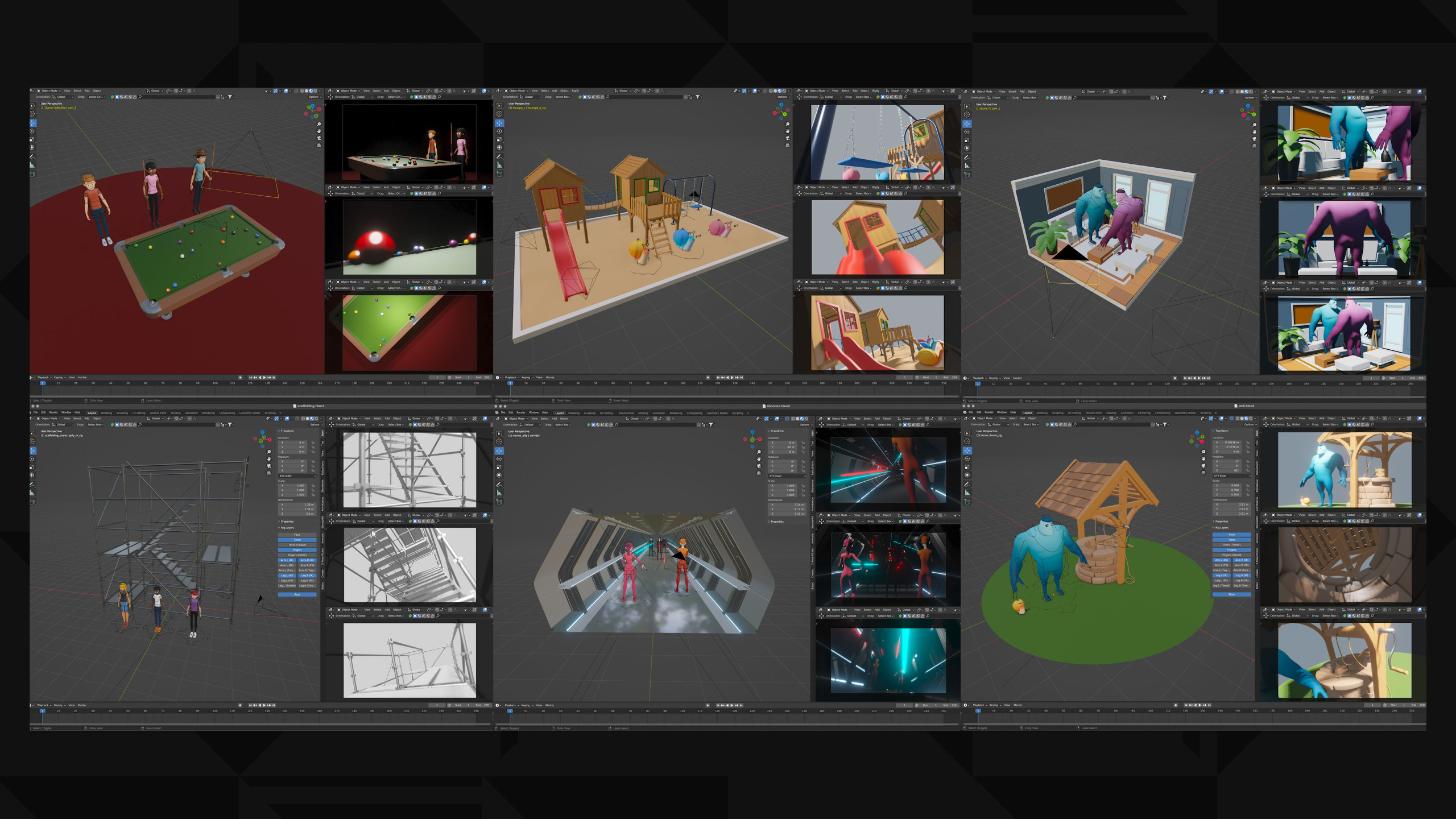
Throughout the module, you’ll animate characters in a variety of scenarios to better understand realistic body movement, culminating in a portfolio project that showcases your advanced character animation abilities.
Module 6: Character Acting (Level III)
Estimated completion time: 6-8 weeks
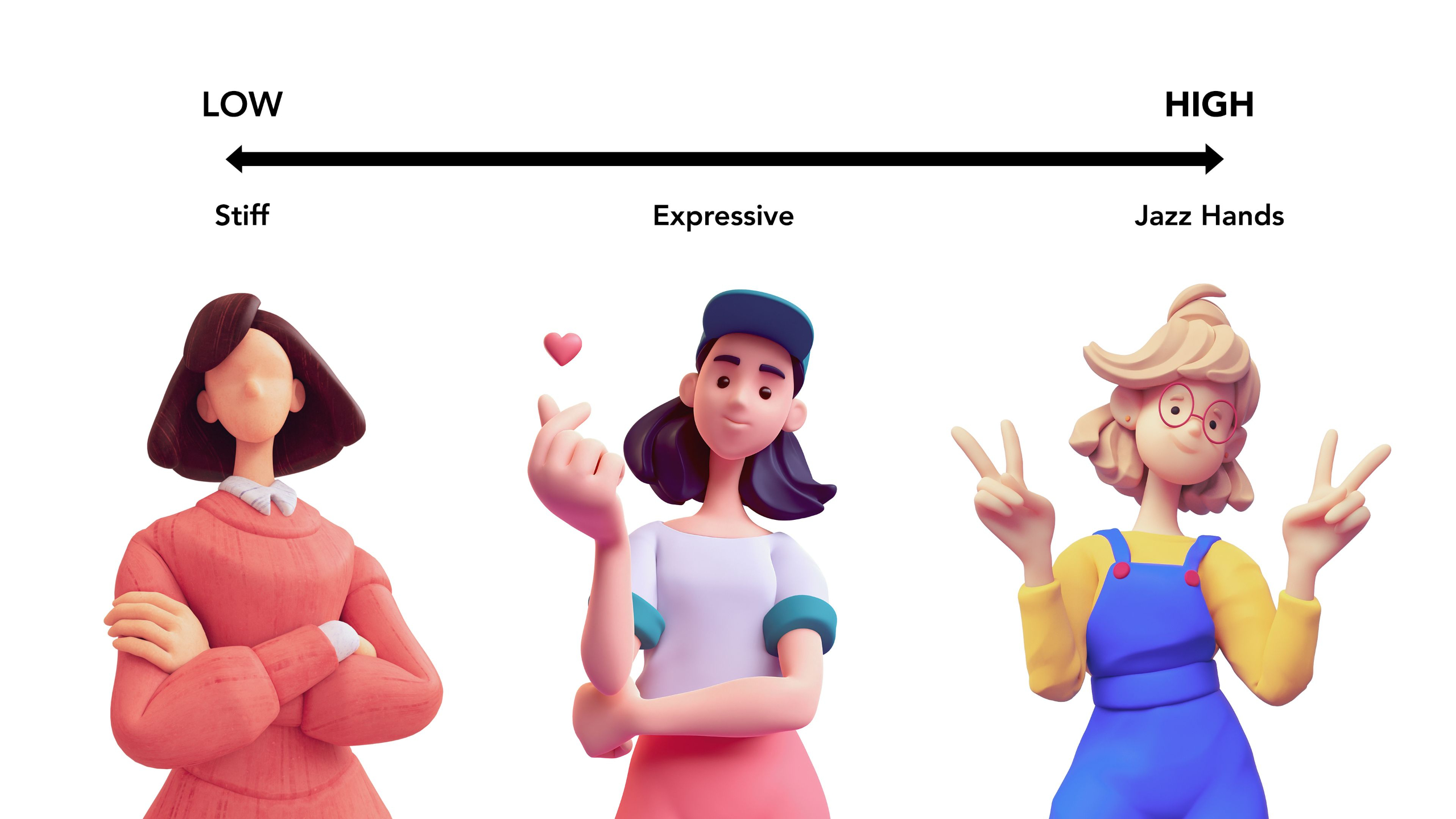
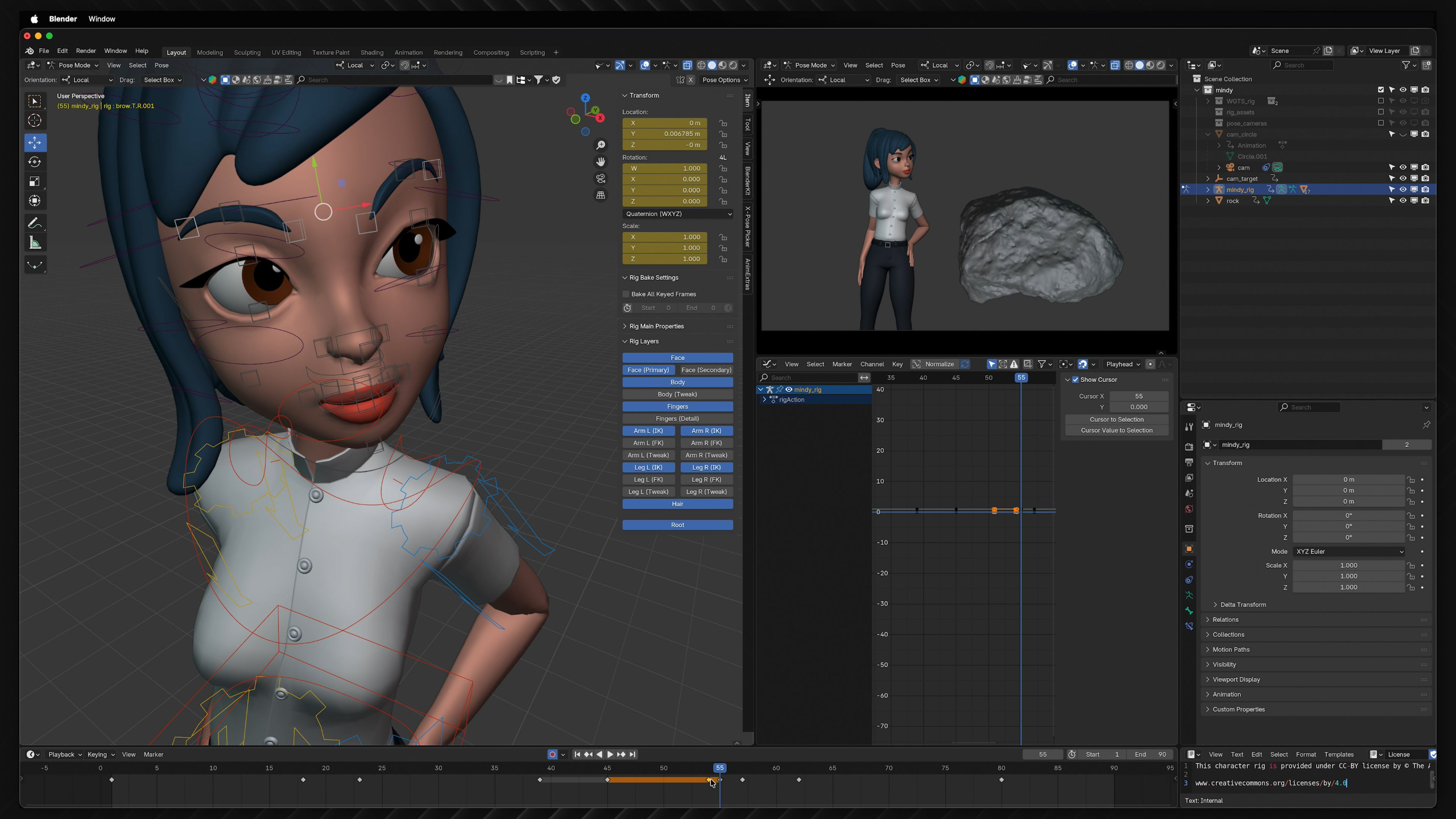
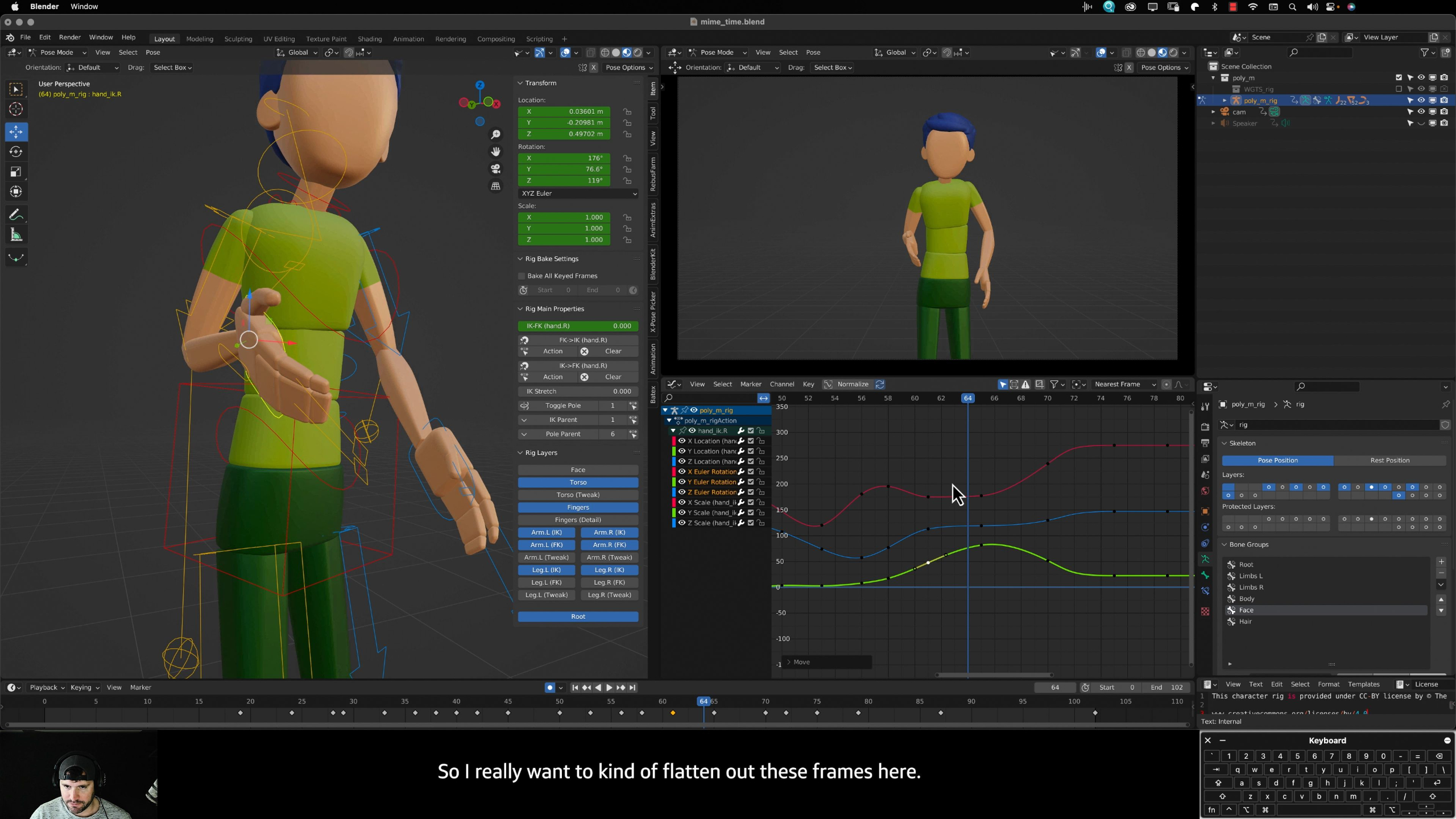
This module focuses on bringing animated characters to life through emotion, performance, and dialogue.
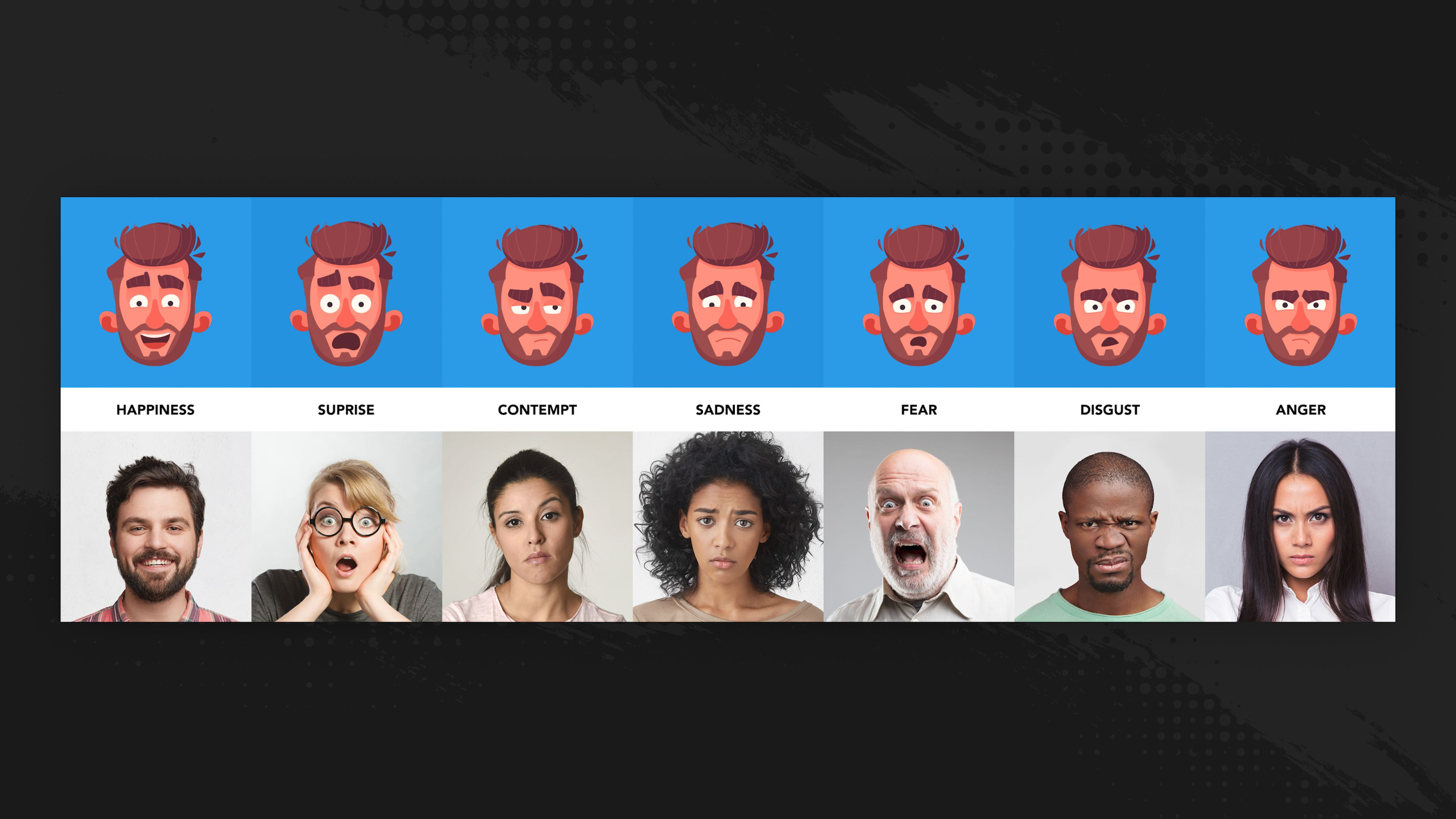
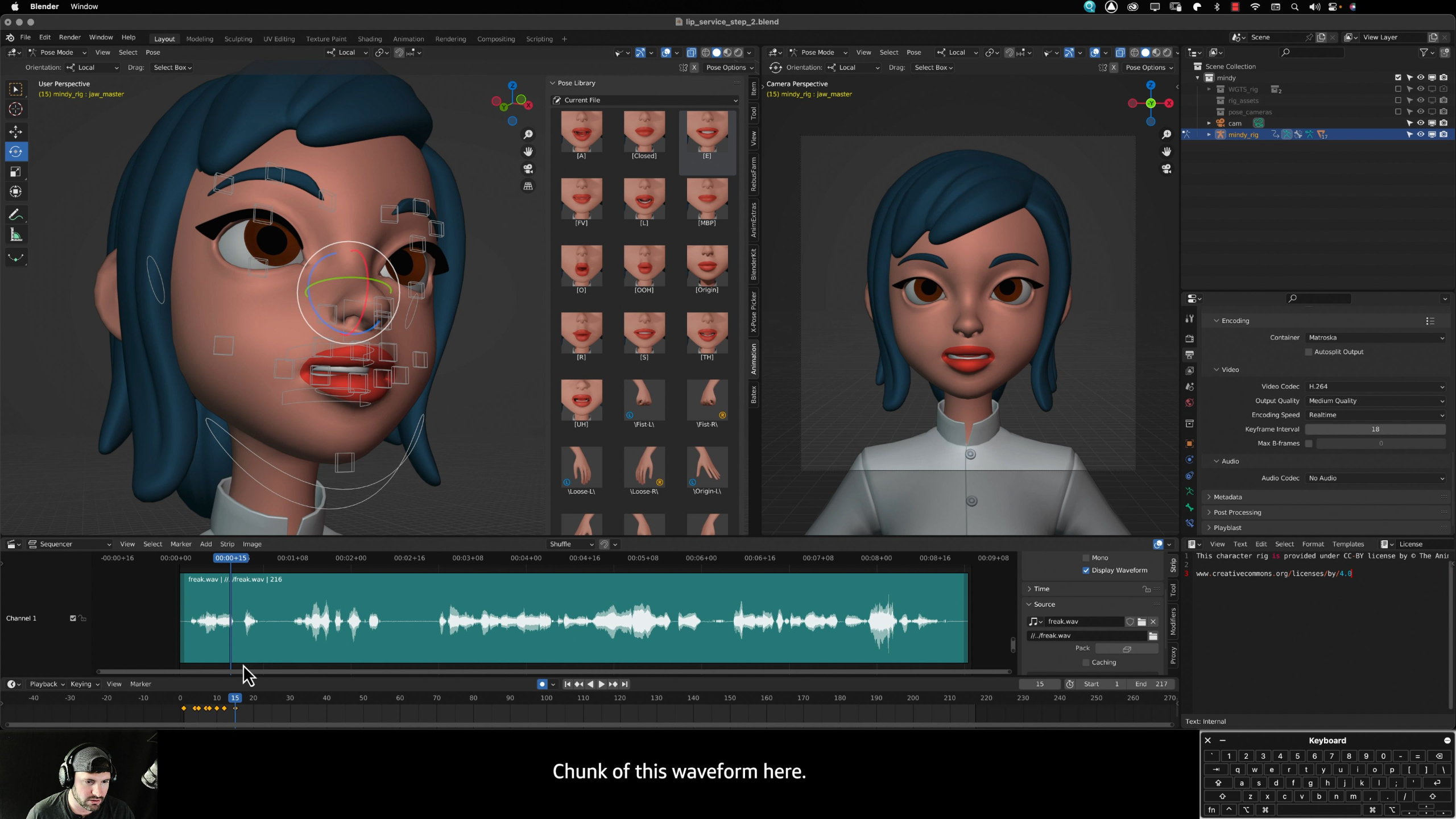
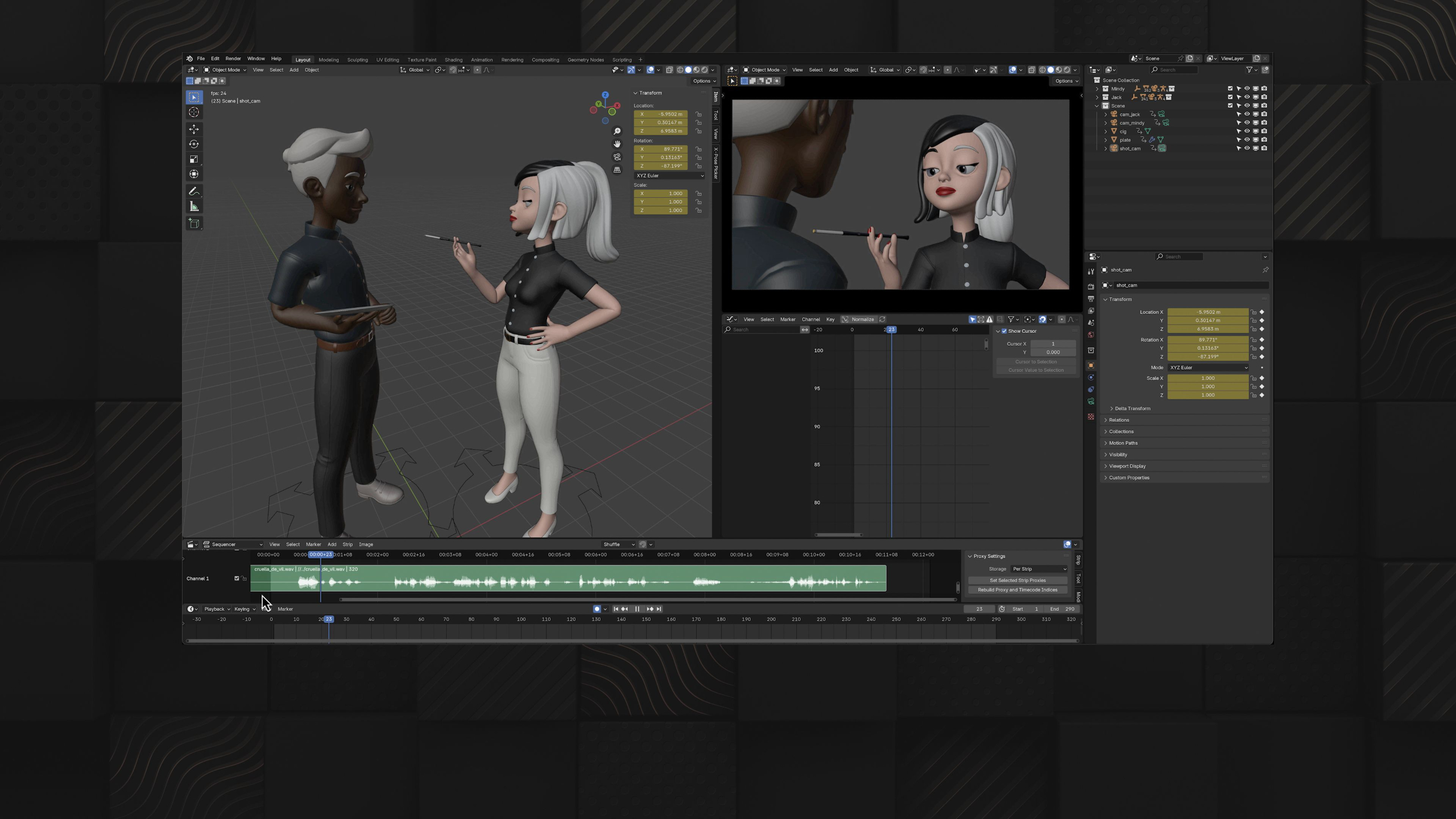
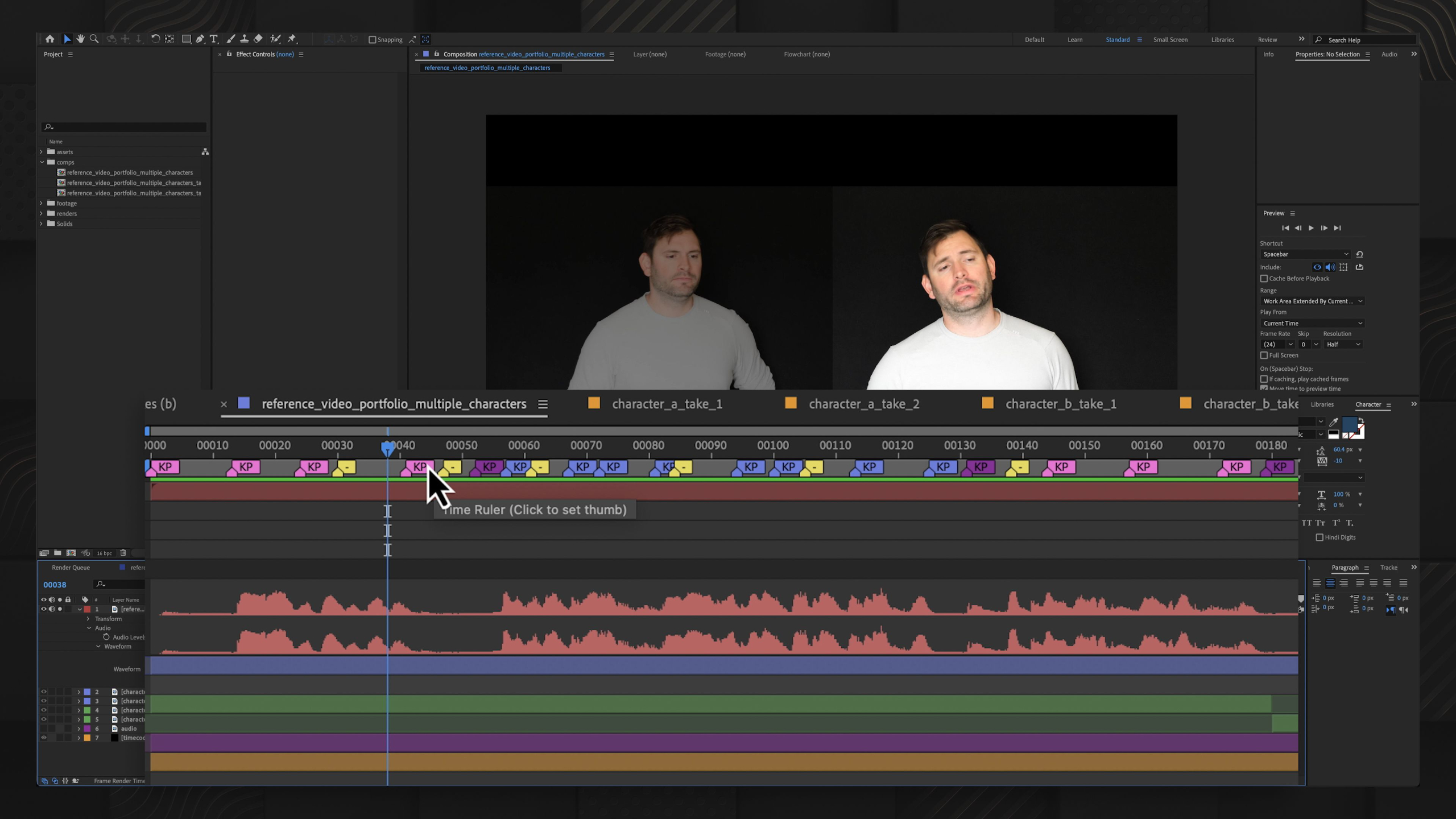
Students will learn acting principles, subtext, moving holds, pantomime, facial animation, lip-syncing, and multi-character interaction to create believable performances.
By the end, they will complete several polished acting projects that strengthen both their animation skills and portfolio.
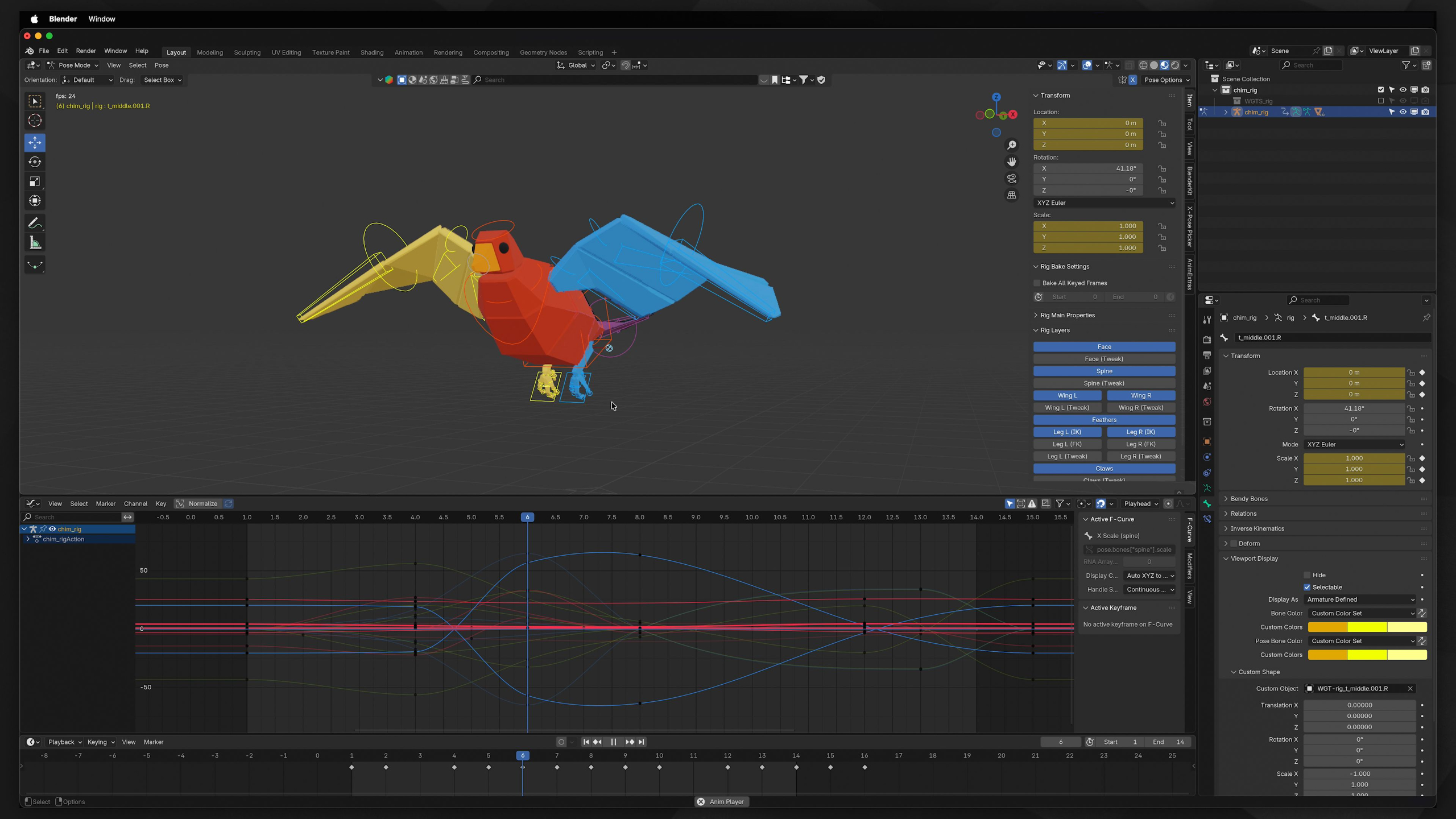
Module 7: Creature Animation (Level III)
Estimated completion time: 6-8 weeks
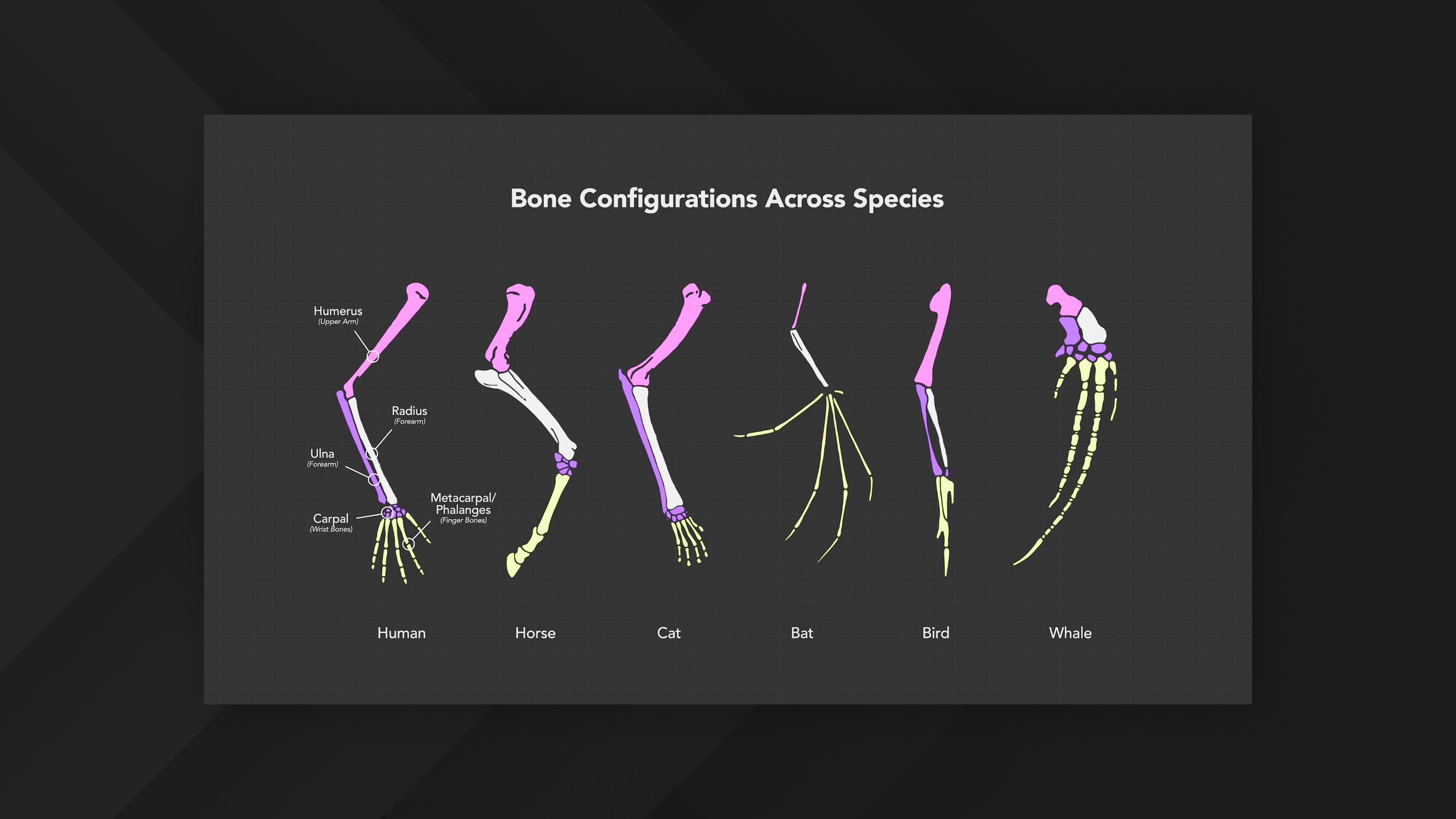
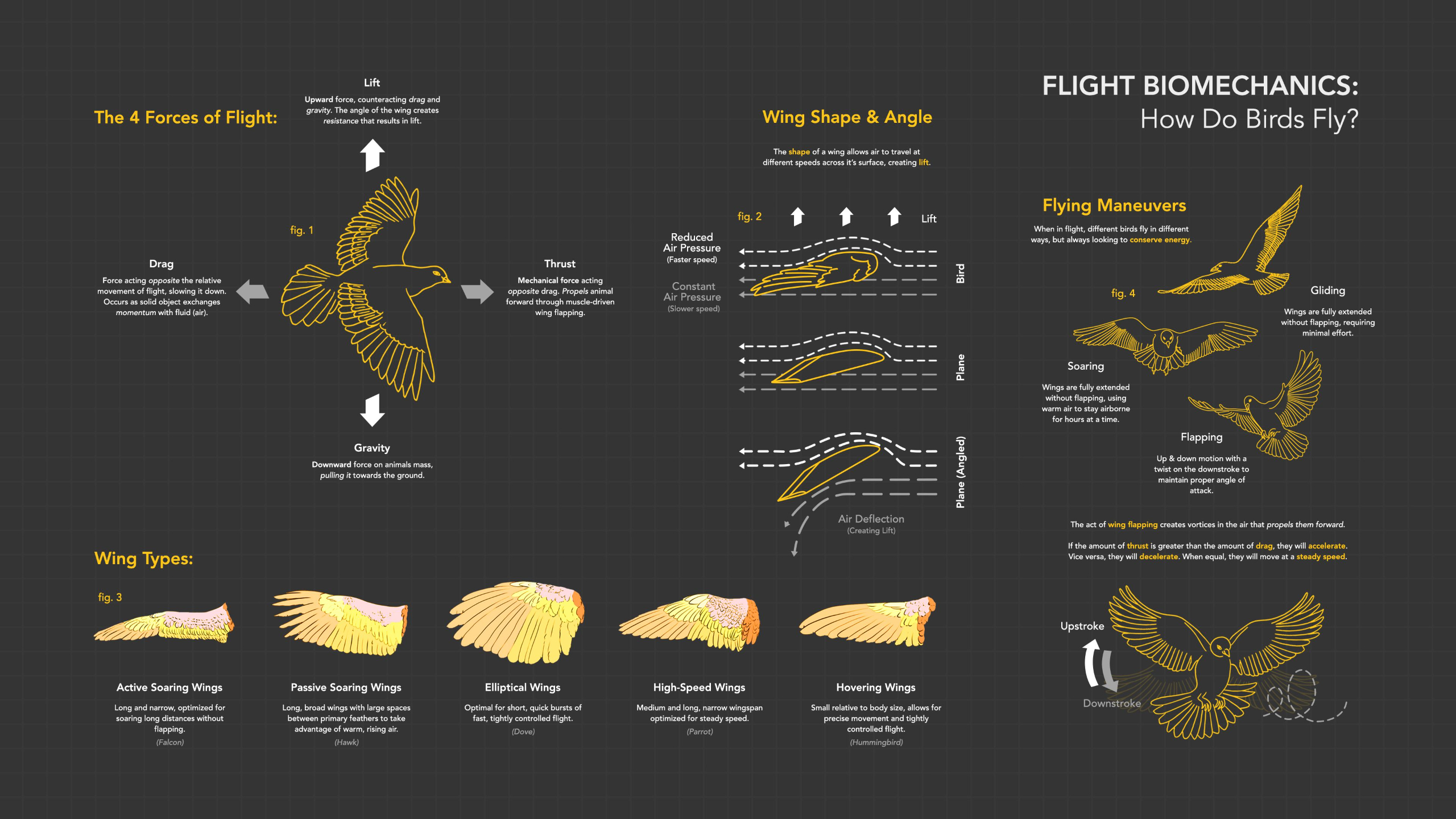
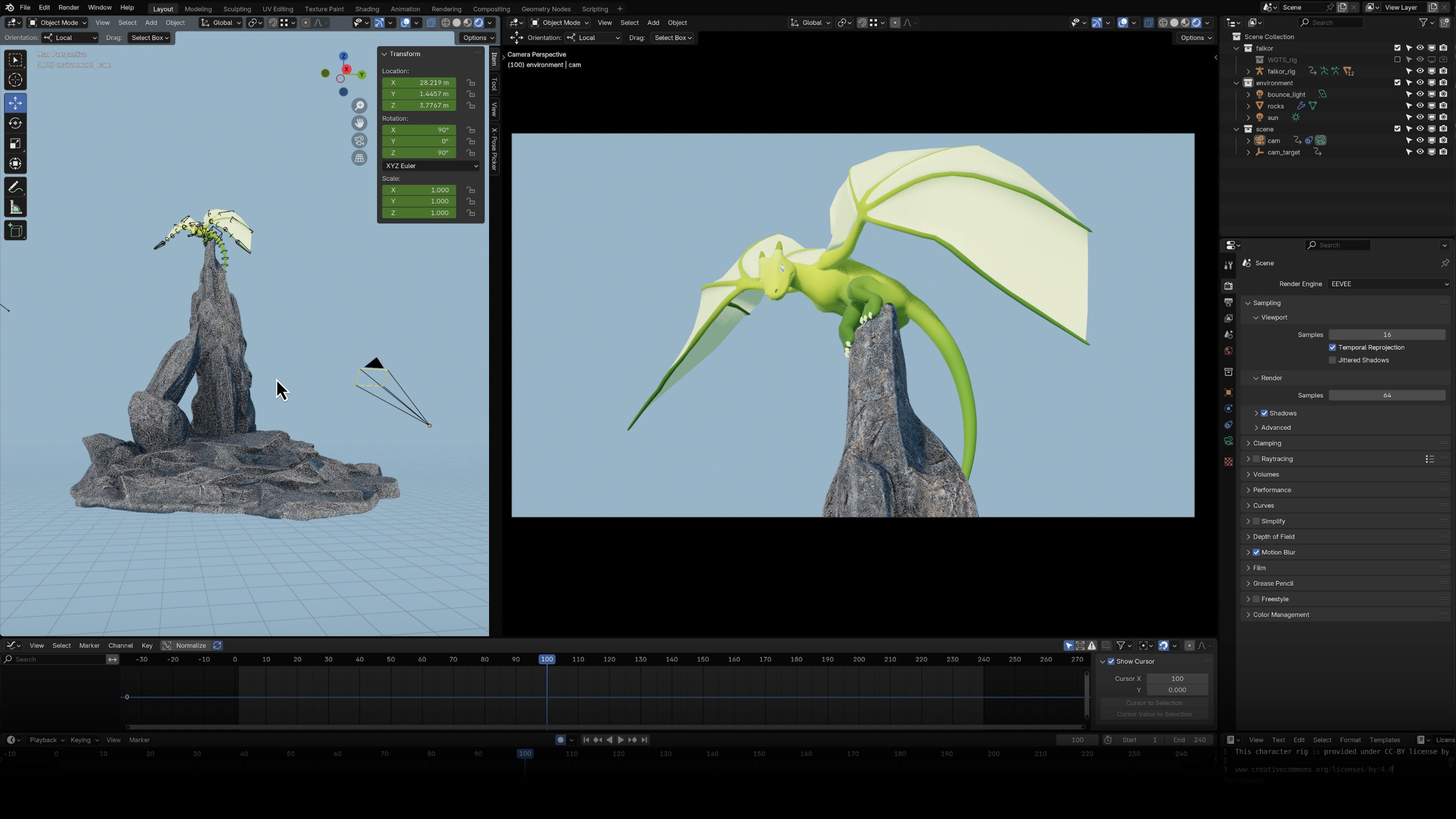
In this module you’ll explore advanced creature animation techniques for quadrupeds and flying creatures.
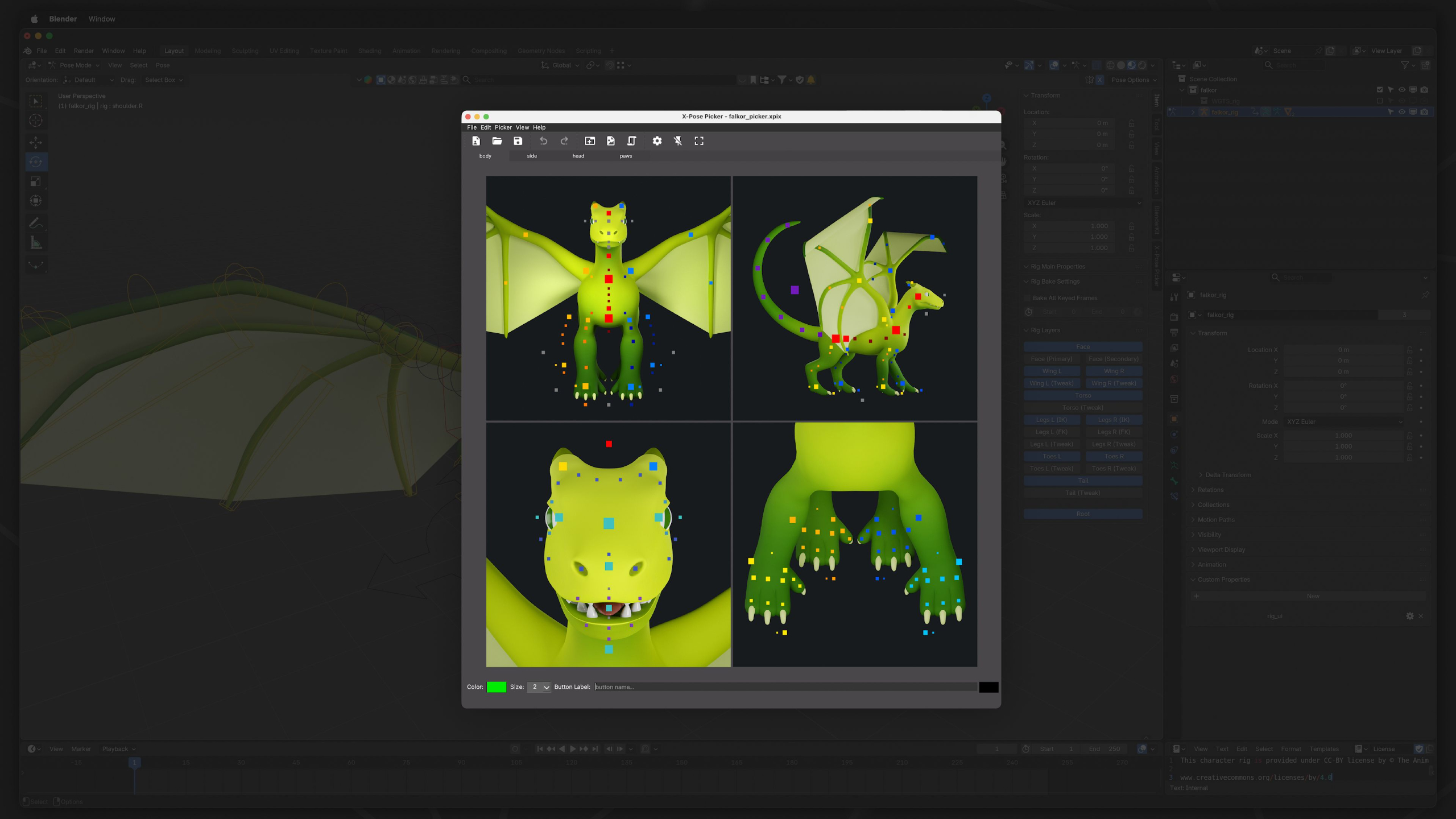
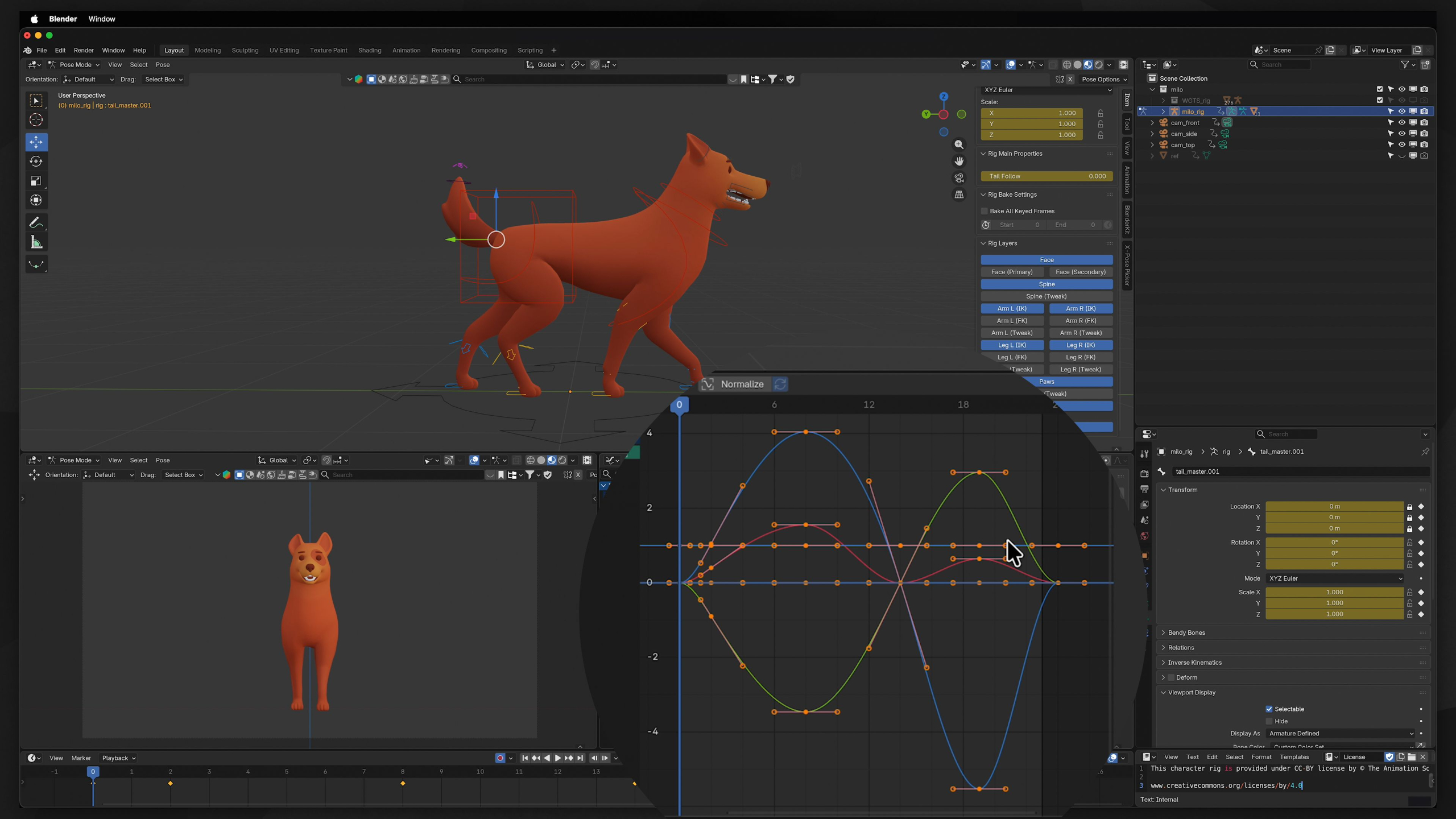
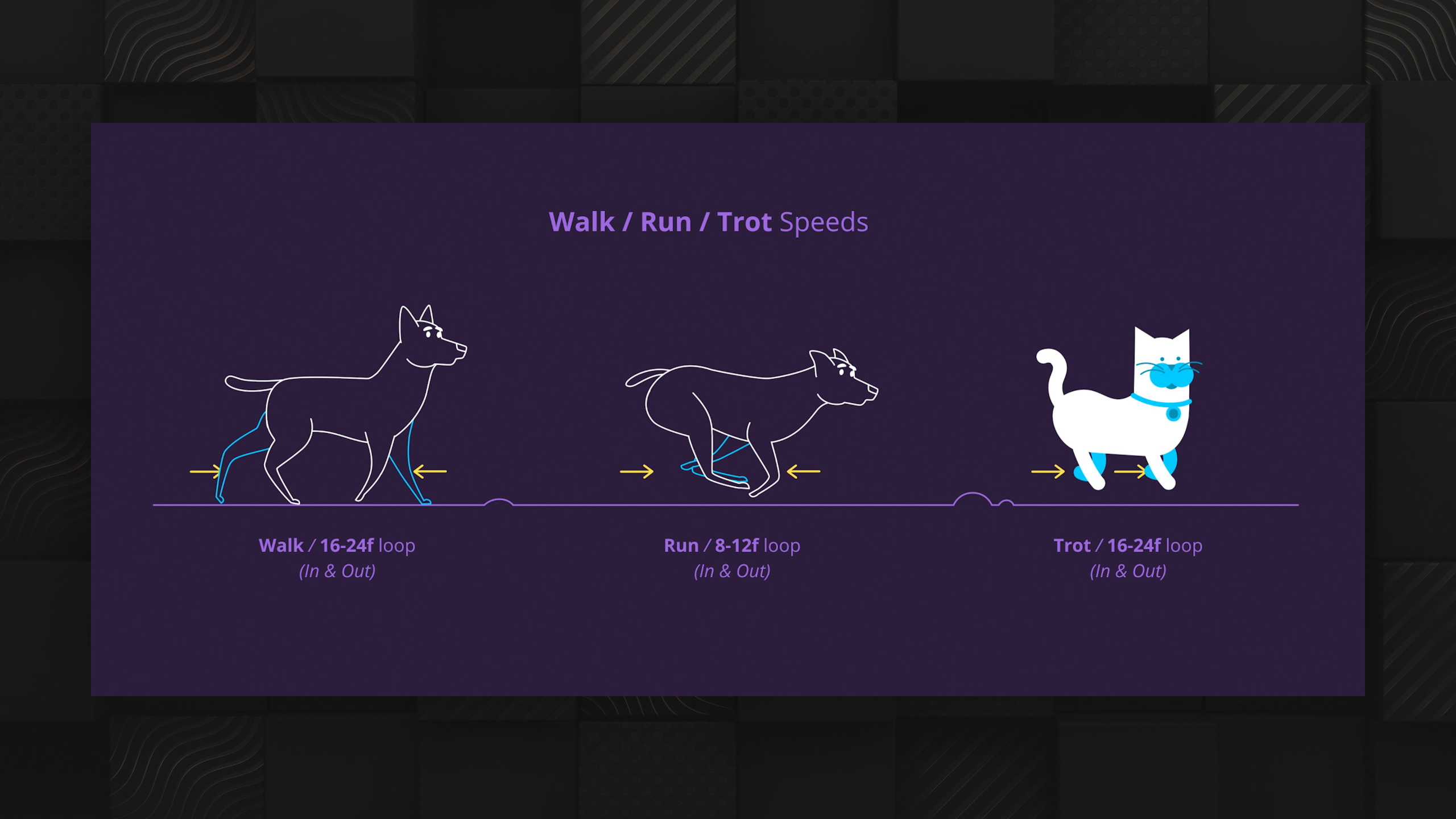
Throughout the lessons, you’ll study real-world reference material, learn to use creature rigs, and animate four-legged walk & run cycles before diving into wing mechanics and flight animation.
By the end, you’ll combine these skills into a polished creature animation project for your portfolio using the provided creature rigs.
Lesson Block 6:
Skillset: Motion Graphics
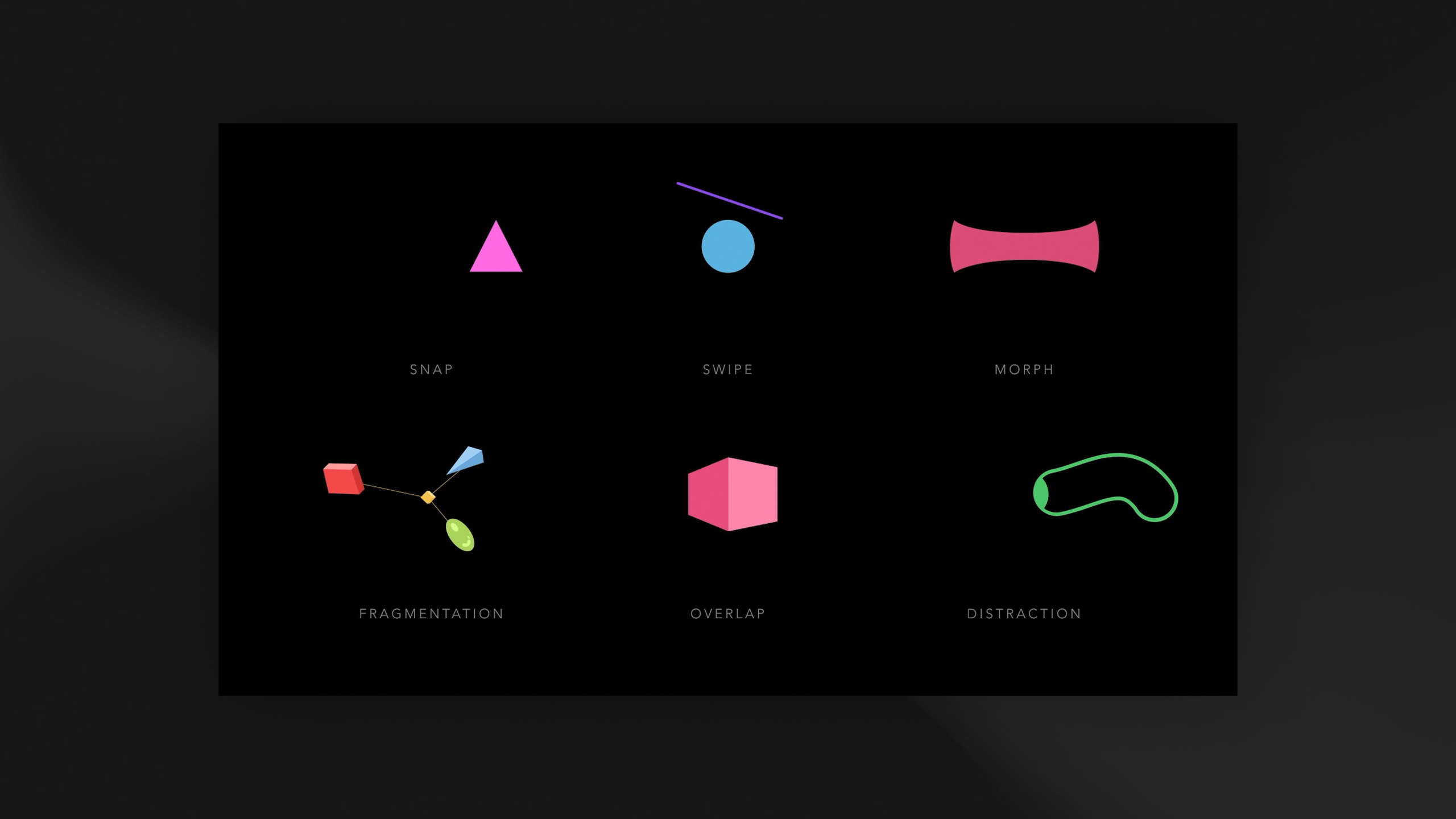
Our Motion Graphics Curriculum teaches students how to create animated visual content for commercial media such as advertising, film, social media, and corporate content, while emphasizing the importance of becoming versatile and capable of solving creative problems using multiple techniques.
Through a progression of 3 skill levels, students learn everything from After Effects-based 2.5D workflows and advanced Cinema 4D techniques, to mixed media integration and complex animation systems, ultimately culminating in a polished demo reel designed to impress employers and clients.
The program encourages experimentation, creativity, and long-term skill development while preparing aspiring Motion Graphics Artists for freelance, studio, or corporate careers.
*Requires Adobe Creative Cloud Pro & Maxon Cinema 4D subscription (sold separately)
Lessons available for:

*Includes lifetime access to lessons, future releases + community features
Buy Curriculum - $695Module 1: Overview
This first module summarizes up everything you will be learning within the Motion Graphics Curriculum.
Covering what is and is not included if you are enrolled in one of our tailored Journeys, as well as details around what you will be learning at each skill level, the assignments ahead, and expected outcomes for your portfolio.
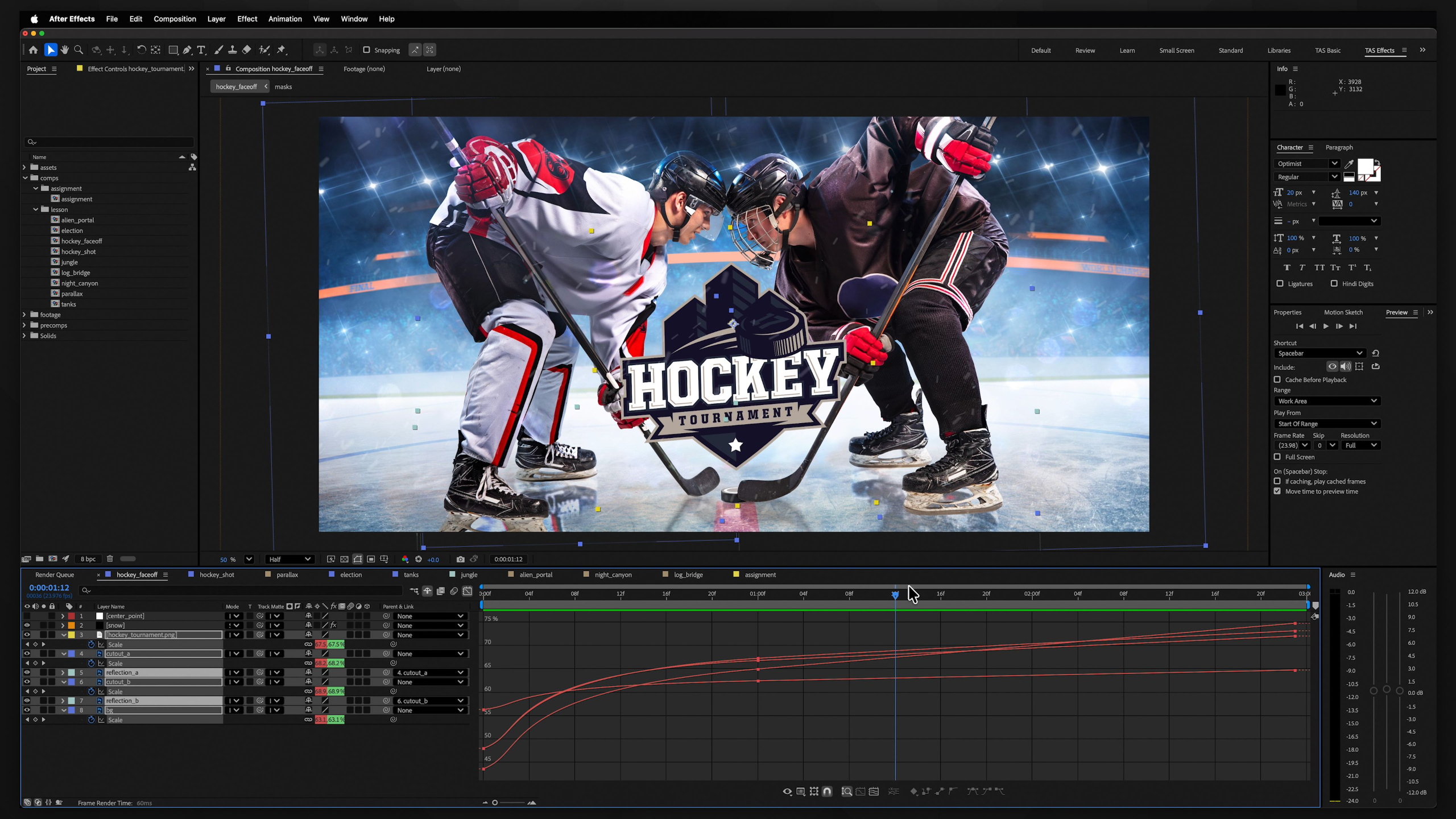
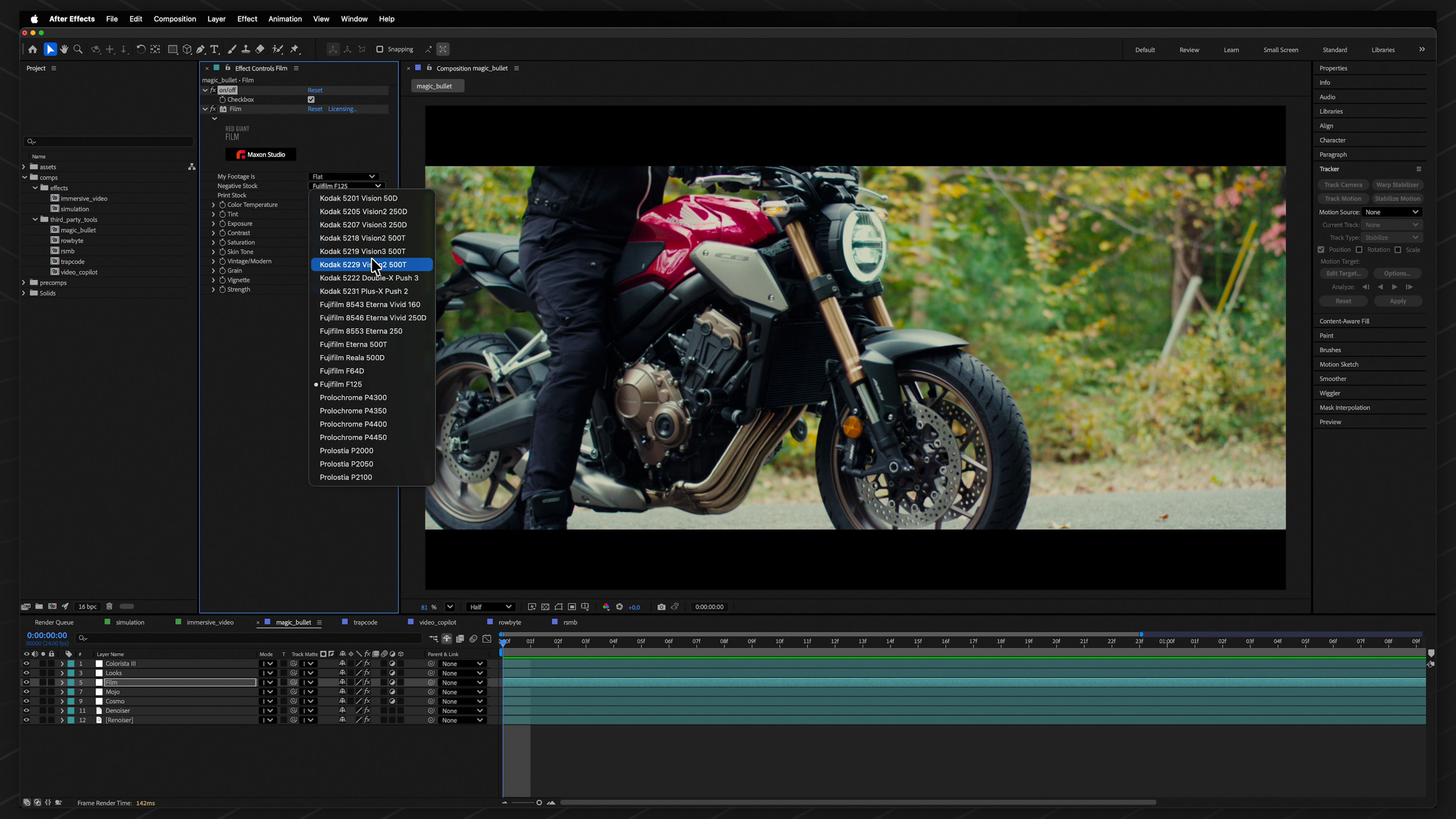
Module 2: After Effects for Motion Graphics (Level I)
Estimated completion time: 6-8 weeks
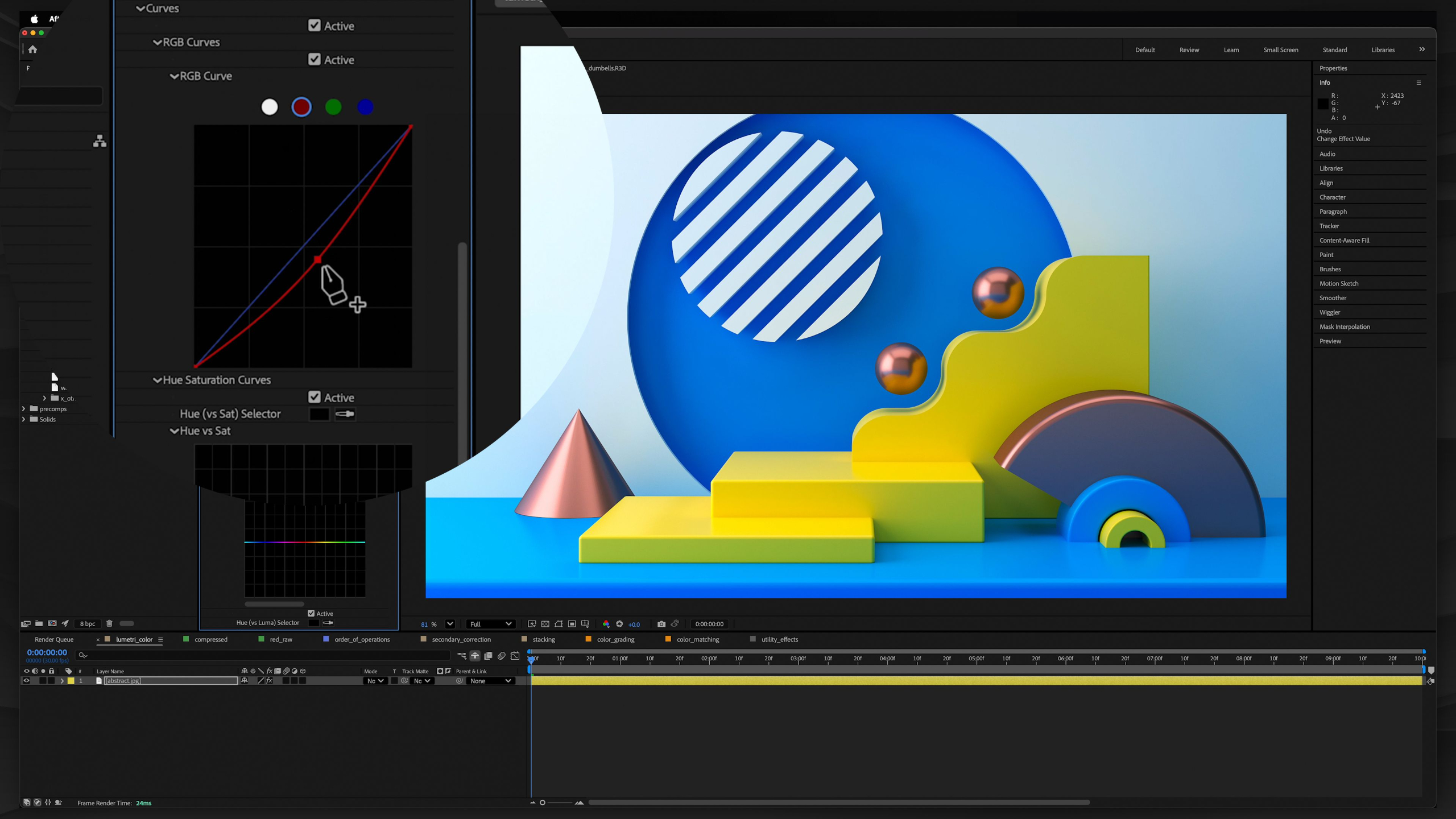
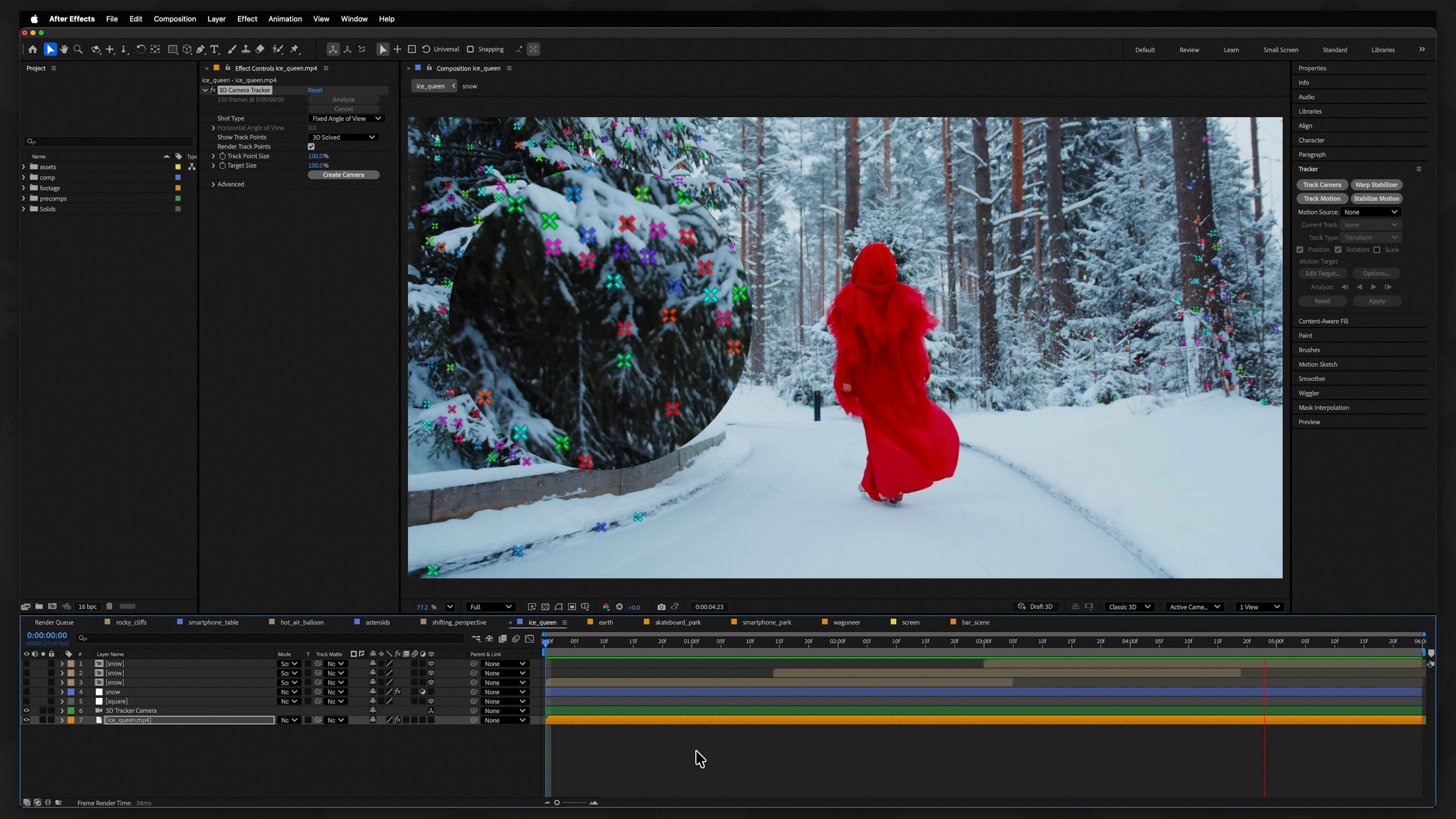
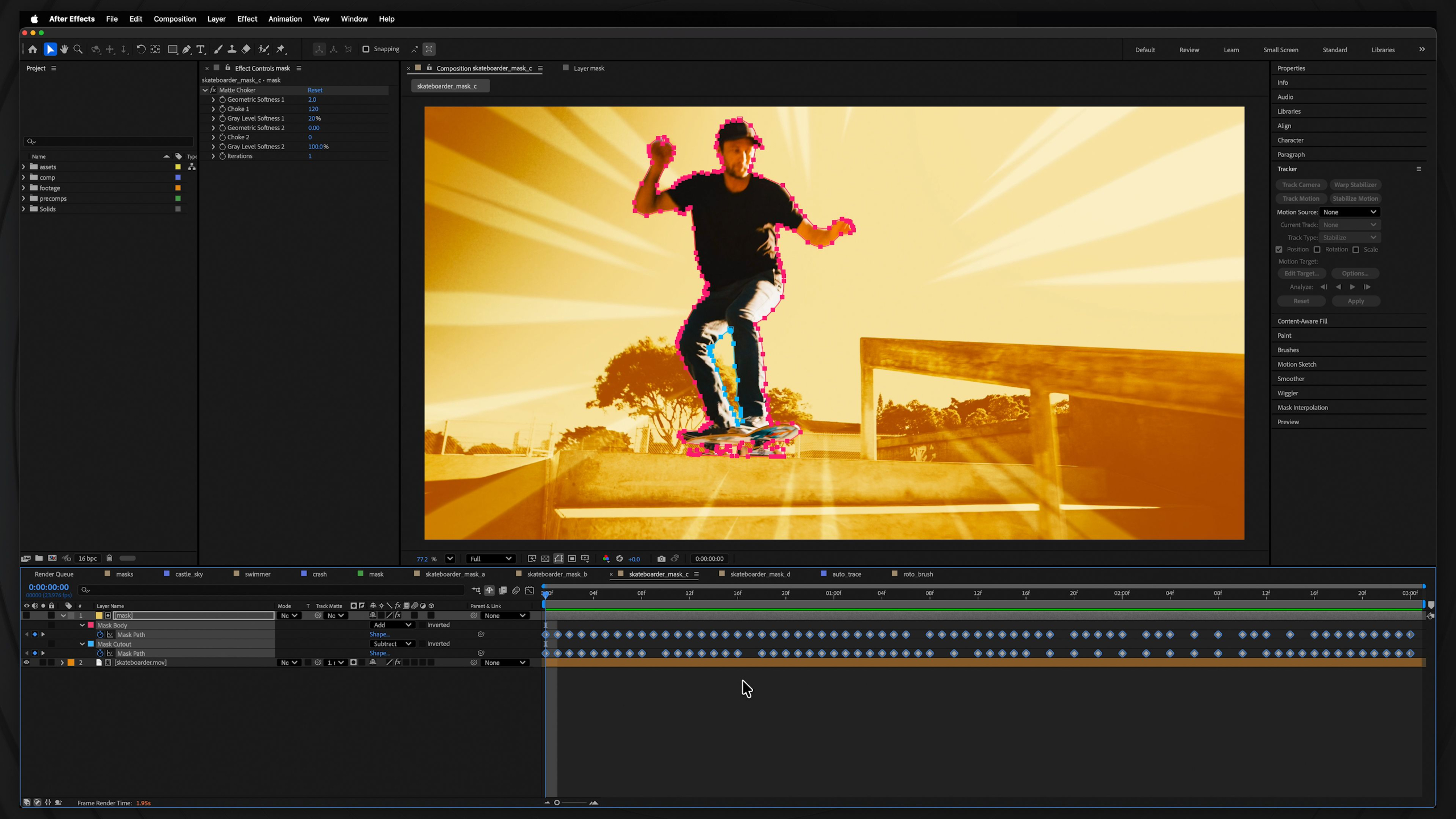
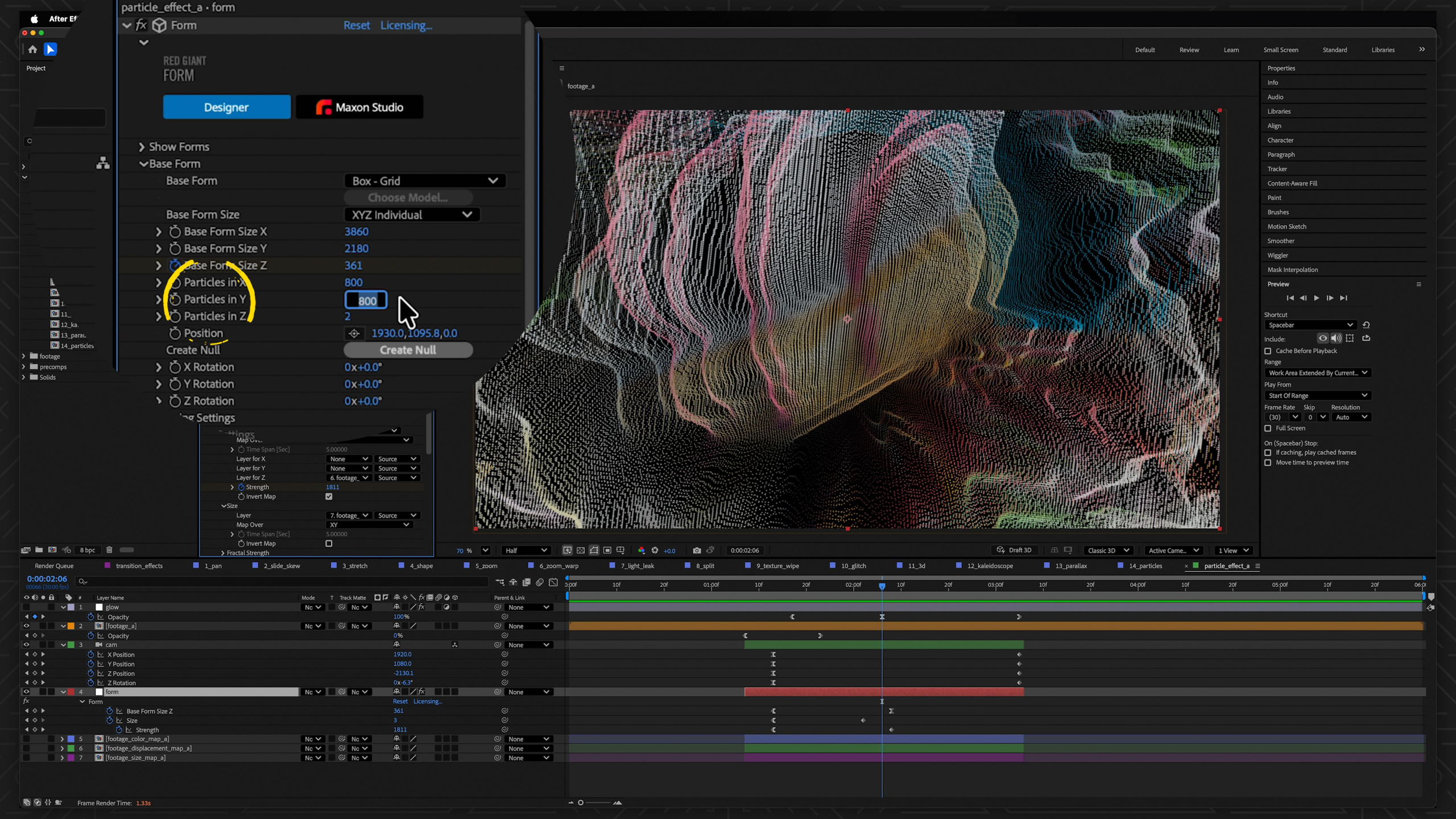
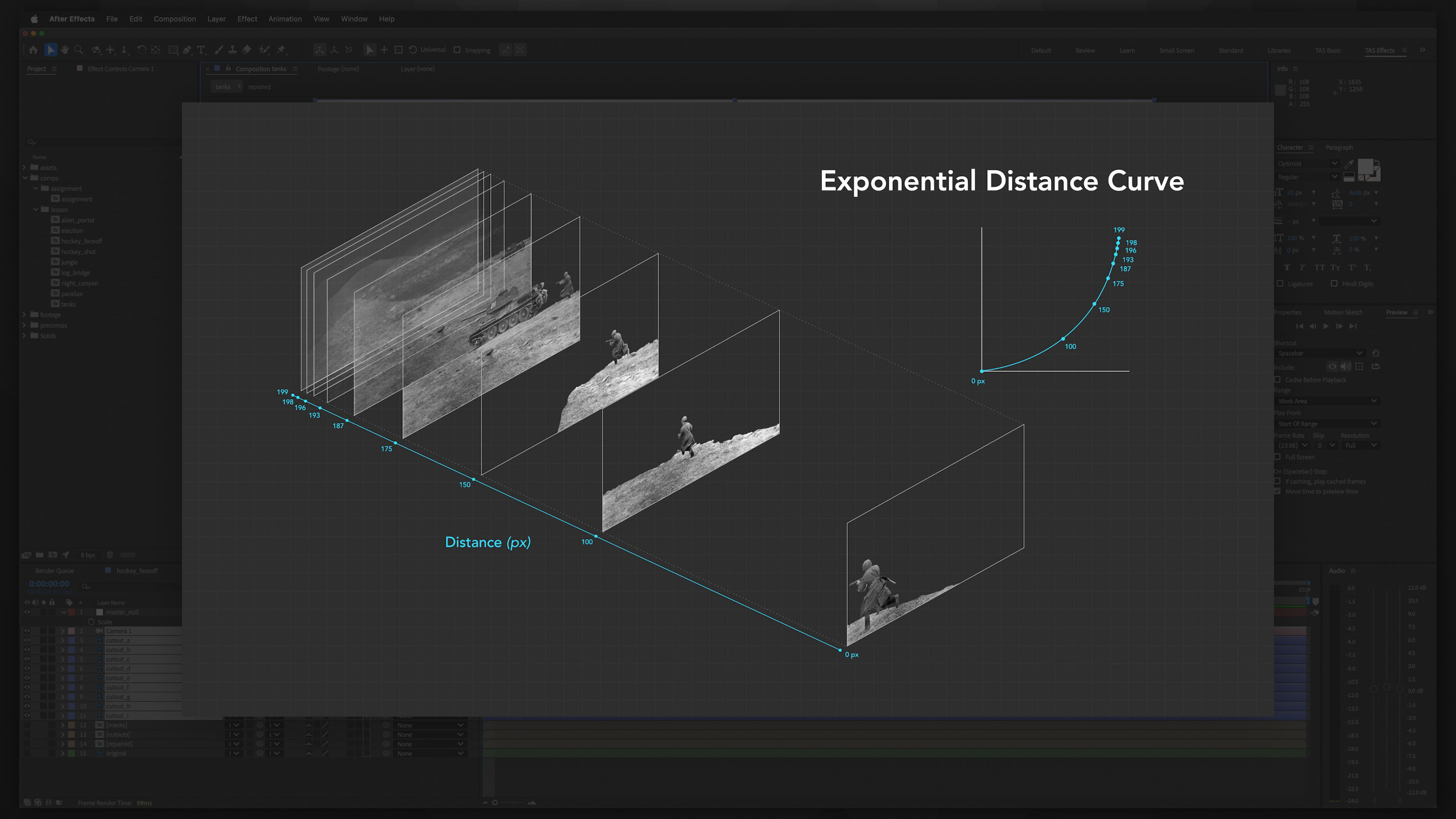
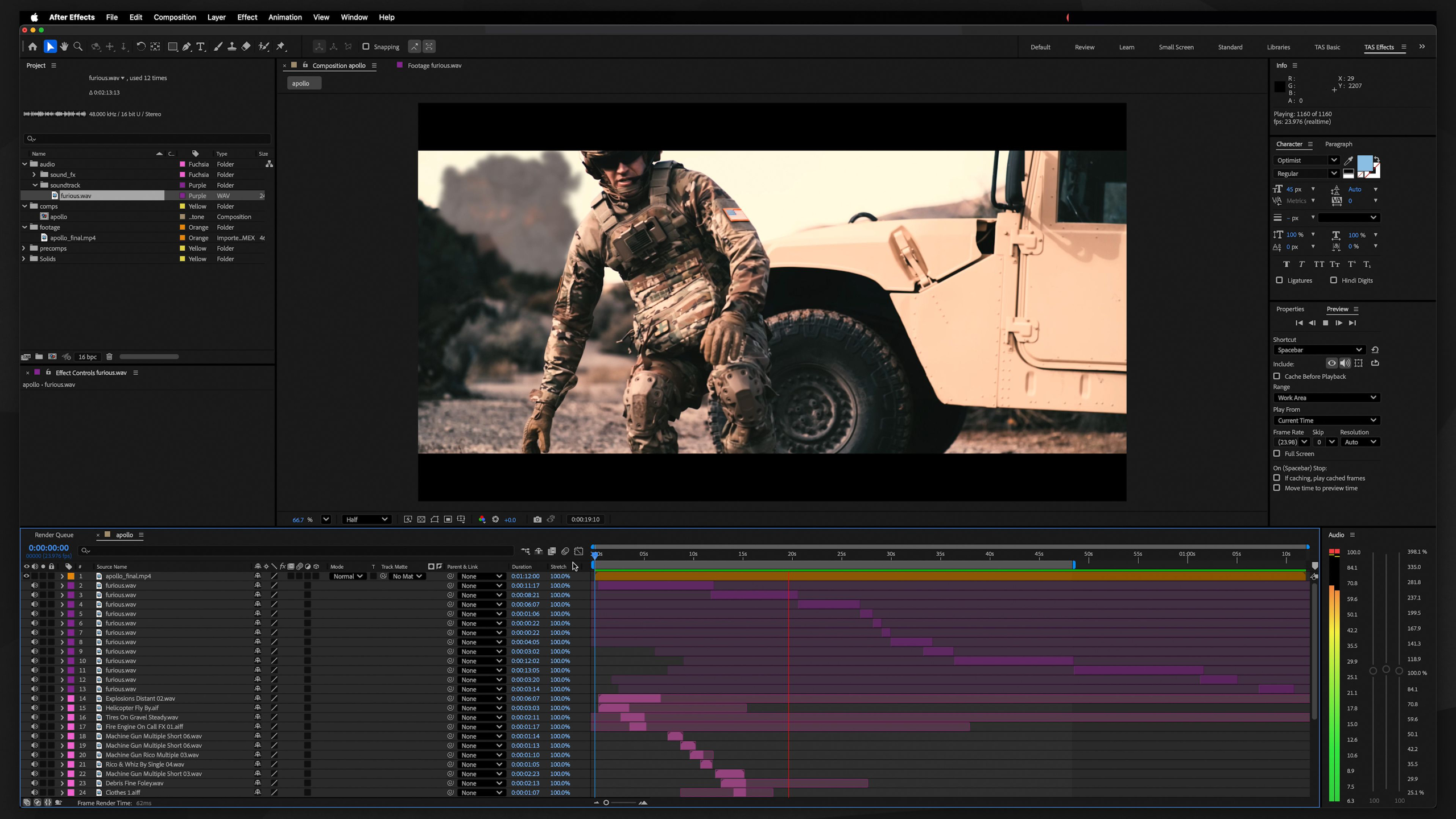
This module teaches the essential skills needed to begin a professional career in motion graphics. We focus on industry-standard techniques like text animation, greenscreen keying, motion tracking, shot stabilization, and creating dynamic visual graphics.
Throughout the lessons, students will build a versatile creative skill set while producing strong portfolio pieces that demonstrate their ability to solve a wide range of visual challenges for clients, studios, and agencies.
The ultimate goal is to help students become adaptable, in-demand Motion Graphics Artists capable of handling professional projects from concept to completion.
Module 3: Intro to Cinema 4D (Level II)
Estimated completion time: 6-8 weeks
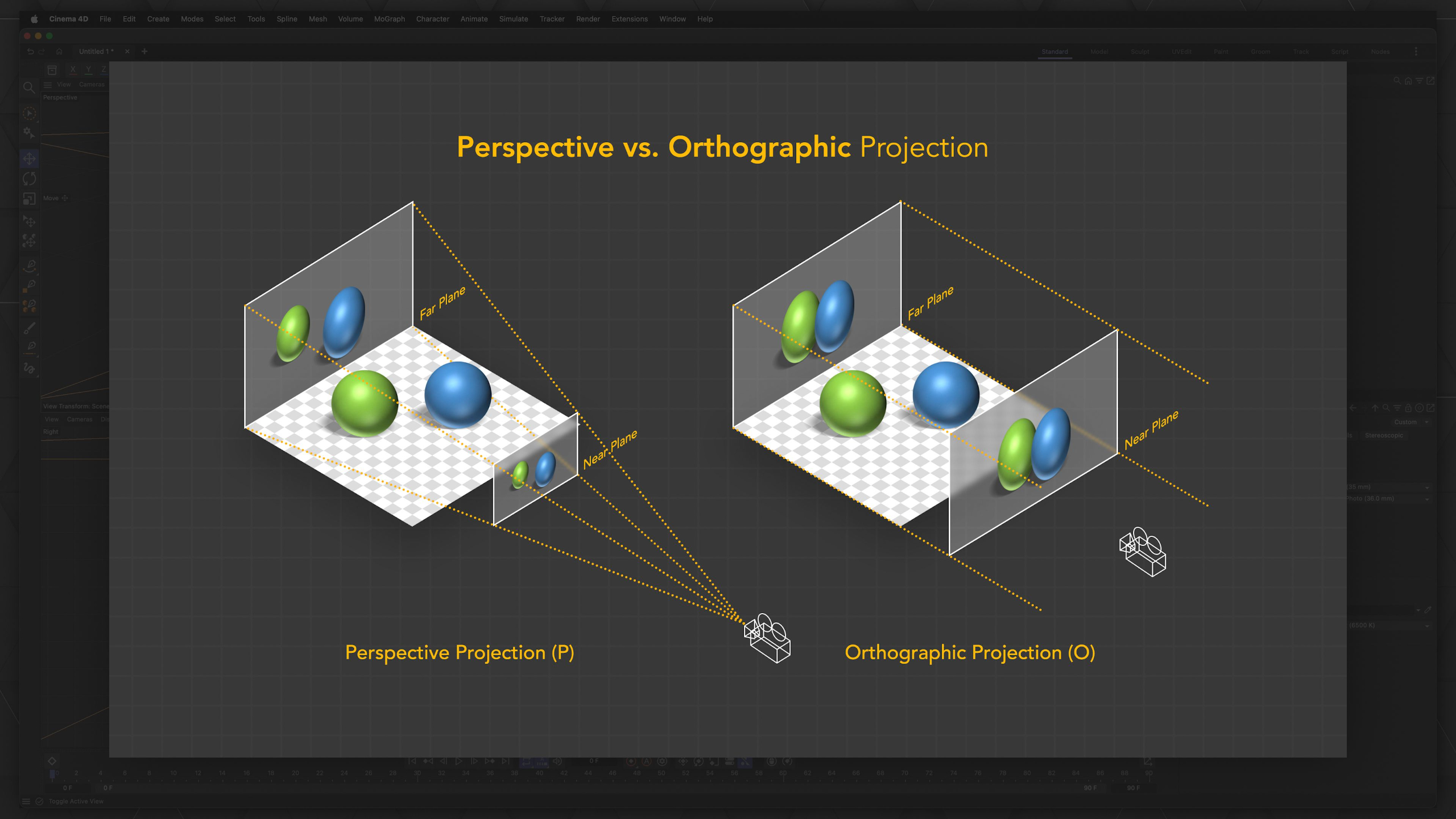
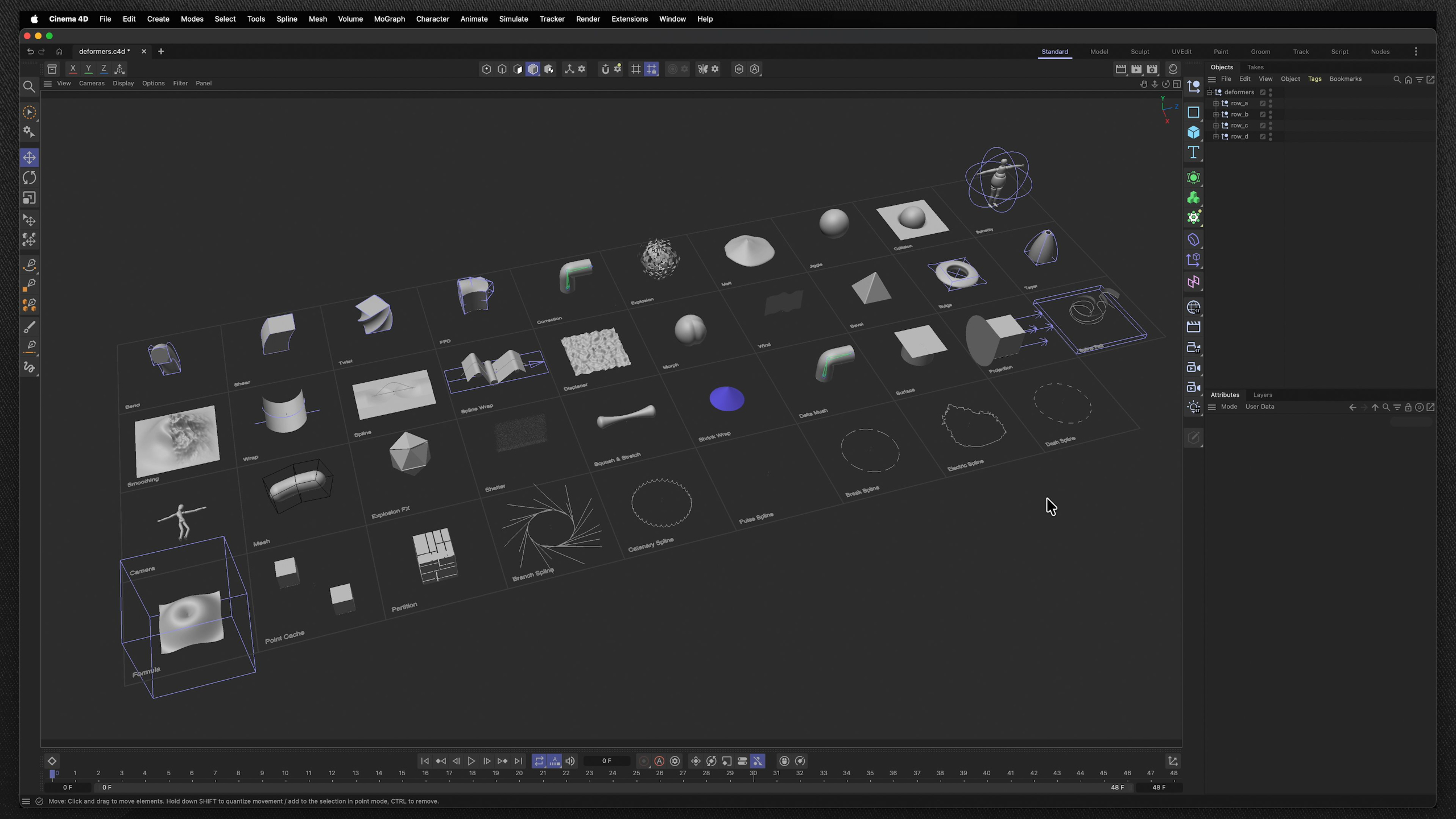
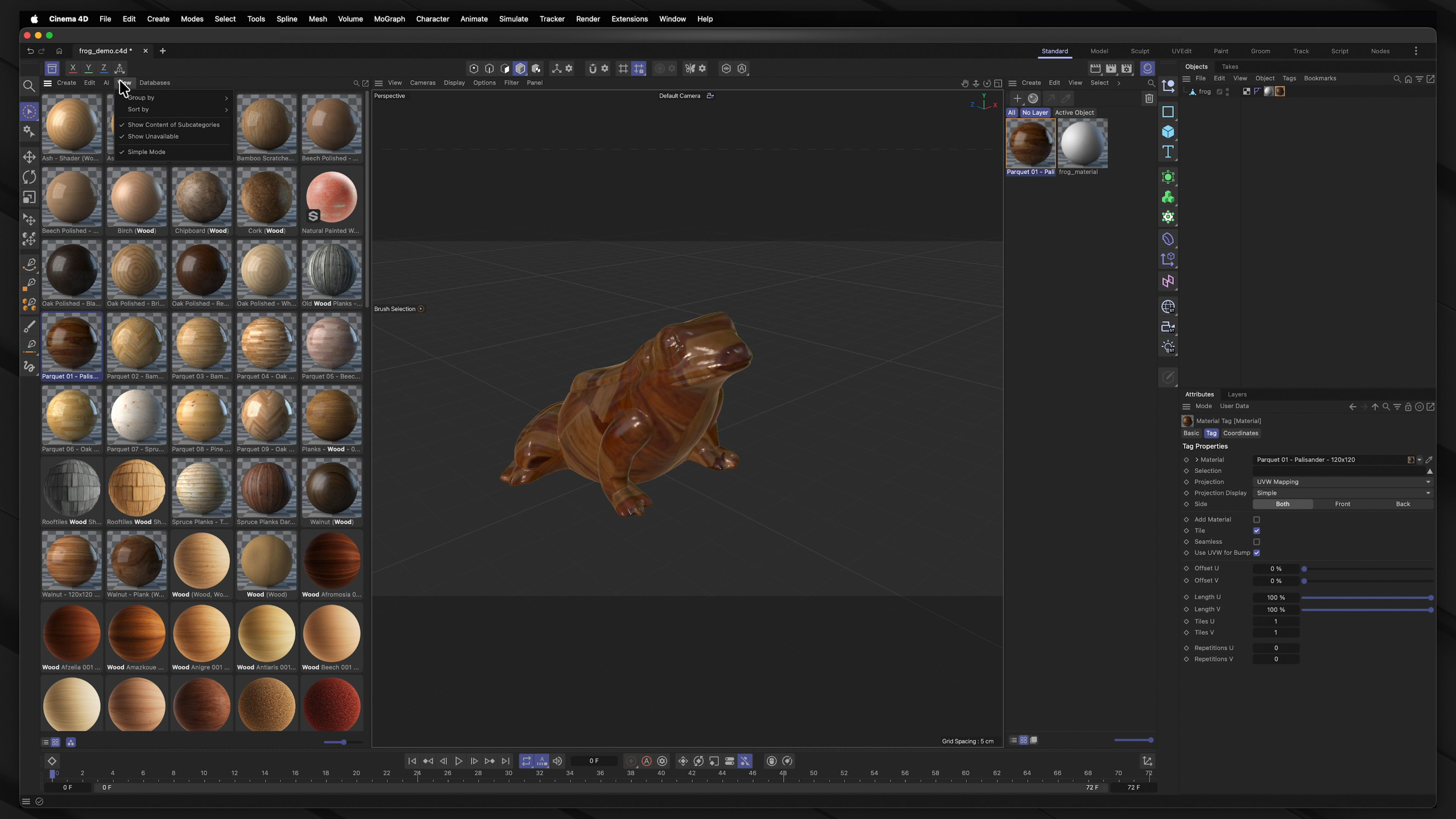
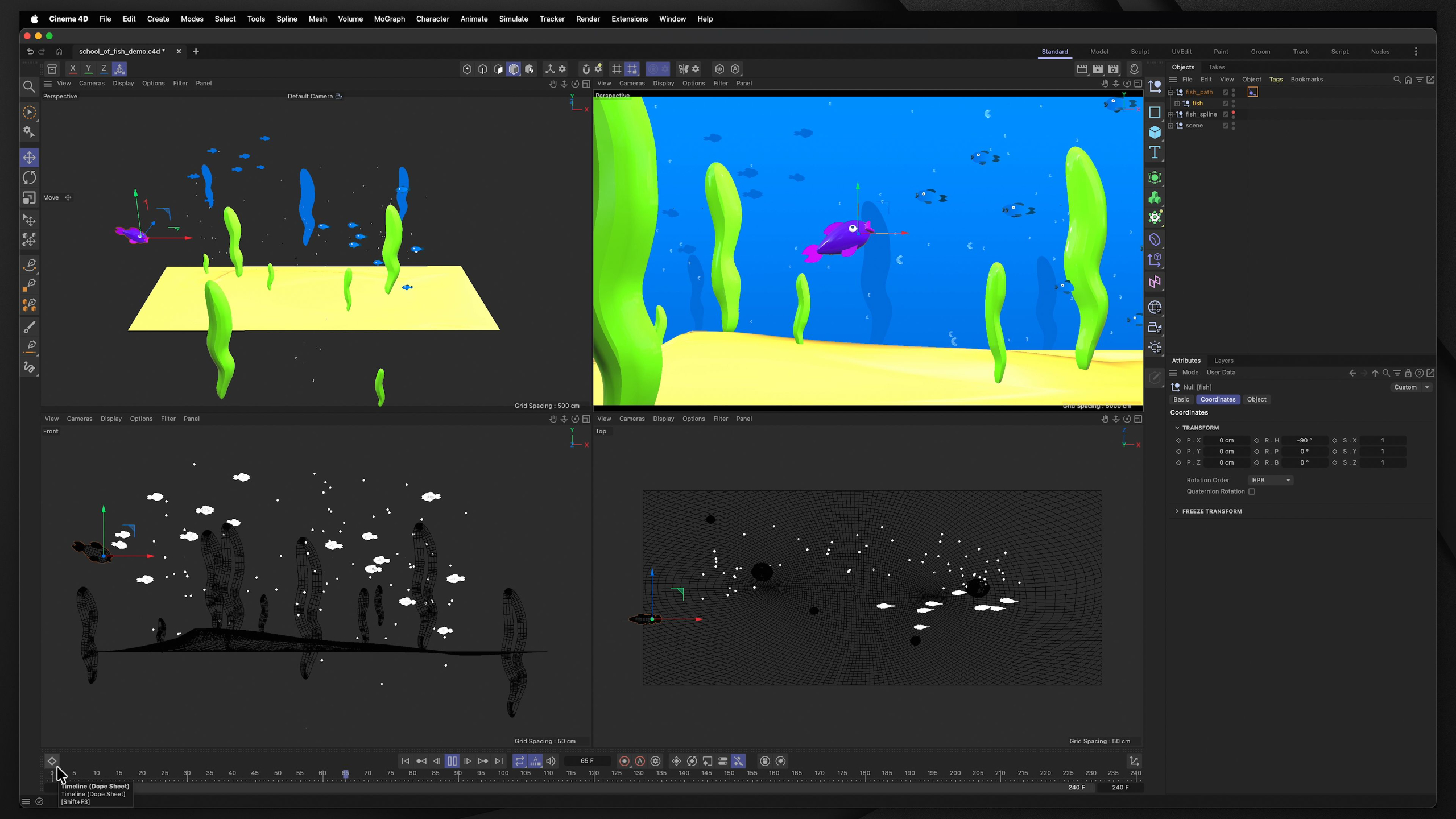
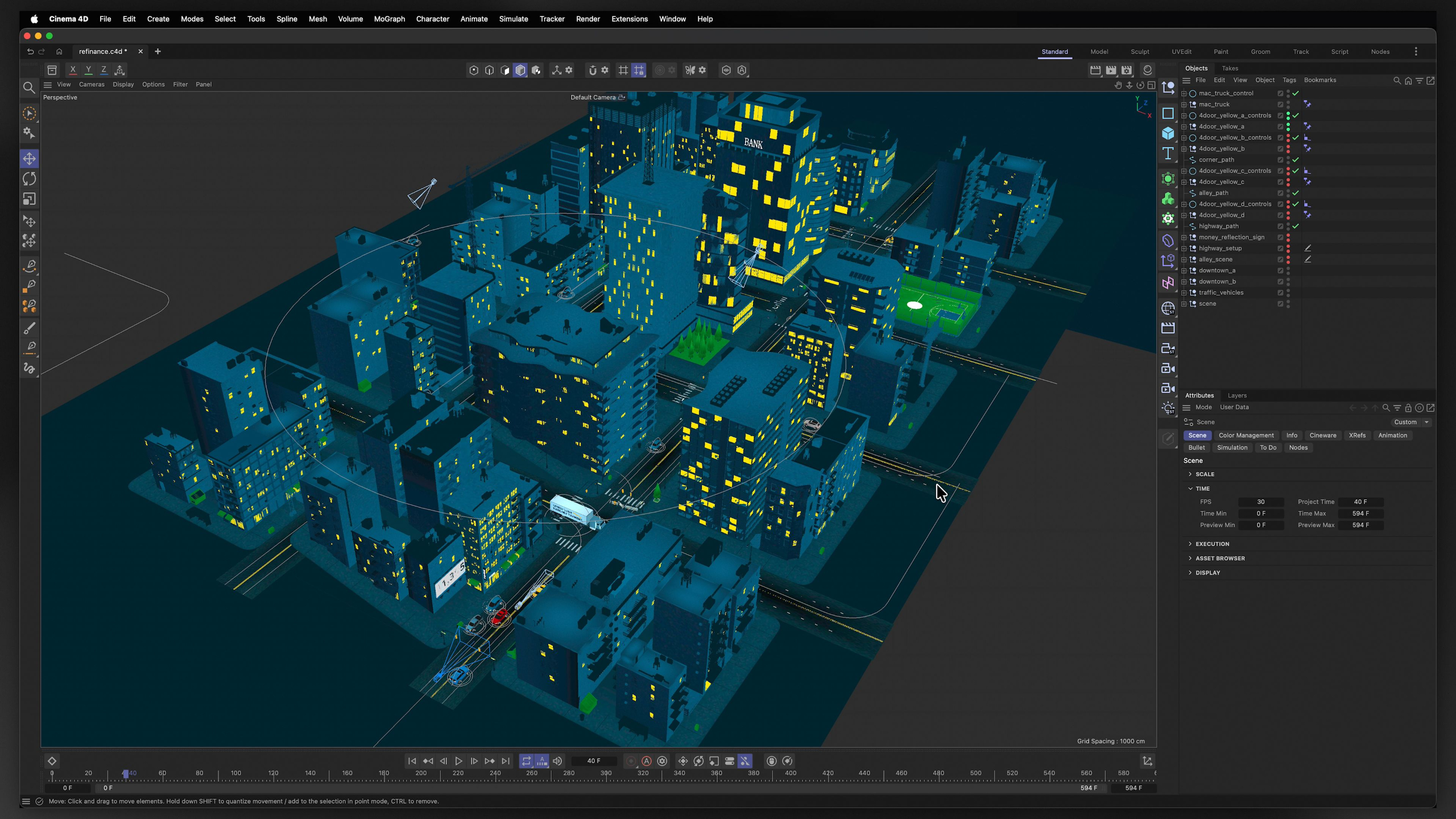
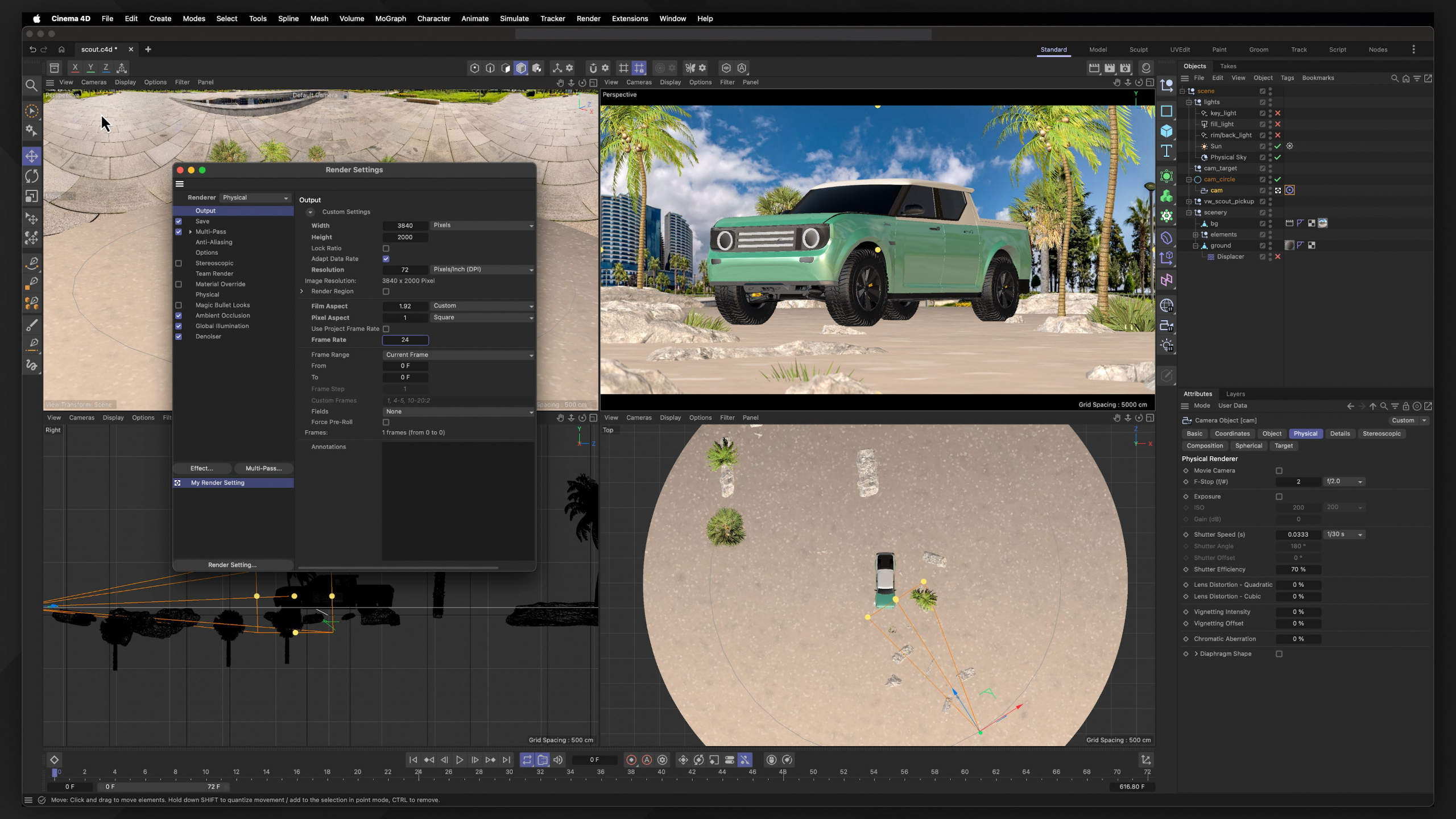
This module provides an A to Z walkthrough of 3D software Cinema 4D. Students will learn to confidently navigate the software and create professional-quality motion graphics projects for their demo reel.
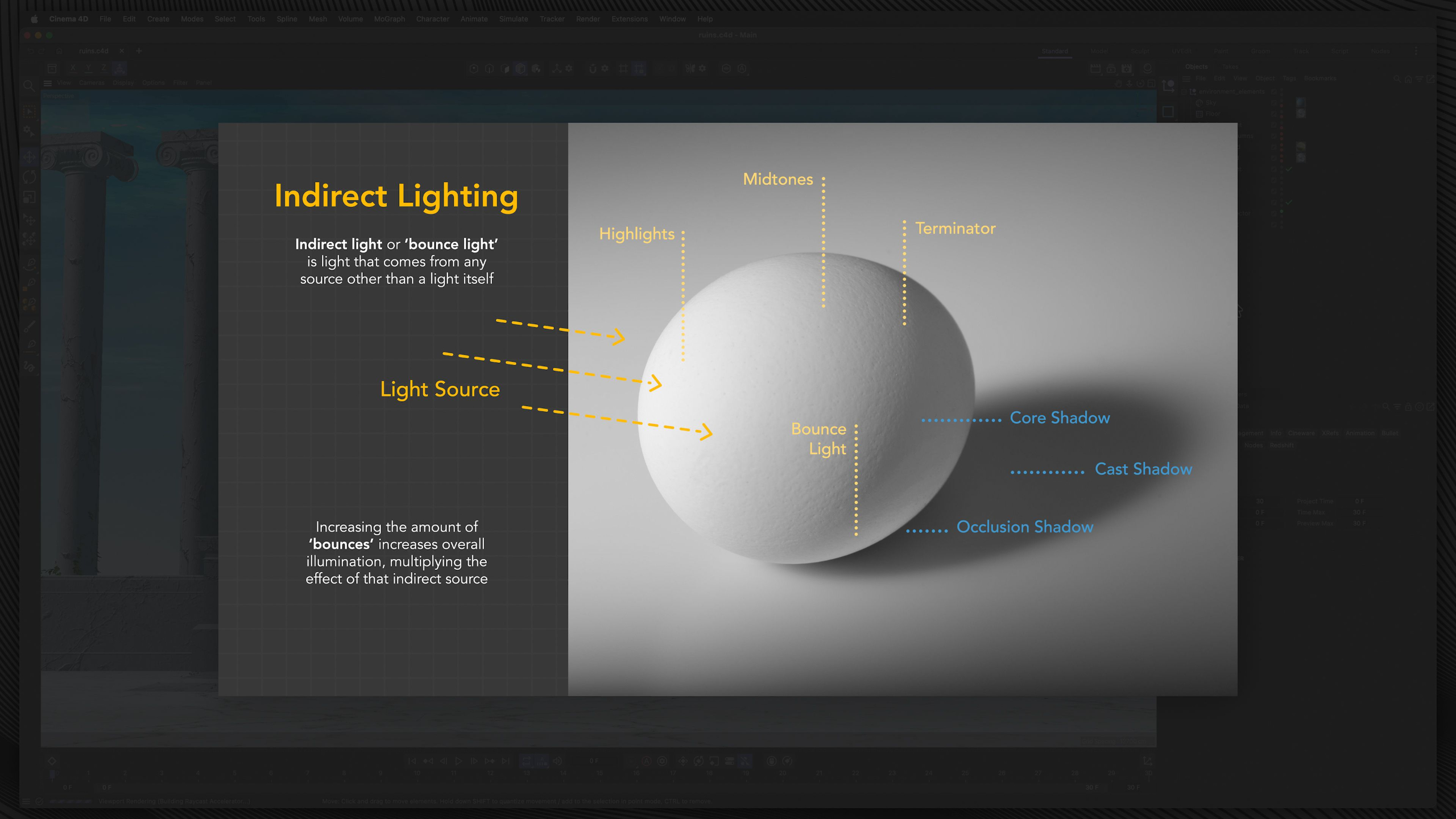
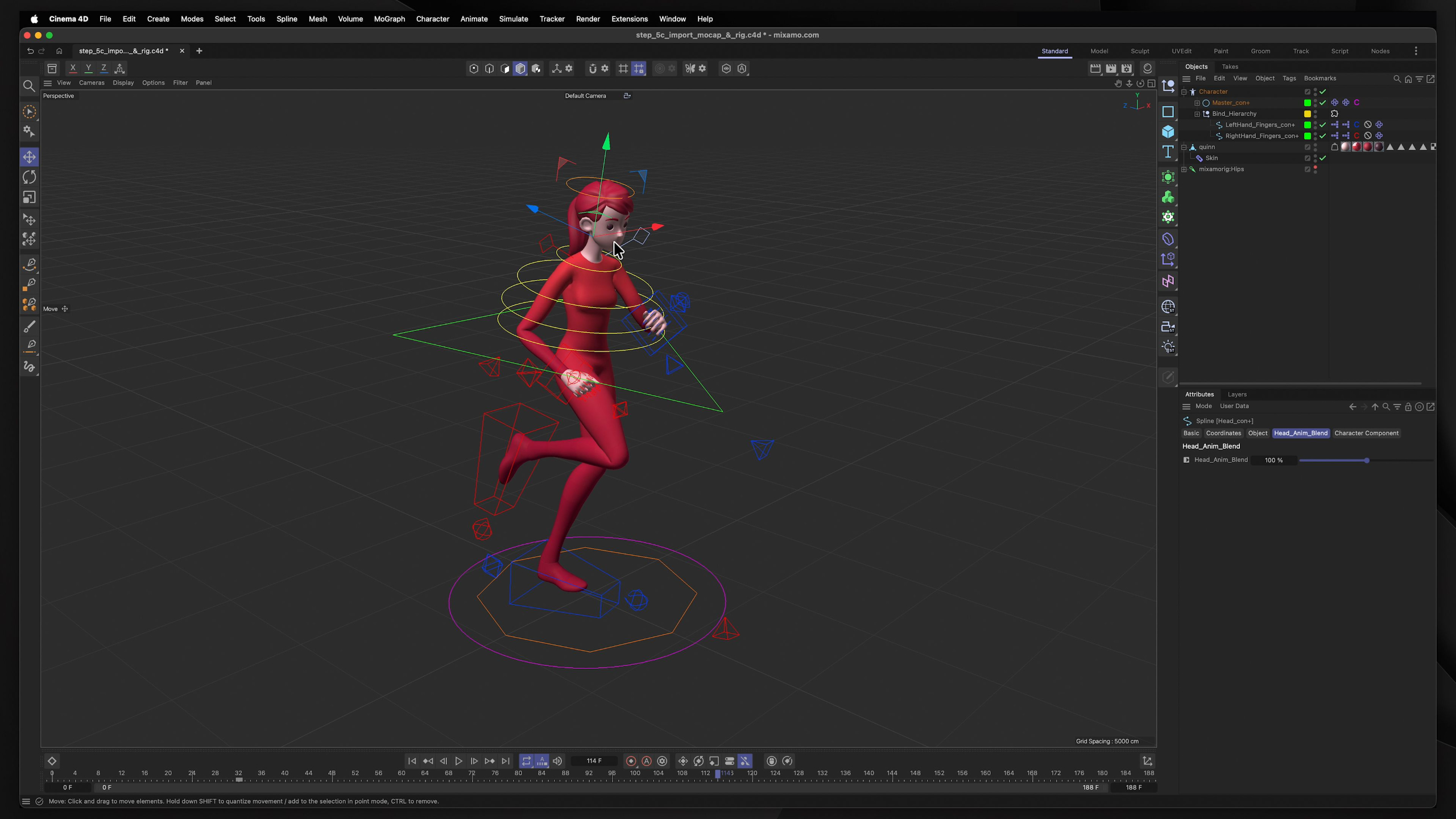
These lessons build strong foundations in the full 3D production pipeline by focusing on each specific discipline / feature within the platform. Including modeling, texturing, lighting, rigging, cameras, MoGraph, dynamics and more.
Whether coming from a 2D or 3D background or starting fresh, we explore how motion graphics uses conceptual imagery, animation, and sound to communicate ideas, promote brands, and tell visually compelling stories.
Module 4: Mixed-Media Motion Graphics (Level II)
Estimated completion time: 6-8 weeks
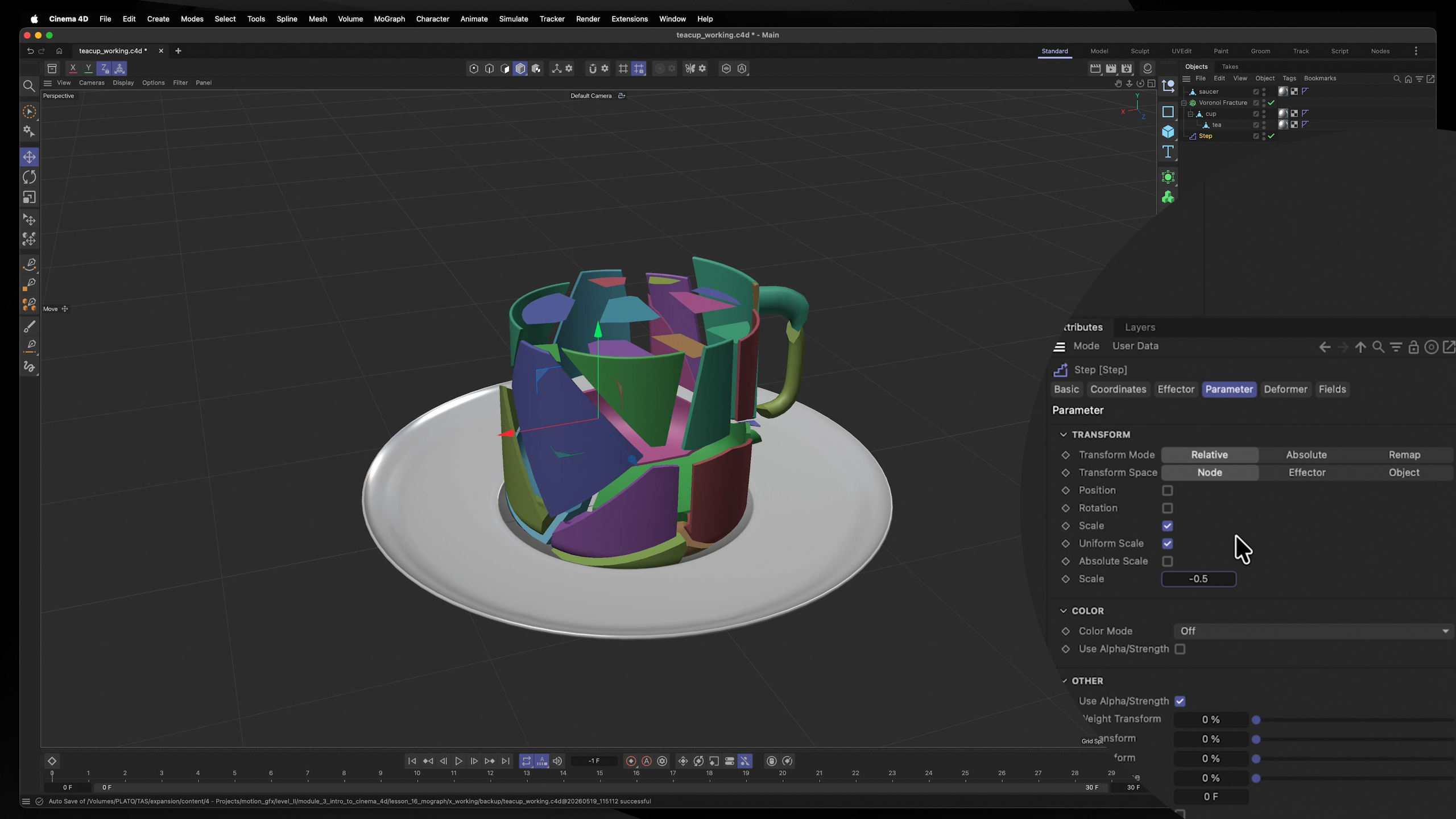
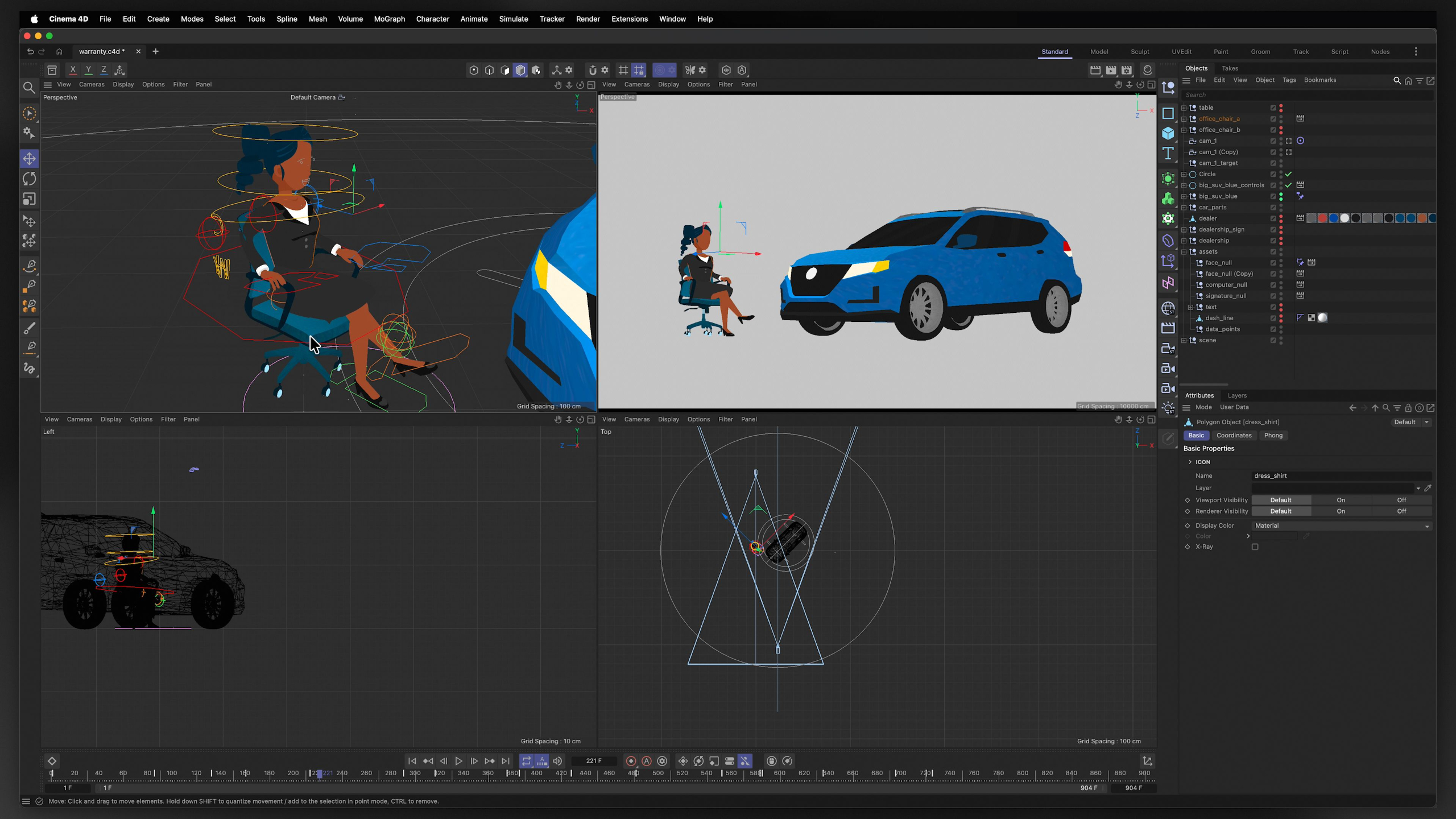
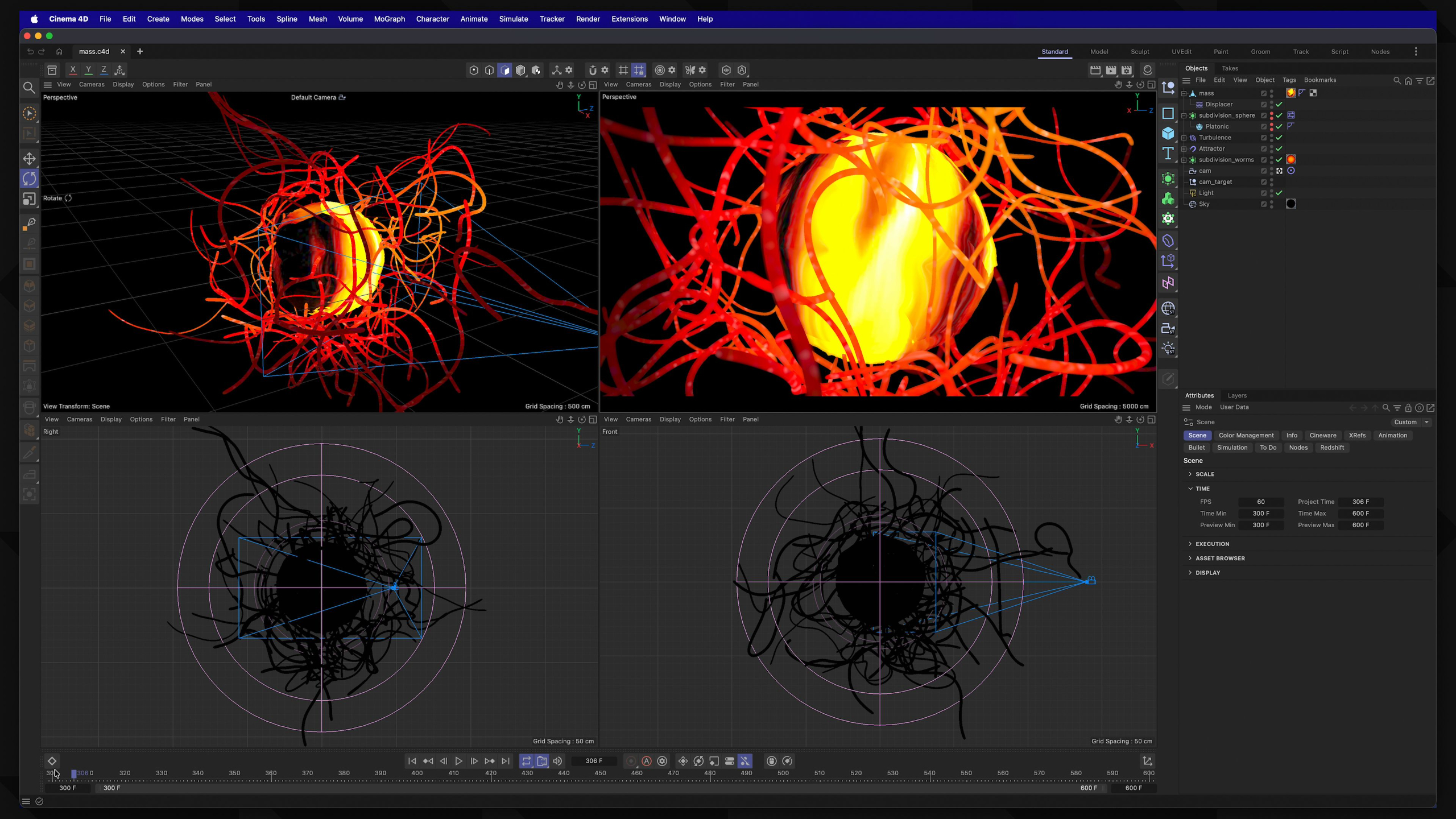
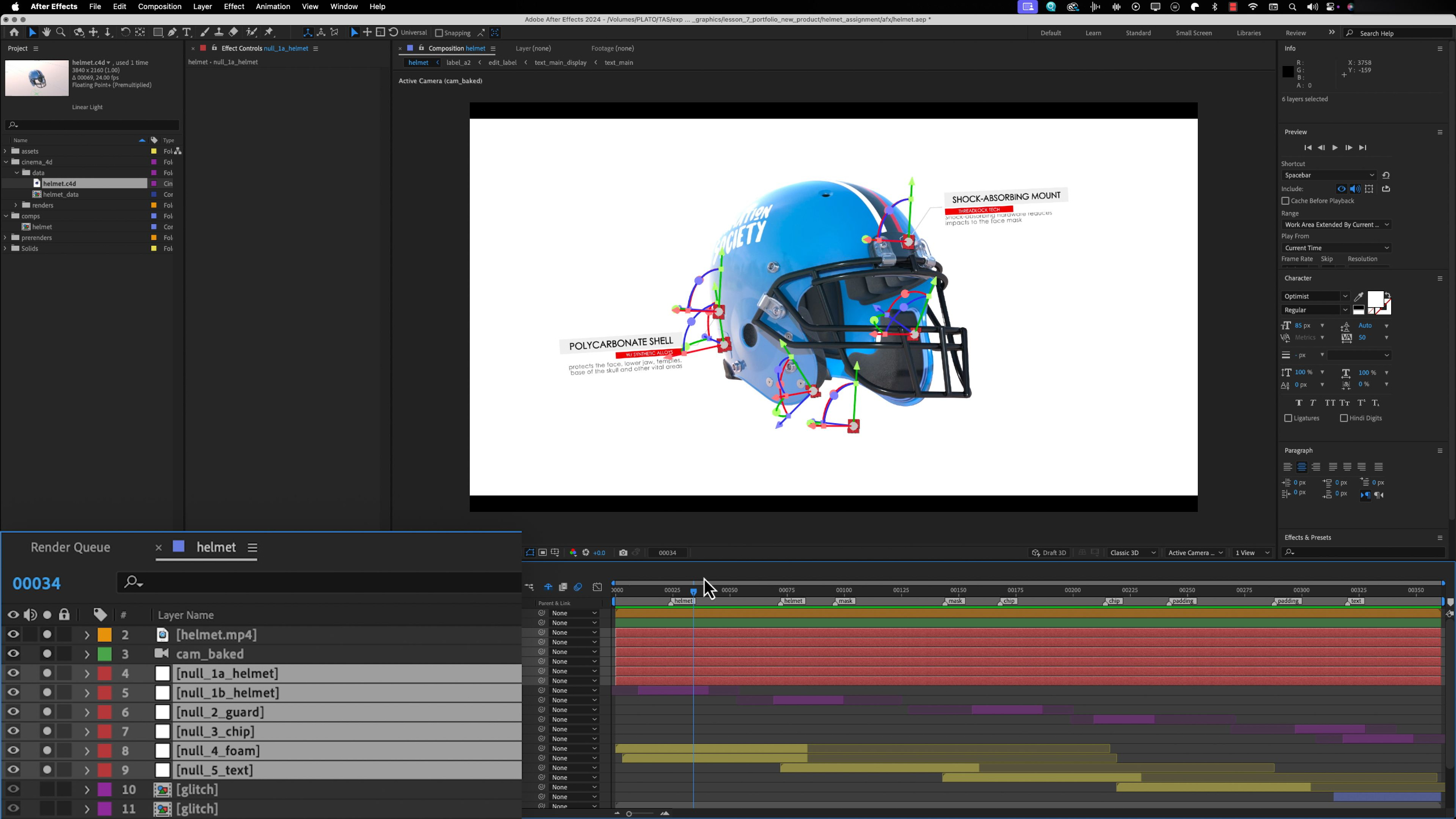
In this module, we go beyond technical training and focus on developing the creative and professional soft skills that help motion graphics artists succeed long-term, including problem-solving, organization, adaptability, and critical thinking.
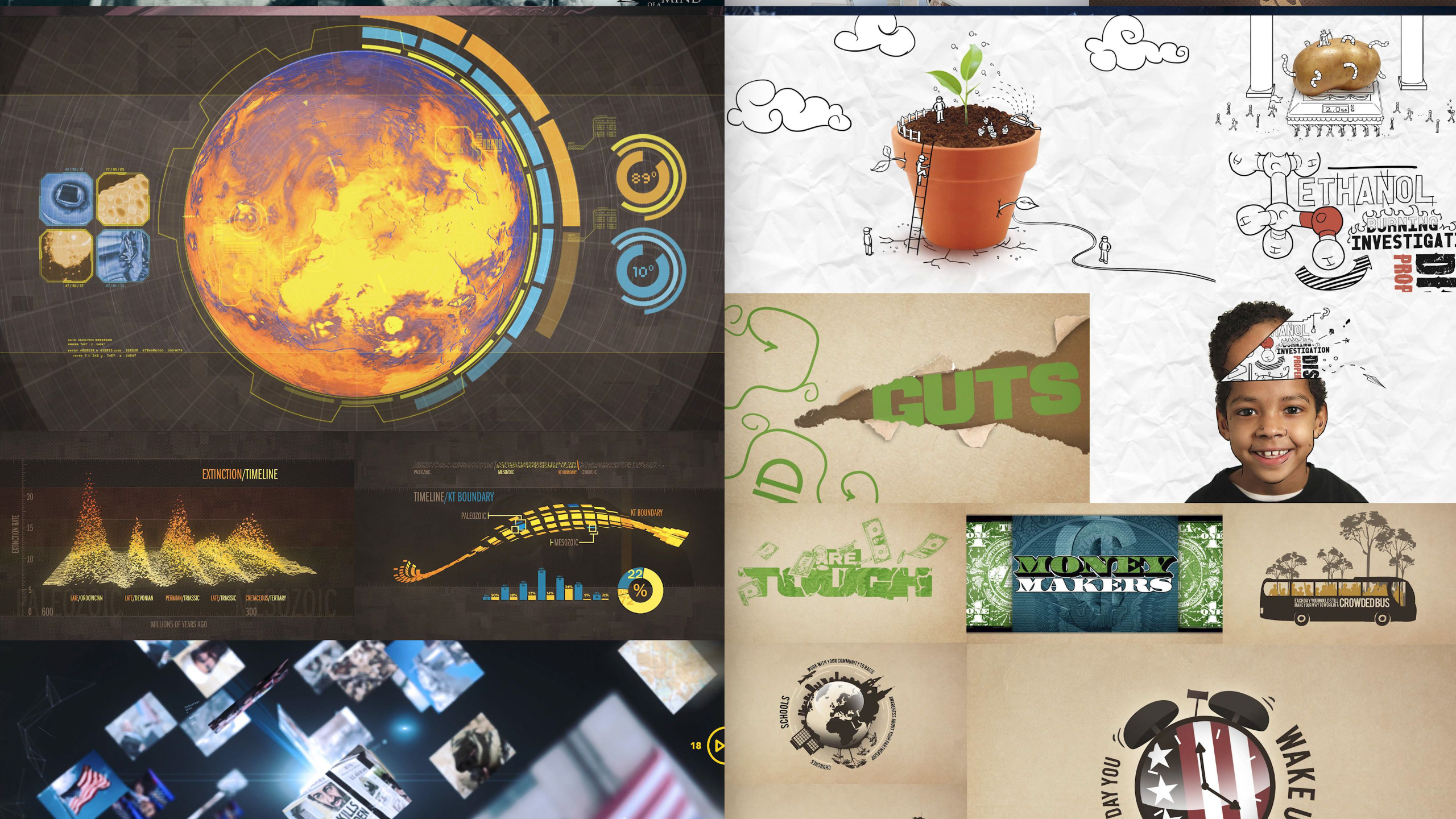
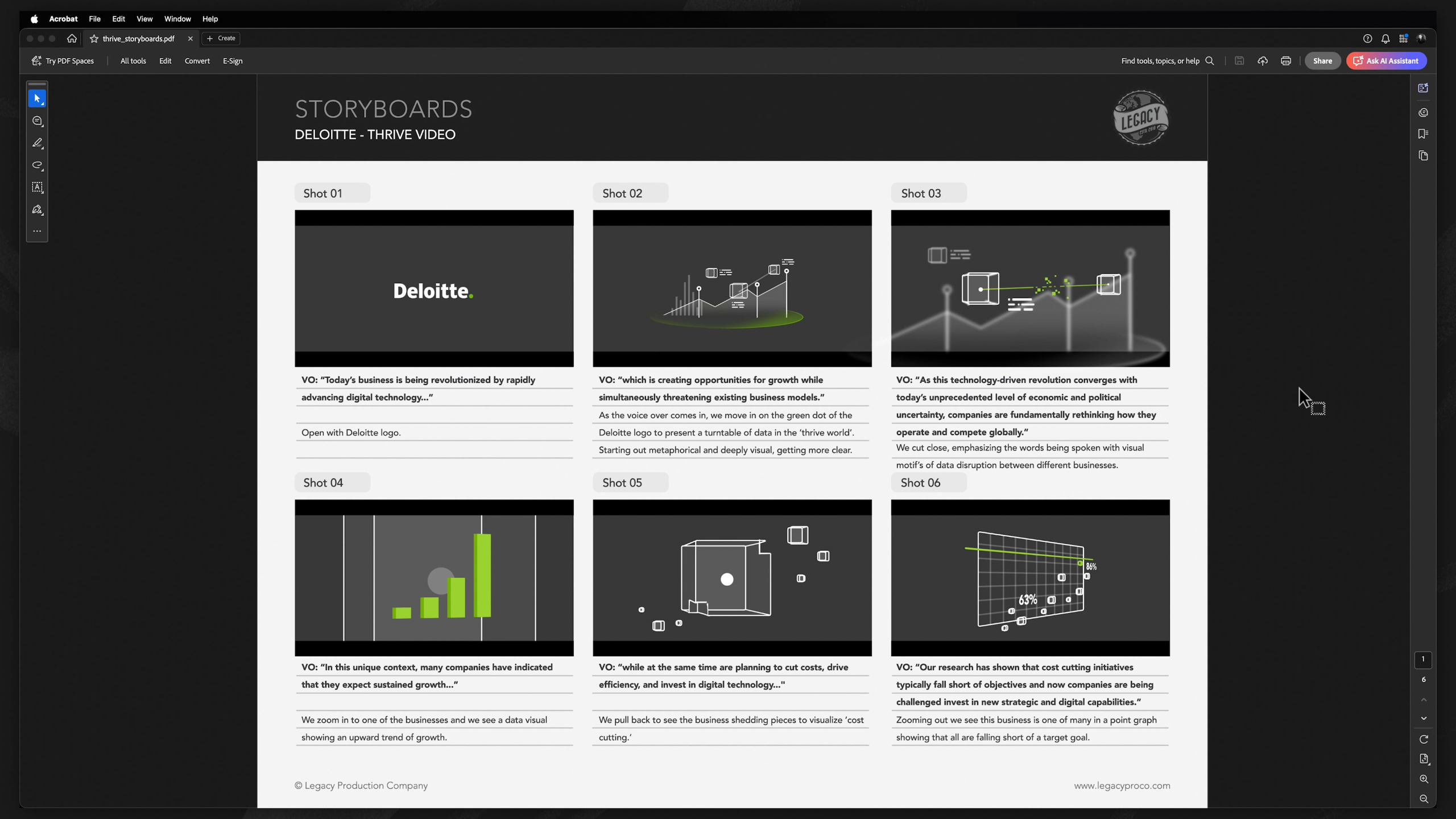
Building on your 2D and 3D animation experience, you’ll learn how to combine both mediums into advanced mixed-media projects, create abstract and conceptual animations, and develop data visualizations that communicate ideas clearly and effectively. Whether that means teaching, informing, selling a product, or creating emotional impact.
Module 5: Advanced Motion Graphics (Level III)
Estimated completion time: 6-8 weeks
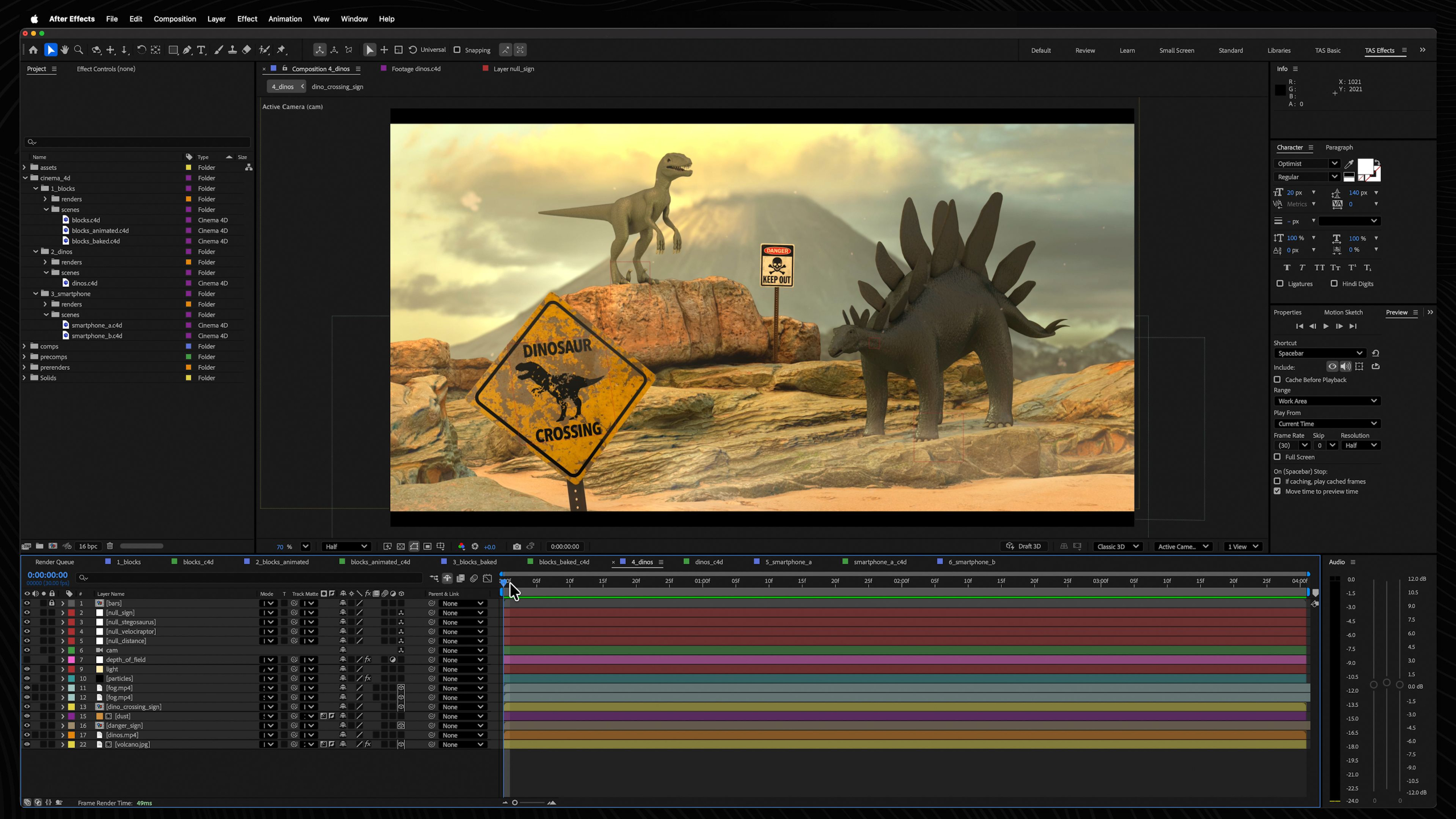
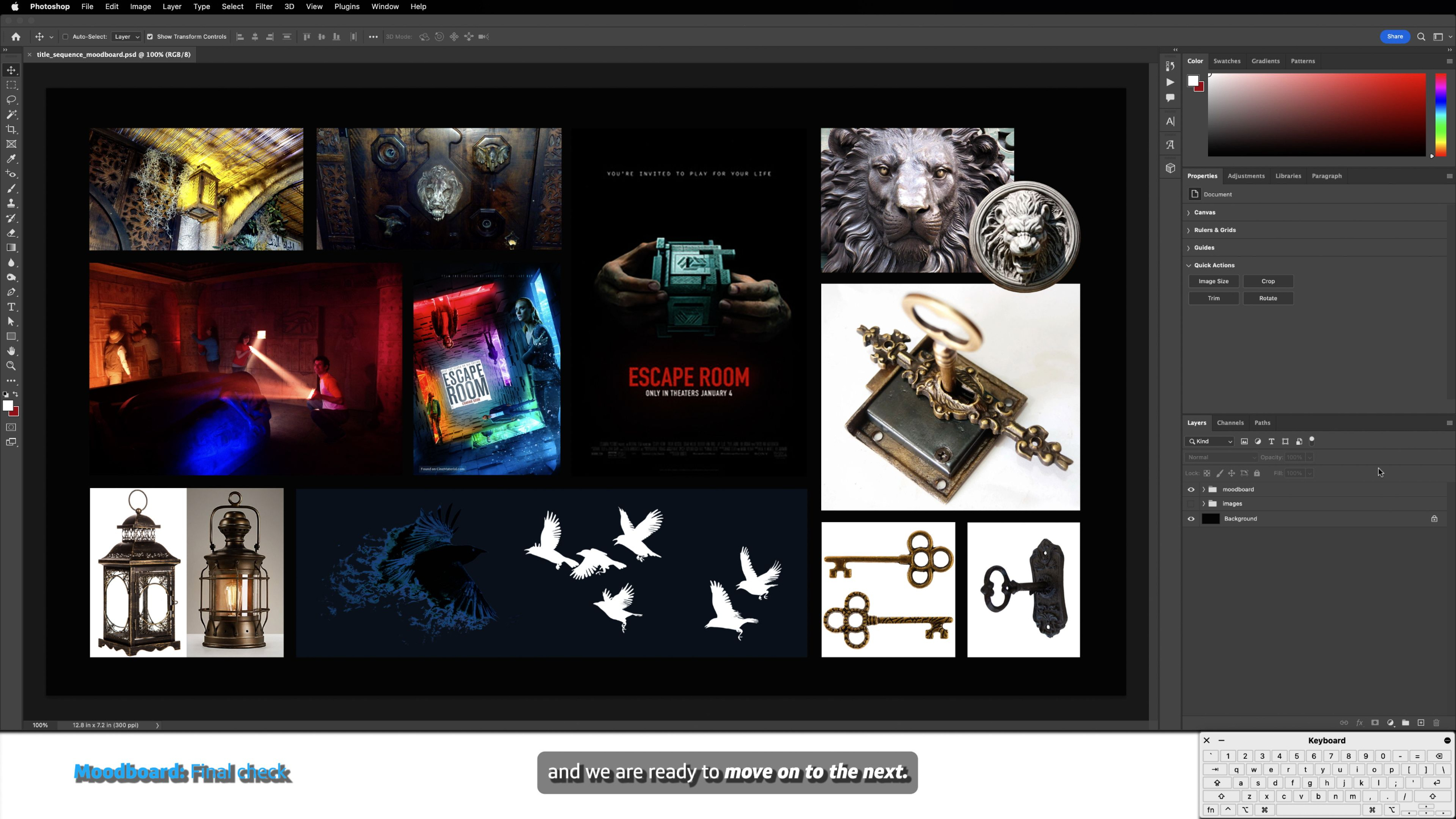
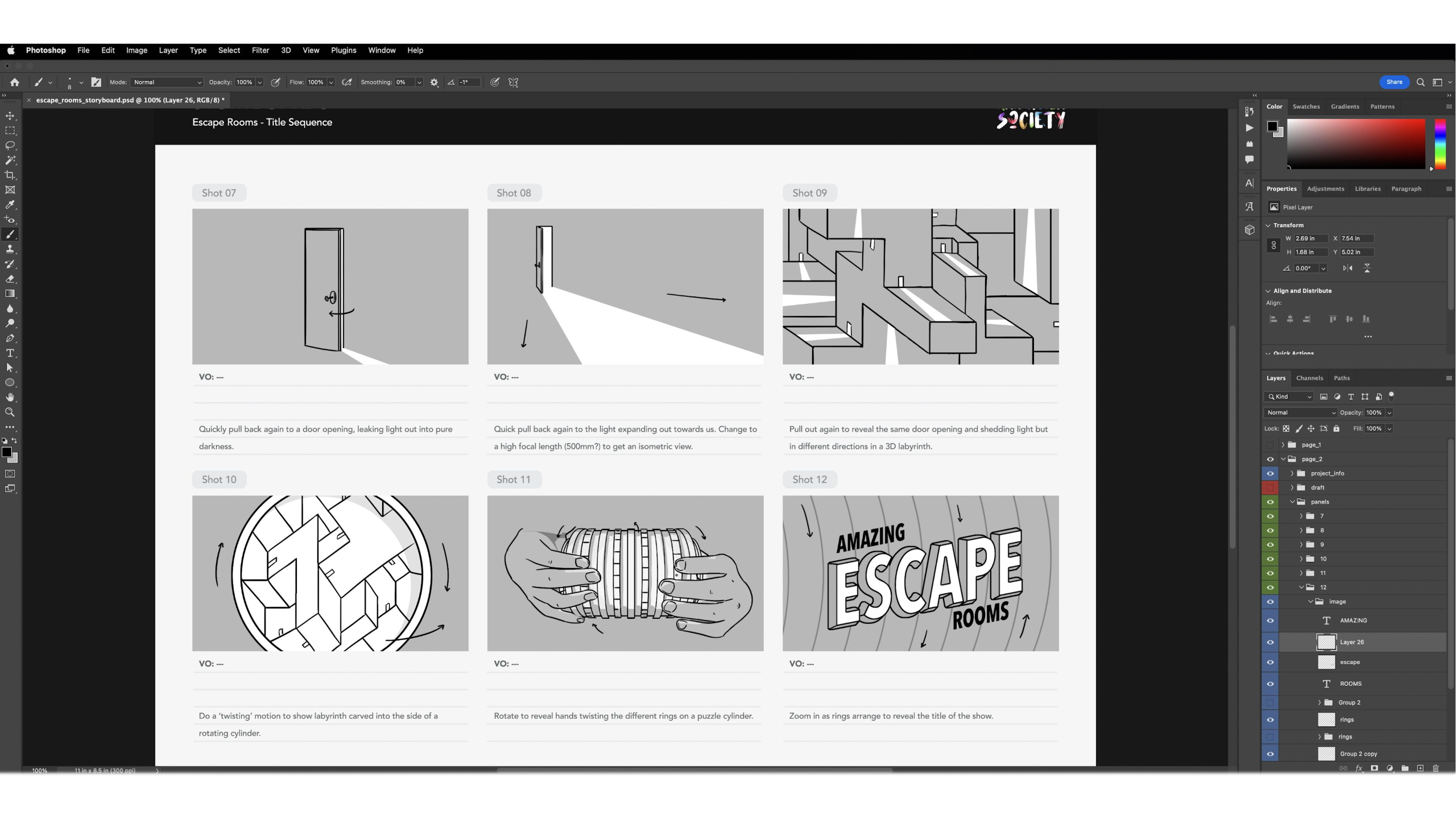
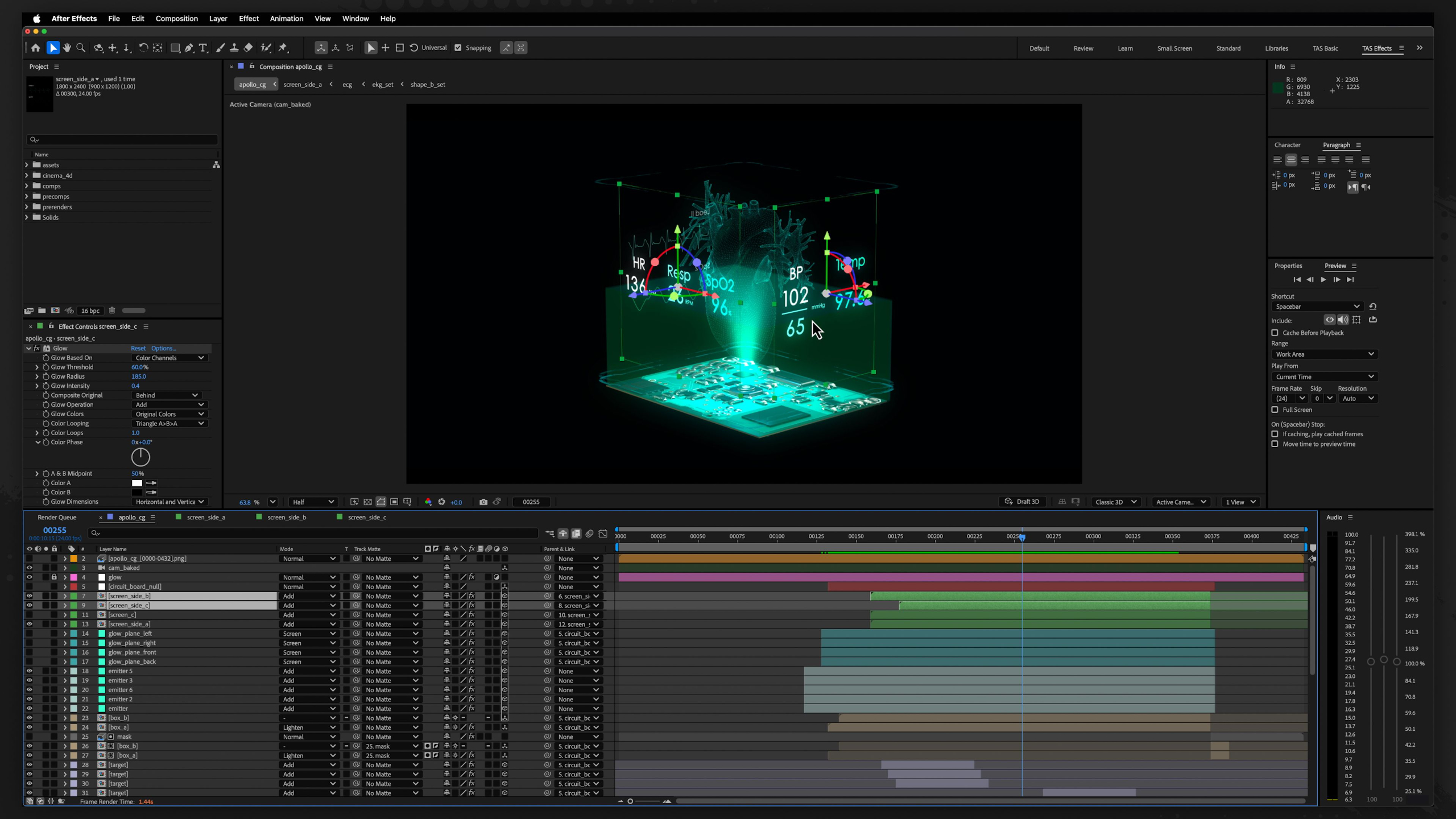
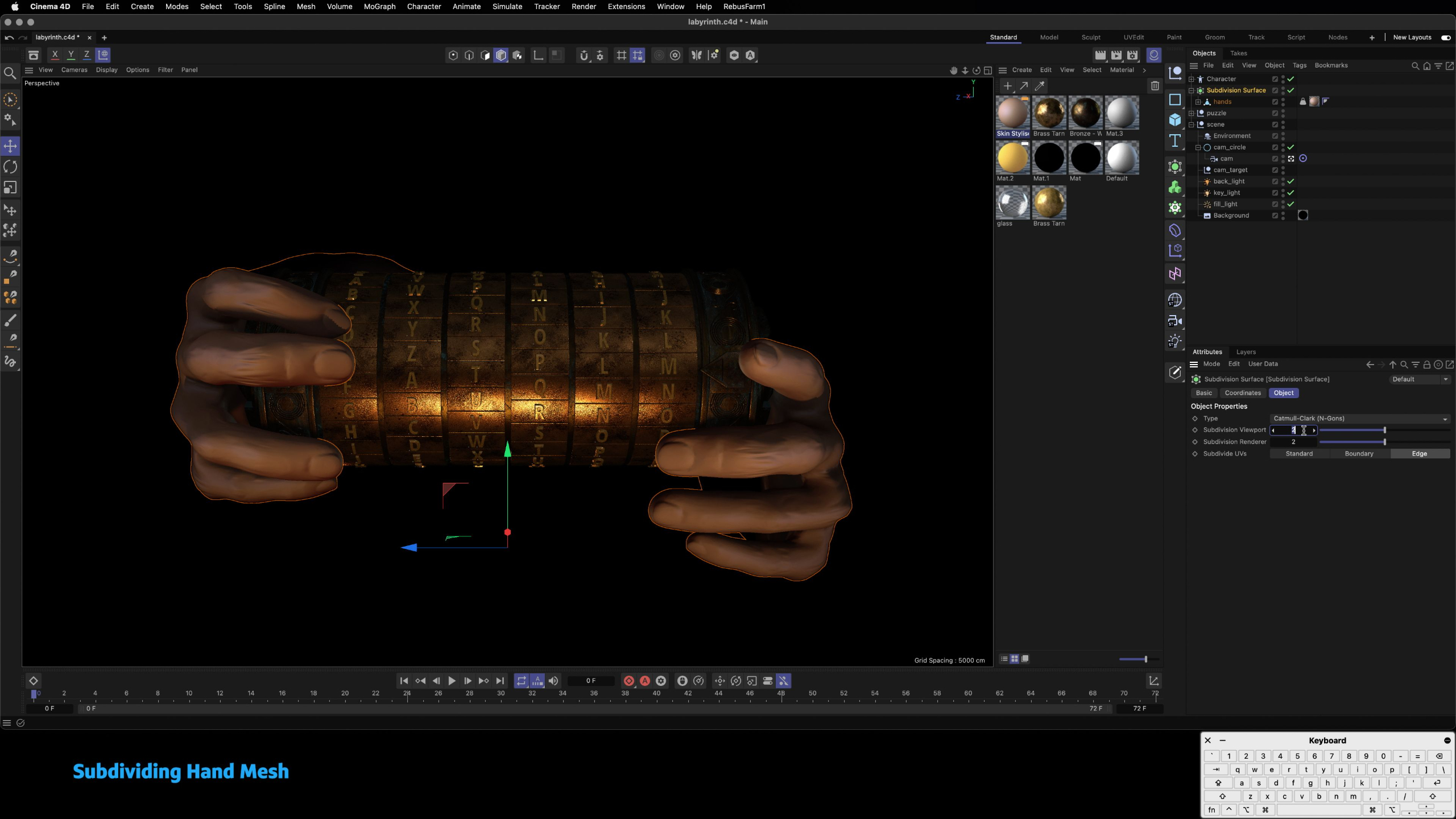
This module guides students through the complete motion graphics production pipeline by having them create a cinematic title sequence from start to finish.
We cover every major stage of production, from ideation, storyboarding, and styleframes to asset creation, animation, rendering, compositing, sound design, and final delivery — while teaching students how professional motion graphics projects are organized and executed.
These lessons emphasize creative problem-solving, portfolio development, and building a repeatable workflow that students can continue using throughout their careers, whether freelancing or working in a studio environment.
Universal Module: Demo Reel
Estimated completion time: 1-2 weeks
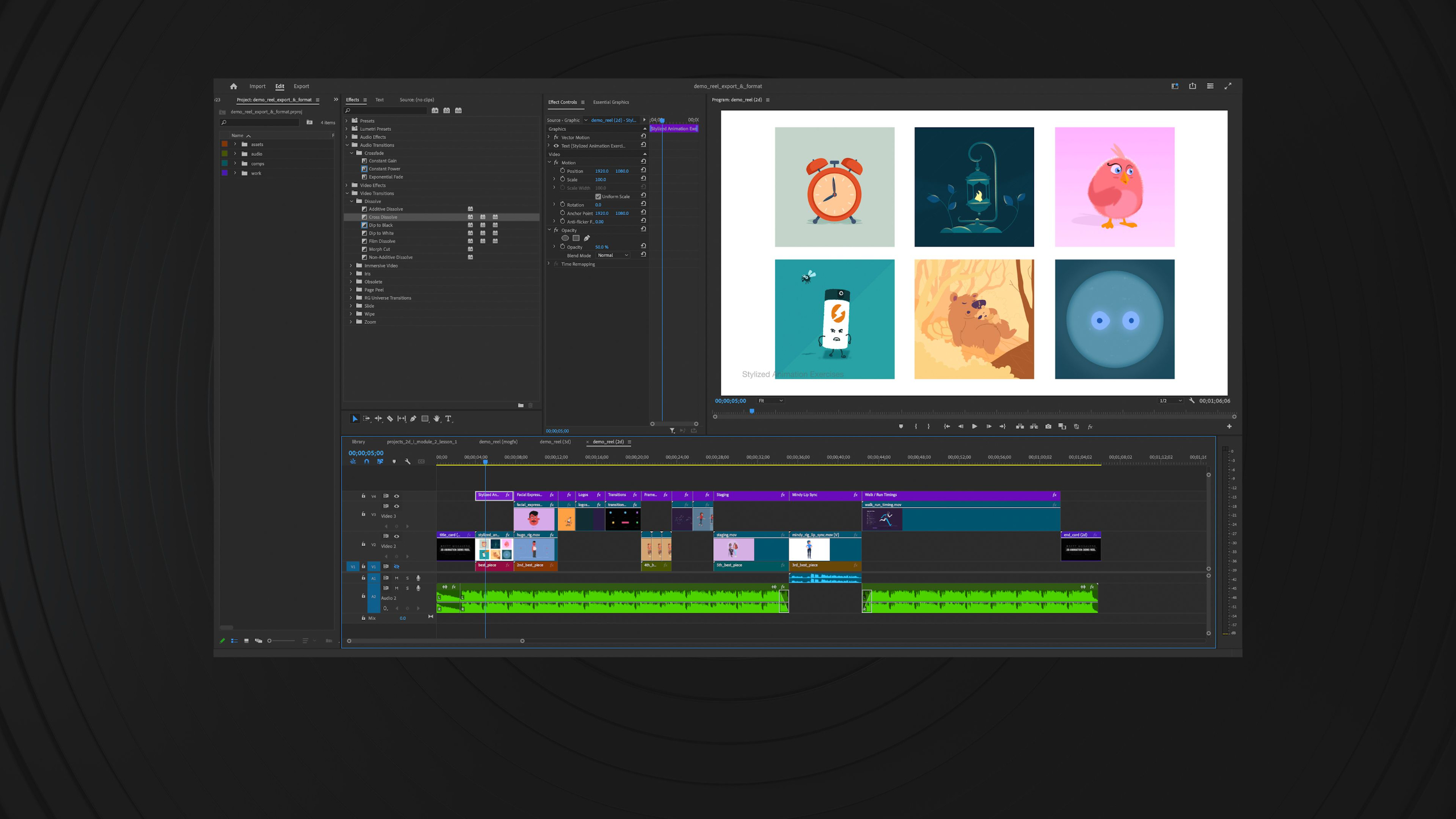
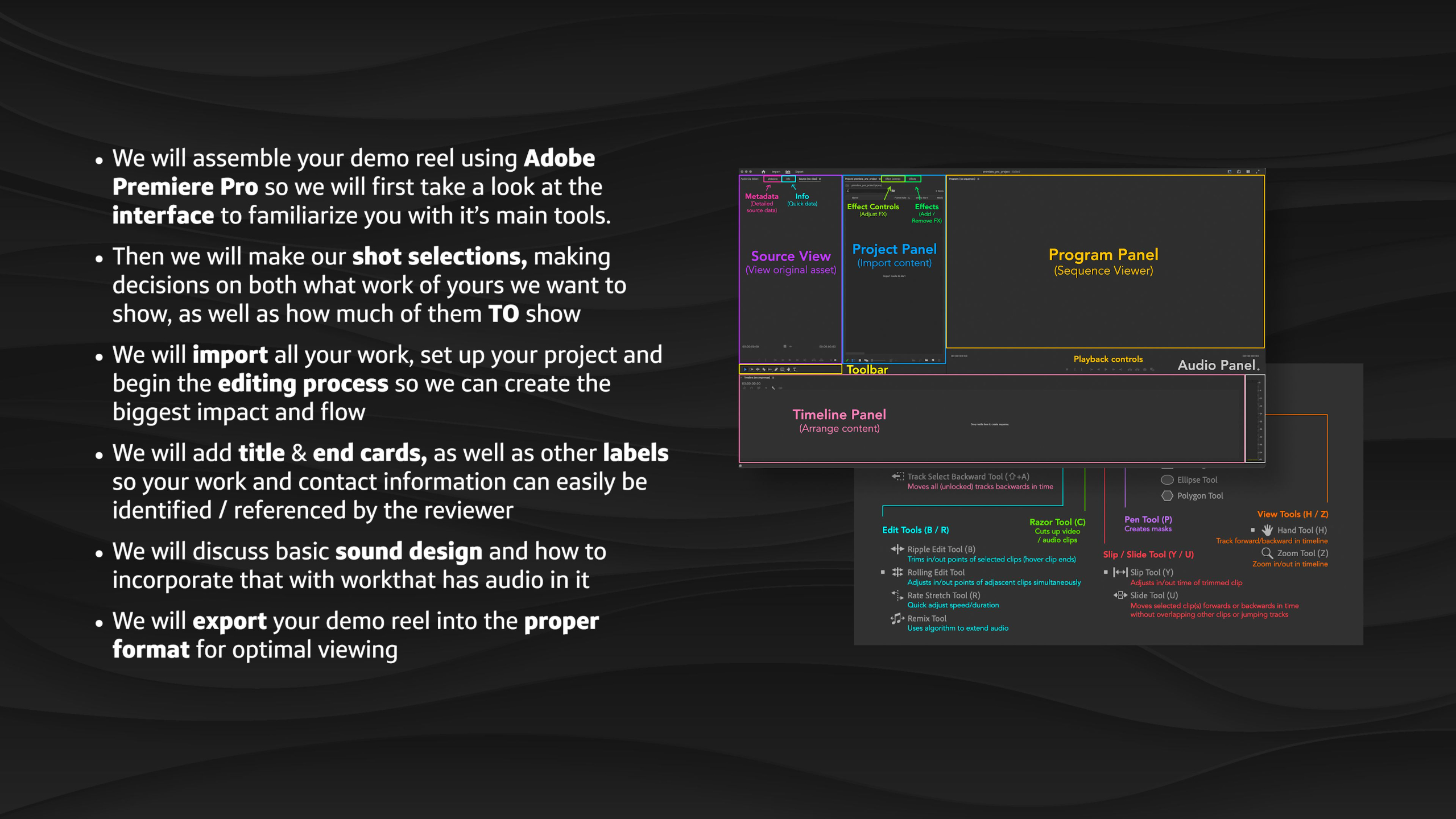
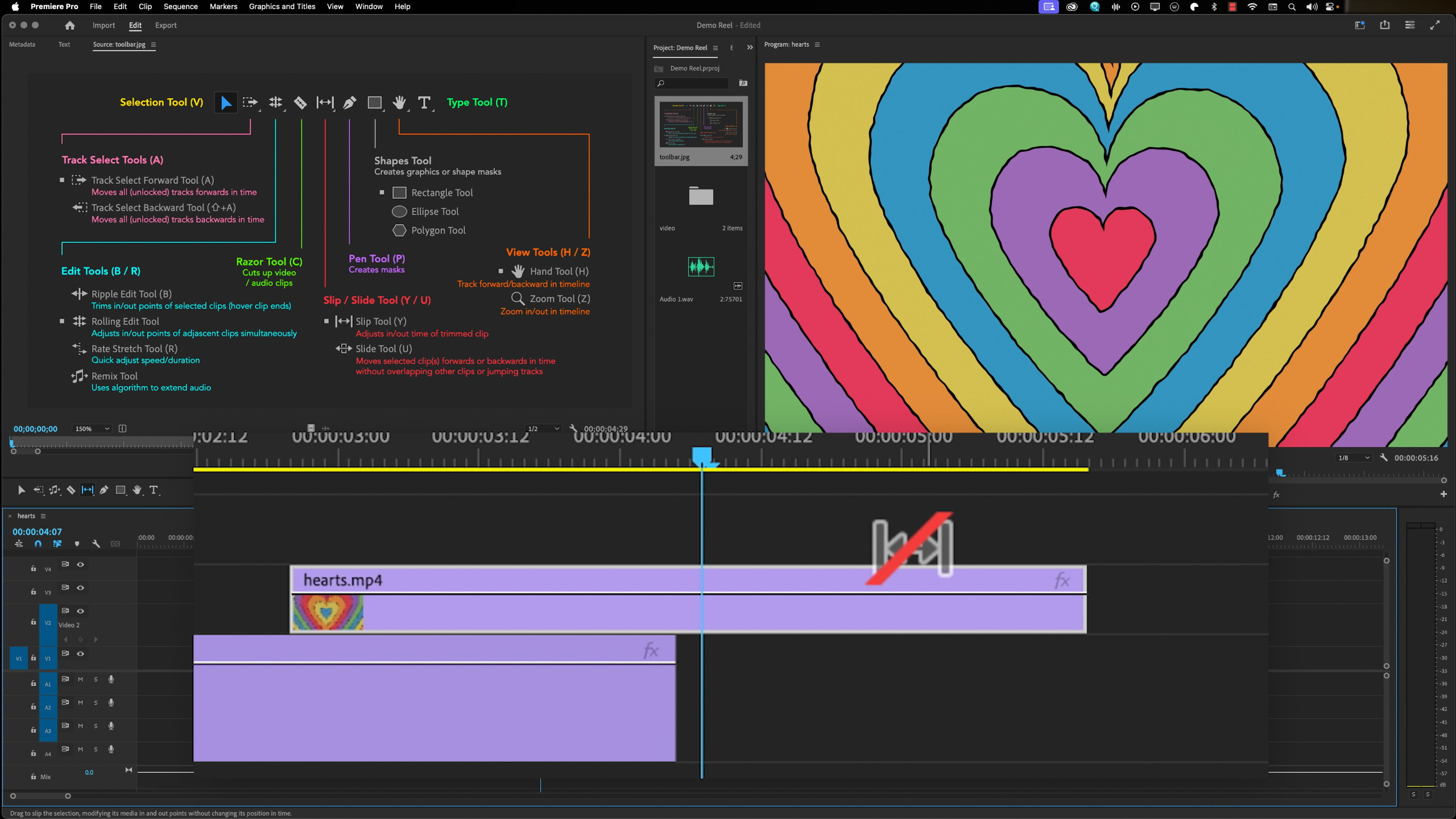
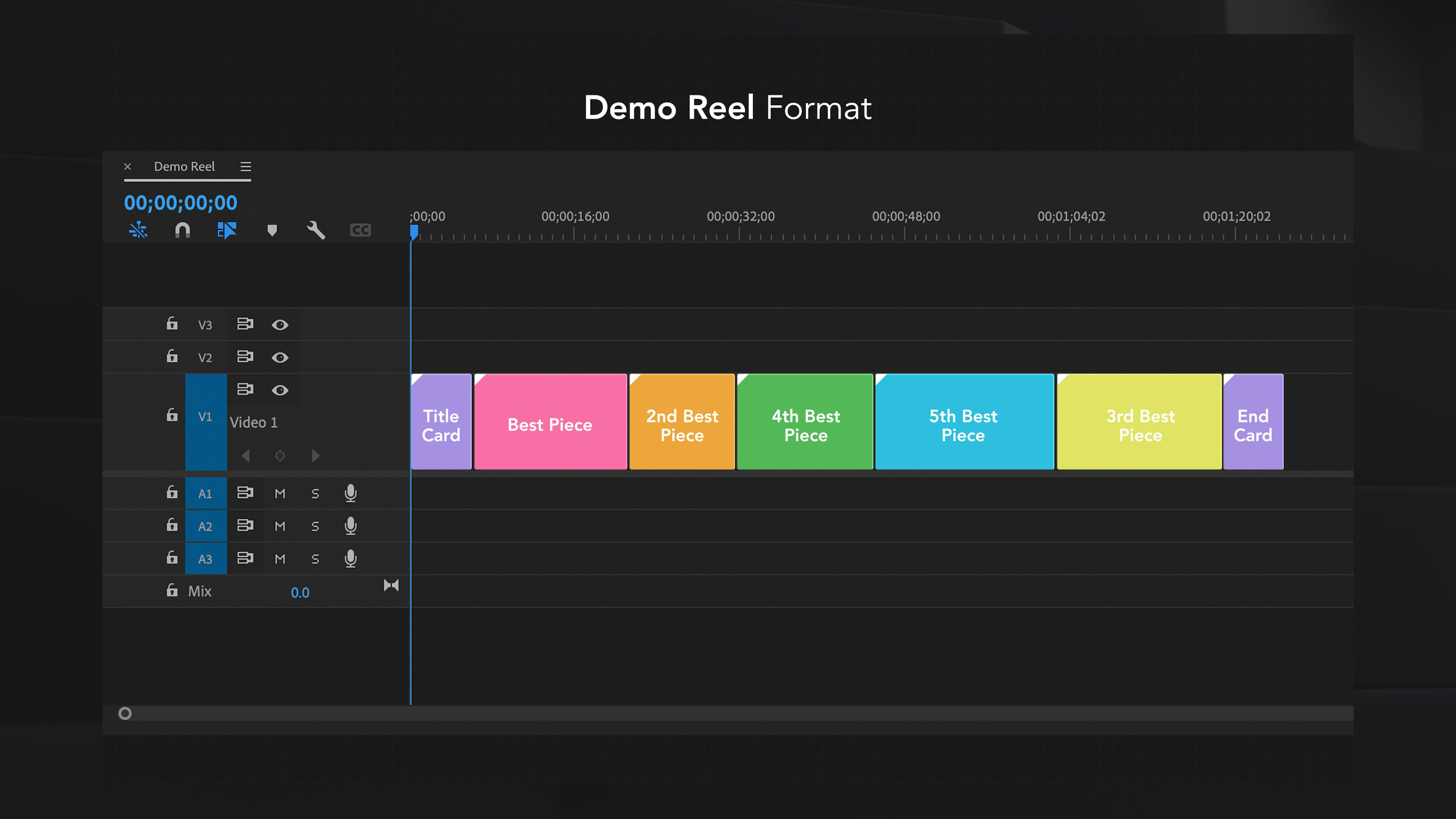
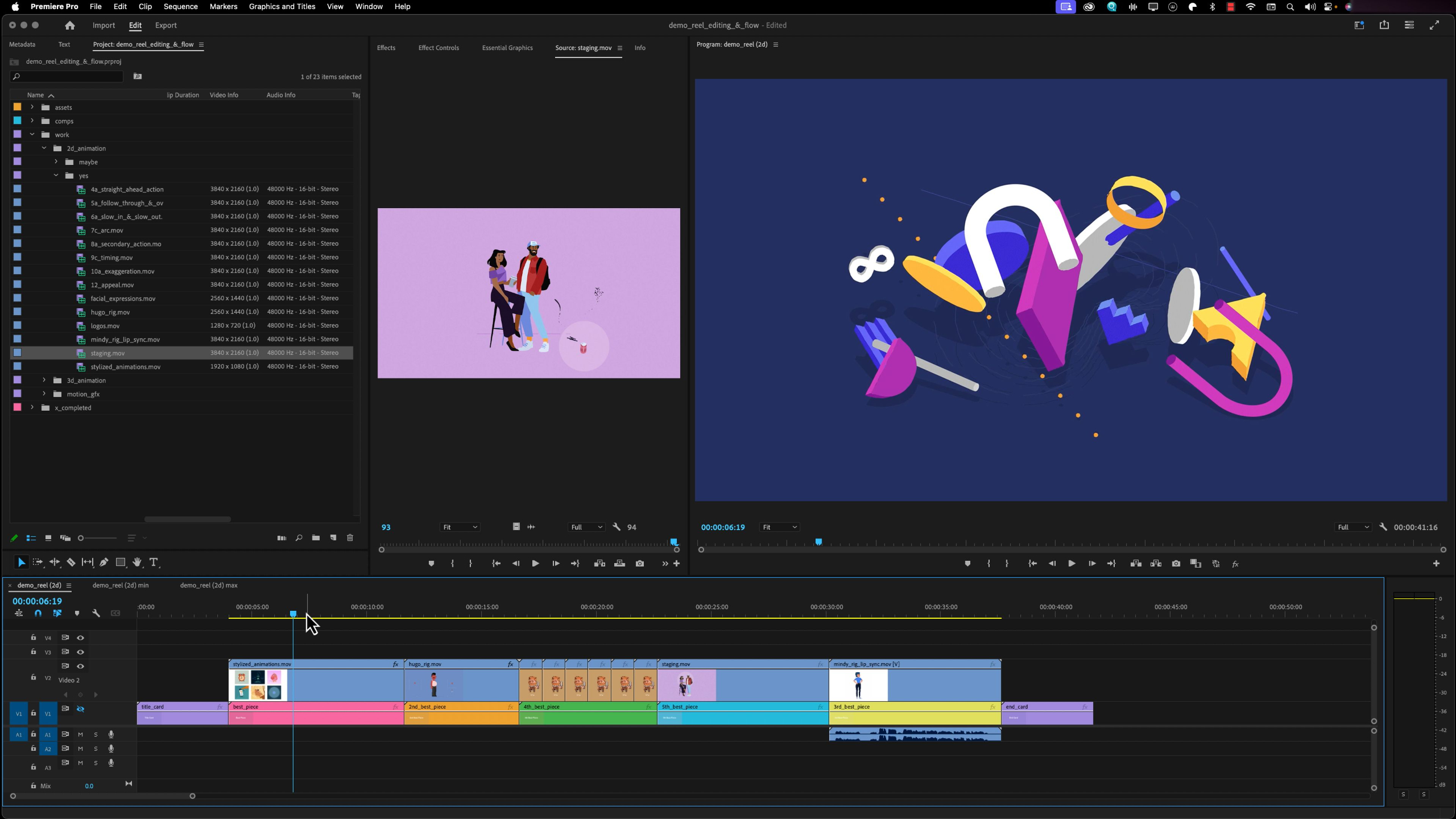
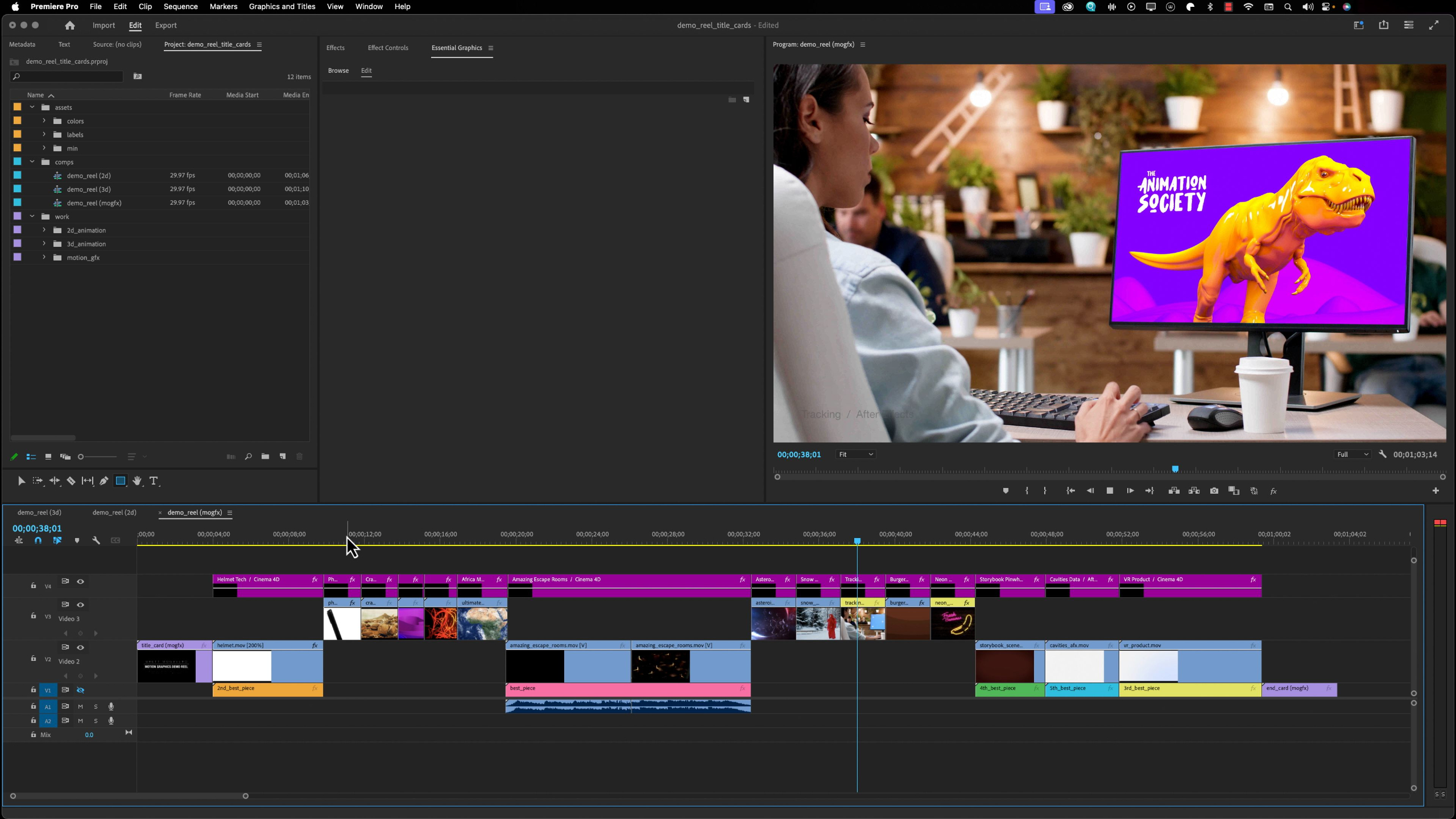
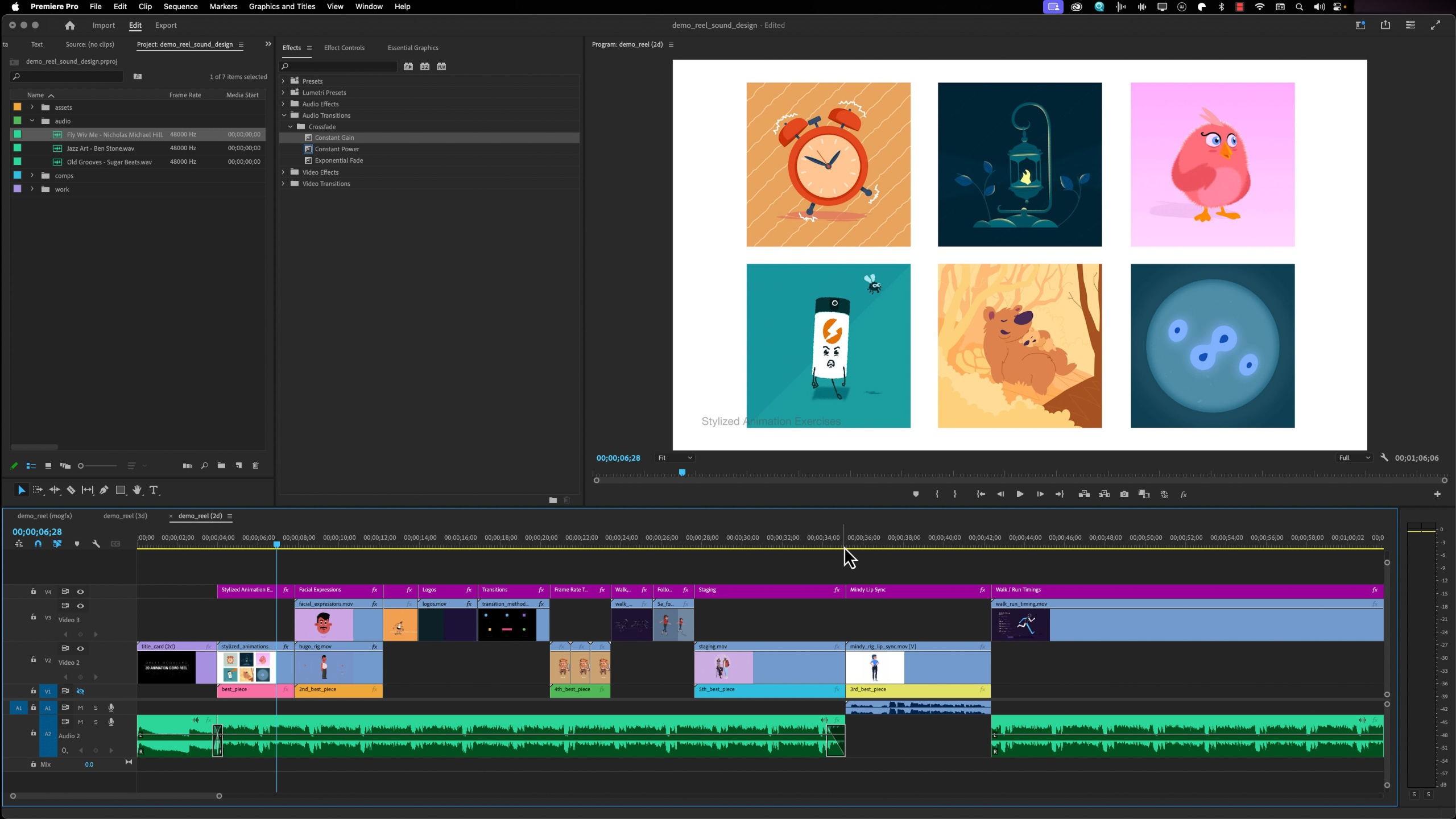
This module guides students through the process of creating a professional demo reel to showcase their skills for studios, employers, or freelance clients.
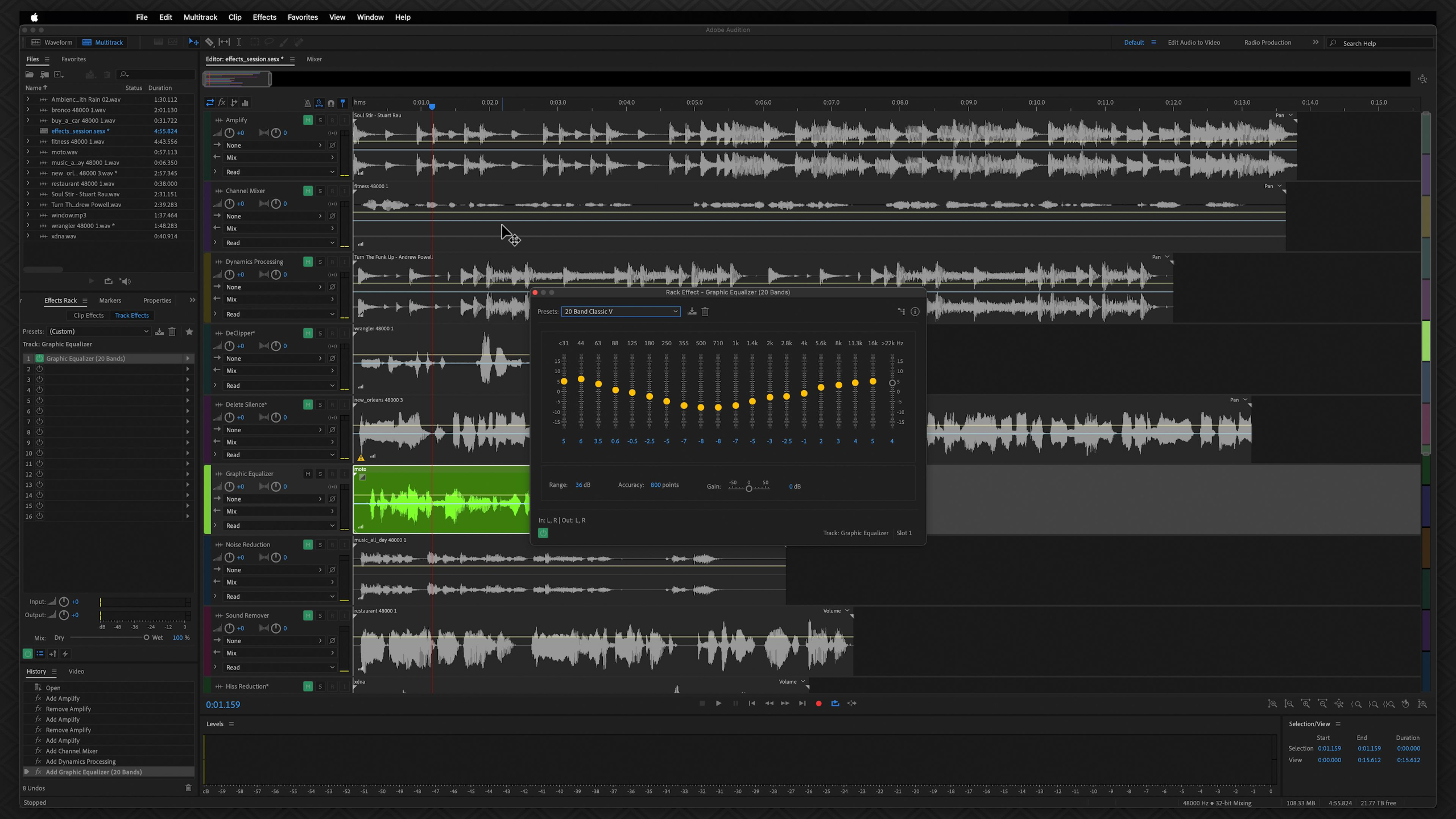
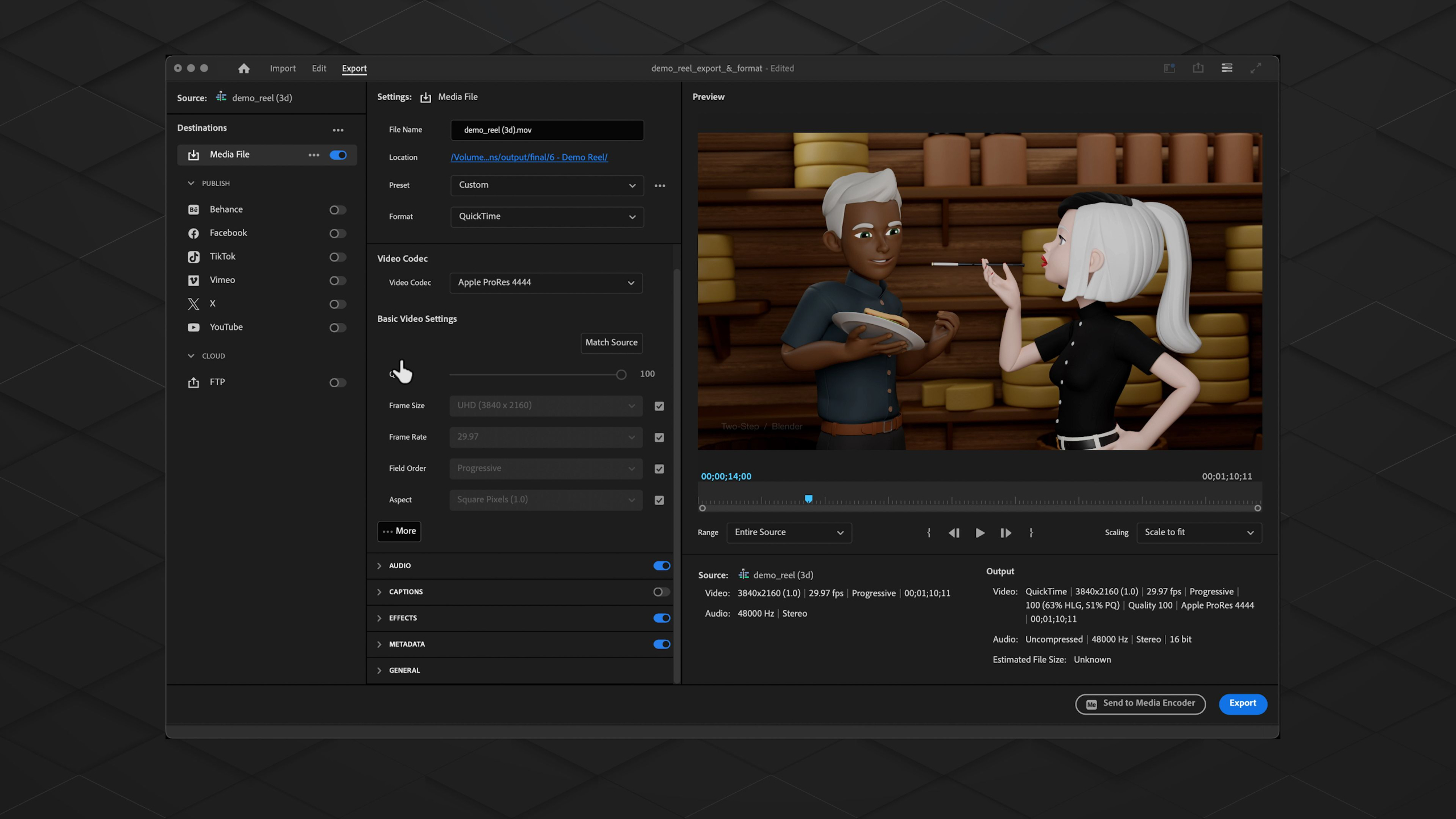
Students will learn the basics of Adobe Premiere Pro to organize and edit their best work, select strong portfolio pieces, add titles and sound design, and export a polished final video that functions as a visual resume.

Lesson Block 8:
Freelancer Toolkit
The Freelancer Toolkit is designed to guide aspiring creatives from traditional employment into successful independent freelancing by focusing only on the most relevant business, branding, financial, and professional skills needed to sustain a creative career.
Through 9 interconnected modules, the toolkit covers everything from building confidence & defining goals, branding, client acquisition, taxes, pricing & contracts, networking, project management, and eventually scaling beyond freelancing.
Take the next step from artist to business owner with the Freelancer Toolkit.
Lessons available for:
*Includes lifetime access to lessons, future releases + community features
Buy Toolkit - $1,495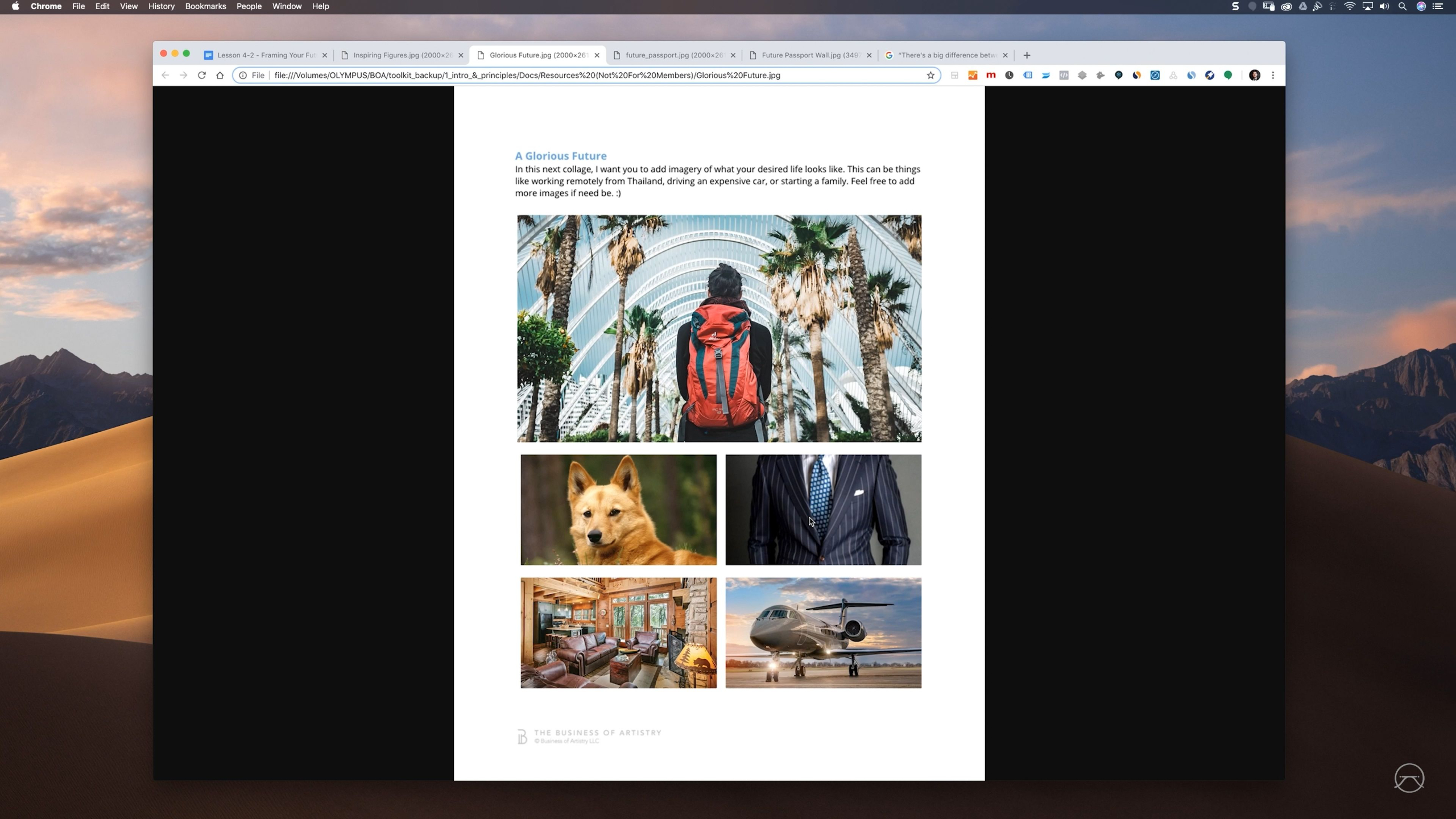
Module 1: Intro & Principles
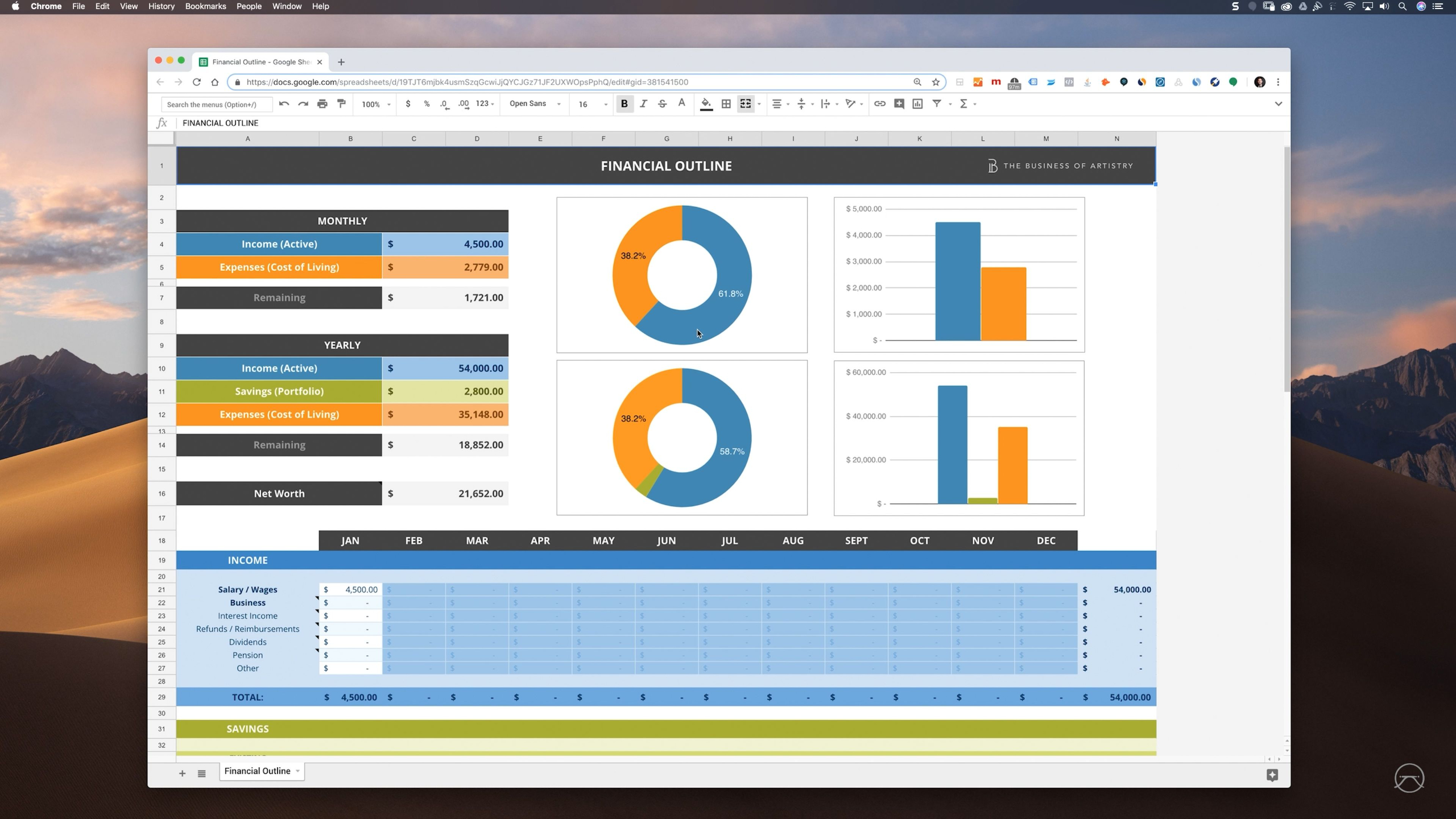
This module introduces The Freelancer Toolkit and sets the tone for becoming a financially stable freelance creator. It focuses on the mindset, confidence, planning, and financial awareness needed to start building a freelance life on your own terms.
Module 2: Business Mindset
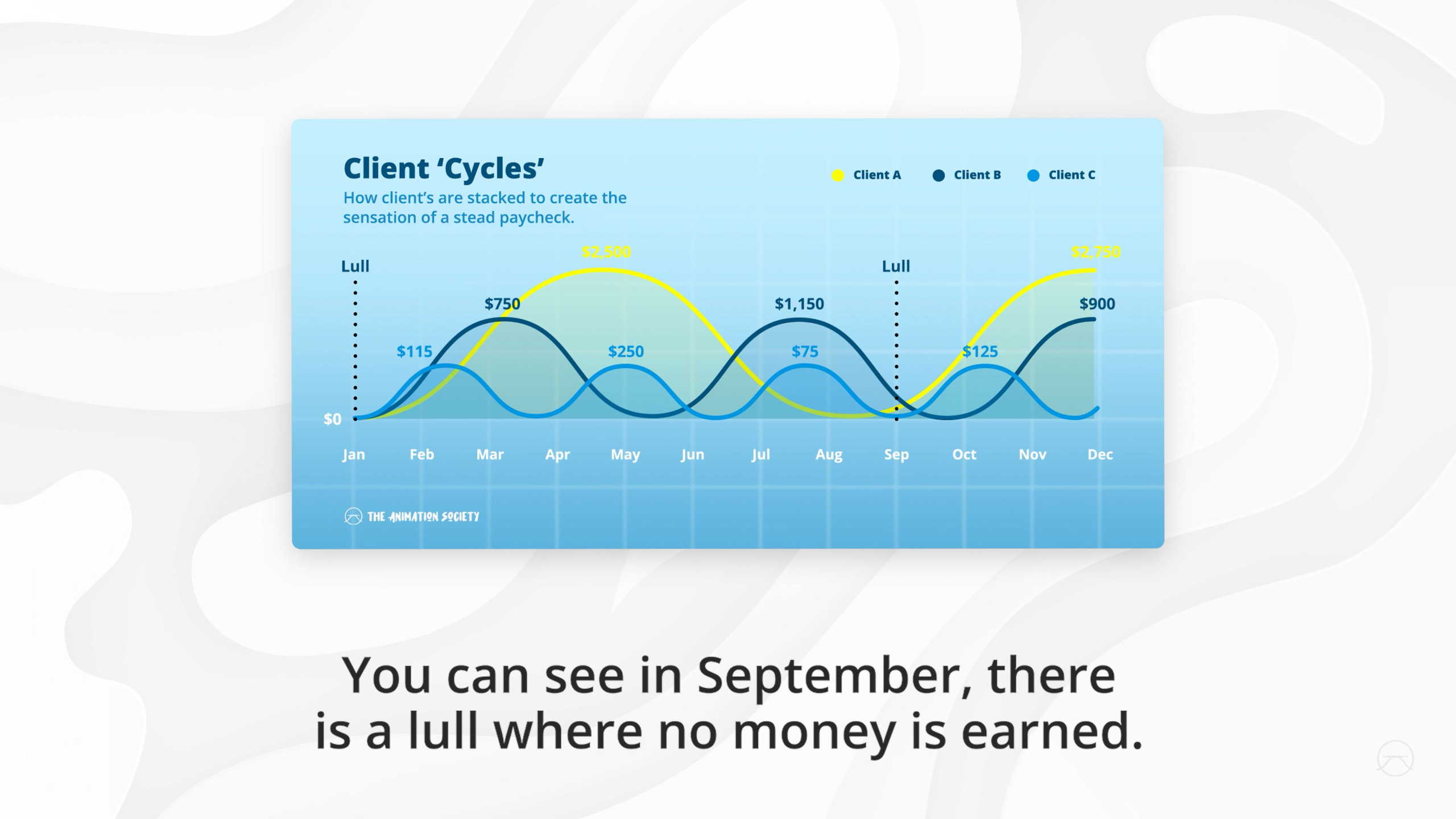
This module helps freelance artists shift from simply making creative work to thinking like commercial problem-solvers who create value for clients. It covers how to find market demand, build multiple streams of work, leverage your strengths, and stay accountable as you grow your freelance business.
Module 3: Technical & Creative
Module 4: Entities, Taxes & Legal
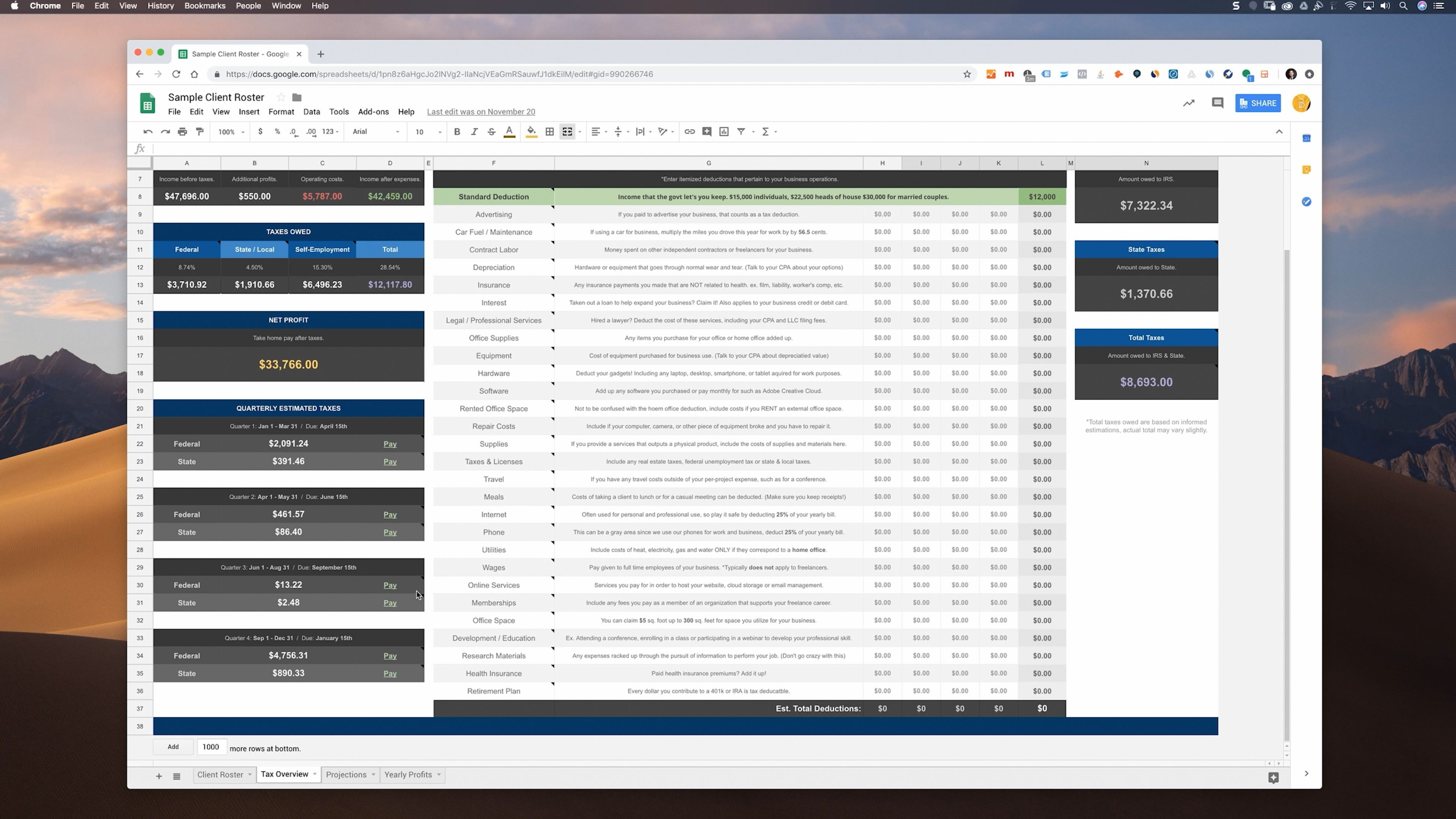
This module breaks down tax basics freelancers need to understand, including quarterly estimated taxes, self-employment taxes, deductions, expenses, and 1099 forms. It helps make the less glamorous side of freelancing feel more manageable by showing how to track your numbers and stay prepared.
Module 5: Management
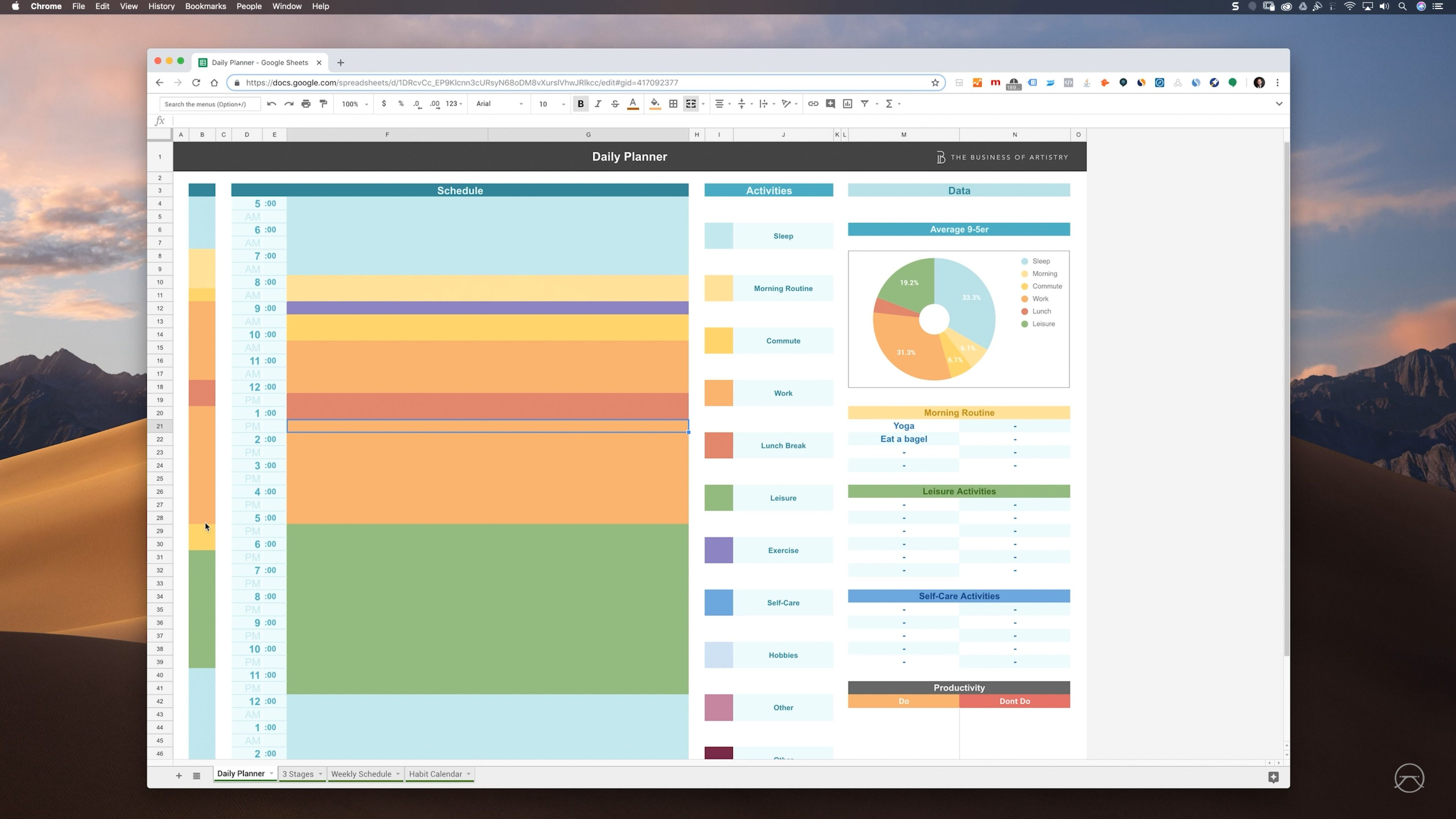
This module helps freelancers build the systems they need to stay organized, manage their time, track projects, and keep their money under control. It also covers profitability, healthier work habits, benefits, and the importance of creating structure so your freelance business can run smoothly.
Module 6: Pricing, Contracts, Invoicing
Module 7: Website & Portfolio
This module helps freelancers build a simple, focused website that acts as their home base for showing work, explaining what they do, and making it easy for clients to reach out. It also covers using subpages, company culture content, analytics, and basic SEO to present your work more strategically and attract the right opportunities.
Module 8: Networking & Prospecting
This module teaches freelancers how to find and connect with potential clients through decks, cold outreach, online visibility, and relationship-building. It emphasizes that landing work is less about impressing everyone and more about reaching the right people with the right message at the right time.
Module 9: Future & Expansion
This module looks at what happens once freelancing starts to grow, from protecting your work/life balance to deciding whether you want to delegate, expand, or stay solo. It helps you recognize when you’ve hit a ceiling and make thoughtful choices about what your next chapter should look like.