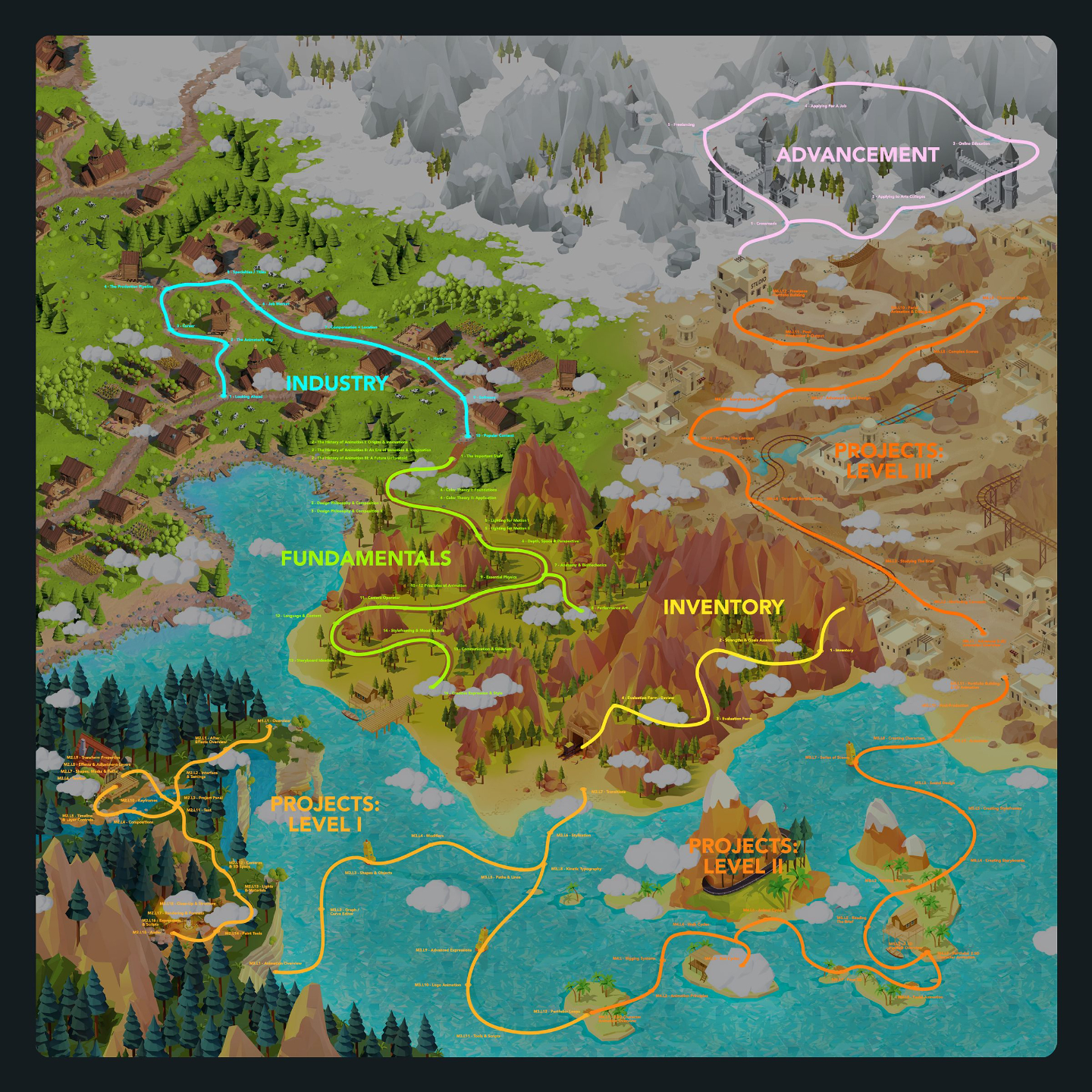
Our Motion Graphics Curriculum teaches students how to create animated visual content for commercial media such as advertising, film, social media, and corporate content, while emphasizing the importance of becoming versatile and capable of solving creative problems using multiple techniques.
Through a progression of 3 skill levels, students learn everything from After Effects-based 2.5D workflows and advanced Cinema 4D techniques, to mixed media integration and complex animation systems, ultimately culminating in a polished demo reel designed to impress employers and clients.
The program encourages experimentation, creativity, and long-term skill development while preparing aspiring Motion Graphics Artists for freelance, studio, or corporate careers.
*Requires Adobe Creative Cloud Pro & Maxon Cinema 4D subscription (sold seperately)
Lessons available for:

*Includes lifetime access to lessons, future releases + community features
*Payment plans available at checkout
Buy Curriculum - $695
Module 1: Overview
This first module summarizes up everything you will be learning within the Motion Graphics Curriculum.
Covering what is and is not included if you are enrolled in one of our tailored Journeys, as well as details around what you will be learning at each skill level, the assignments ahead, and expected outcomes for your portfolio.
Module 2: After Effects for Motion Graphics (Level I)
Estimated completion time: 6-8 weeks
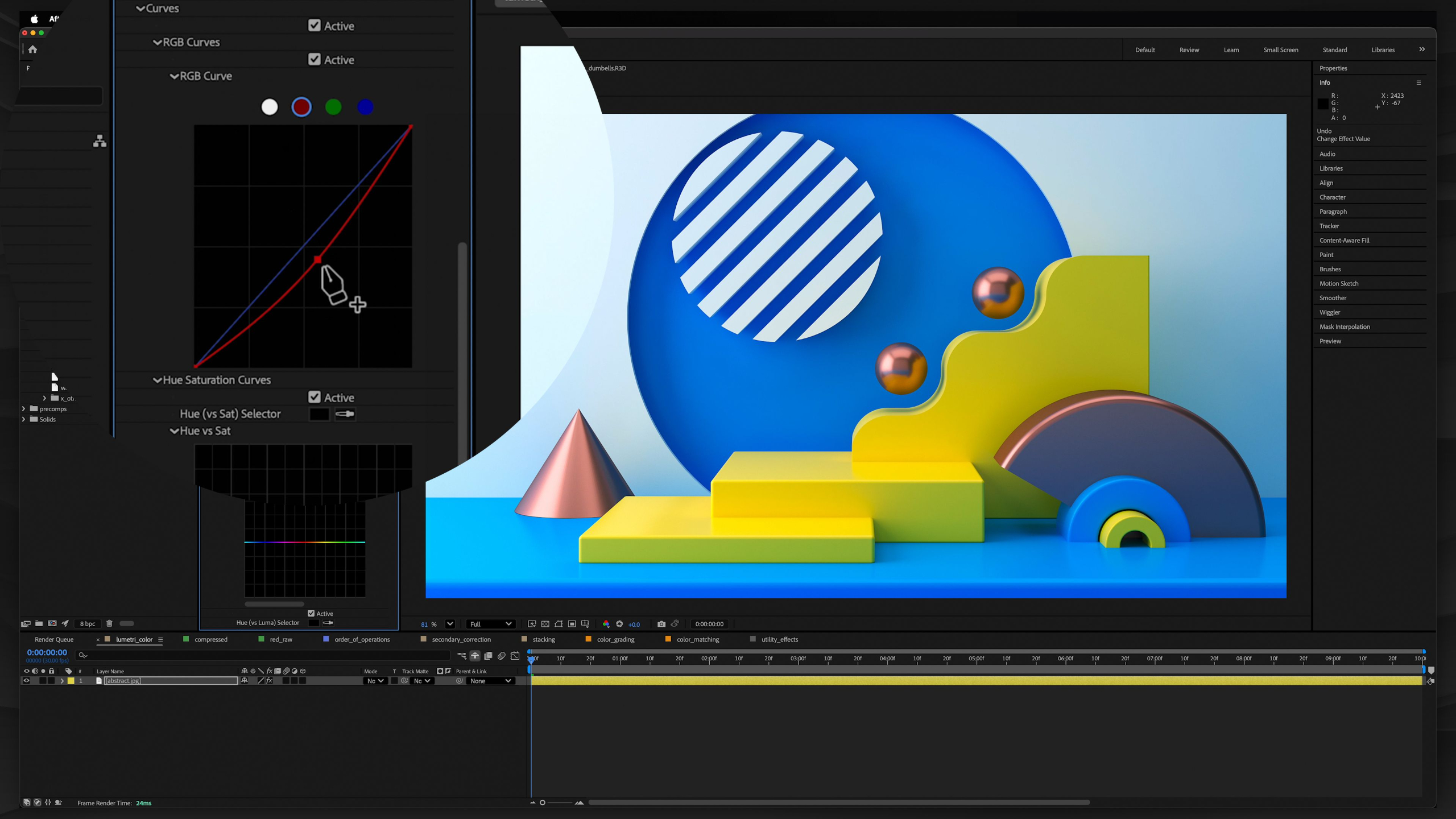
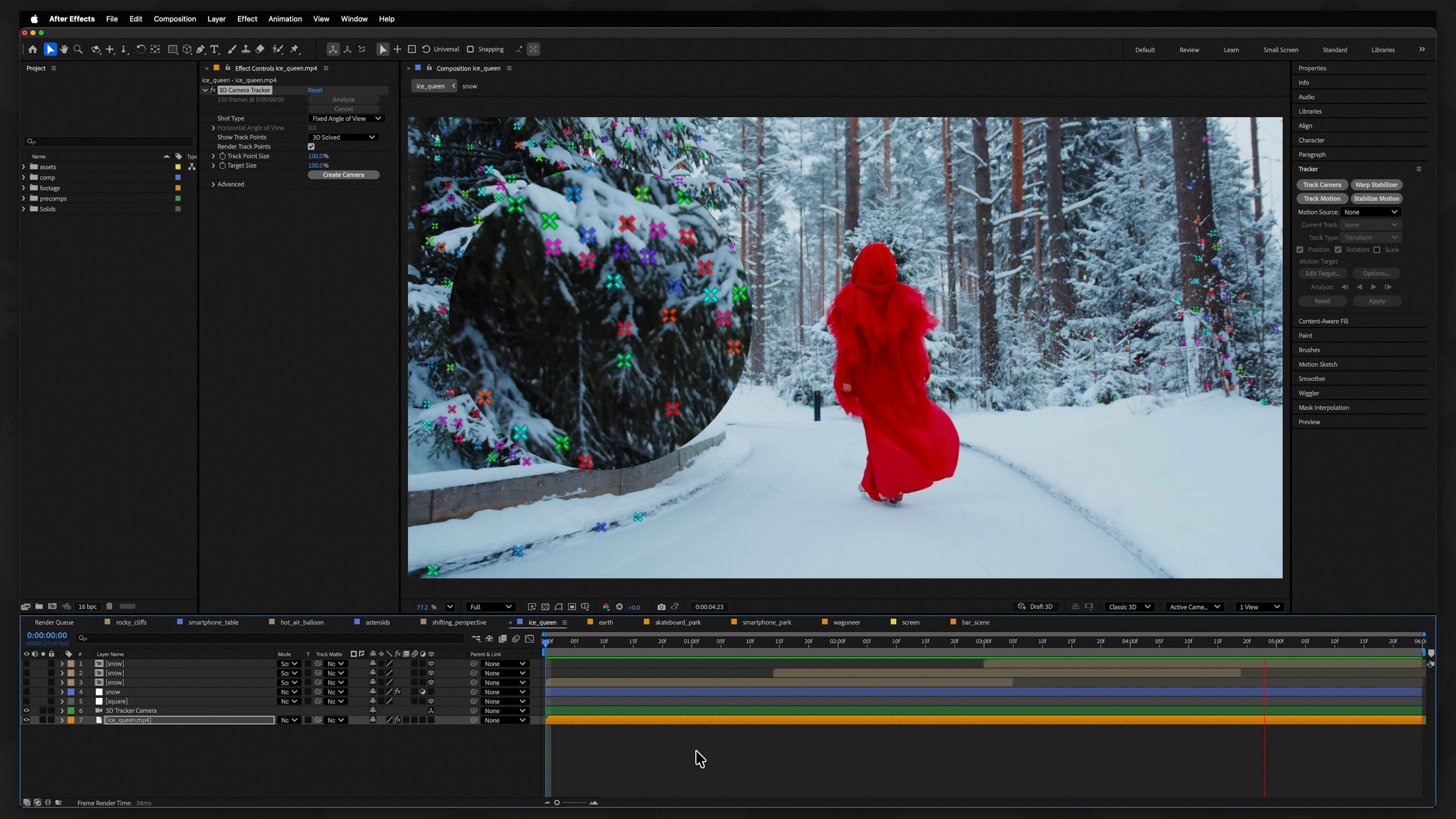
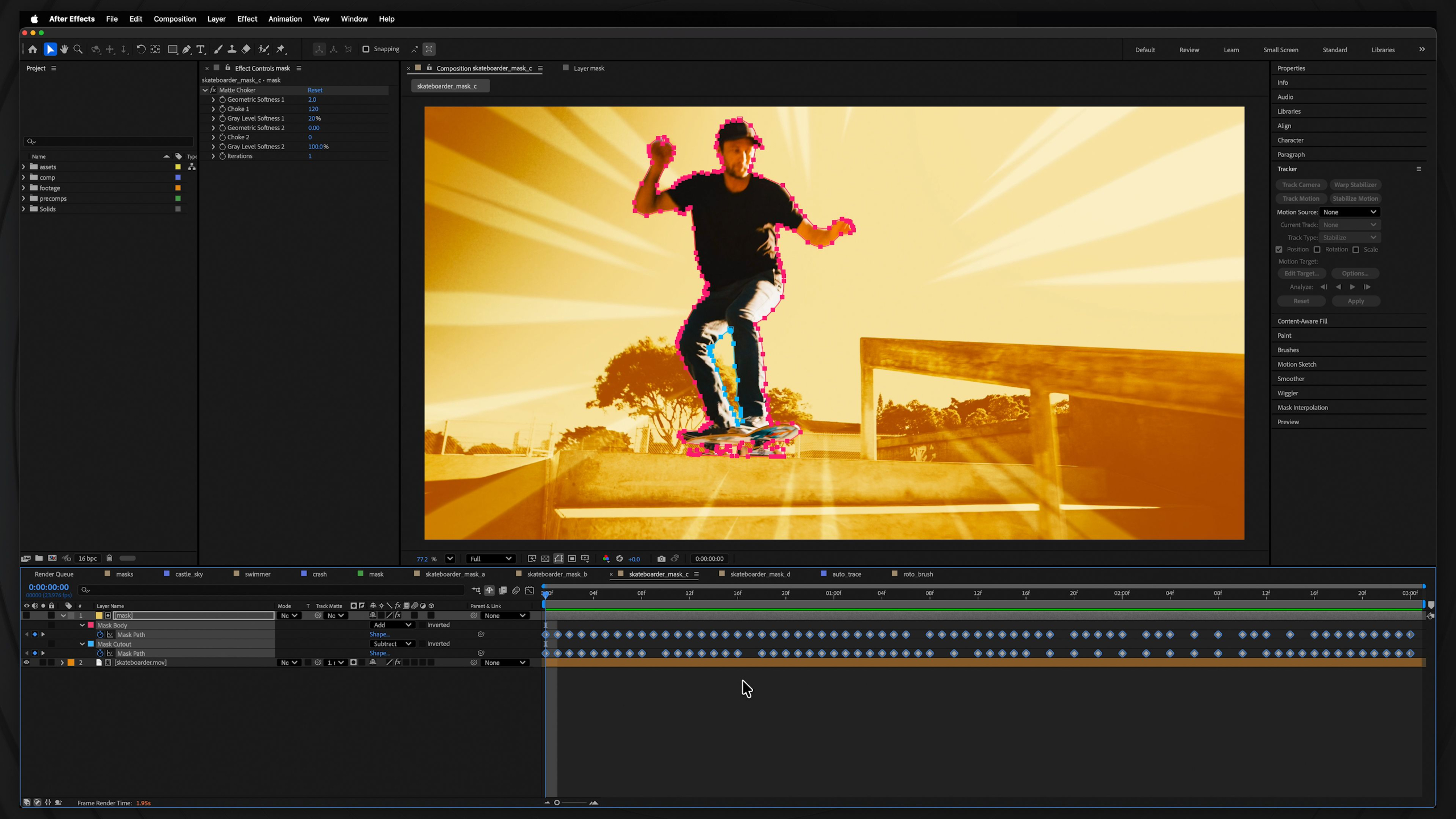
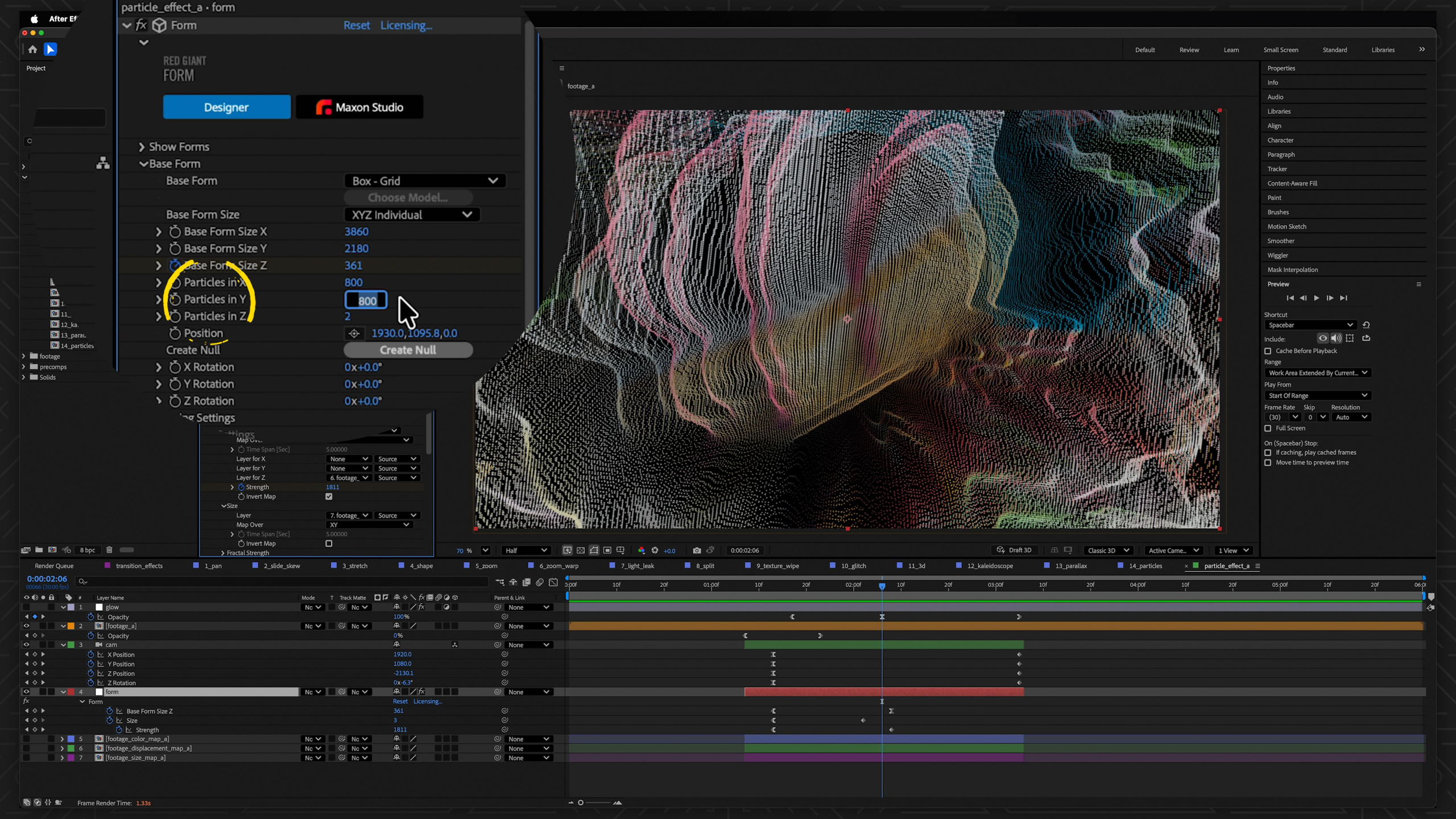
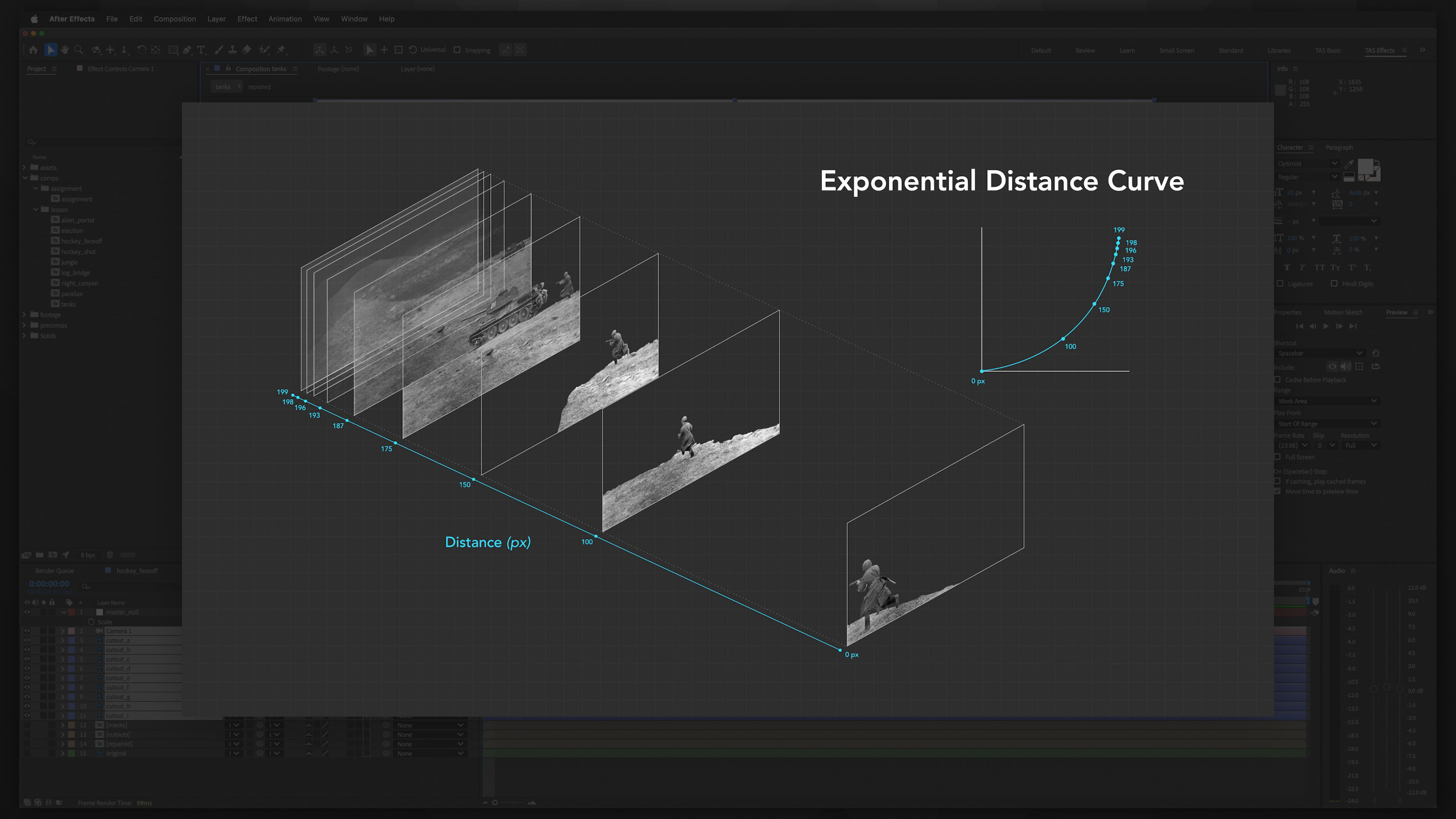
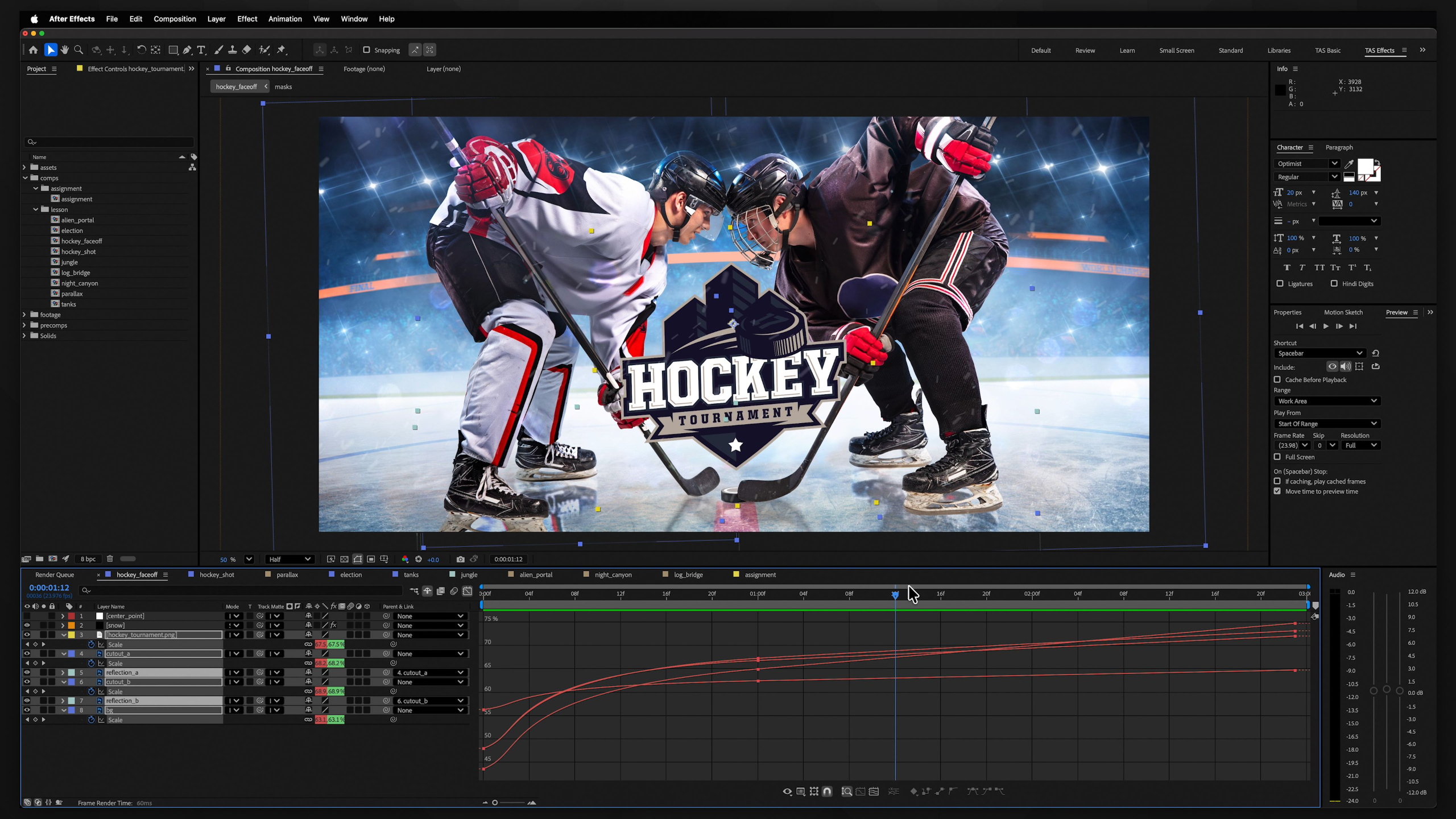
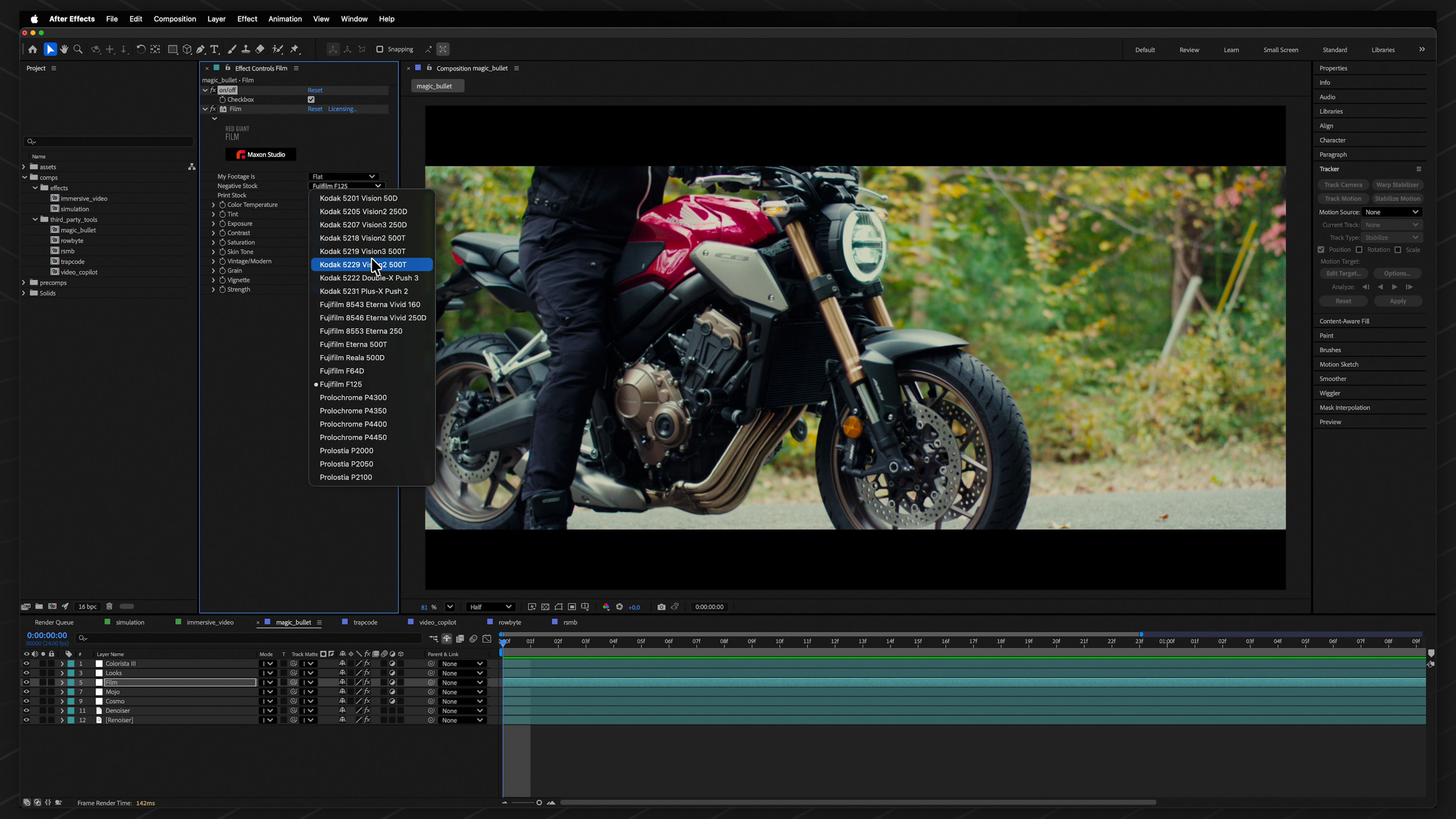
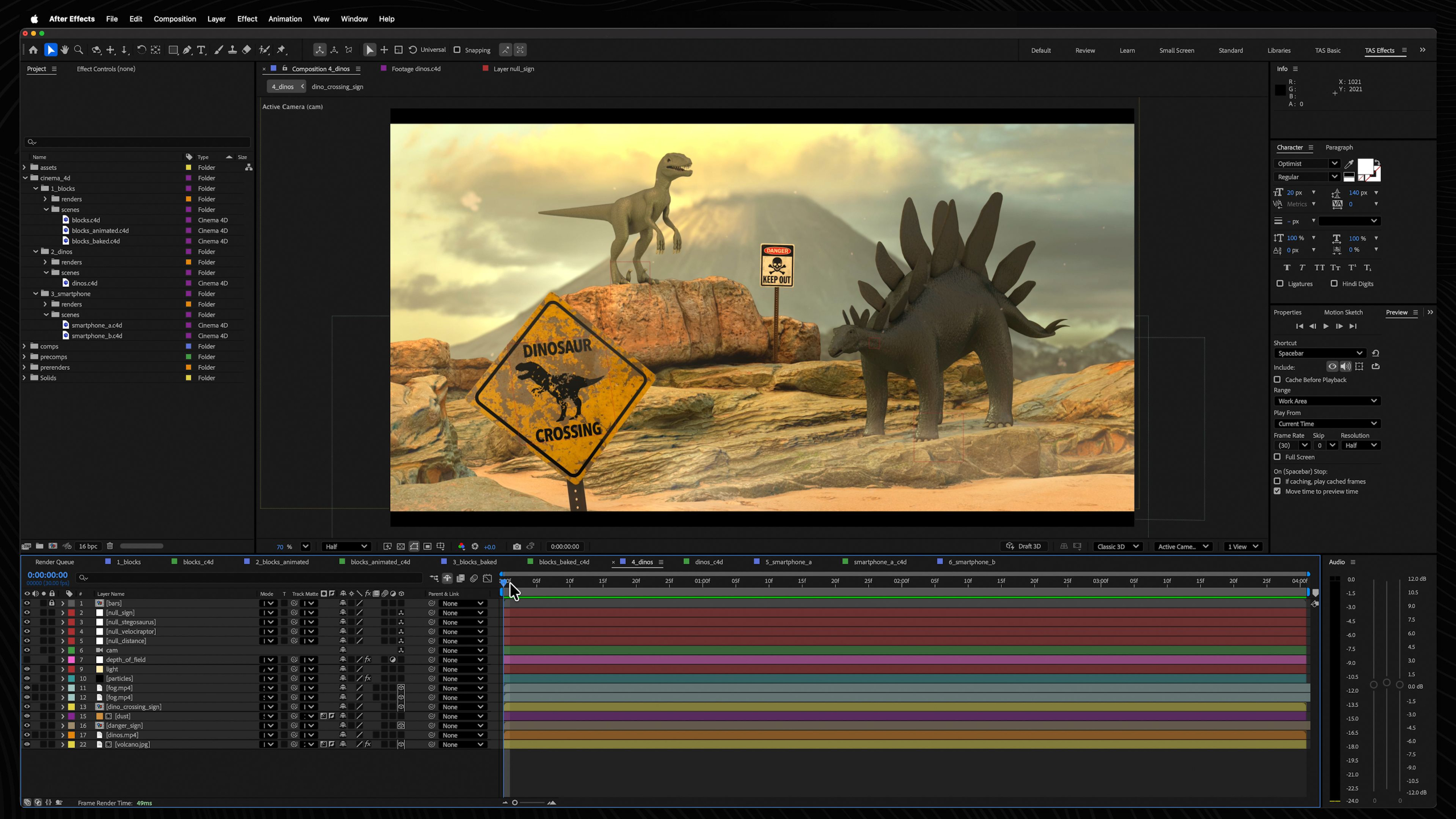
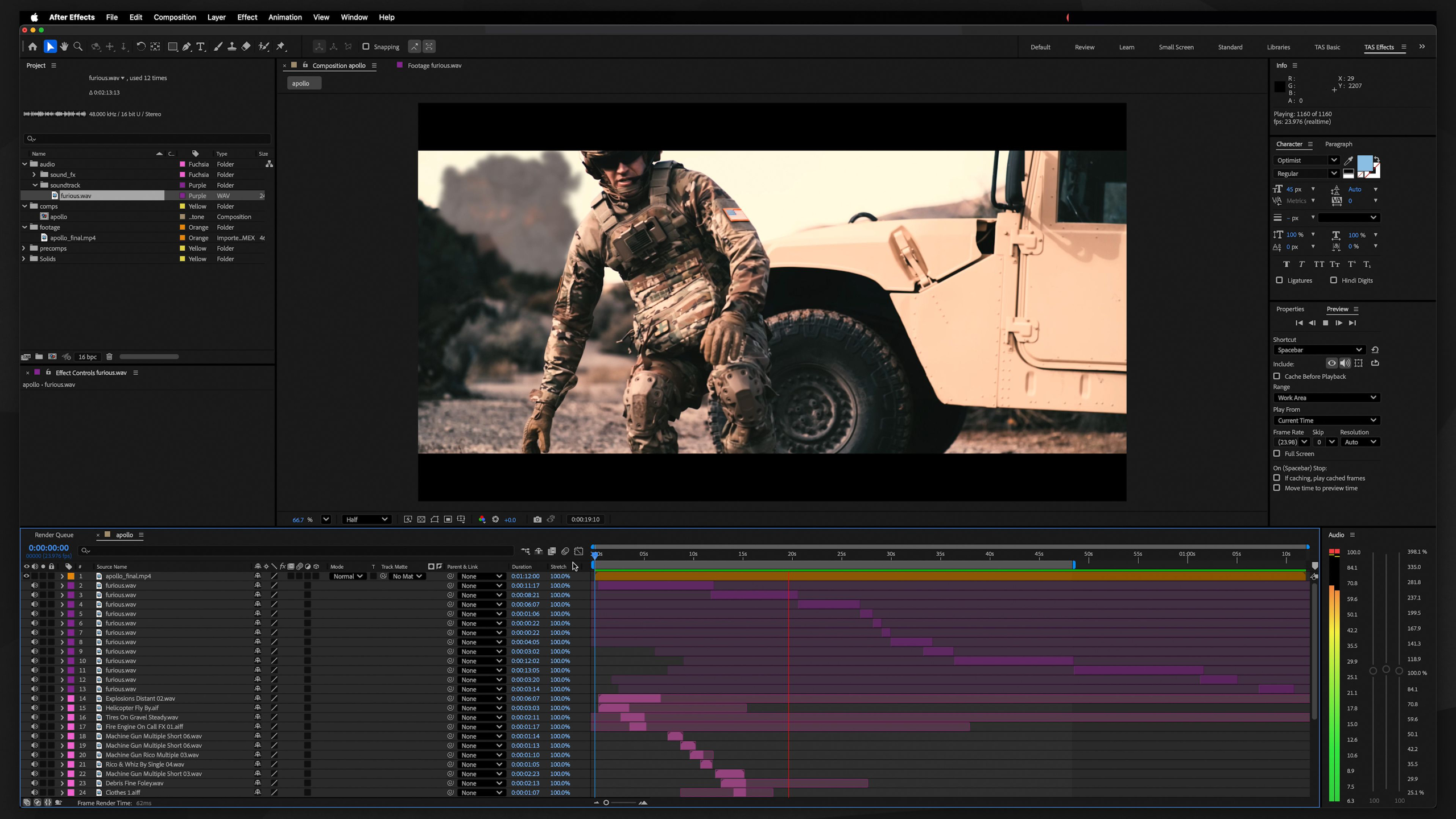
This module teaches the essential skills needed to begin a professional career in motion graphics. We focus on industry-standard techniques like text animation, greenscreen keying, motion tracking, shot stabilization, and creating dynamic visual graphics.
Throughout the lessons, students will build a versatile creative skill set while producing strong portfolio pieces that demonstrate their ability to solve a wide range of visual challenges for clients, studios, and agencies.
The ultimate goal is to help students become adaptable, in-demand Motion Graphics Artists capable of handling professional projects from concept to completion.
Module 3: Intro to Cinema 4D (Level II)
Estimated completion time: 6-8 weeks
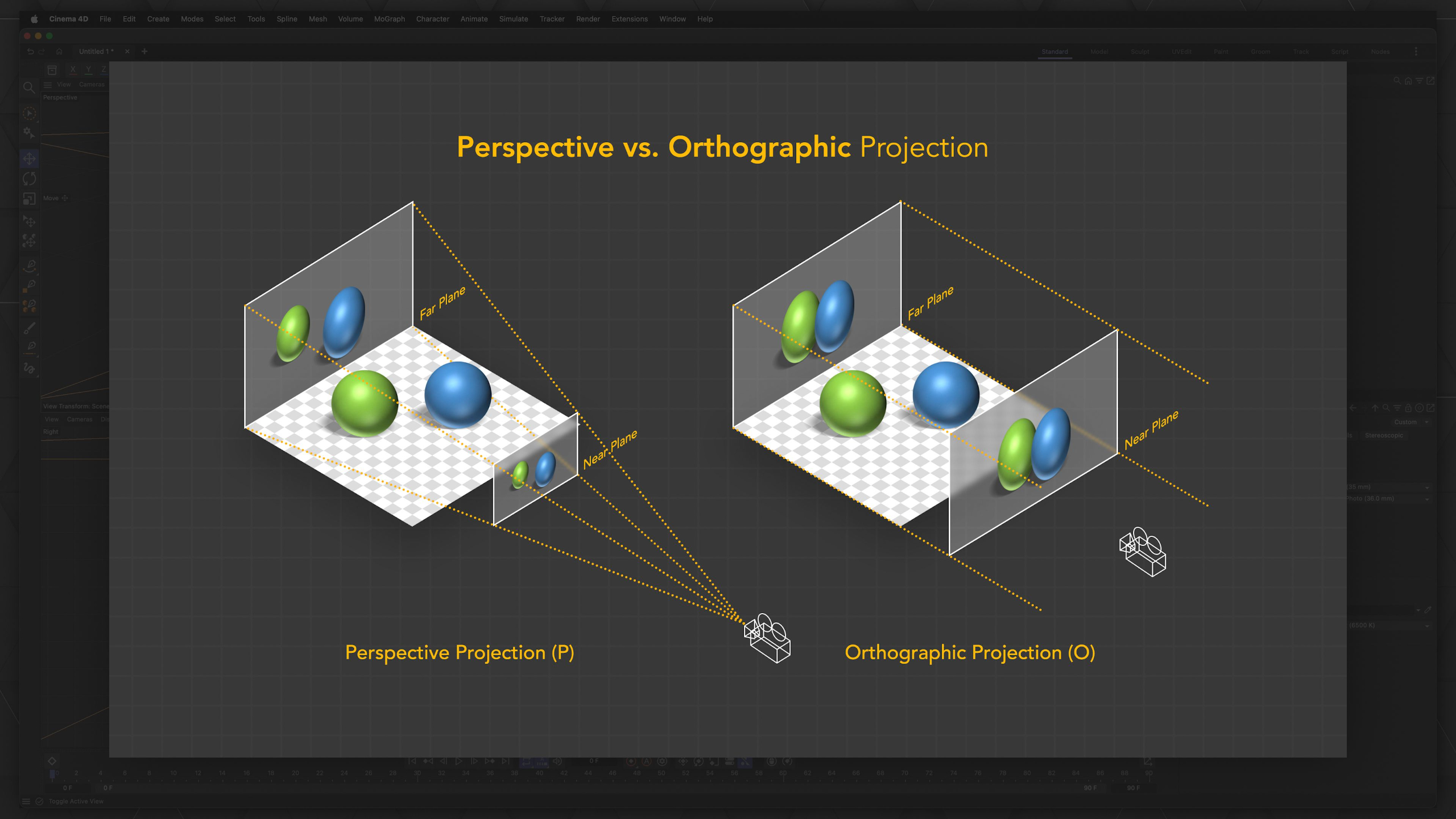
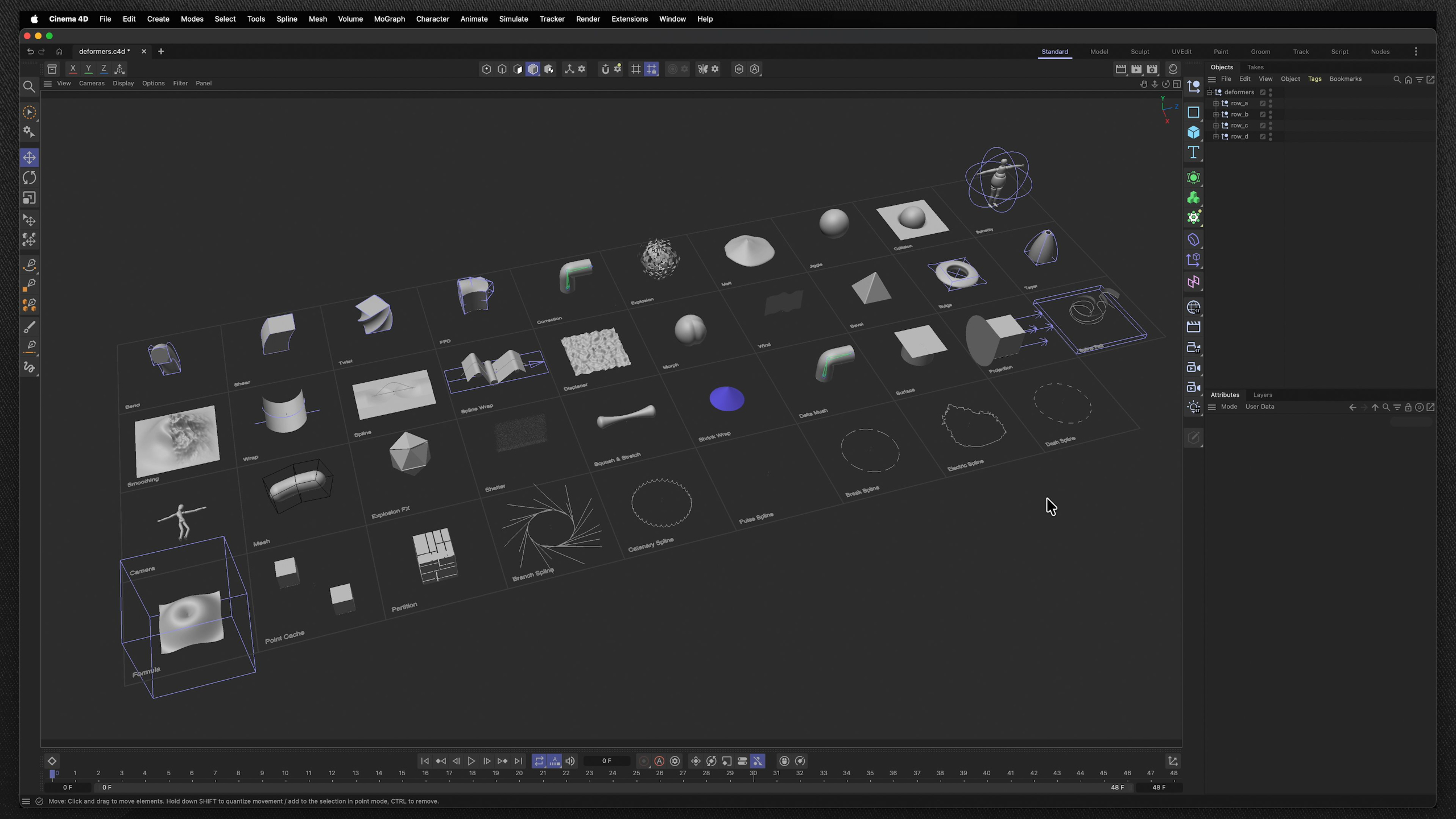
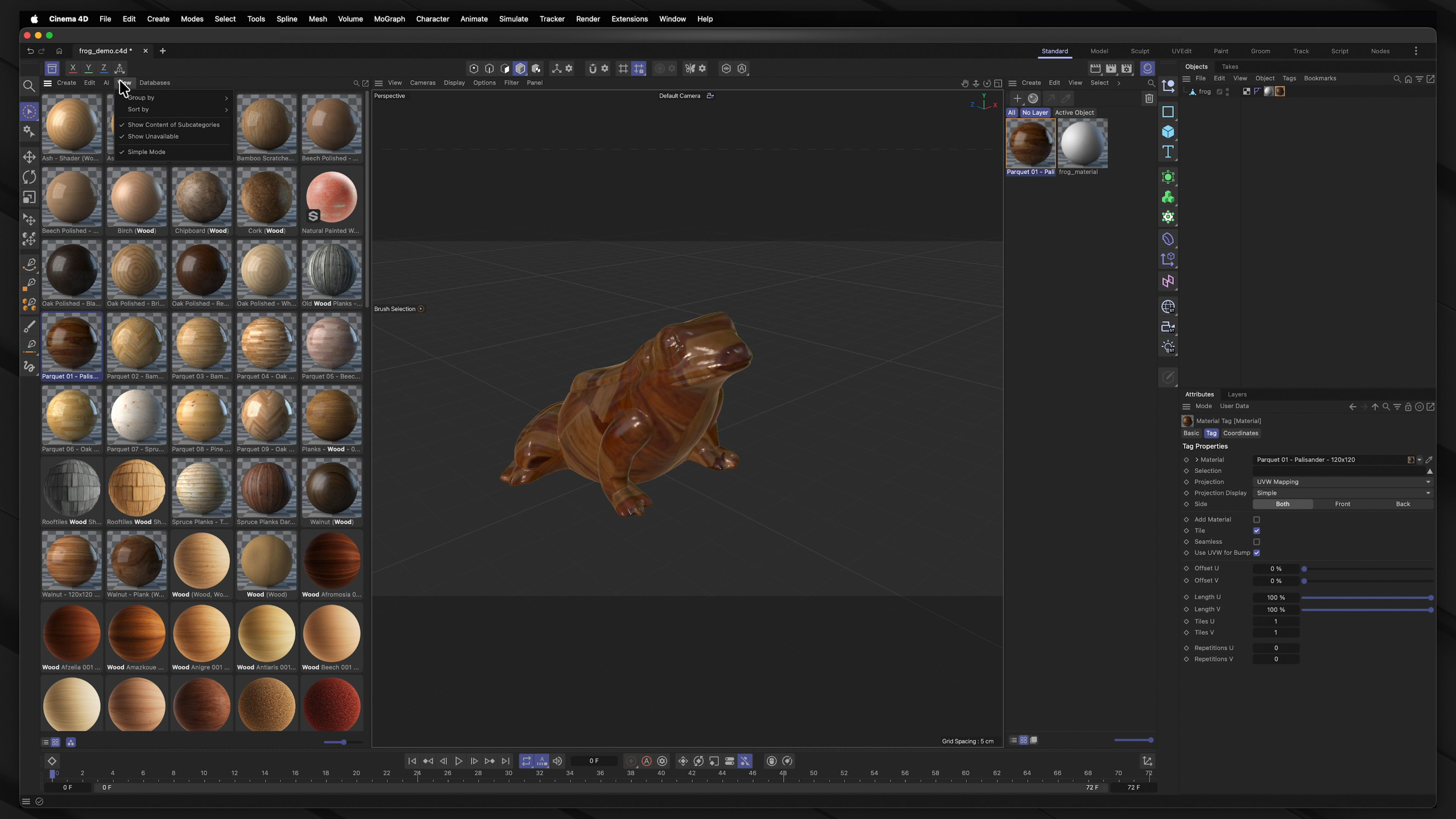
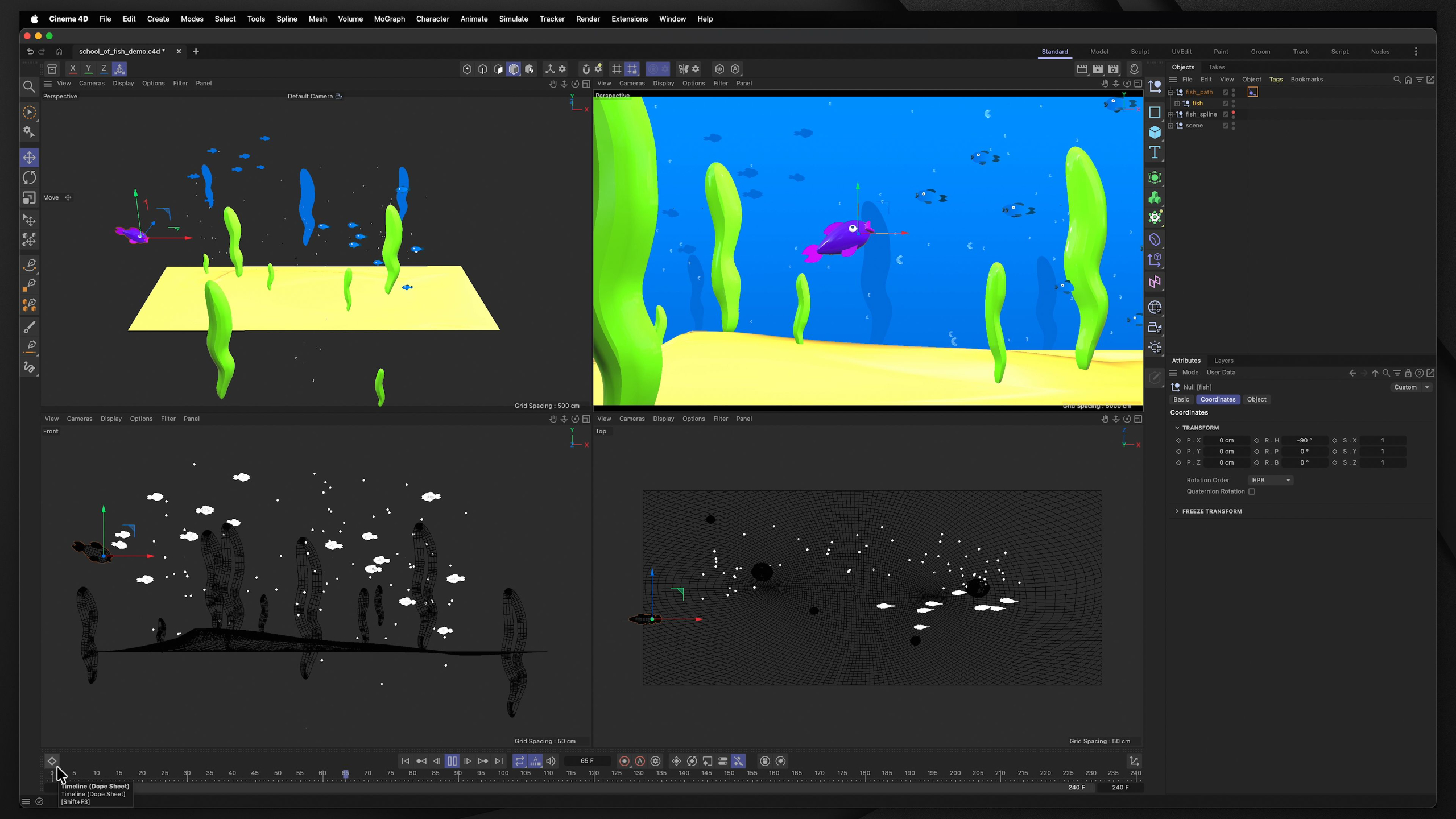
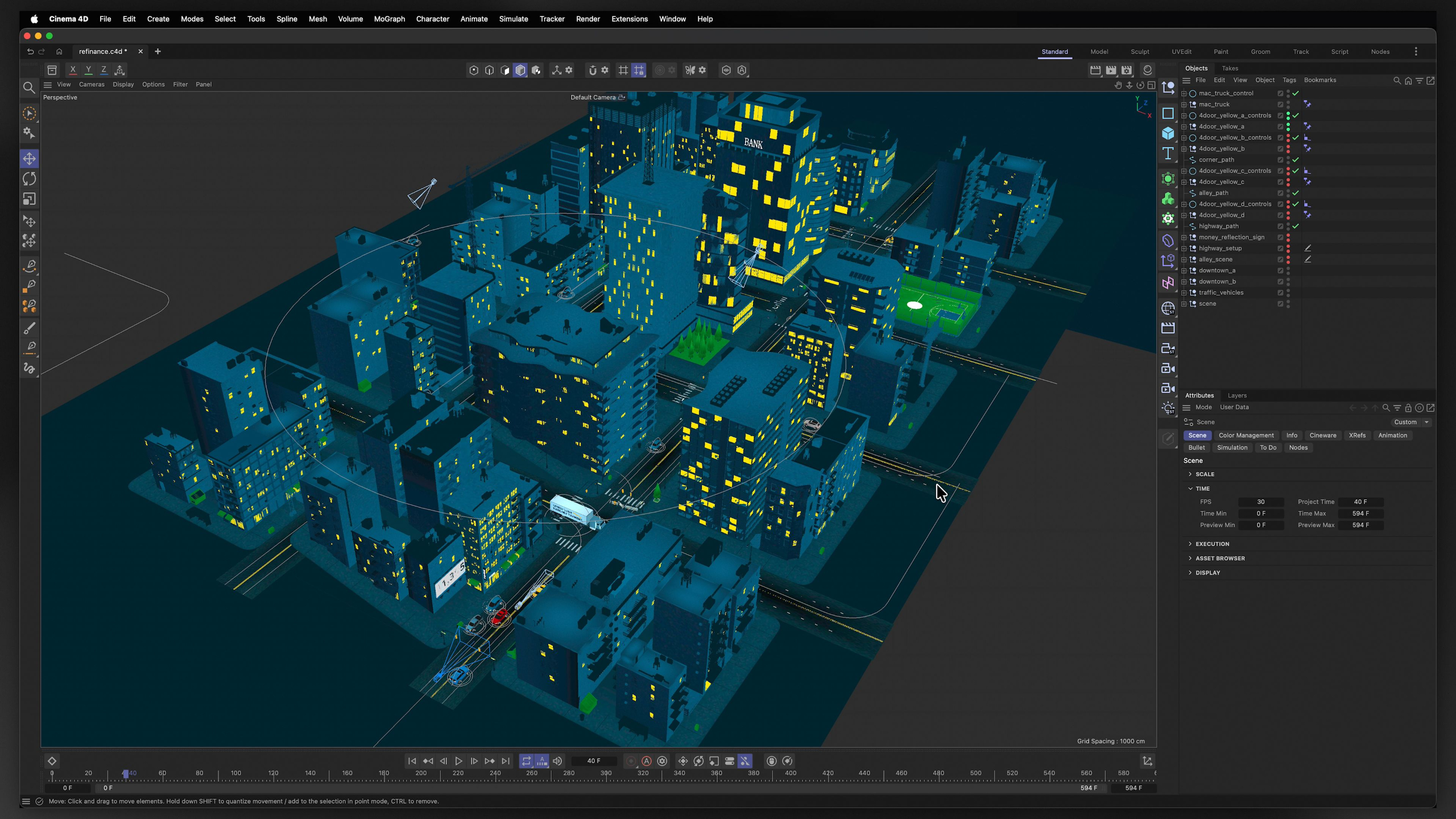
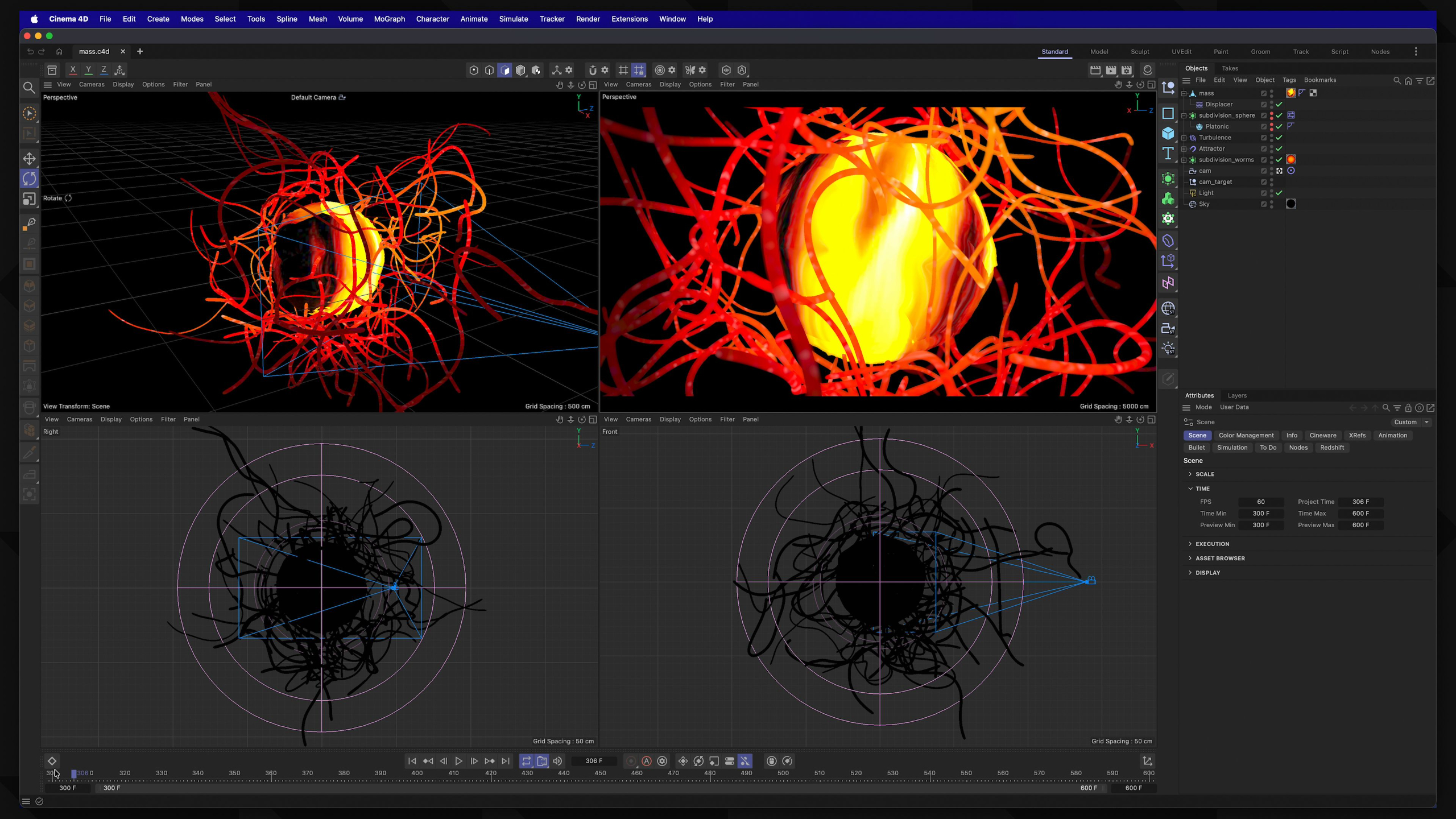
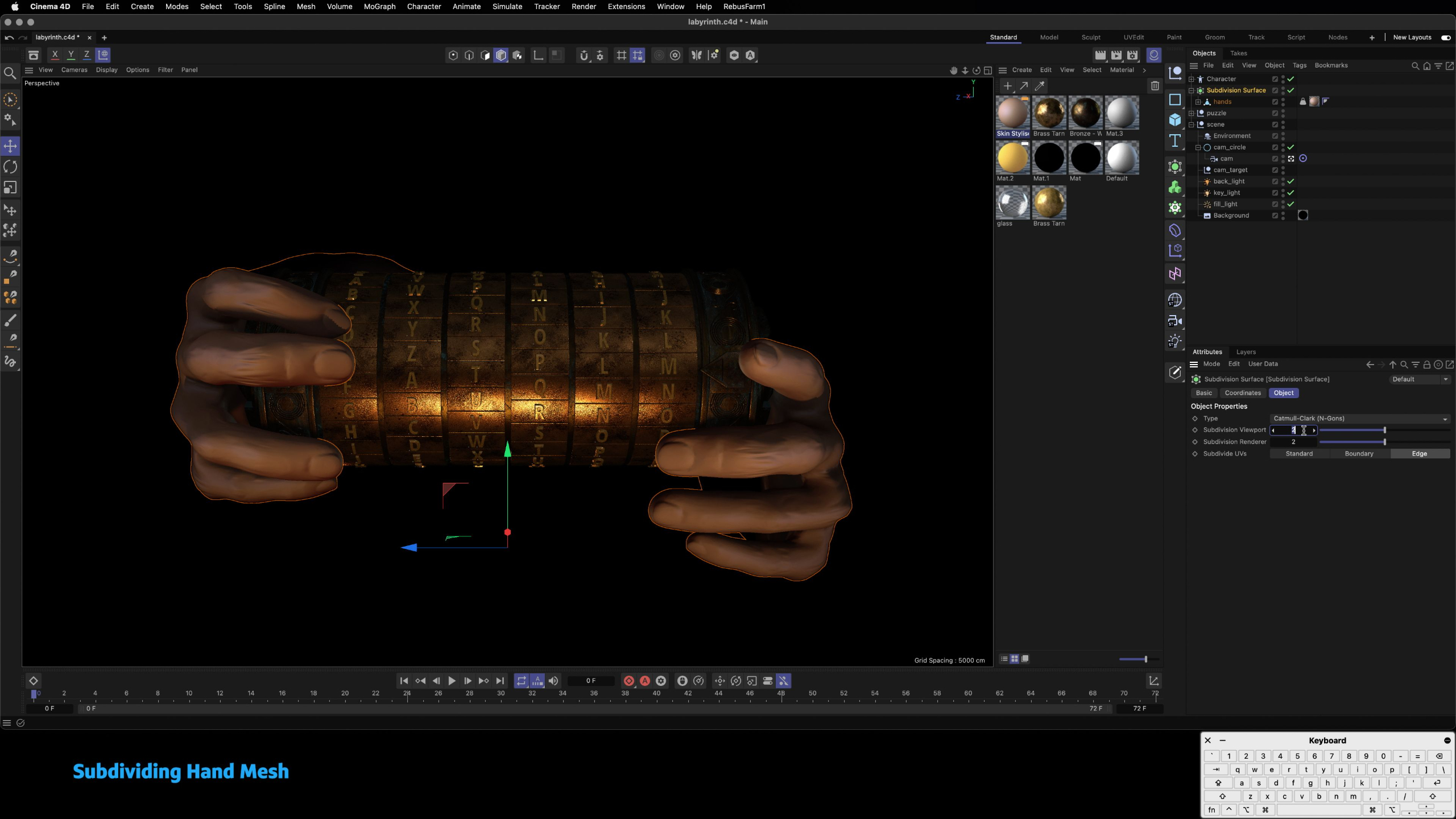
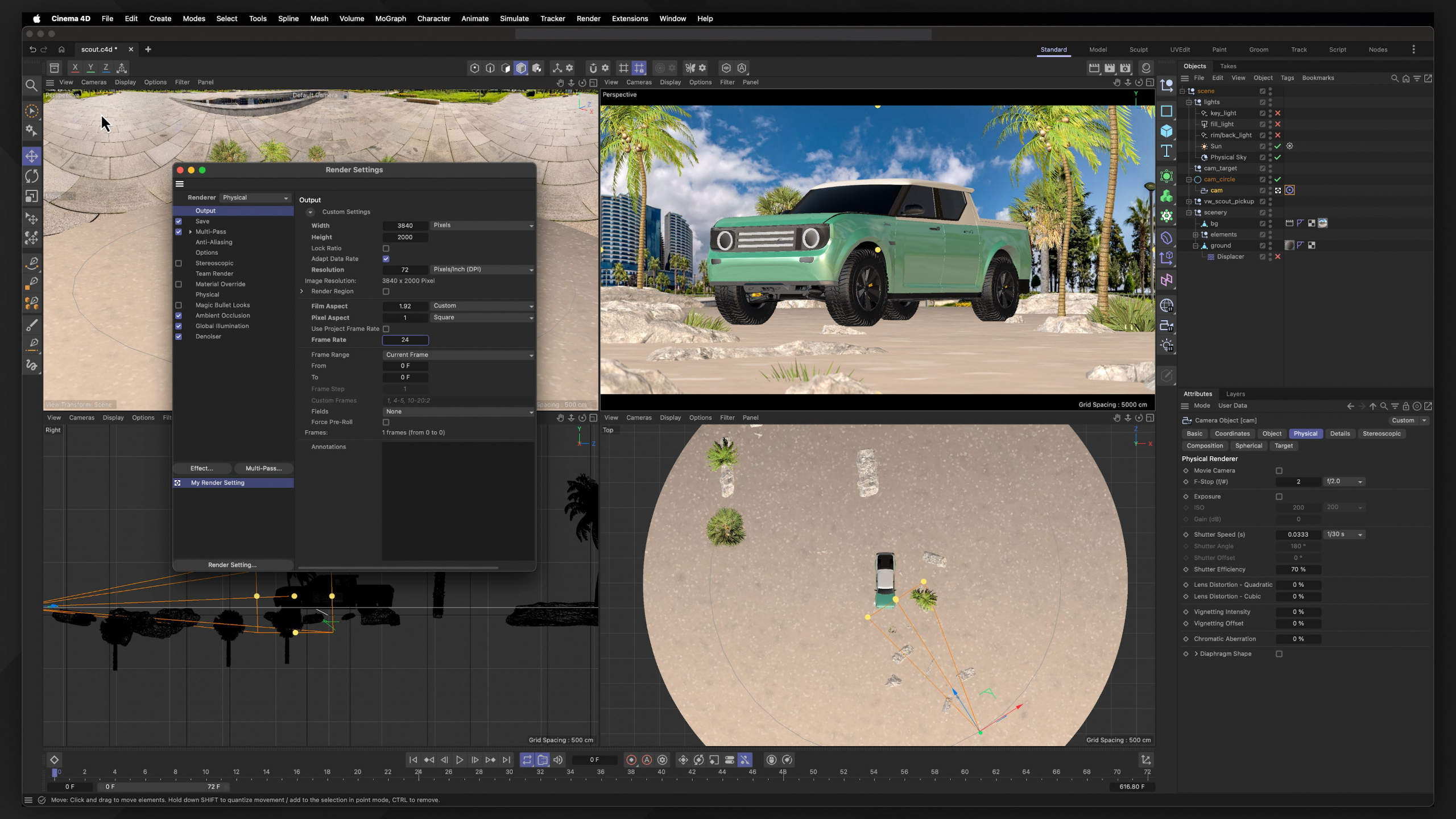
This module provides an A to Z walkthrough of 3D software Cinema 4D. Students will learn to confidently navigate the software and create professional-quality motion graphics projects for their demo reel.
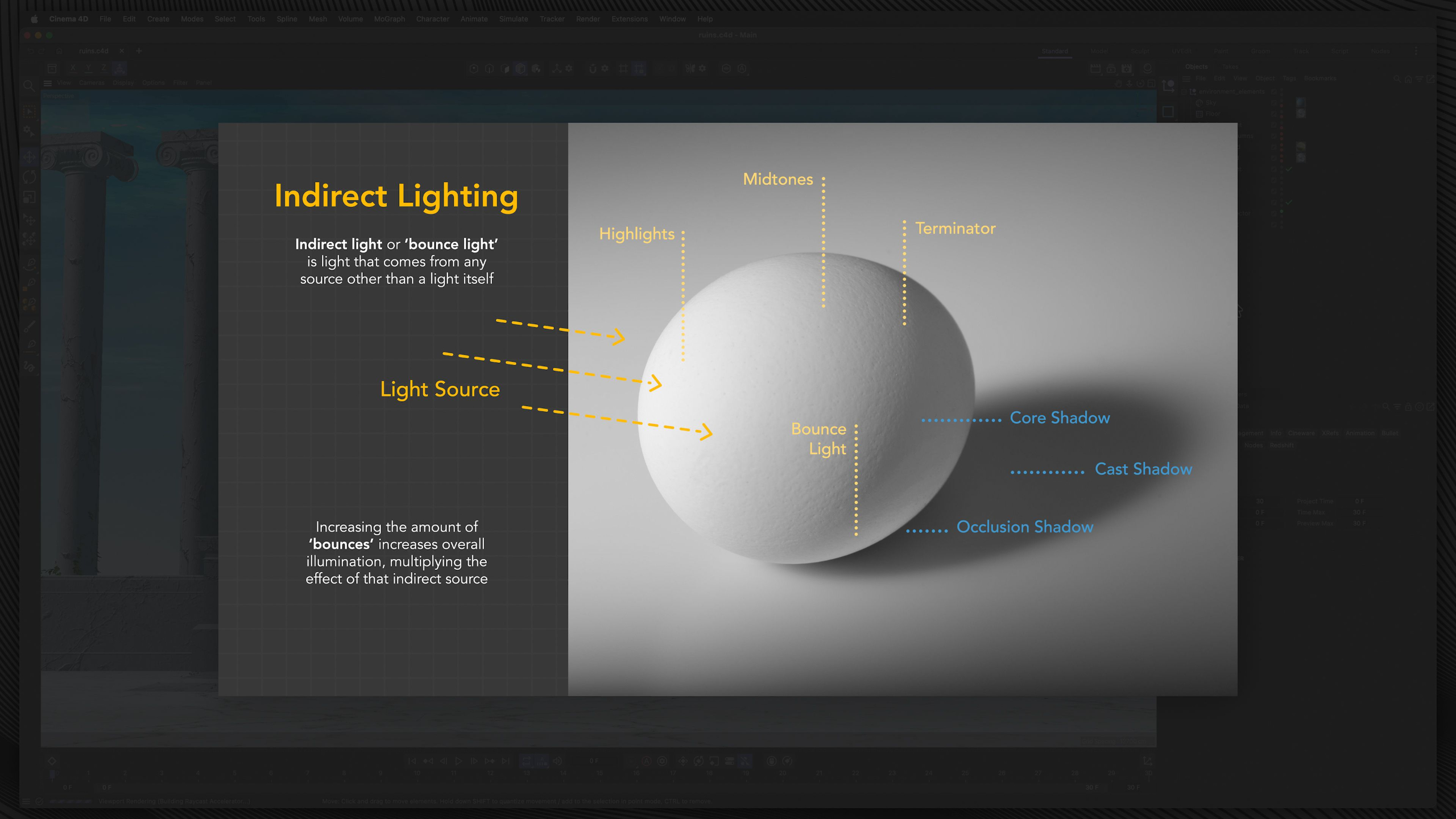
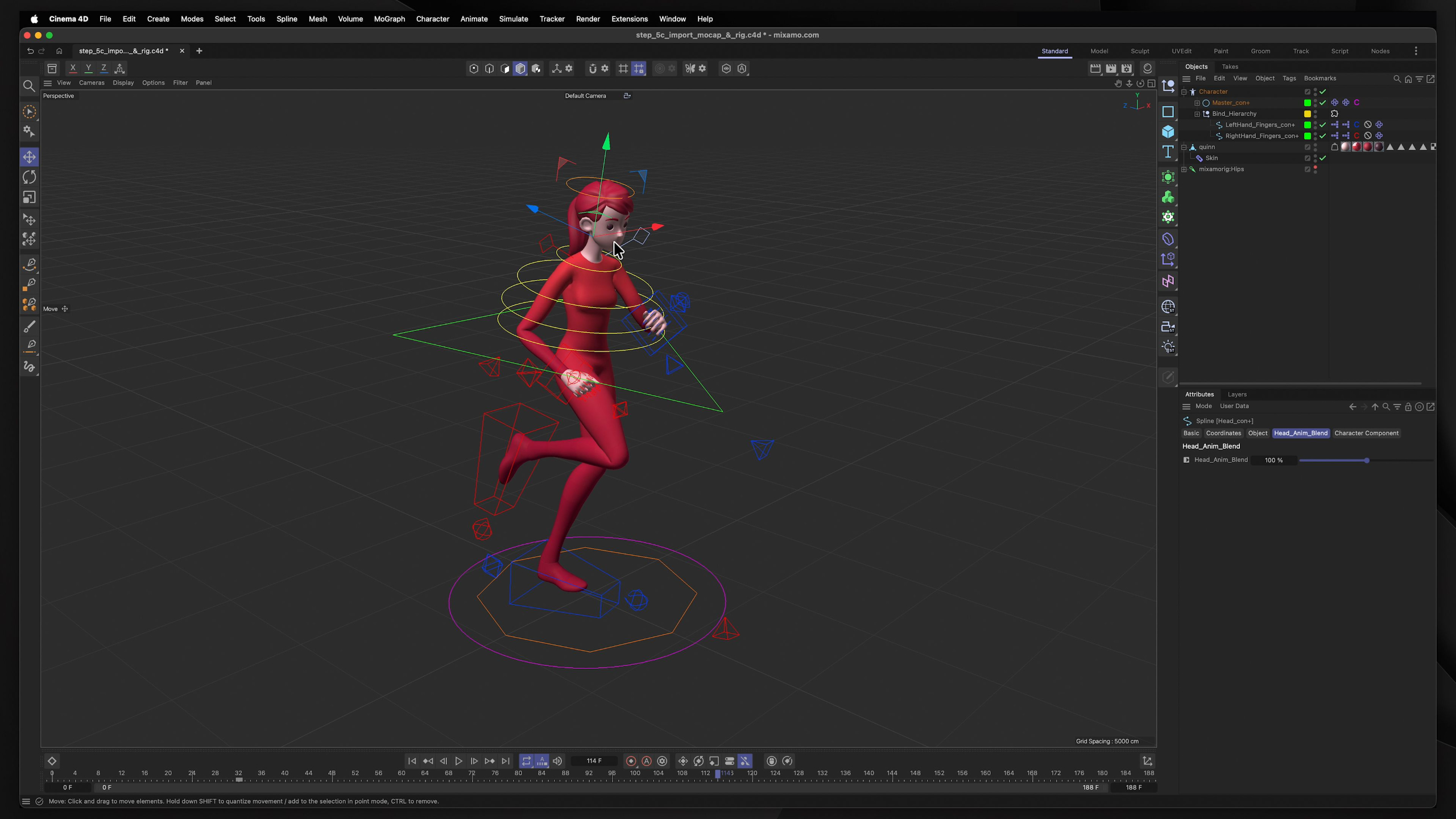
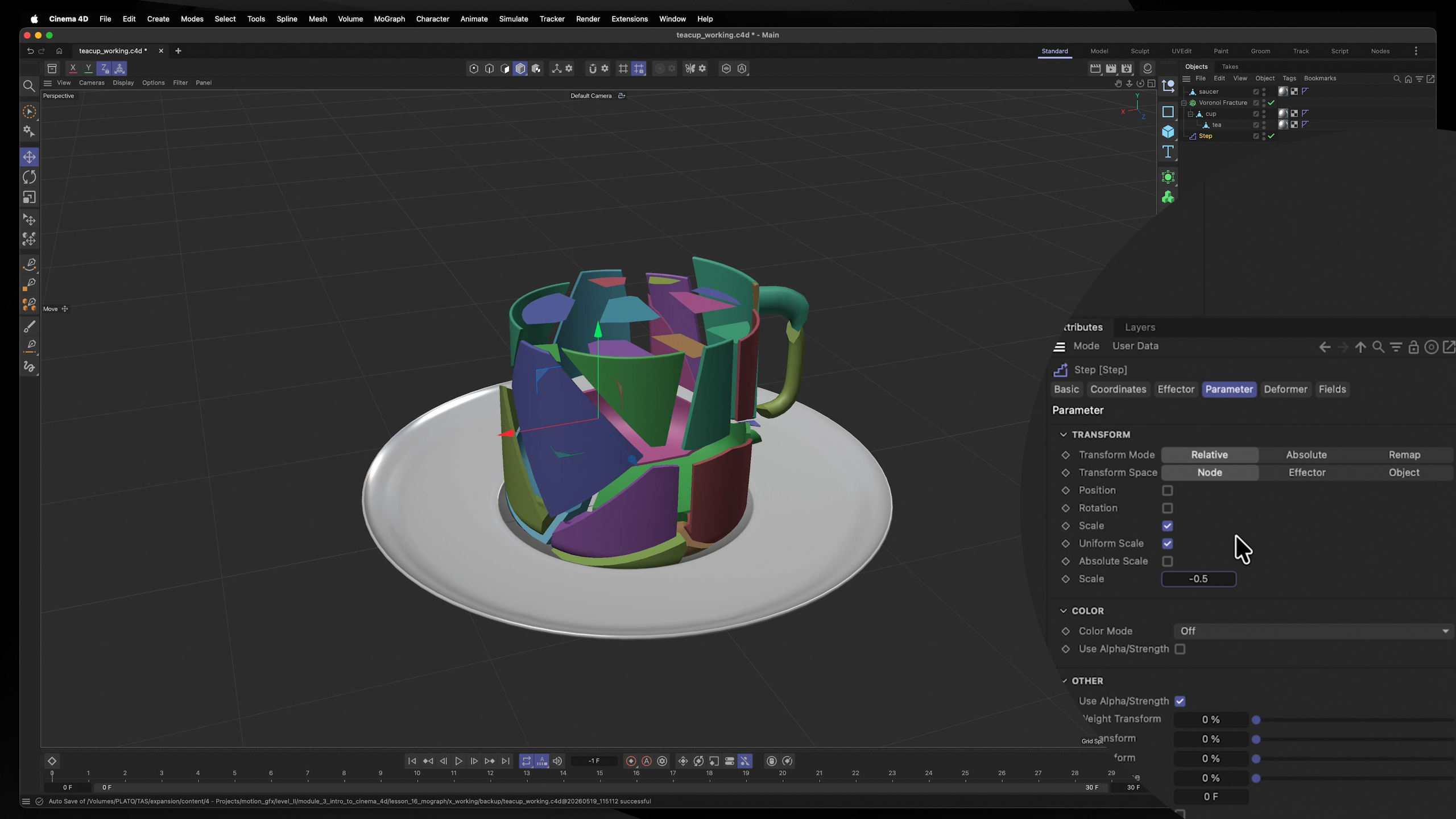
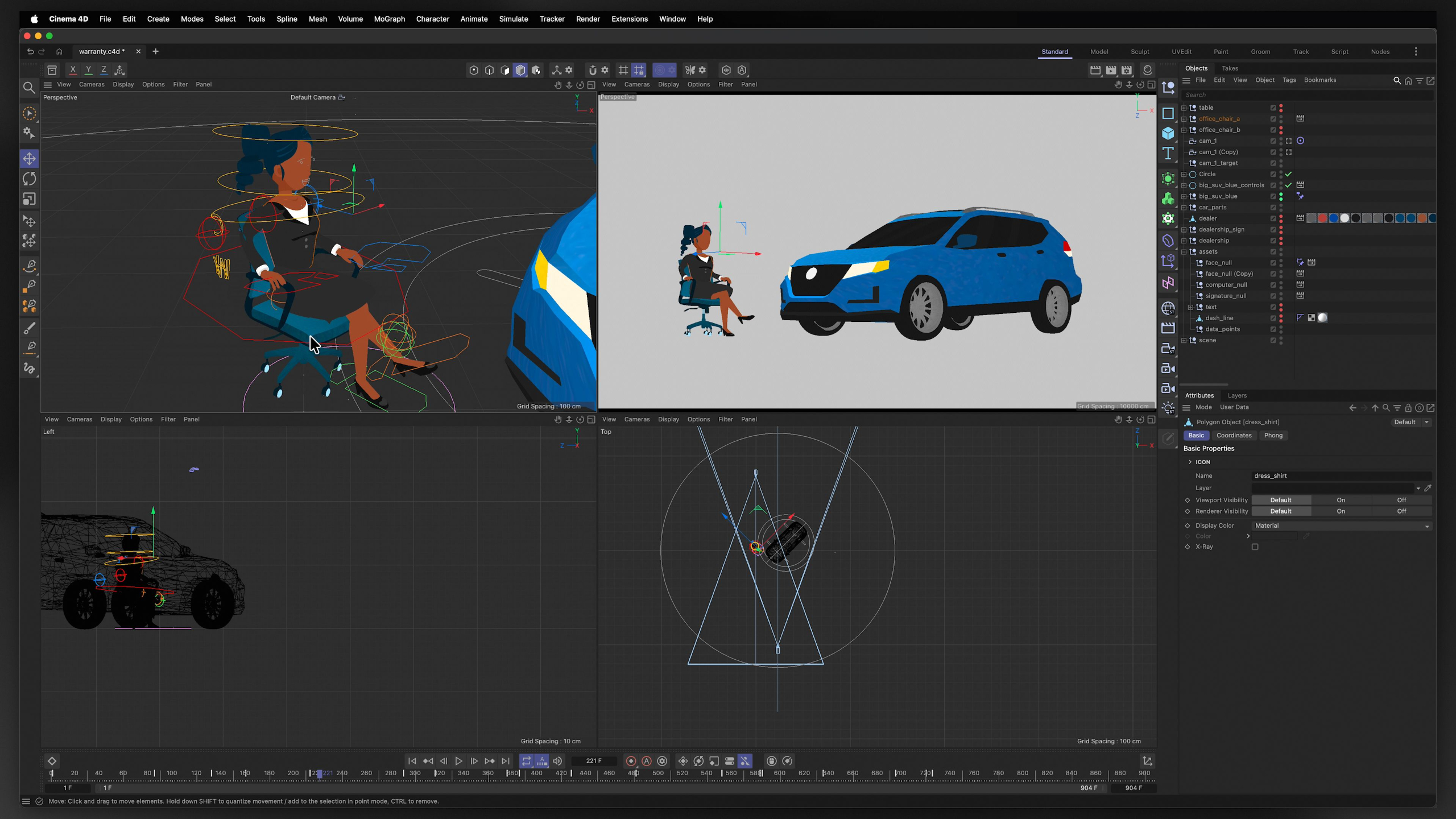
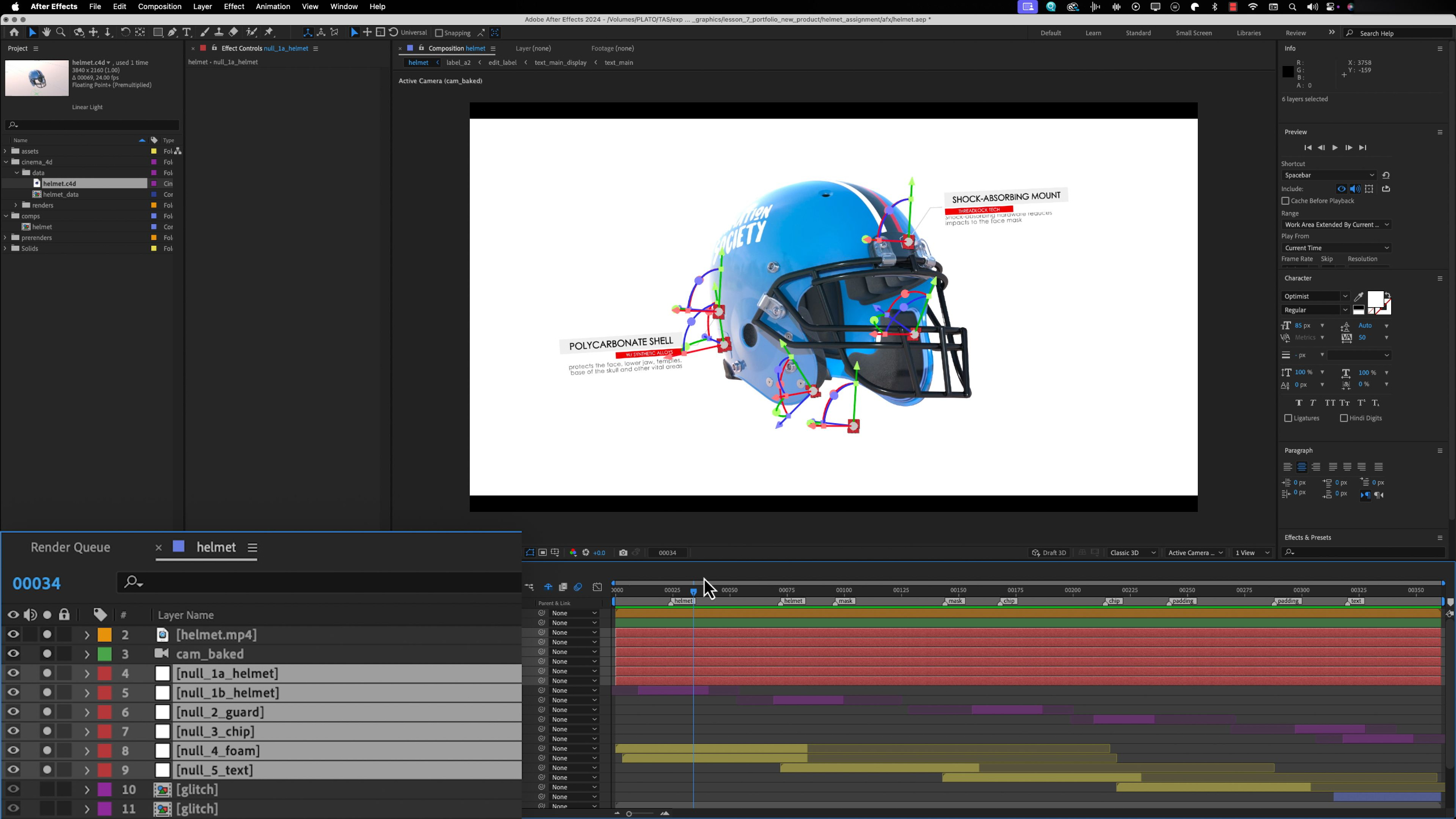
These lessons build strong foundations in the full 3D production pipeline by focusing on each specific discipline / feature within the platform. Including modeling, texturing, lighting, rigging, cameras, MoGraph, dynamics and more.
Whether coming from a 2D or 3D background or starting fresh, we explore how motion graphics uses conceptual imagery, animation, and sound to communicate ideas, promote brands, and tell visually compelling stories.
Module 4: Mixed-Media Motion Graphics (Level II)
Estimated completion time: 6-8 weeks
In this module, we go beyond technical training and focus on developing the creative and professional soft skills that help motion graphics artists succeed long-term, including problem-solving, organization, adaptability, and critical thinking.
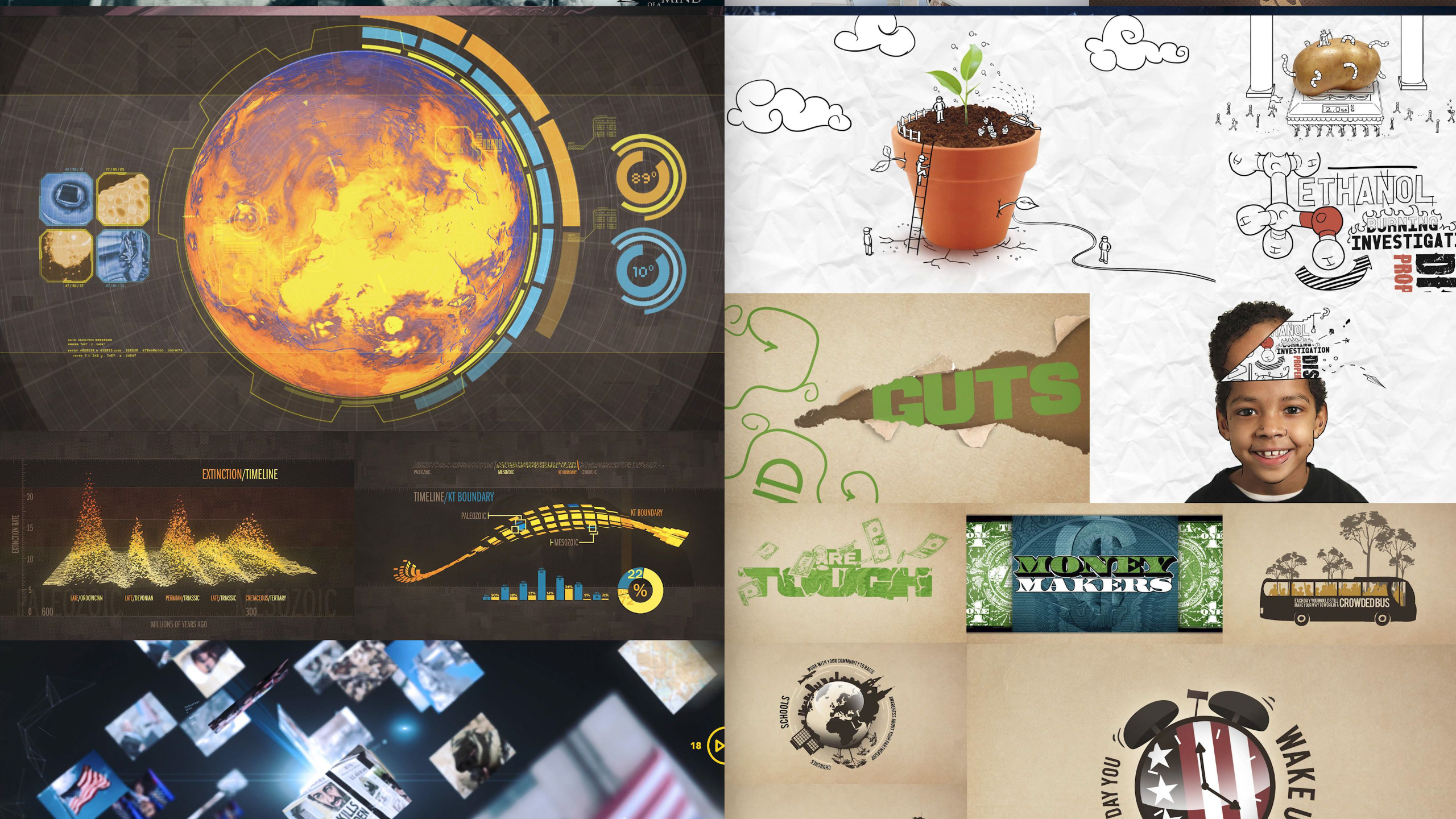
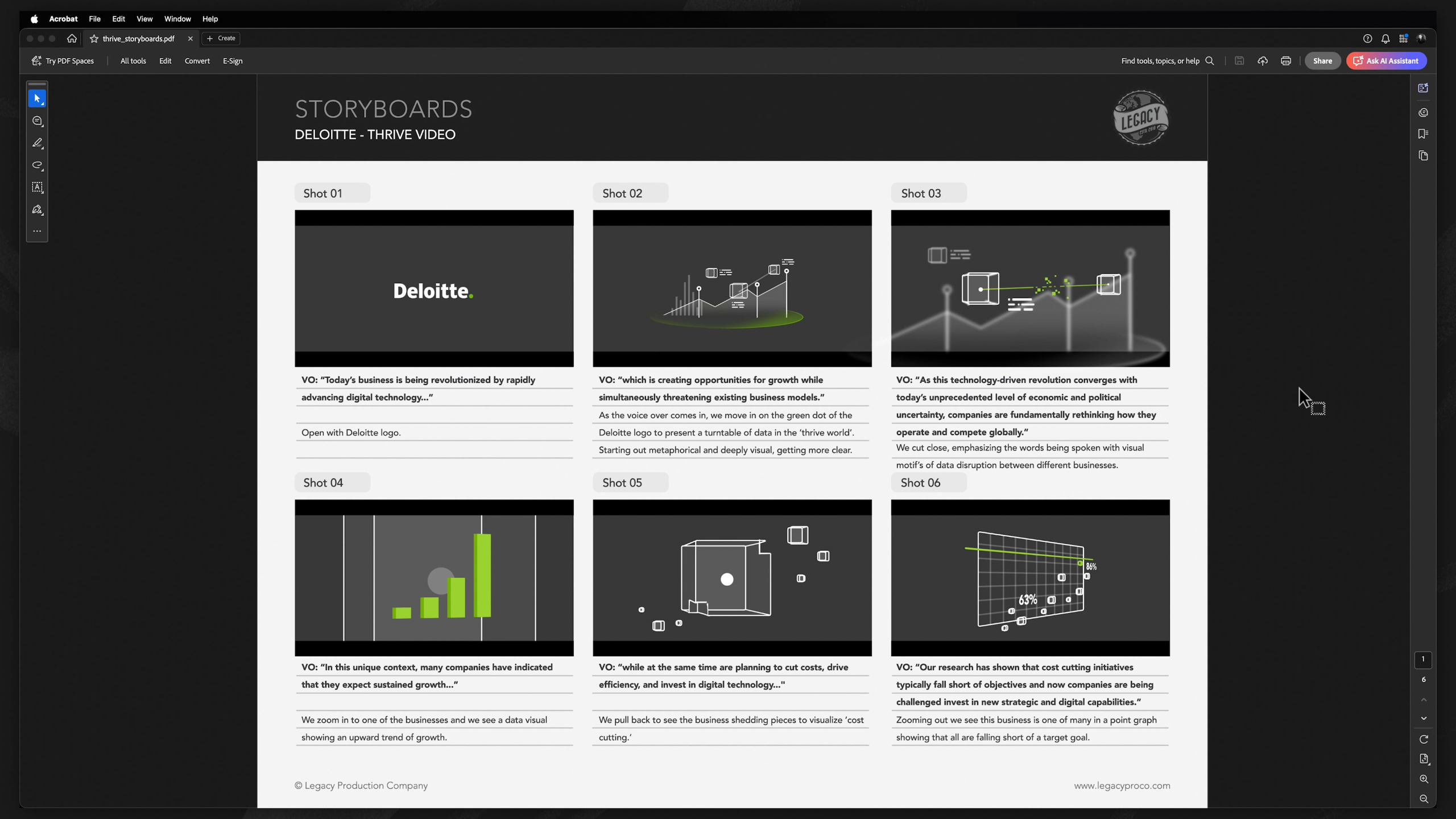
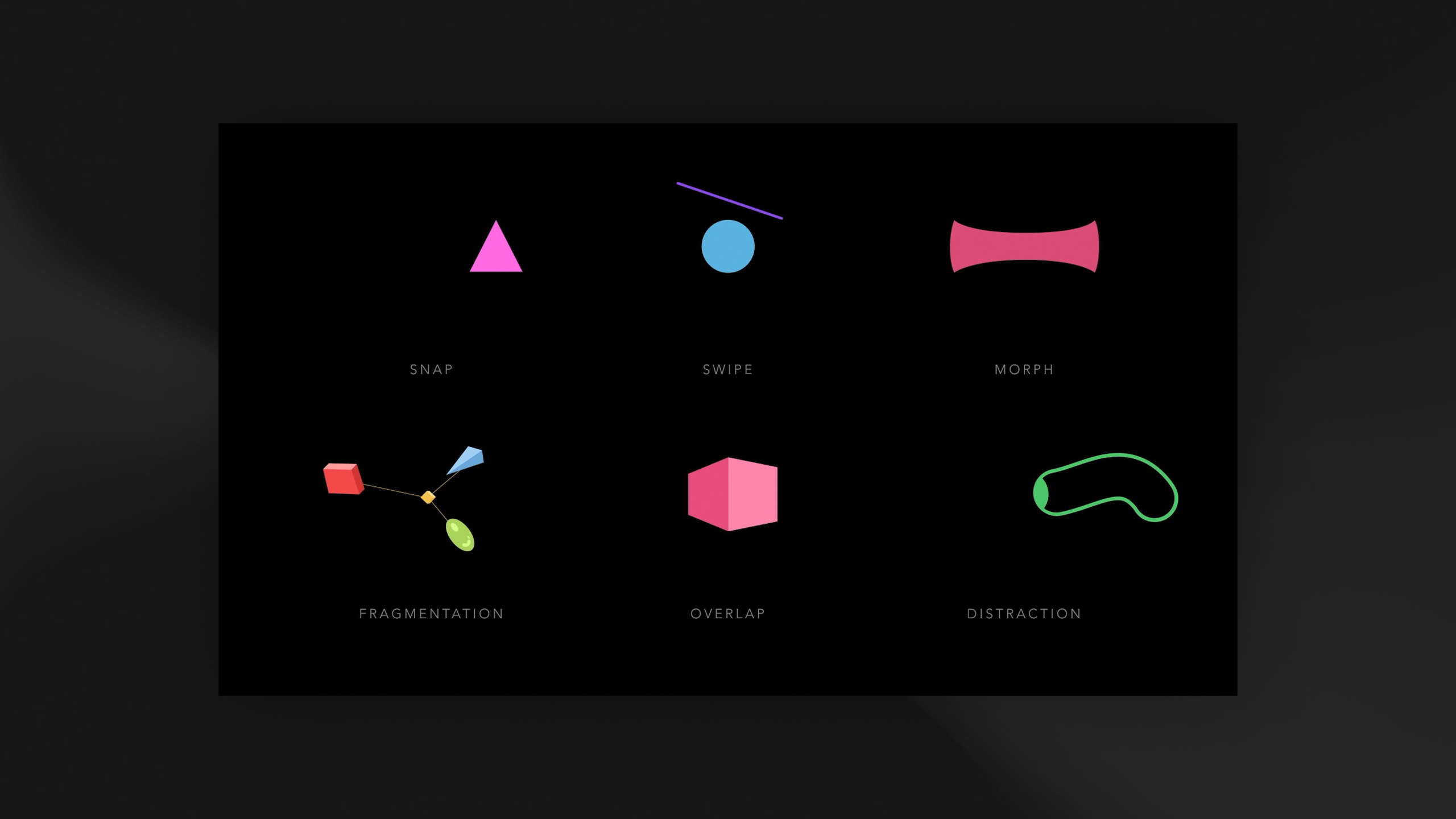
Building on your 2D and 3D animation experience, you’ll learn how to combine both mediums into advanced mixed-media projects, create abstract and conceptual animations, and develop data visualizations that communicate ideas clearly and effectively. Whether that means teaching, informing, selling a product, or creating emotional impact.
Module 5: Advanced Motion Graphics (Level III)
Estimated completion time: 6-8 weeks
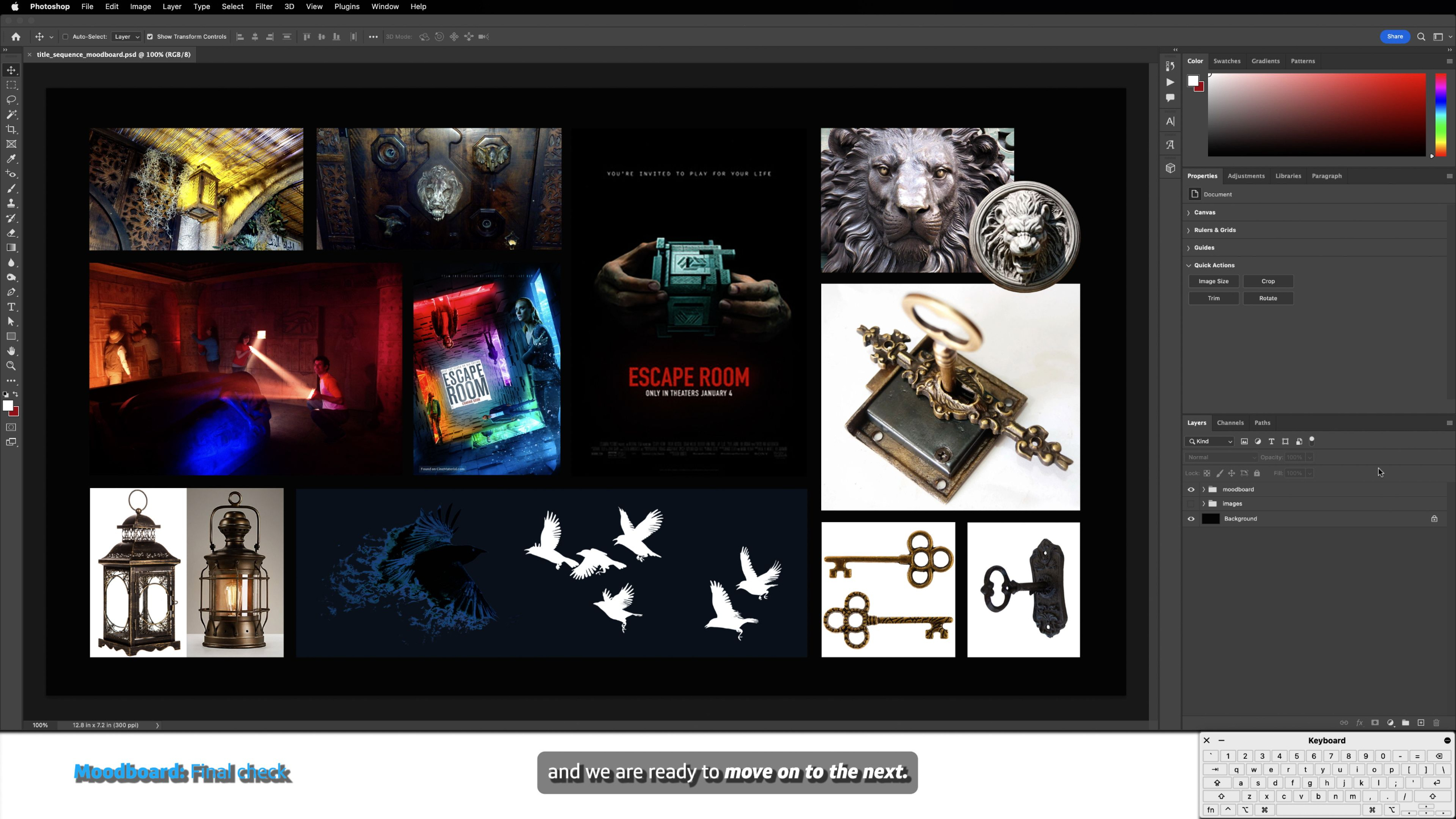
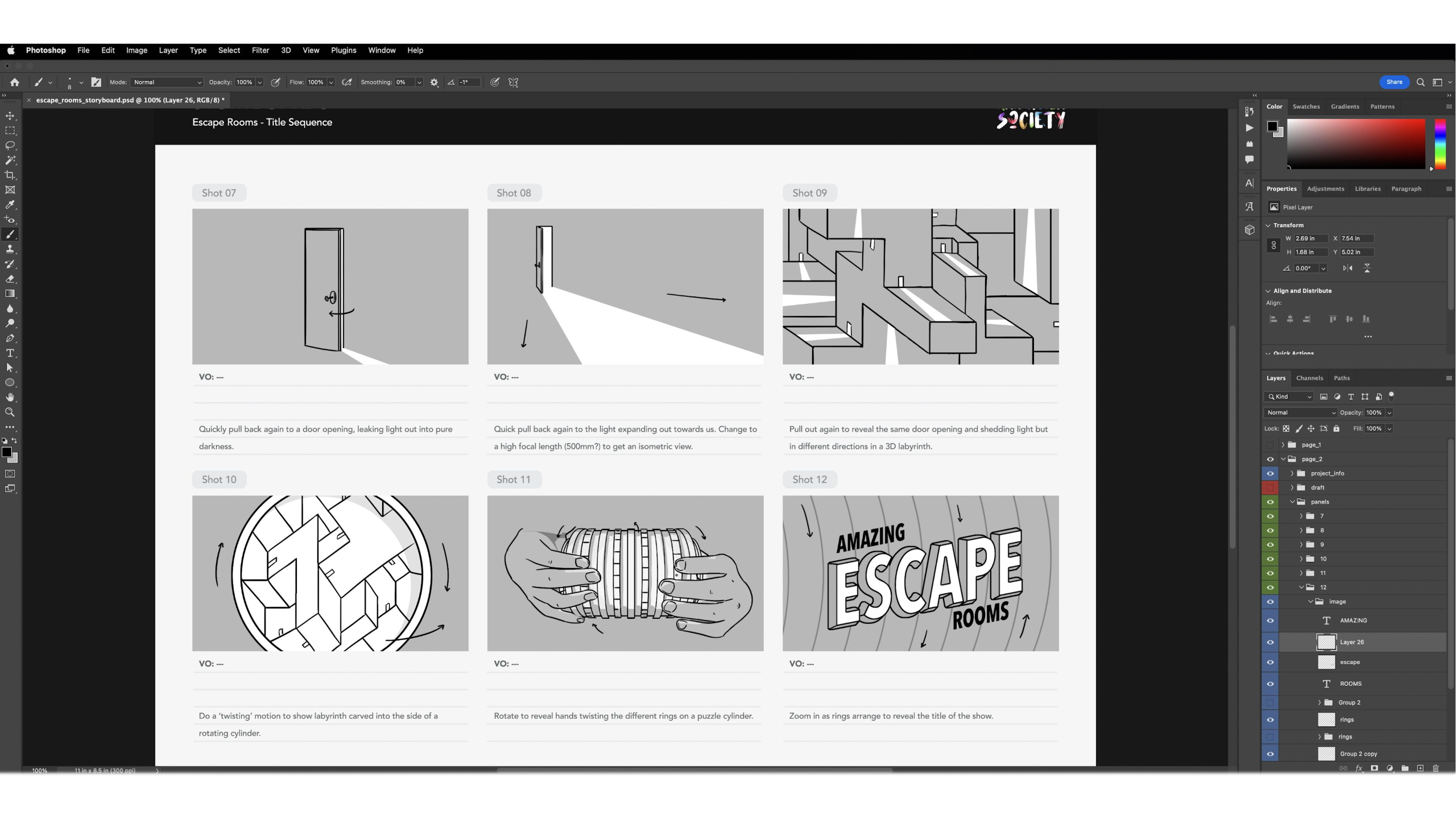
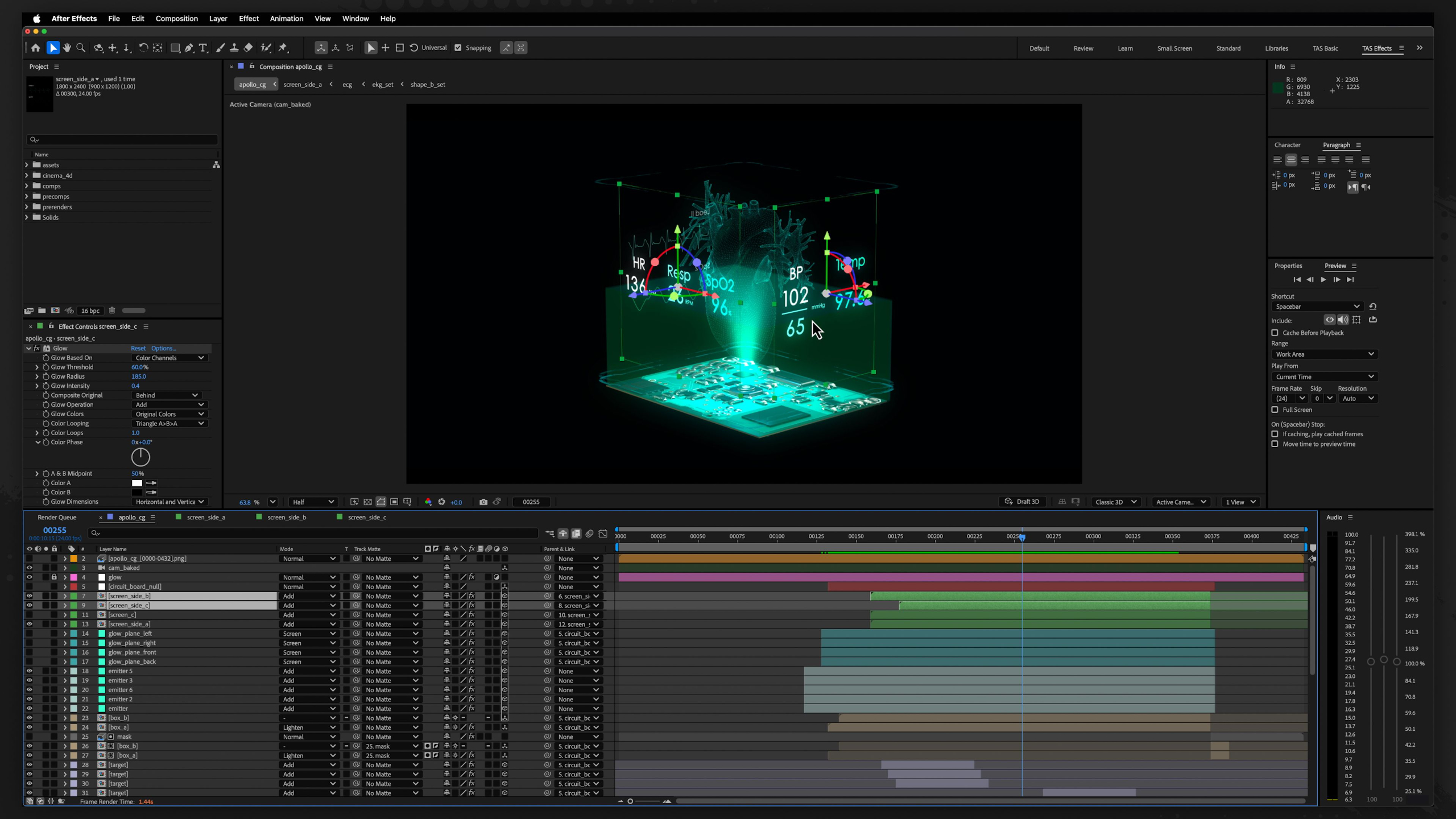
This module guides students through the complete motion graphics production pipeline by having them create a cinematic title sequence from start to finish.
We cover every major stage of production, from ideation, storyboarding, and styleframes to asset creation, animation, rendering, compositing, sound design, and final delivery — while teaching students how professional motion graphics projects are organized and executed.
These lessons emphasize creative problem-solving, portfolio development, and building a repeatable workflow that students can continue using throughout their careers, whether freelancing or working in a studio environment.
*Includes lifetime access to lessons, future releases + community features
Buy Curriculum - $695