Advanced Body Mechanics
Estimated completion time: 6-8 weeks
Lessons are in video format with downloadable project files.
Advanced Body Mechanics
Estimated completion time:
6-8 weeks
Lessons are in video format with downloadable project files.
This module focuses on refining your character animation skills by applying core animation principles to more complex and dynamic movements.
You’ll learn how to use references, improve poses with squash and stretch, create believable motion through anticipation, follow-through, arcs, timing, and secondary action, while also exploring staging, exaggeration, appeal, and dynamic camera work.
Throughout the module, you’ll animate characters in a variety of scenarios to better understand realistic body movement, culminating in a portfolio project that showcases your advanced character animation abilities.
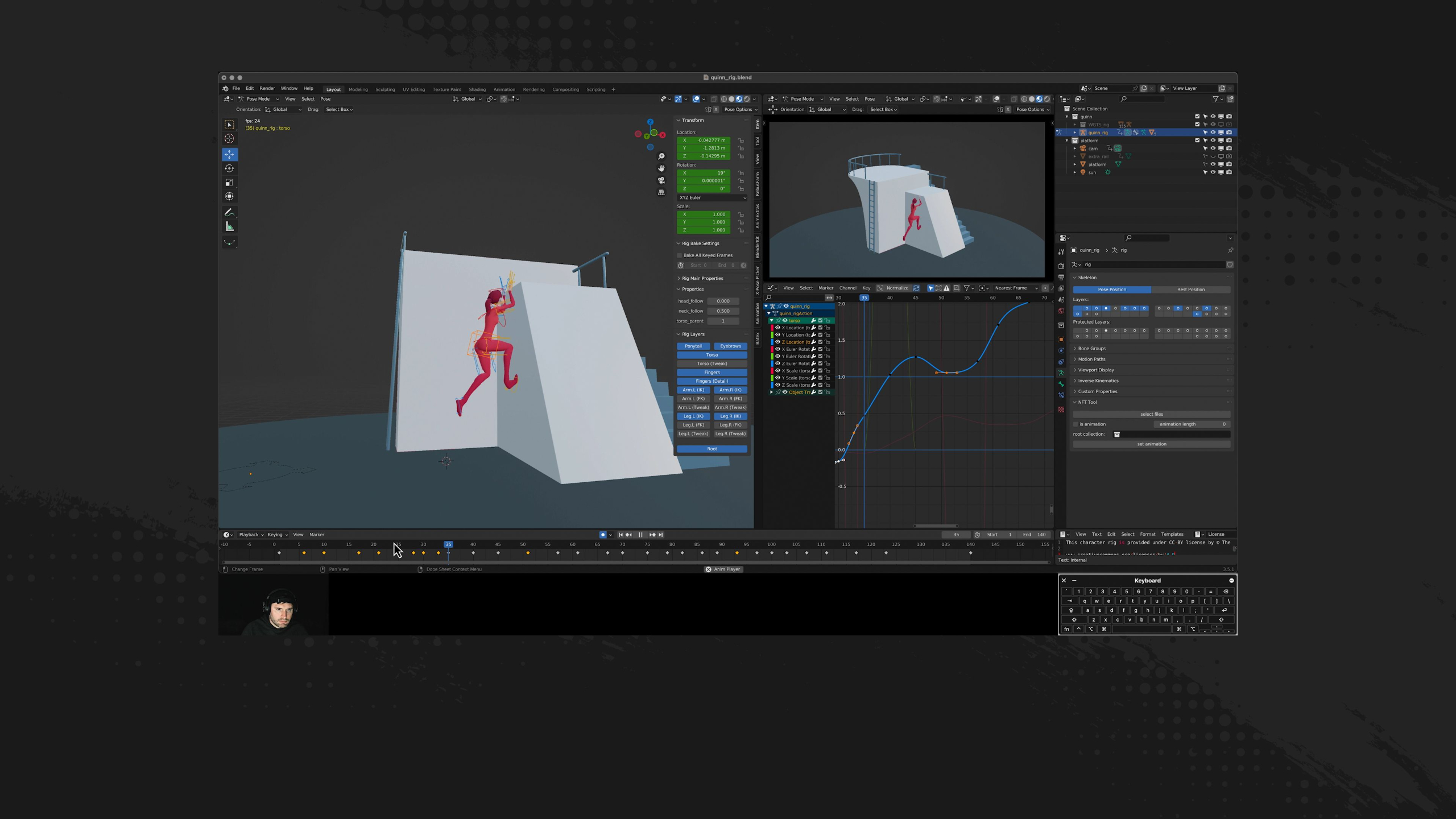
Lesson 1: Body Mechanics Overview
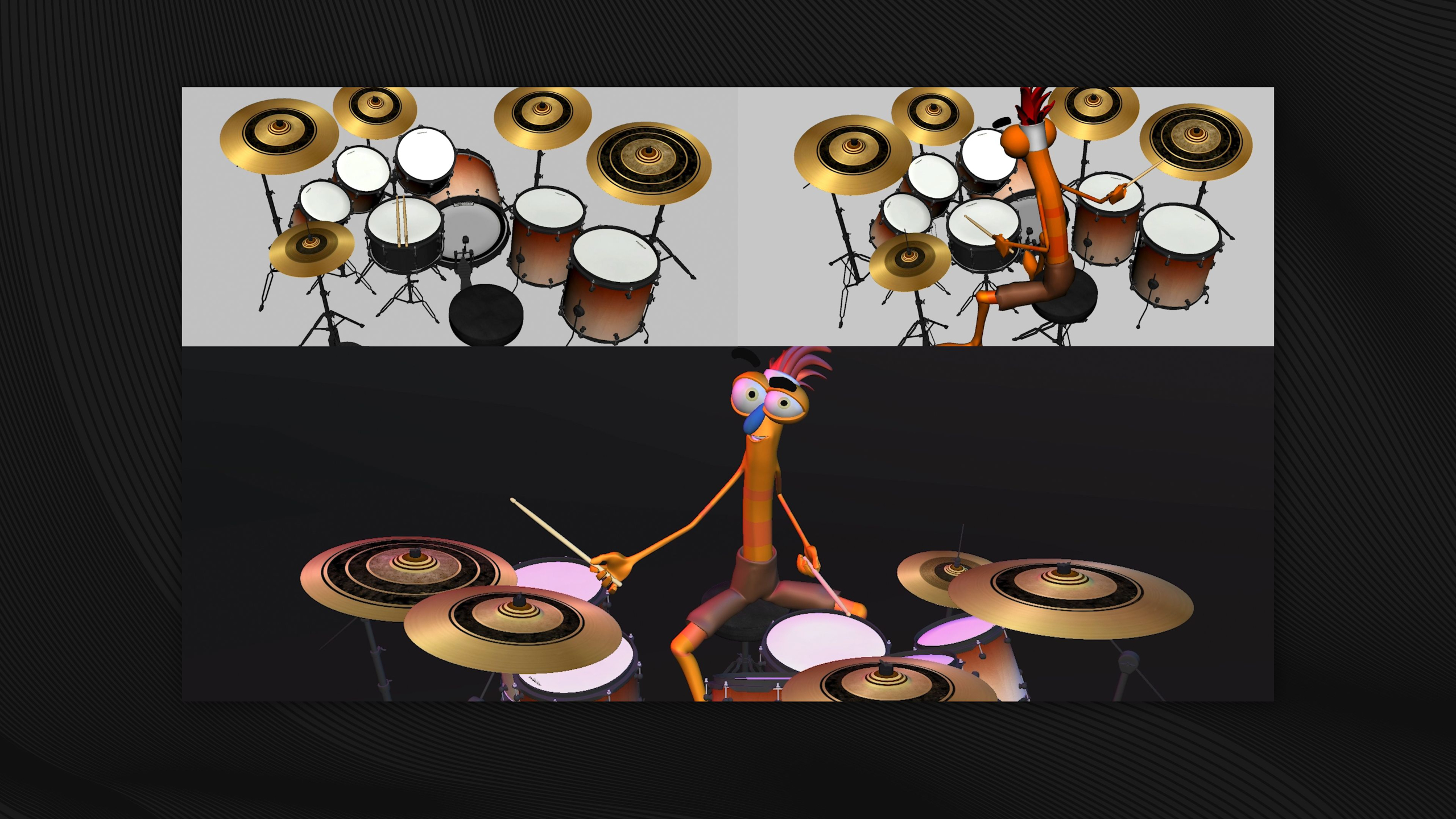
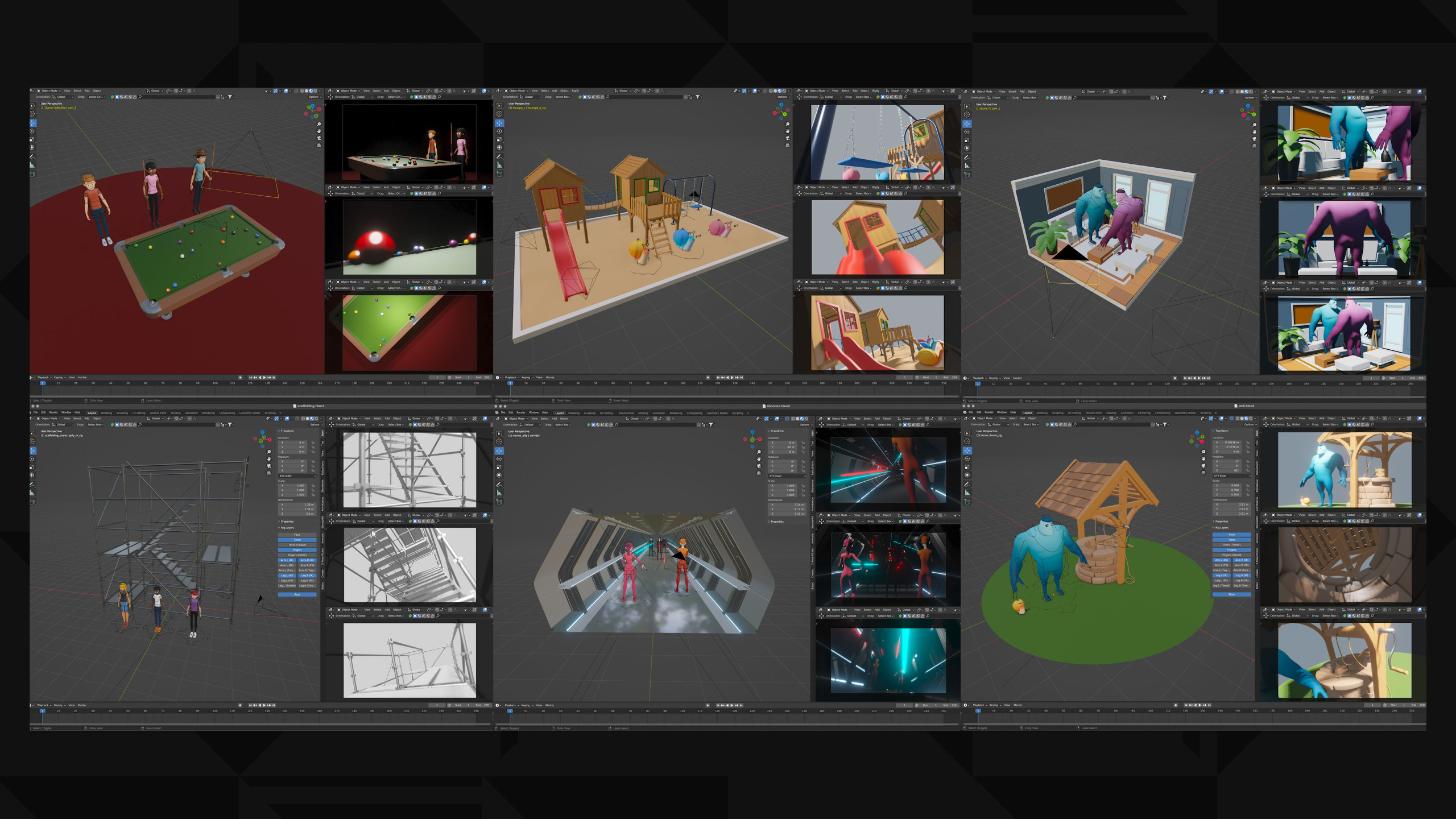
In this lesson, students are introduced to the Advanced Body Mechanics module, where they’ll deepen their character animation skills by applying the animation principles to more complex body movement. They’ll work with new character rigs, explore reference, posing, timing, staging, secondary action, exaggeration, appeal, and dynamic camera movement, then apply those skills to a portfolio-focused body mechanics project.
Lesson 9: Advanced Principles: Timing
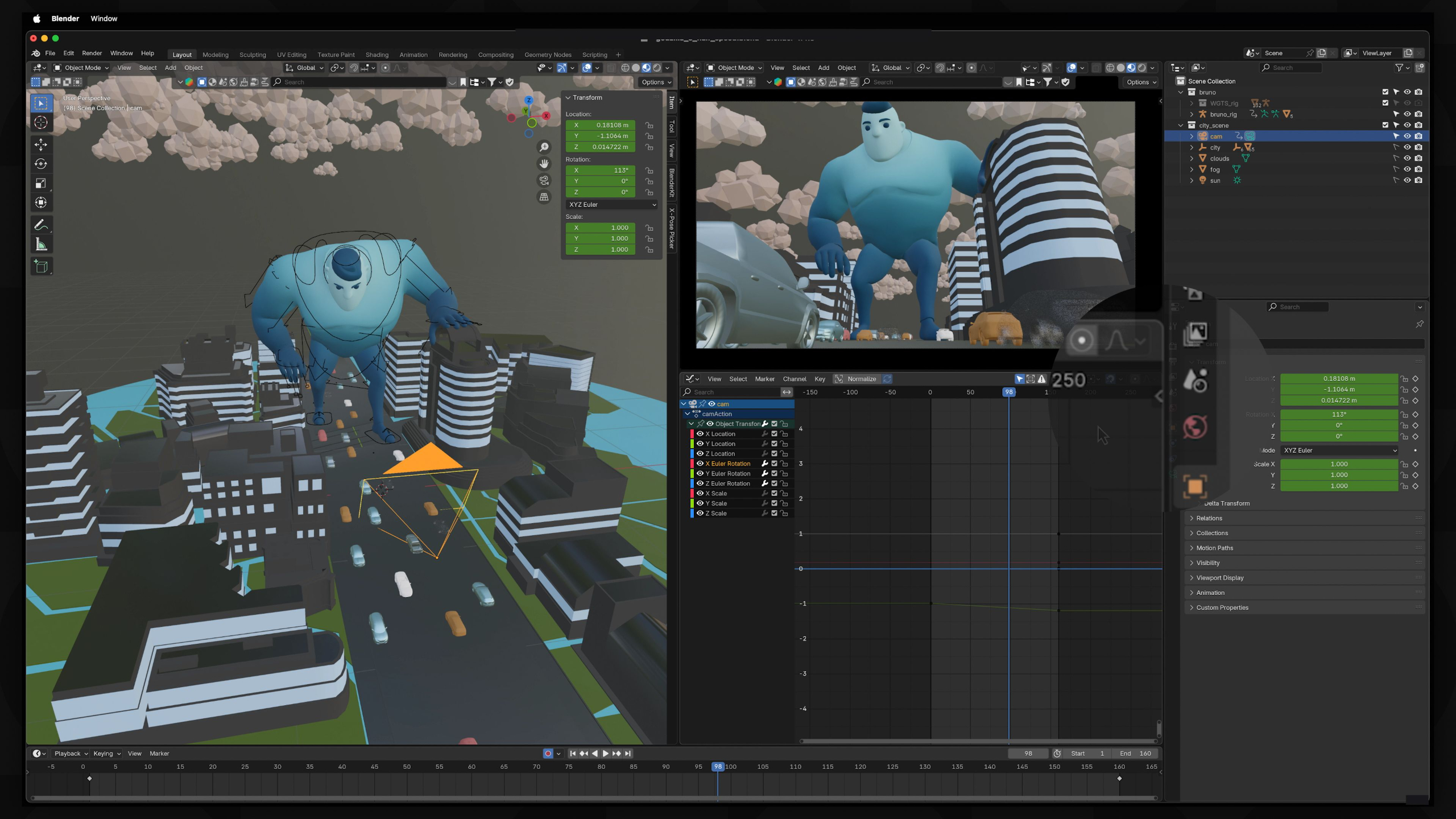
In this lesson, students learn how timing can completely change the perceived scale and weight of a character’s movement. They’ll animate a Godzilla-style character moving through a city, using slower timing, keyframe adjustments, camera shake, and Graph Editor cleanup to make the character feel massive and powerful.
Lesson 2: The Power of References
In this lesson, students learn why reference material is essential for creating believable and appealing character animation. They’ll explore how video references help with posing, timing, weight, arcs, secondary action, and personality, while also learning how to create their own timecoded reference footage for future animation work.
Lesson 10: Advanced Principles: Exaggeration
In this lesson, students learn how exaggeration can push character animation beyond realism to make emotions, reactions, and poses feel more entertaining and expressive. They’ll animate a full-body “eeek!” reaction using reference, strong key poses, timing, Graph Editor cleanup, and pushed rig poses to create a more cartoony and memorable performance.
Lesson 3: Advanced Principles: Arc
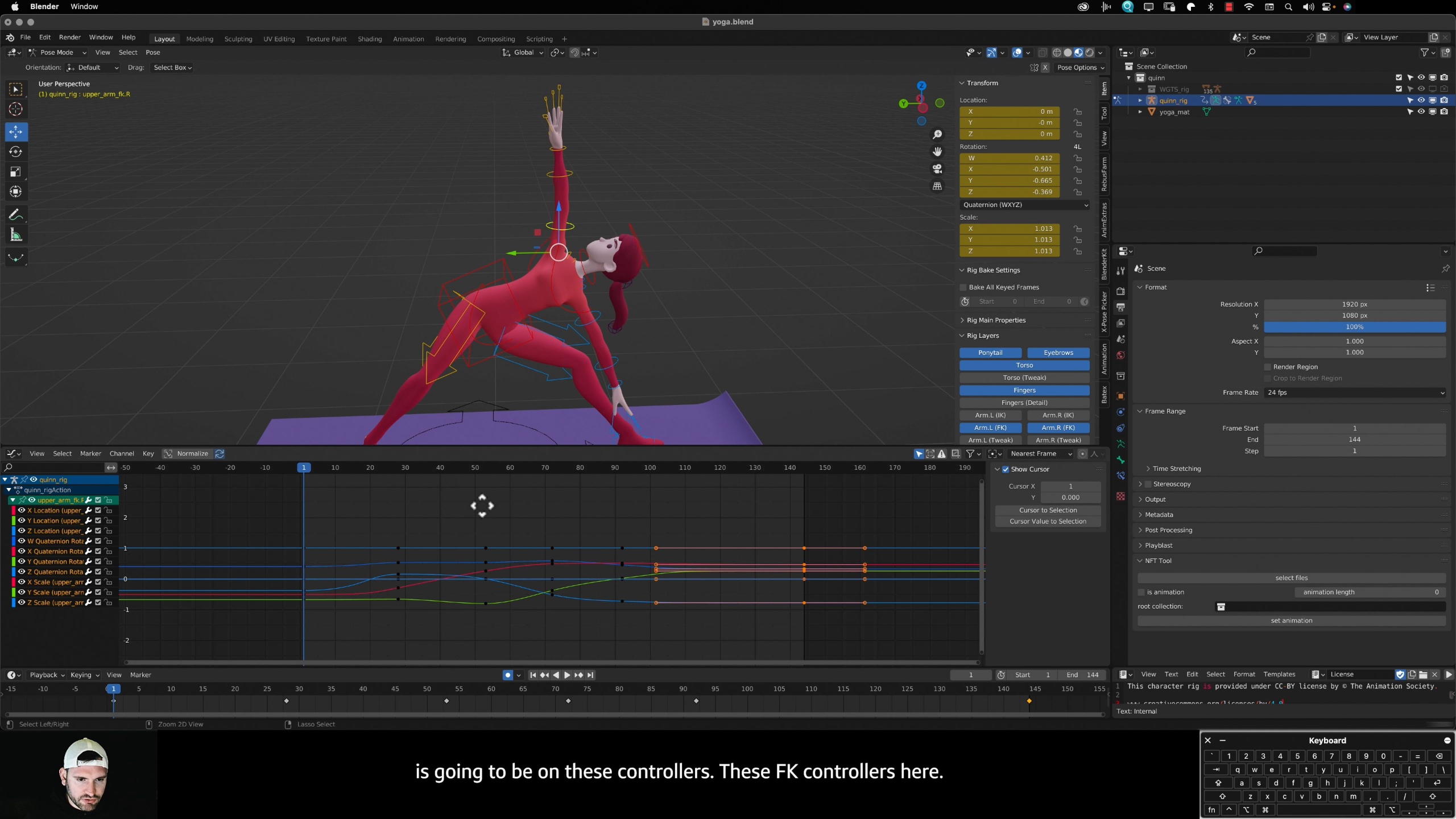
In this lesson, students learn how arcs improve character animation by following the natural curved paths created by the body’s joints and range of motion. They’ll use the Quinn rig, reference footage, onion skinning, and the Graph Editor to animate a yoga sequence with smoother, more believable body movement.
Lesson 11: Advanced Principles: Straight Ahead Action & Pose-to-Pose
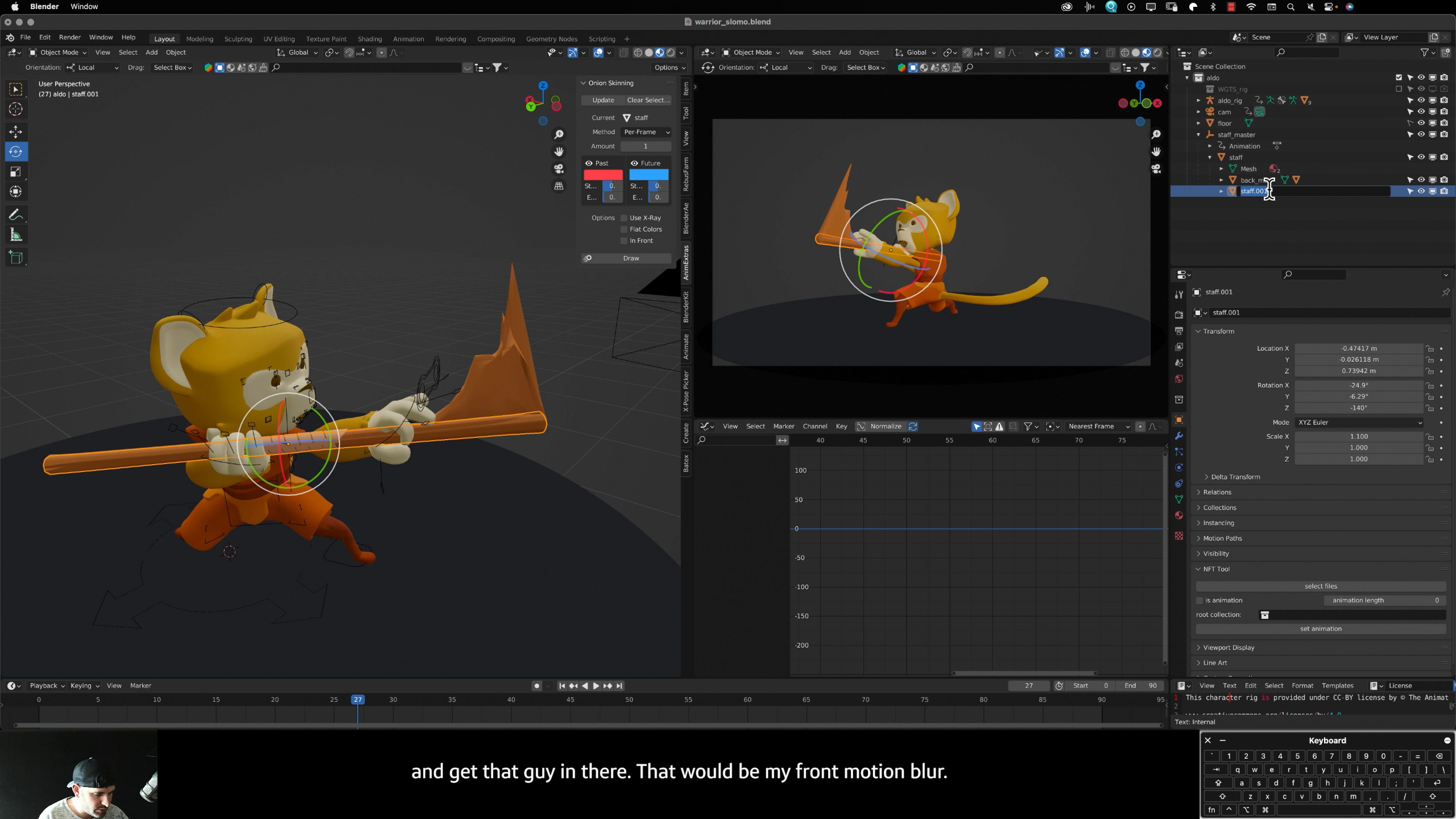
In this lesson, students learn when to use pose-to-pose animation versus straight-ahead action for more complex character movement. They’ll animate a martial arts sequence with the Aldo rig, using blocking, speed ramps, slow motion, Graph Editor cleanup, and even faux motion blur to create a more dynamic action performance.
Lesson 4: Advanced Principles: Anticipation
In this lesson, students learn how anticipation helps prepare the audience for a character’s next action by showing a build-up of energy before the movement happens. They’ll animate Bruno sitting, standing, stretching, and sitting back down while using reference, breakdown poses, and Graph Editor cleanup to make the performance feel more believable and expressive.
Lesson 12: Advanced Principles: Appeal
In this lesson, students learn how appeal helps make animation more interesting, expressive, and memorable, even when the scene itself is simple. They’ll animate a bus stop scenario using reference, creative character choices, blocking, breakdowns, and Graph Editor cleanup to turn an ordinary moment into a more engaging performance.
Lesson 5: Advanced Principles: Slow In / Slow Out
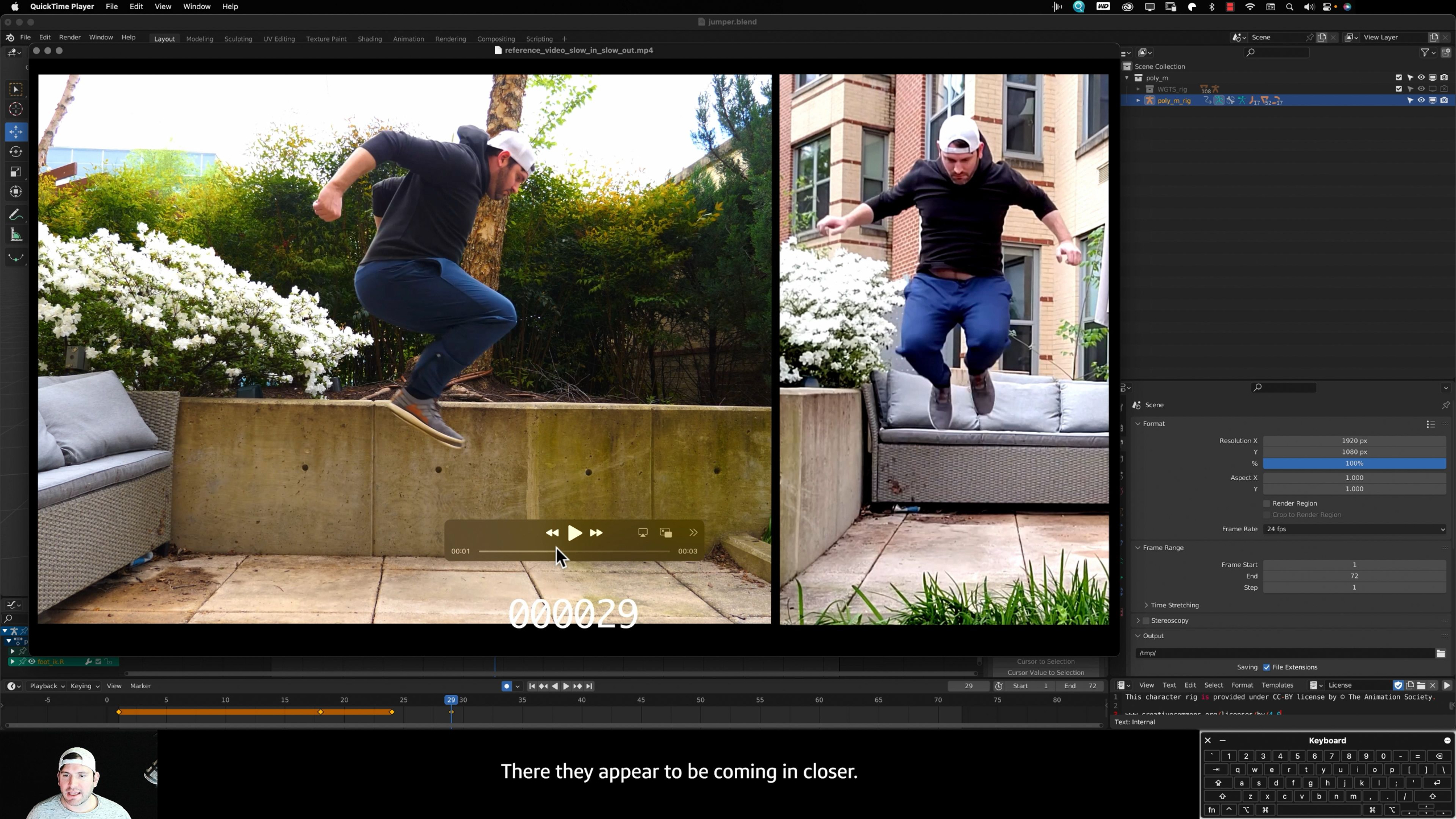
In this lesson, students learn how slow-in and slow-out helps character animation feel more realistic by showing acceleration, deceleration, and the buildup and release of momentum. They’ll animate a forward jump using reference, key poses, breakdowns, and Graph Editor cleanup so the character’s takeoff and landing feel believable and controlled.
Lesson 13: Advanced Principles: Staging
In this lesson, students learn how staging guides the viewer’s attention by controlling where characters, objects, action, and cameras are placed within a scene. They’ll practice both framing scenes with camera shots and arranging characters or scenery inside existing shots so each moment is clear, readable, and visually engaging.
Lesson 6: Advanced Principles: Squash & Stretch
In this lesson, students learn how squash and stretch can make character animation feel more organic, flexible, and visually expressive. They’ll animate a sneaky burglar performance using the Manny rig, pushing poses and maintaining volume to create motion that feels dynamic, playful, and full of personality.
Lesson 14: Camera as a Character
In this lesson, students learn how to treat the camera as part of the performance, using lens choices, framing, depth of field, shot types, and movement to strengthen their animation. They’ll revisit work from the module and rework the camera to improve staging, focus, and overall portfolio presentation.
Lesson 7: Advanced Principles: Follow-Through & Overlapping Action
In this lesson, students learn how follow-through and overlapping action help character movement feel heavier, more forceful, and more believable. They’ll animate a boxing performance with the Quinn rig, using reference, blocking, curve cleanup, and delayed body motion to show how different parts of the body lead, drag, and react during a punch.
Portfolio Project: Hardcore Parkour
In this final portfolio project, students bring together everything they’ve learned in Advanced Body Mechanics by animating a short parkour sequence through an obstacle course. They’ll use character rigs, reference, staging, camera choices, and key animation principles like arcs, anticipation, timing, squash and stretch, follow-through, and appeal to create a dynamic piece for their portfolio.
Lesson 8: Advanced Principles: Secondary Action
In this lesson, students learn how secondary action adds personality, detail, and emotional context to a character’s main movement. They’ll animate a heavy lift performance, focusing first on believable body mechanics and then adding supporting actions that reveal the character’s effort, attitude, and thought process.
Lesson 1: Body Mechanics Overview
In this lesson, students are introduced to the Advanced Body Mechanics module, where they’ll deepen their character animation skills by applying the animation principles to more complex body movement. They’ll work with new character rigs, explore reference, posing, timing, staging, secondary action, exaggeration, appeal, and dynamic camera movement, then apply those skills to a portfolio-focused body mechanics project.
Lesson 2: The Power of References
In this lesson, students learn why reference material is essential for creating believable and appealing character animation. They’ll explore how video references help with posing, timing, weight, arcs, secondary action, and personality, while also learning how to create their own timecoded reference footage for future animation work.
Lesson 3: Advanced Principles: Arc
In this lesson, students learn how arcs improve character animation by following the natural curved paths created by the body’s joints and range of motion. They’ll use the Quinn rig, reference footage, onion skinning, and the Graph Editor to animate a yoga sequence with smoother, more believable body movement.
Lesson 4: Advanced Principles: Anticipation
In this lesson, students learn how anticipation helps prepare the audience for a character’s next action by showing a build-up of energy before the movement happens. They’ll animate Bruno sitting, standing, stretching, and sitting back down while using reference, breakdown poses, and Graph Editor cleanup to make the performance feel more believable and expressive.
Lesson 5: Advanced Principles: Slow In / Slow Out
In this lesson, students learn how slow-in and slow-out helps character animation feel more realistic by showing acceleration, deceleration, and the buildup and release of momentum. They’ll animate a forward jump using reference, key poses, breakdowns, and Graph Editor cleanup so the character’s takeoff and landing feel believable and controlled.
Lesson 6: Advanced Principles: Squash & Stretch
In this lesson, students learn how squash and stretch can make character animation feel more organic, flexible, and visually expressive. They’ll animate a sneaky burglar performance using the Manny rig, pushing poses and maintaining volume to create motion that feels dynamic, playful, and full of personality.
Lesson 7: Advanced Principles: Follow-Through & Overlapping Action
In this lesson, students learn how follow-through and overlapping action help character movement feel heavier, more forceful, and more believable. They’ll animate a boxing performance with the Quinn rig, using reference, blocking, curve cleanup, and delayed body motion to show how different parts of the body lead, drag, and react during a punch.
Lesson 8: Advanced Principles: Secondary Action
In this lesson, students learn how secondary action adds personality, detail, and emotional context to a character’s main movement. They’ll animate a heavy lift performance, focusing first on believable body mechanics and then adding supporting actions that reveal the character’s effort, attitude, and thought process.
Lesson 9: Advanced Principles: Timing
In this lesson, students learn how timing can completely change the perceived scale and weight of a character’s movement. They’ll animate a Godzilla-style character moving through a city, using slower timing, keyframe adjustments, camera shake, and Graph Editor cleanup to make the character feel massive and powerful.
Lesson 10: Advanced Principles: Exaggeration
In this lesson, students learn how exaggeration can push character animation beyond realism to make emotions, reactions, and poses feel more entertaining and expressive. They’ll animate a full-body “eeek!” reaction using reference, strong key poses, timing, Graph Editor cleanup, and pushed rig poses to create a more cartoony and memorable performance.
Lesson 11: Advanced Principles: Straight Ahead Action & Pose-to-Pose
In this lesson, students learn when to use pose-to-pose animation versus straight-ahead action for more complex character movement. They’ll animate a martial arts sequence with the Aldo rig, using blocking, speed ramps, slow motion, Graph Editor cleanup, and even faux motion blur to create a more dynamic action performance.
Lesson 12: Advanced Principles: Appeal
In this lesson, students learn how appeal helps make animation more interesting, expressive, and memorable, even when the scene itself is simple. They’ll animate a bus stop scenario using reference, creative character choices, blocking, breakdowns, and Graph Editor cleanup to turn an ordinary moment into a more engaging performance.
Lesson 13: Advanced Principles: Staging
In this lesson, students learn how staging guides the viewer’s attention by controlling where characters, objects, action, and cameras are placed within a scene. They’ll practice both framing scenes with camera shots and arranging characters or scenery inside existing shots so each moment is clear, readable, and visually engaging.
Lesson 14: Camera as a Character
In this lesson, students learn how to treat the camera as part of the performance, using lens choices, framing, depth of field, shot types, and movement to strengthen their animation. They’ll revisit work from the module and rework the camera to improve staging, focus, and overall portfolio presentation.
Portfolio Project: Hardcore Parkour
In this final portfolio project, students bring together everything they’ve learned in Advanced Body Mechanics by animating a short parkour sequence through an obstacle course. They’ll use character rigs, reference, staging, camera choices, and key animation principles like arcs, anticipation, timing, squash and stretch, follow-through, and appeal to create a dynamic piece for their portfolio.