Advanced 2.5D Animation
Estimated completion time: 4-6 weeks
Lessons are in video format with downloadable project files.
Advanced 2.5D Animation
Estimated completion time:
4-6 weeks
Lessons are in video format with downloadable project files.
This module expands the 2.5D Animation Pipeline into a professional freelance workflow, covering every stage from client onboarding and pre-production to animation, sound design, post-production, and marketing strategy.
Students learn how to develop scripts, storyboards, styleframes, expressive characters, advanced scenery, facial animation, and polished final outputs while understanding how animation fits into broader marketing and business objectives.
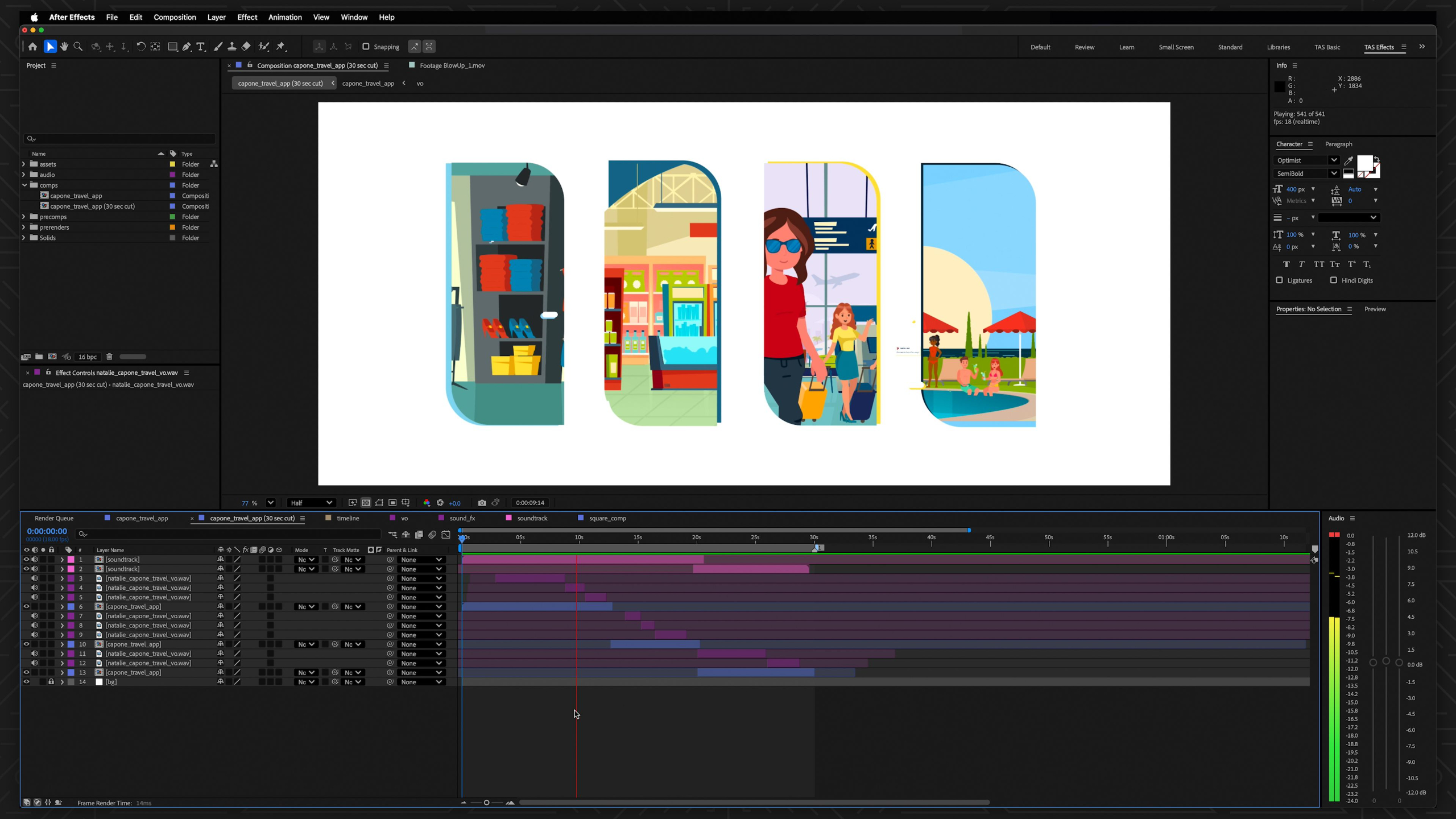
Lesson 1: Advanced 2.5D Animation Overview
This lesson introduces the Advanced 2.5D Animation module, where students build on the full production pipeline with more complex freelance-focused skills and marketing strategy. It previews advanced topics like targeted scripts, stronger storyboards, concept development, sound design, complex scenery, expressive characters, acting, dialogue, facial animation, and final delivery.
Lesson 7: Advanced Sound Design
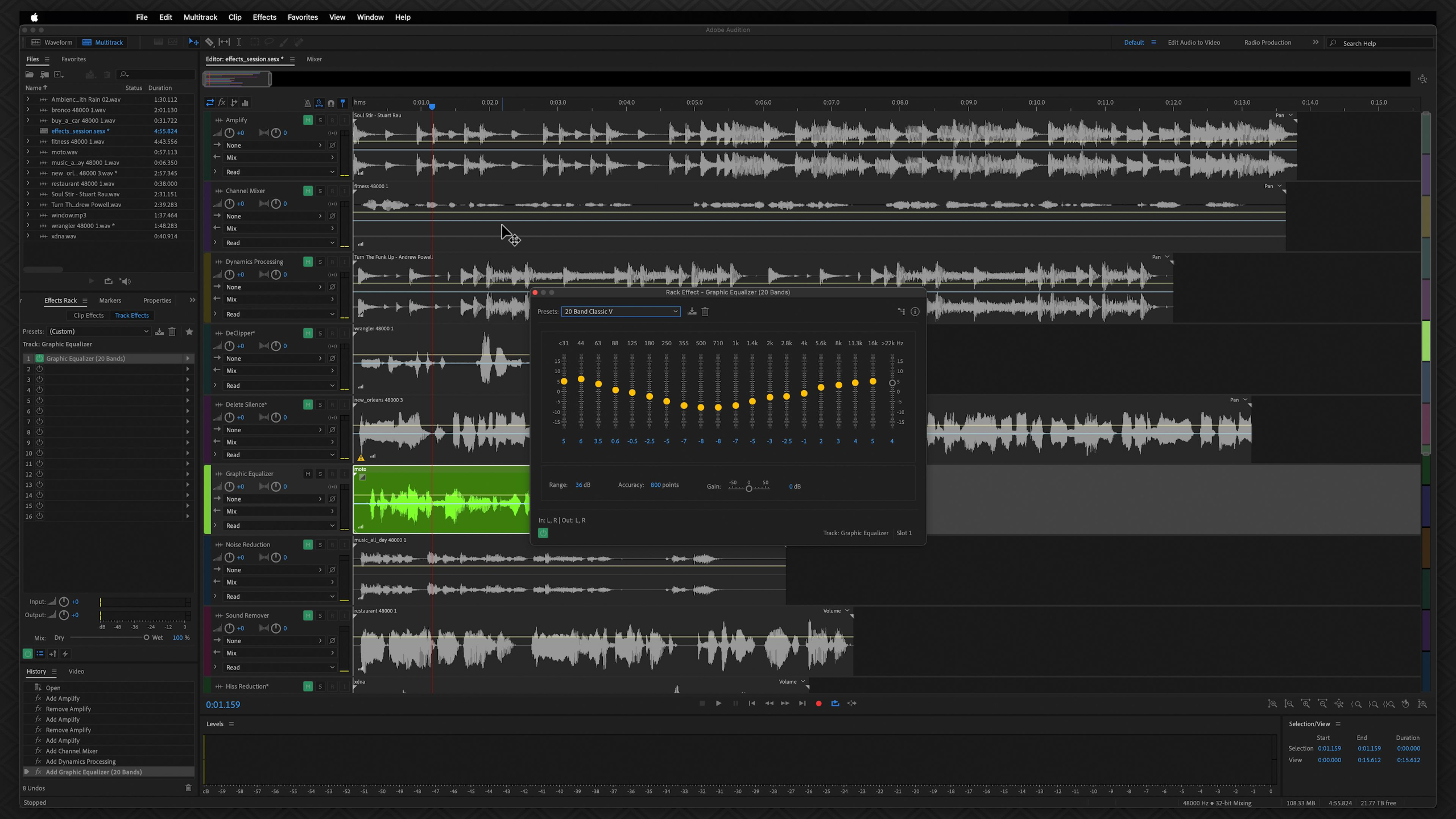
This lesson takes students deeper into Adobe Audition by exploring more advanced tools for cleaning, shaping, mixing, and retiming audio. It covers dialogue editing, soundtrack cutting, sound effects, Essential Sound tags, noise reduction, EQ, pitch and tempo changes, and recording a polished scratch voiceover for the animation project.
Lesson 2: Marketing Concepts
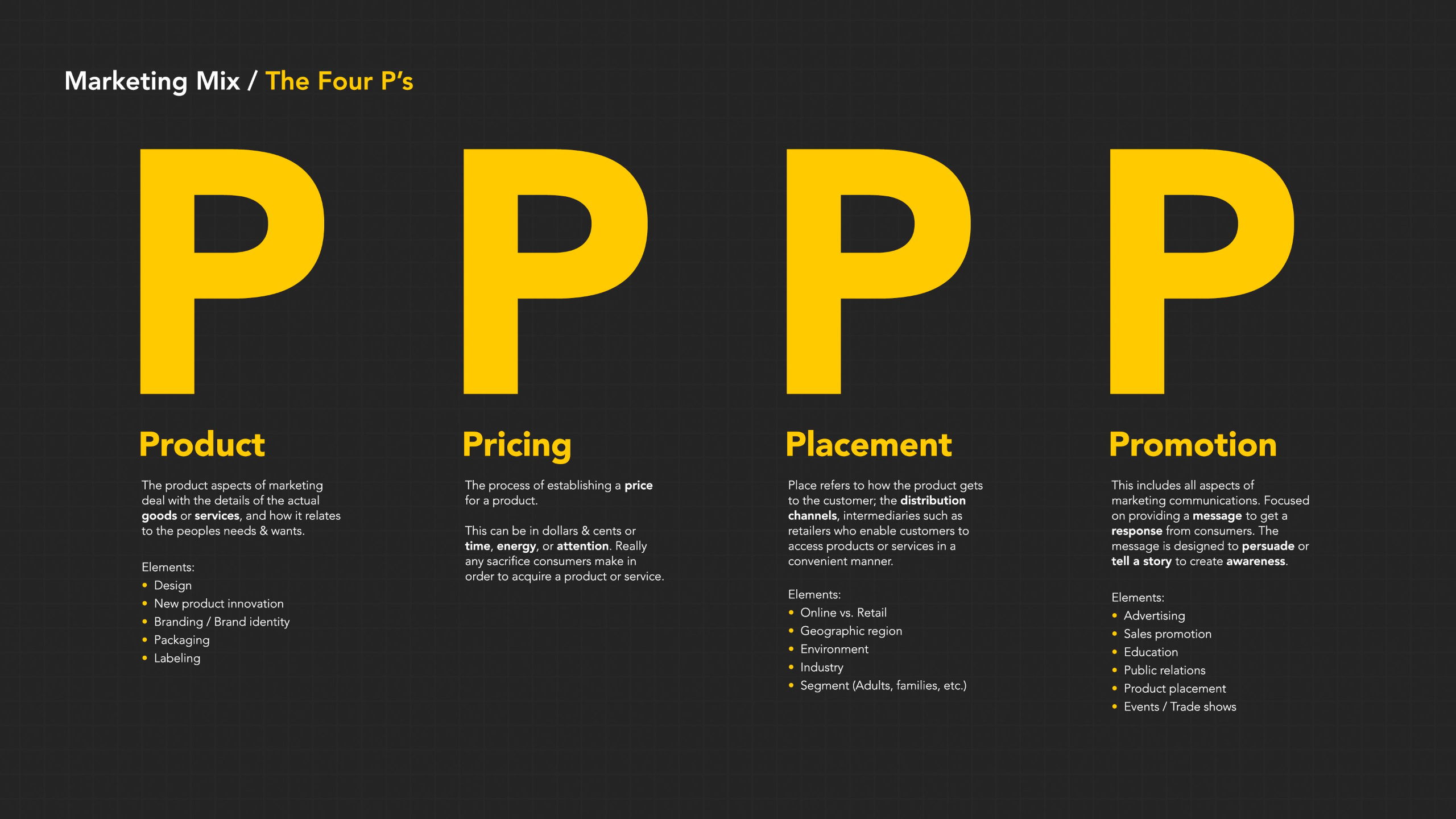
This lesson introduces key marketing concepts that freelance animators should understand because much of their paid work supports a client’s larger business goals. It covers the marketing funnel, audience targeting, buyer personas, B2B vs. B2C messaging, video marketing, and how metrics, KPIs, and ROI help determine whether an animation is successful.
Lesson 8: Complex Scenes
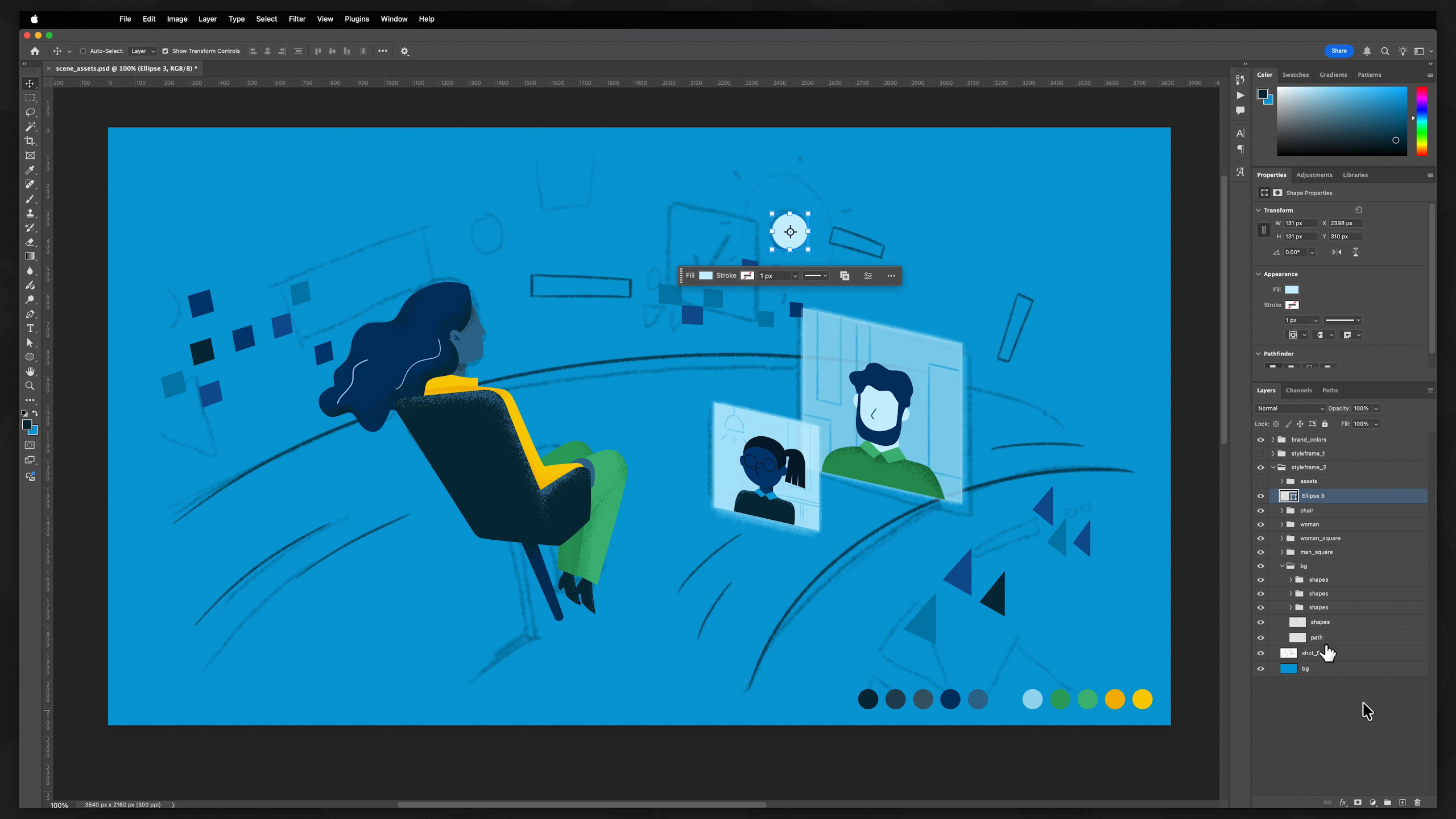
This lesson teaches students how to create more complex scene assets with depth, detail, and animation in mind. It covers planning scenery, using layered Photoshop assets, experimenting with 2.5D multiplane setups, studying real project examples, and preparing environments that feel more dynamic than simple flat backgrounds.
Lesson 3: Studying The Brief
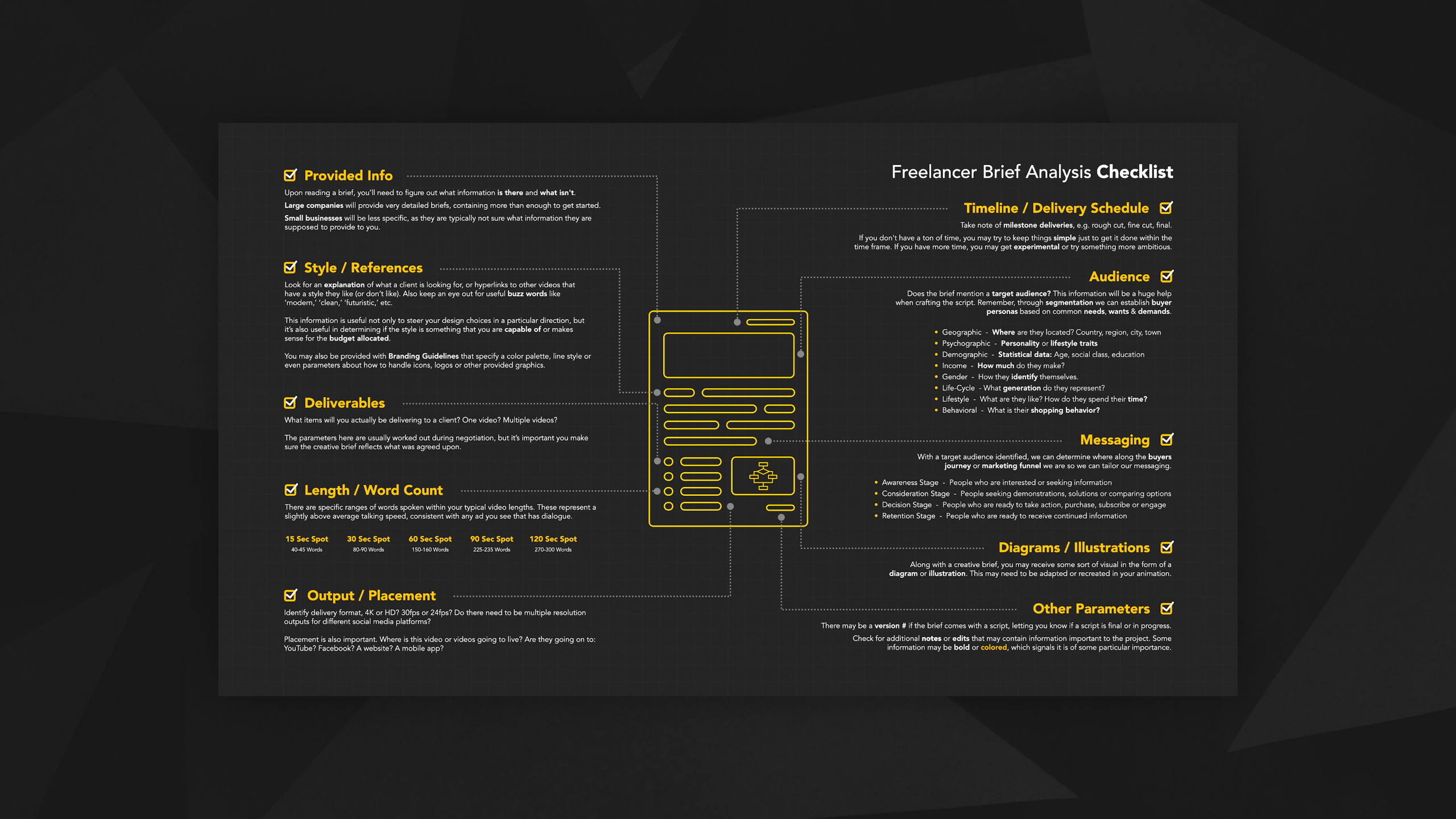
This lesson teaches students how to study a creative brief from a freelance animator’s perspective, focusing on what information is provided, what questions still need to be asked, and how the project fits the client’s goals. Students then choose or create a brief, use the freelancer brief analysis checklist to extract key details, and set up the foundation for their advanced 2.5D animation project.
Lesson 9: Character Studio
This lesson teaches students how to build more capable 2.5D characters for advanced animation projects, especially when characters need multiple perspectives, stronger body controls, and more expressive facial movement. It covers preparing character assets in Photoshop or Illustrator, planning anchor points with structure rigs, importing layers into After Effects, using tools like DUIK, Joysticks n’ Sliders, and Overlord, and studying fully rigged character examples.
Lesson 4: Targeted Scriptwriting
This lesson teaches students how to write a more targeted, audience-focused script that connects the creative brief to the marketing funnel. It builds on the previous scriptwriting structure by adding audience needs, messaging, tone, buyer journey awareness, and longer 90–120 second formats for more advanced freelance projects.
Lesson 10: Facial Animation & Dialogue
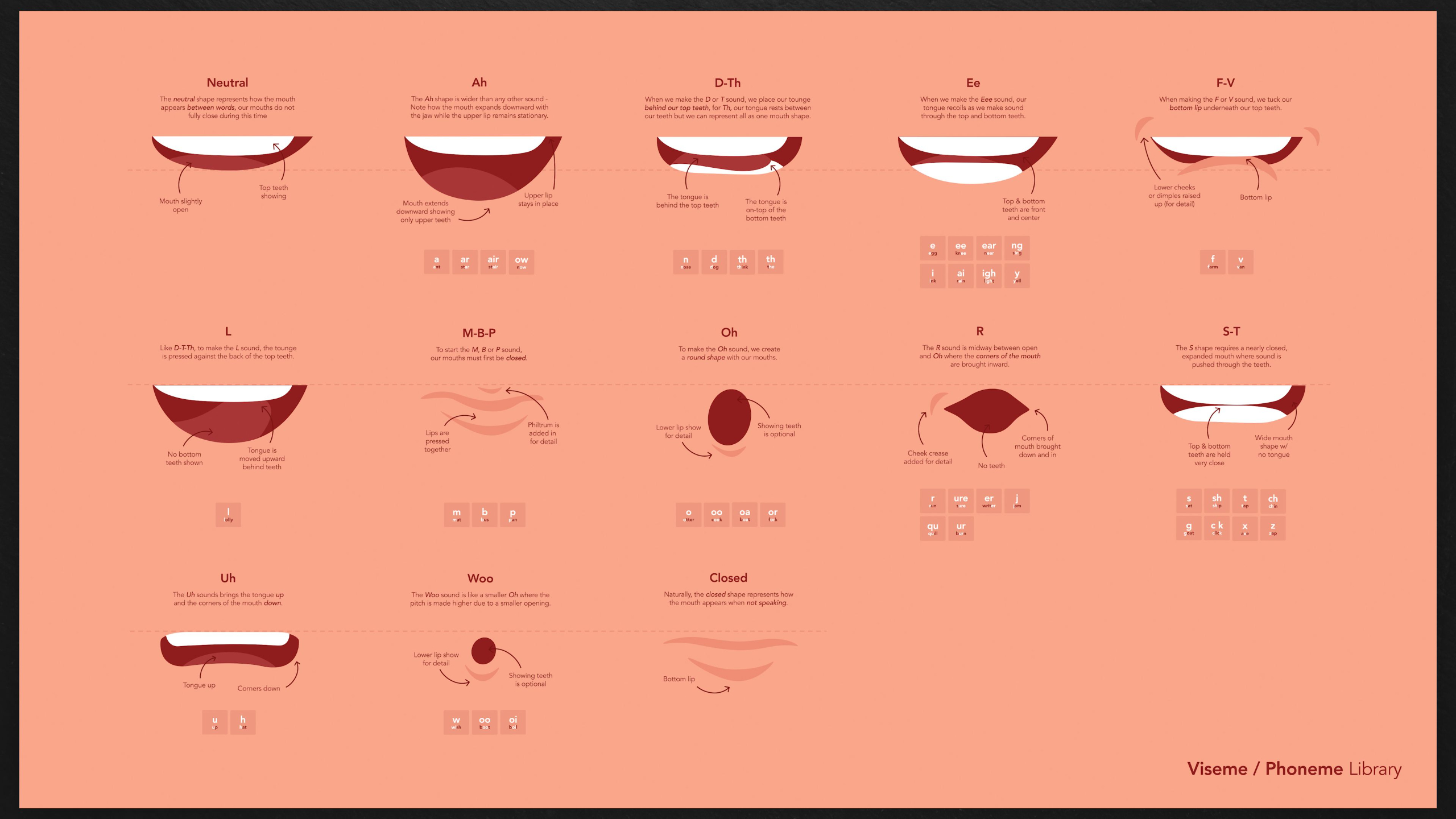
This lesson teaches students how to make 2.5D characters speak by using phonemes, visemes, Adobe Animate lip-sync tools, and manual mouth-shape timing. It also shows how to bring that lip sync back into After Effects and build a stronger character performance using facial animation, body motion, timing, and dialogue.
Lesson 5: Proving The Concept
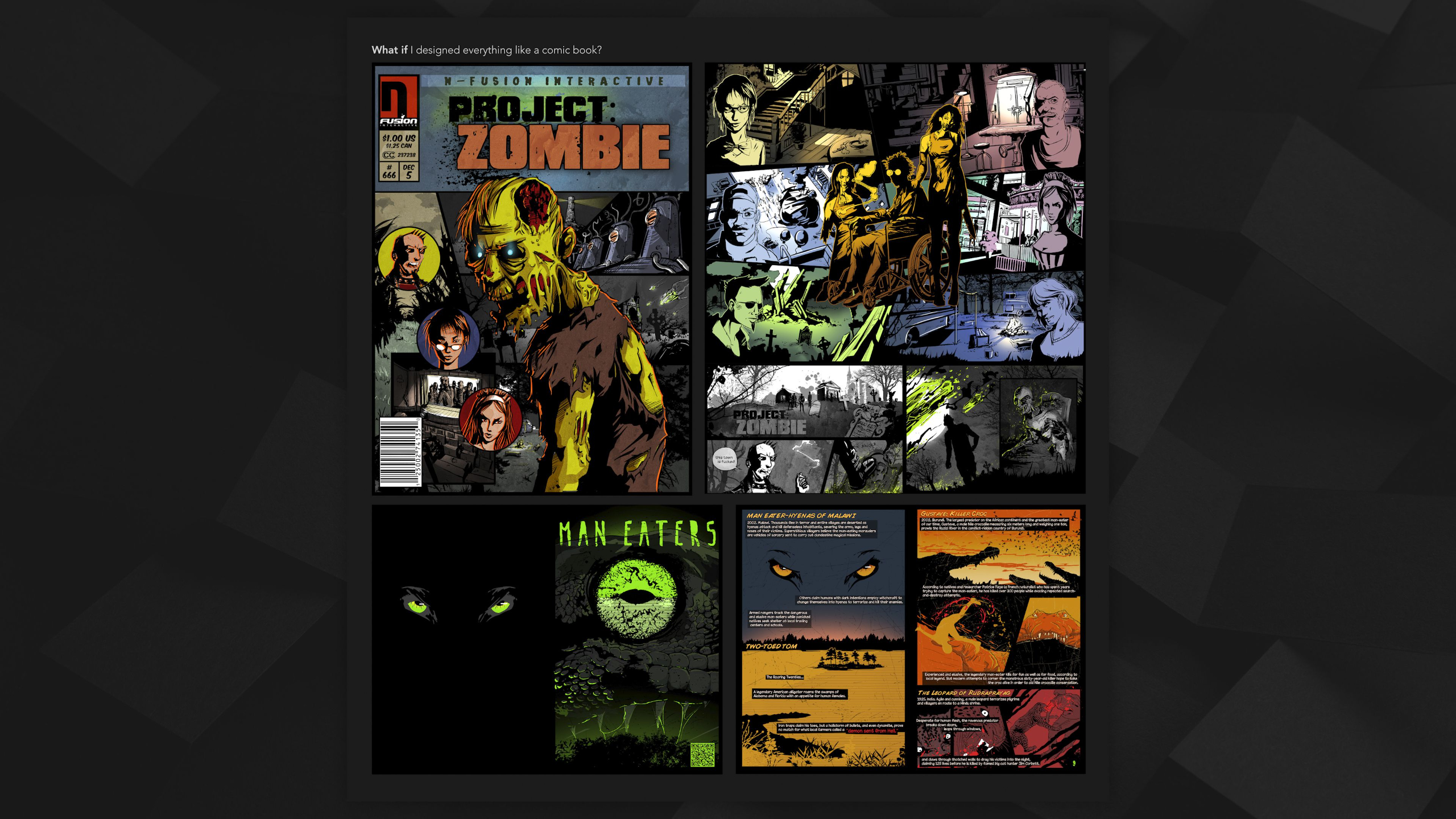
This lesson encourages students to push beyond familiar styles and use styleframes as a way to prove whether a visual idea or animation concept can actually work. It focuses on creative exploration, asking “what if,” finding inspiration, and experimenting with new approaches before committing to a full animated sequence.
Lesson 11: Post-Production & Output
This lesson walks students through the final post-production and output process for an advanced 2.5D animation project, with added context for freelance delivery. It covers post-effects, pre-rendering, sound design, quality control, export formats, client review stages, and planning final deliverables for different distribution platforms.
Lesson 6: Storyboarding Pro
This lesson teaches students how to turn a finished script into a polished, client-ready storyboard that clearly communicates the visual plan for an animation. It covers thumbnail sketching, refining panels, adding action notes, exporting boards as a PDF, creating optional animatics, and developing styleframes to prove the final look before production begins.
Portfolio Project: Freelance Portfolio Building
This lesson guides students on how to keep building a strong freelance 2.5D animation portfolio after completing the advanced pipeline. It explores portfolio directions like marketing videos, title packages, maps, infographics, logos, raw skill pieces, and next steps like building a demo reel or moving into the Freelancer Toolkit.
Lesson 1: Advanced 2.5D Animation Overview
This lesson introduces the Advanced 2.5D Animation module, where students build on the full production pipeline with more complex freelance-focused skills and marketing strategy. It previews advanced topics like targeted scripts, stronger storyboards, concept development, sound design, complex scenery, expressive characters, acting, dialogue, facial animation, and final delivery.
Lesson 2: Marketing Concepts
This lesson introduces key marketing concepts that freelance animators should understand because much of their paid work supports a client’s larger business goals. It covers the marketing funnel, audience targeting, buyer personas, B2B vs. B2C messaging, video marketing, and how metrics, KPIs, and ROI help determine whether an animation is successful.
Lesson 3: Studying The Brief
This lesson teaches students how to study a creative brief from a freelance animator’s perspective, focusing on what information is provided, what questions still need to be asked, and how the project fits the client’s goals. Students then choose or create a brief, use the freelancer brief analysis checklist to extract key details, and set up the foundation for their advanced 2.5D animation project.
Lesson 4: Targeted Scriptwriting
This lesson teaches students how to write a more targeted, audience-focused script that connects the creative brief to the marketing funnel. It builds on the previous scriptwriting structure by adding audience needs, messaging, tone, buyer journey awareness, and longer 90–120 second formats for more advanced freelance projects.
Lesson 5: Proving The Concept
This lesson encourages students to push beyond familiar styles and use styleframes as a way to prove whether a visual idea or animation concept can actually work. It focuses on creative exploration, asking “what if,” finding inspiration, and experimenting with new approaches before committing to a full animated sequence.
Lesson 6: Storyboarding Pro
This lesson teaches students how to turn a finished script into a polished, client-ready storyboard that clearly communicates the visual plan for an animation. It covers thumbnail sketching, refining panels, adding action notes, exporting boards as a PDF, creating optional animatics, and developing styleframes to prove the final look before production begins.
Lesson 7: Advanced Sound Design
This lesson takes students deeper into Adobe Audition by exploring more advanced tools for cleaning, shaping, mixing, and retiming audio. It covers dialogue editing, soundtrack cutting, sound effects, Essential Sound tags, noise reduction, EQ, pitch and tempo changes, and recording a polished scratch voiceover for the animation project.
Lesson 8: Complex Scenes
This lesson teaches students how to create more complex scene assets with depth, detail, and animation in mind. It covers planning scenery, using layered Photoshop assets, experimenting with 2.5D multiplane setups, studying real project examples, and preparing environments that feel more dynamic than simple flat backgrounds.
Lesson 9: Character Studio
This lesson teaches students how to build more capable 2.5D characters for advanced animation projects, especially when characters need multiple perspectives, stronger body controls, and more expressive facial movement. It covers preparing character assets in Photoshop or Illustrator, planning anchor points with structure rigs, importing layers into After Effects, using tools like DUIK, Joysticks n’ Sliders, and Overlord, and studying fully rigged character examples.
Lesson 10: Facial Animation & Dialogue
This lesson teaches students how to make 2.5D characters speak by using phonemes, visemes, Adobe Animate lip-sync tools, and manual mouth-shape timing. It also shows how to bring that lip sync back into After Effects and build a stronger character performance using facial animation, body motion, timing, and dialogue.
Lesson 11: Post-Production & Output
This lesson walks students through the final post-production and output process for an advanced 2.5D animation project, with added context for freelance delivery. It covers post-effects, pre-rendering, sound design, quality control, export formats, client review stages, and planning final deliverables for different distribution platforms.
Portfolio Project: Freelance Portfolio Building
This lesson guides students on how to keep building a strong freelance 2.5D animation portfolio after completing the advanced pipeline. It explores portfolio directions like marketing videos, title packages, maps, infographics, logos, raw skill pieces, and next steps like building a demo reel or moving into the Freelancer Toolkit.